- Category
- Art & Illustration
Transform a Photo into a Minecraft Voxel World
Rebuild the surroundings of a real photo as a Minecraft-style voxel world while preserving the people and original photographic composition. Output a vertical comparison with the original above the transformed result.
By Threads — Published on — Modified on
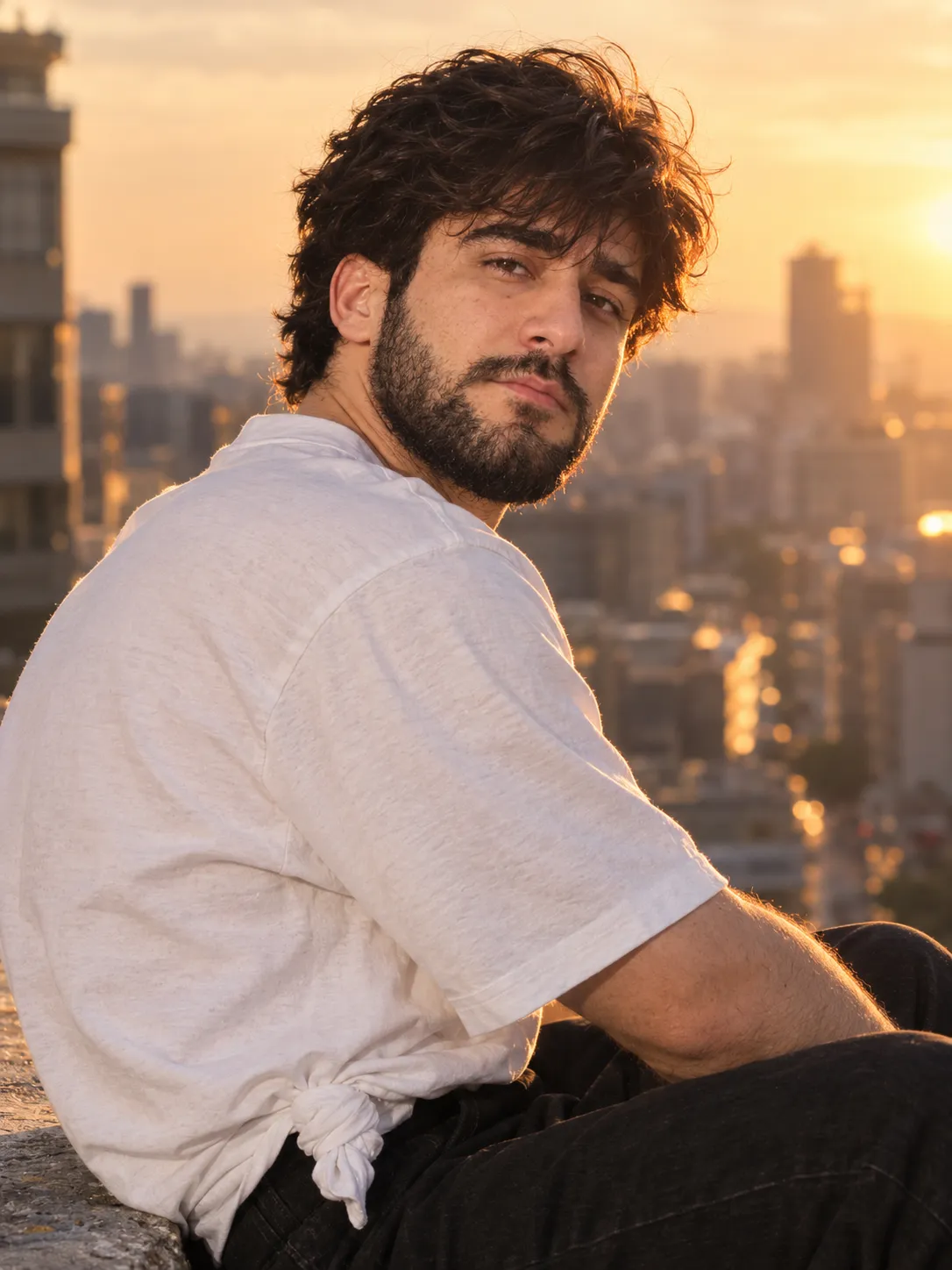
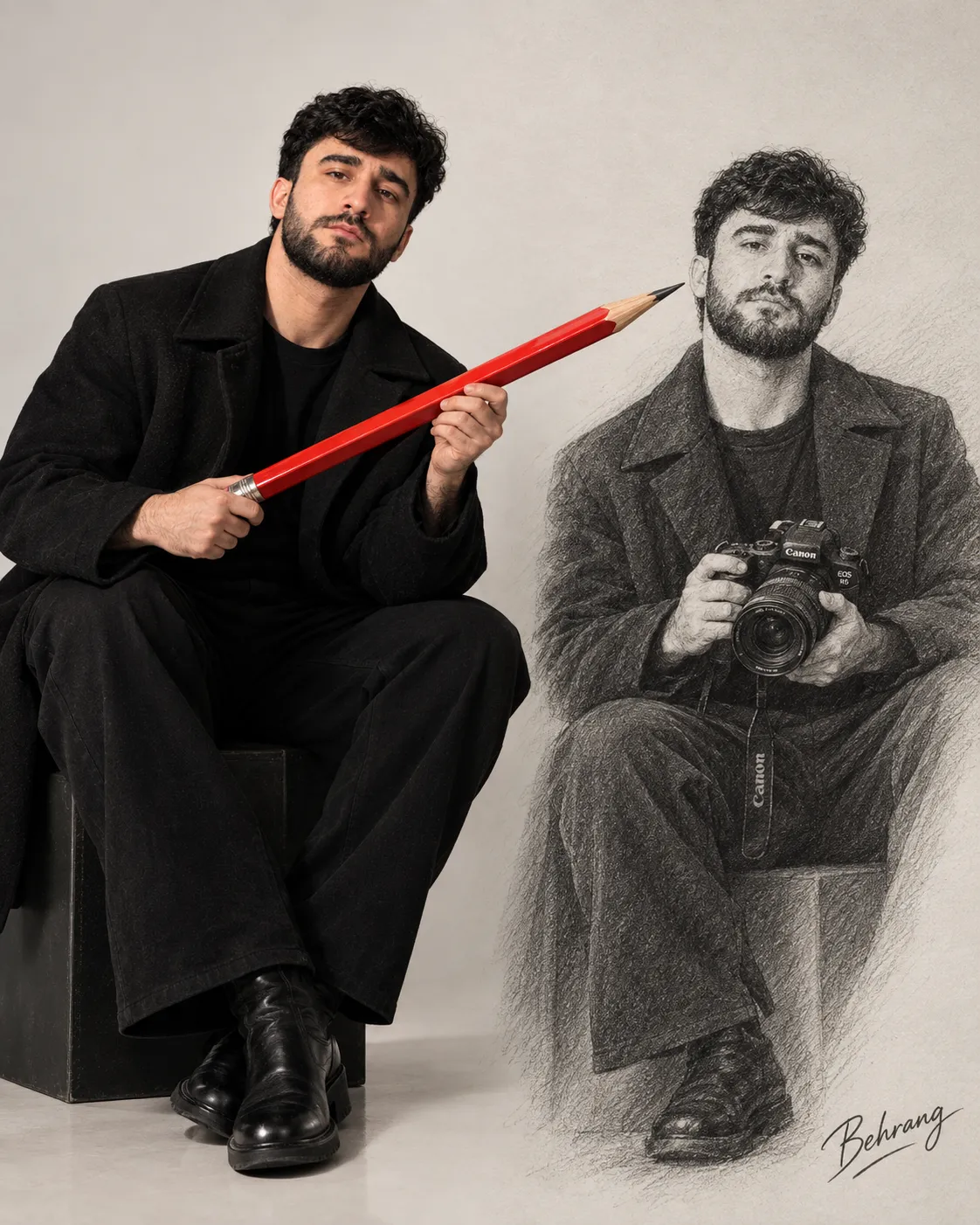
Example images


Prompt template
- Format
- Text
- Inputs
- Source_photo (image) · Required
- Outputs
- Vertical_comparison_image (image)
Use the uploaded real photo as the source material.

Keep the people realistic and recognizable. Preserve their identities, poses, clothing, body proportions, hair, and the overall photographic look. Do not turn them into full Minecraft characters.

Transform the surrounding environment into a cohesive Minecraft-style voxel world. Recreate the trees, plants, ground, beach, cliffs, ocean, clouds, furniture, buildings, and all other visible scene elements with clear blocky geometry, pixel-like textures, and a solid 3D voxel appearance.

Preserve the original composition, viewpoint, direction of lighting, and subject placement so the filtered result still clearly matches the source photo.

Important details:
- Make the water flatter and more pixelated.
- Make the vegetation clean and blocky.
- Give the terrain and cliffs stepped voxel structures.
- Keep the clouds light, simple, and blocky.
- Make the environment feel fully rebuilt in Minecraft, not merely lightly stylized.

Output a single vertical comparison image, with the original photo in the top half and the Minecraft-filtered result in the bottom half.

Do not add any text, labels, watermarks, logos, borders, or decorative elements.





Comments — 0