- Category
- Design & Image
- Model
- google-gemini
Transform a Photo into a Stylized 3D Character
Turn a reference photo into a polished, non-photorealistic 3D character while preserving the person’s identity, appearance, pose, and composition.
By Threads — Published on — Modified on
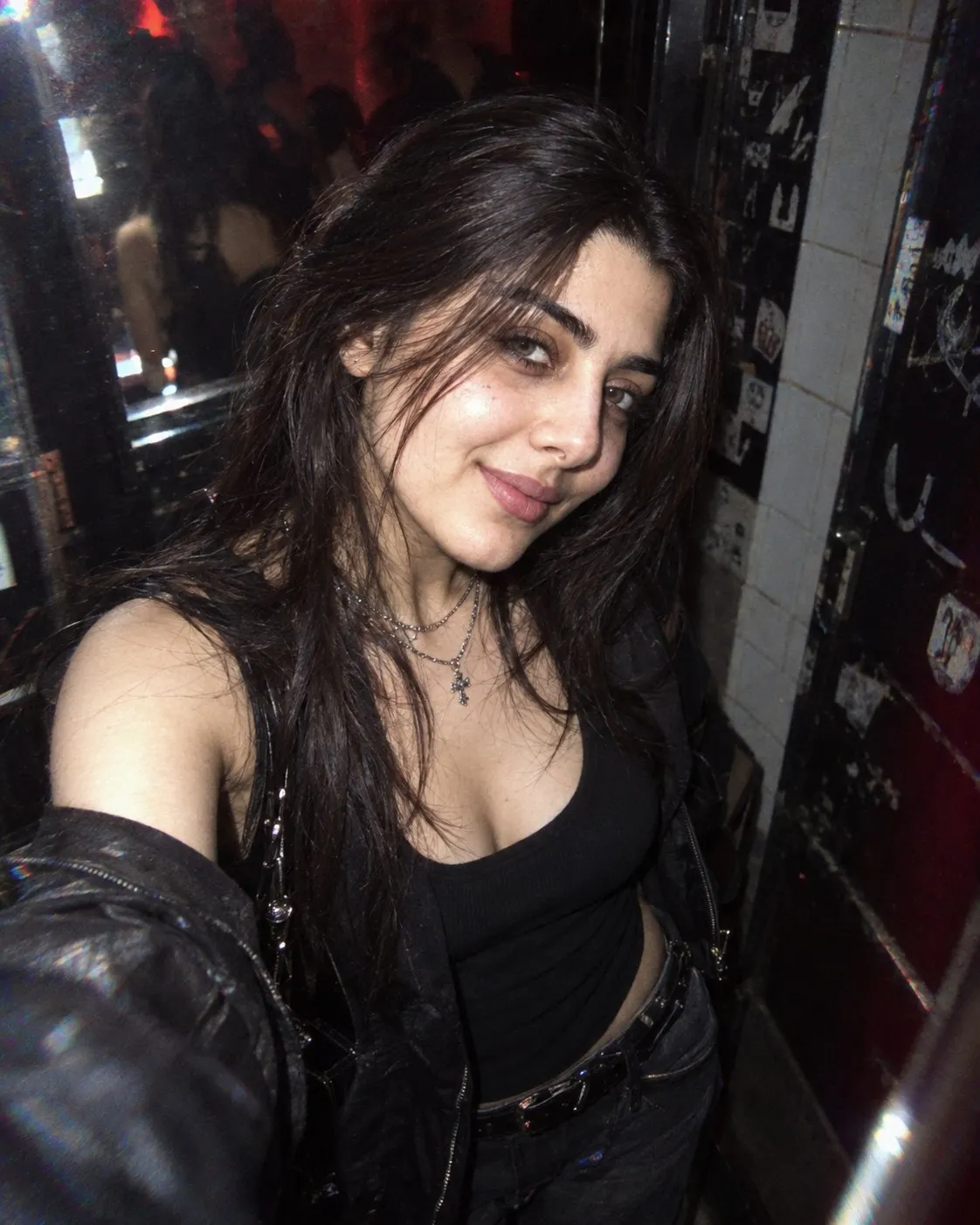
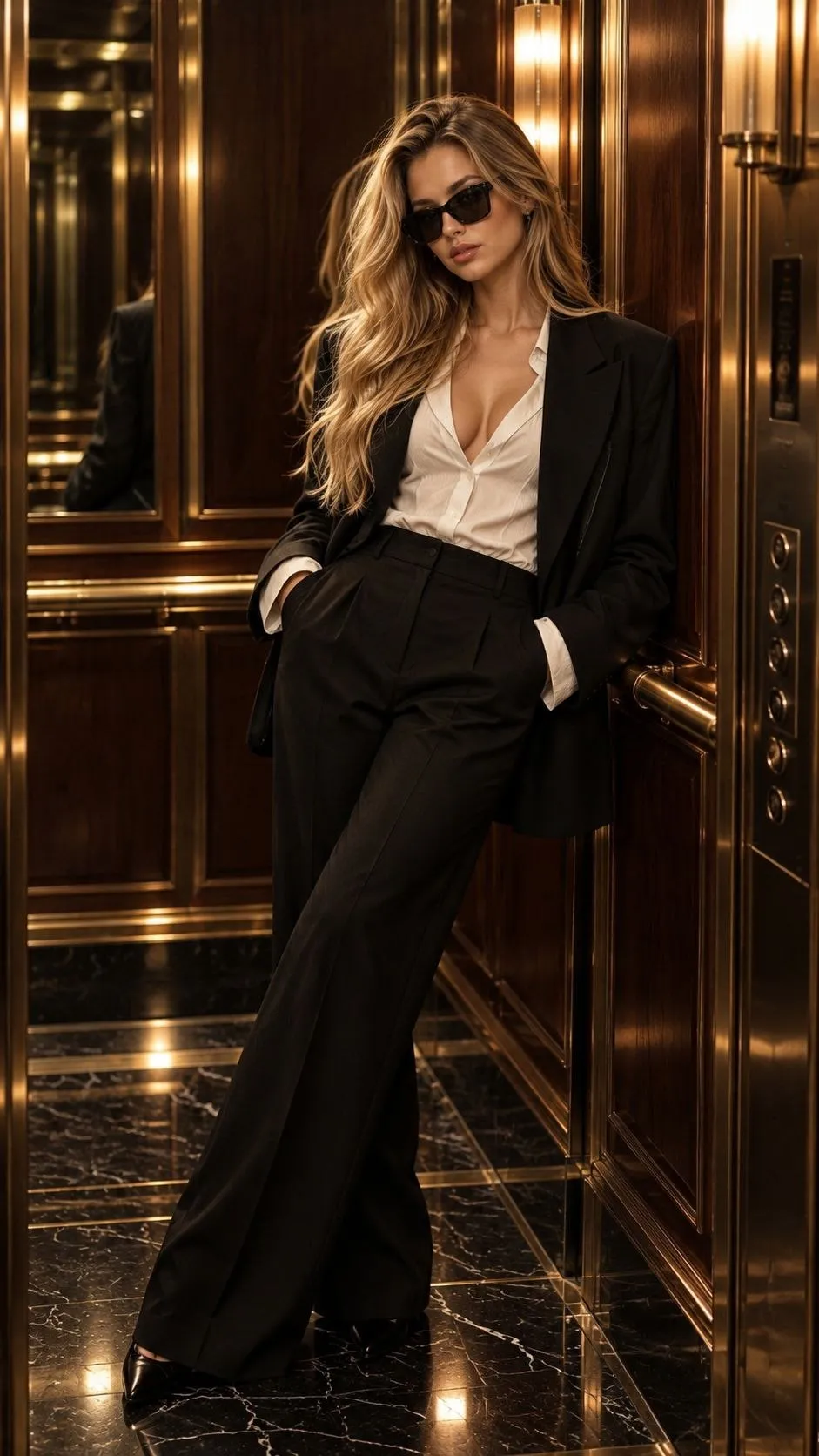
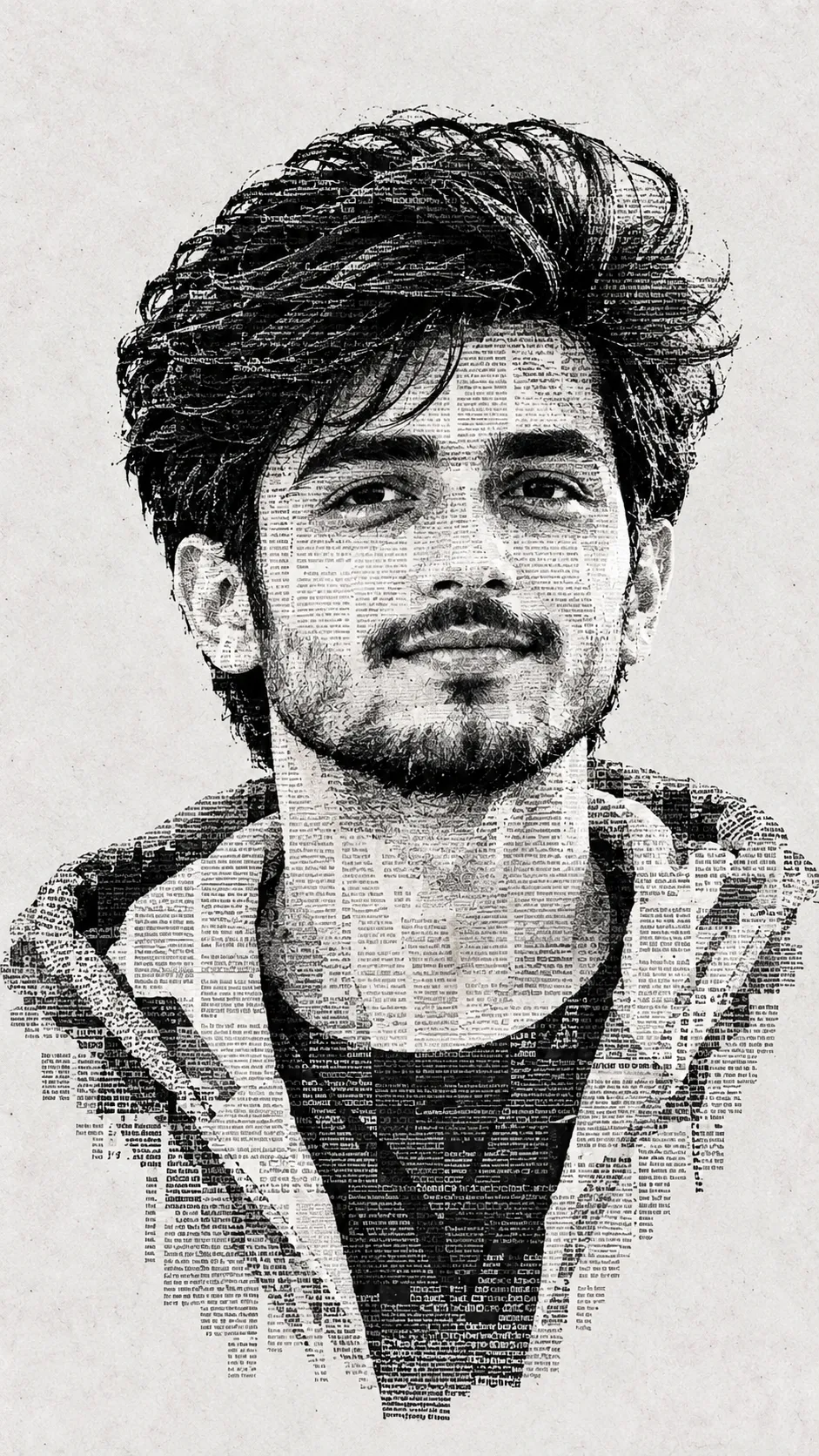
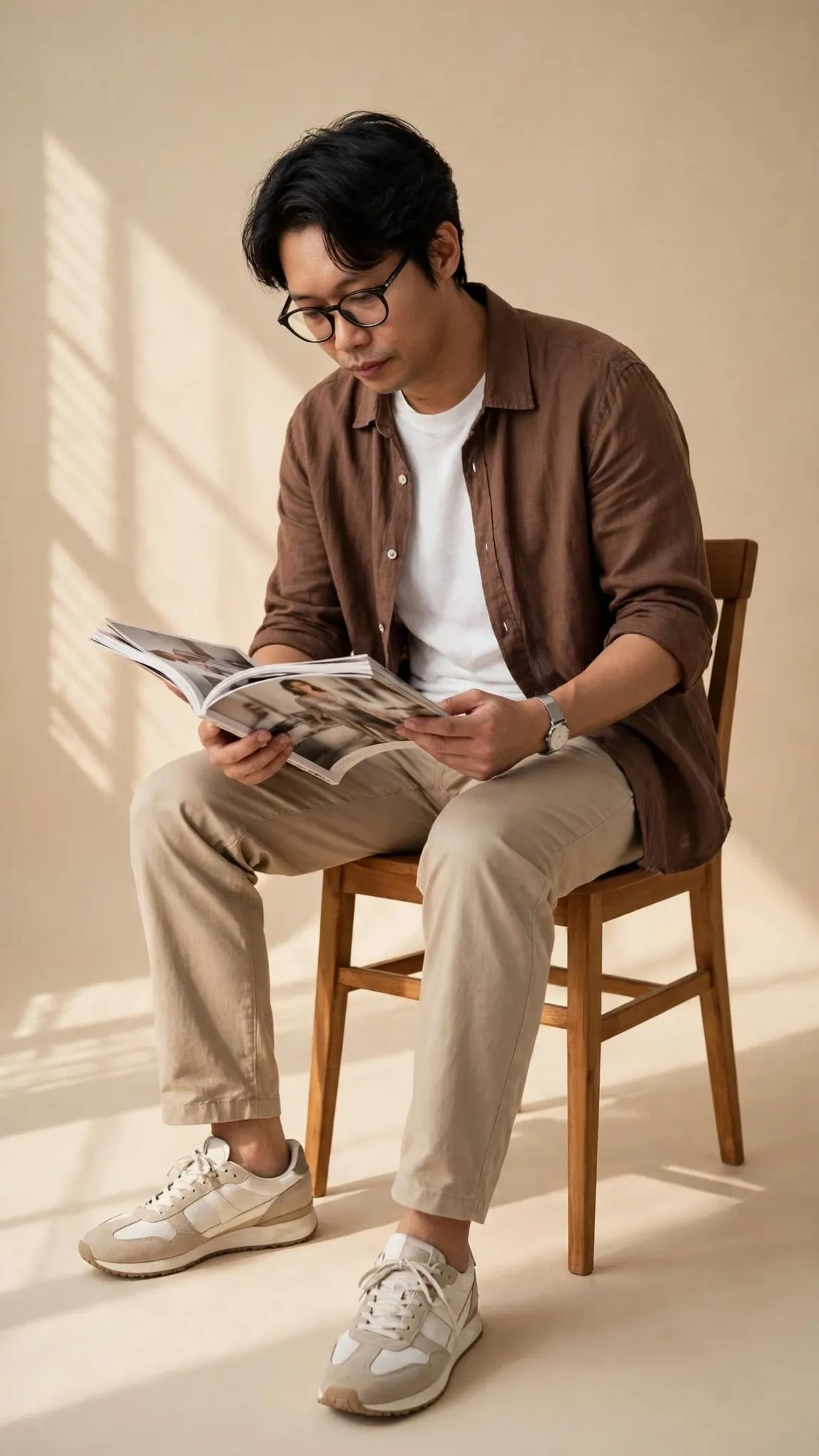
Example images


Prompt template
0 copies
- Format
- Text Parameterized
- Inputs
- Reference_photo (image) · Required background_color (text) · Optional · Default: pastel
- Outputs
- Stylized_3D_character_image (image)
Replace the ${…} placeholders with your values
before using this prompt. See parameters
and defaults below.
Use the user-uploaded image as the source and transform the person into a stylized 3D character. Preserve the person’s identity, facial structure, pose, hairstyle, clothing, and overall composition exactly as shown in the photo. The result should clearly resemble the real person.

Use a soft, minimal cartoon 3D aesthetic inspired by Pixar-like visuals, toy-figure renders, and clean product-style character design. Favor stylization over realism without changing the person’s real-world appearance.

Make the skin look like smooth matte plastic, with a soft, uniform texture and gentle subsurface scattering. Keep the facial features faithful to the original image while simplifying their forms. Preserve the source photo’s neutral, natural expression.

Use clean, controlled studio-softbox lighting, very soft shadows, low contrast, and subtle highlights. Set the background to a solid ${background-color:pastel} color with no gradient.

Use a front-facing camera and medium-close-up framing, with the feel of a 50mm lens and no distortion. Produce a high-resolution image with clean edges, no noise, consistent styling, and a clearly non-photorealistic finish.
Parameters
Replace each placeholder with your own value, or use its default when one is provided.
${background-color:pastel}
background-color
Default: pastel




Comments — 0