- Category
- Photography
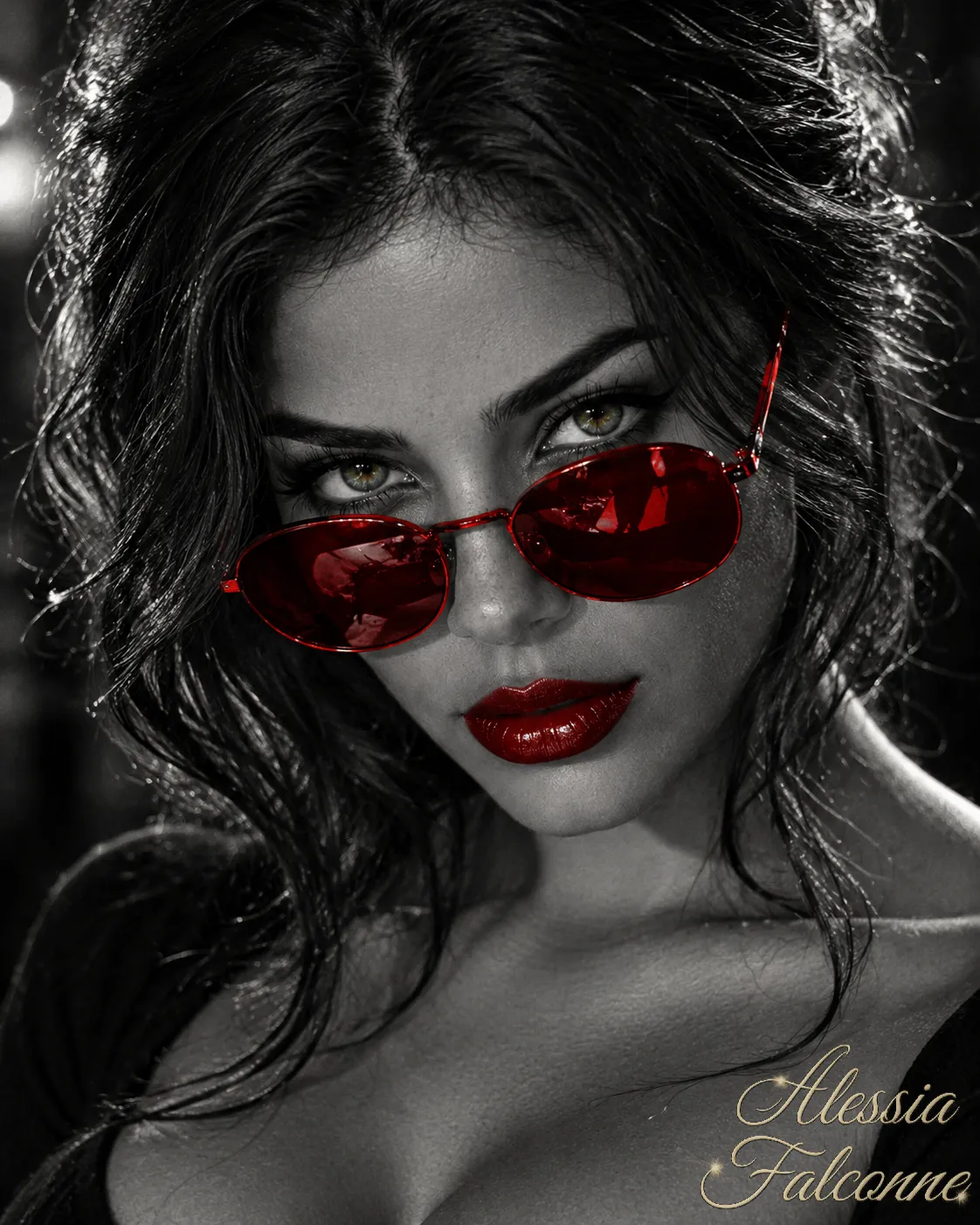
Vintage Hollywood Selective-Color Portrait
Create a high-contrast black-and-white glamour portrait with selective color, vintage Hollywood styling, and a gold cursive signature.
By Threads — Published on — Modified on
Example images
Prompt template
0 copies
- Format
- Text Parameterized
- Inputs
- reference_image (image) · Required aspect_ratio (text) · Optional · Default: 4:5 signature (text) · Optional · Default: Alessia Falconne
- Outputs
- portrait (image)
Replace the ${…} placeholders with your values
before using this prompt. See parameters
and defaults below.
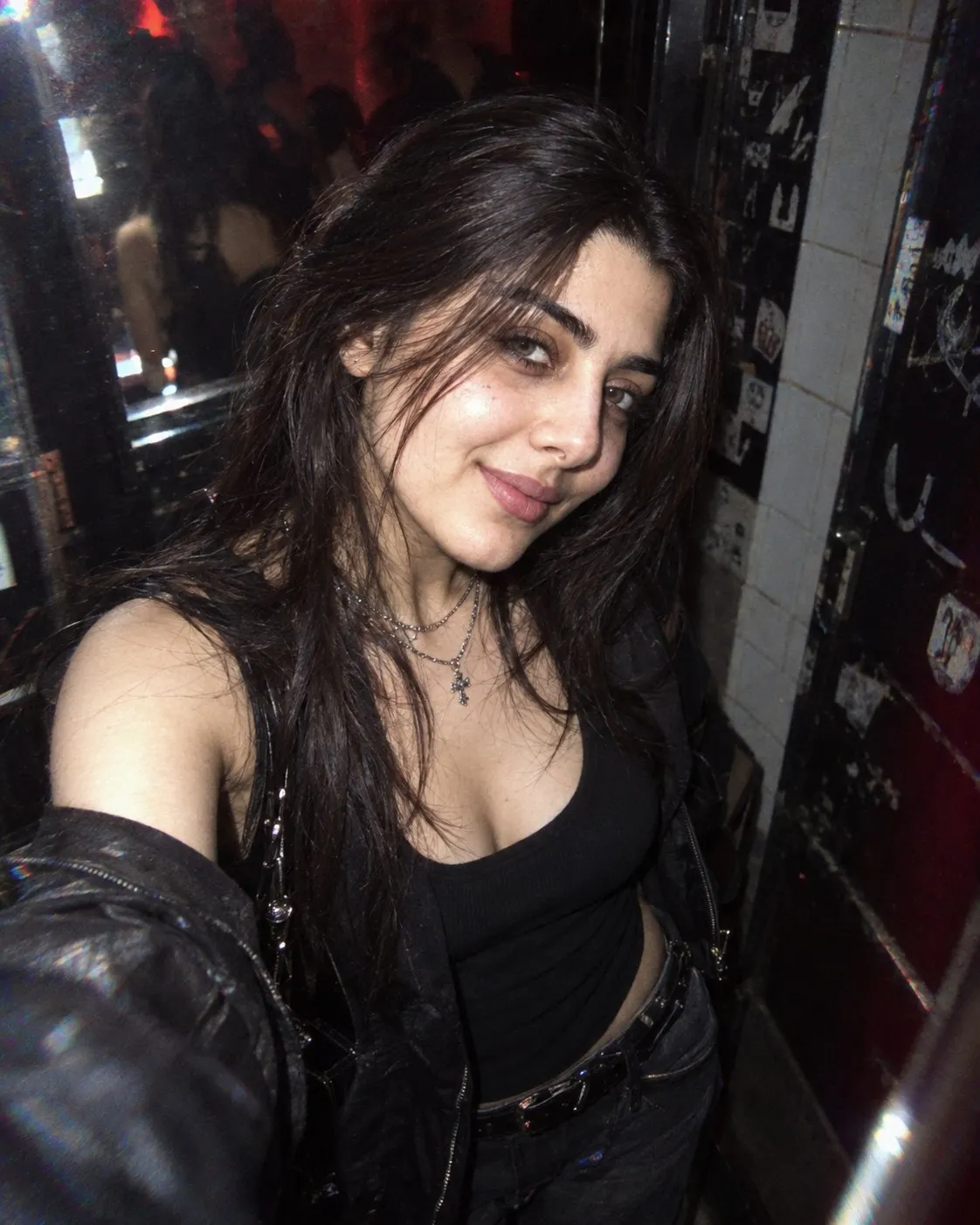
Create a photorealistic vintage-glamour close-up portrait in a ${aspect-ratio:4:5} aspect ratio. Use the reference image ${reference-image} and preserve the person’s facial features, eye color, and hair length, cut, and color.

Render the portrait in high-contrast black and white with selective color: only the sunglasses, vivid crimson-red lipstick, and the irises should retain color. The person wears round red sunglasses with reflective lenses, long eyelashes, black eyeliner, sculpted cheekbones, and glossy dark-red lipstick. Their voluminous, slightly tousled hair frames the face and shoulders in black and white.

Show the person in a three-quarter pose, head tilted slightly downward, looking at the camera through the sunglasses. Frame the image from the upper chest upward. Create an old Hollywood atmosphere with subtle film grain, deep blacks, silver highlights, sharp focus on the eyes and glasses, and shallow depth of field.

Add an elegant cursive signature reading “${signature:Alessia Falconne}” in gold in a lower corner, with the two names stacked one above the other.
Parameters
Replace each placeholder with your own value, or use its default when one is provided.
${aspect-ratio:4:5}
aspect-ratio
Default: 4:5
${reference-image}
reference-image
Required
${signature:Alessia Falconne}
signature
Default: Alessia Falconne




Comments — 0