Black-and-White Over-the-Shoulder Portrait
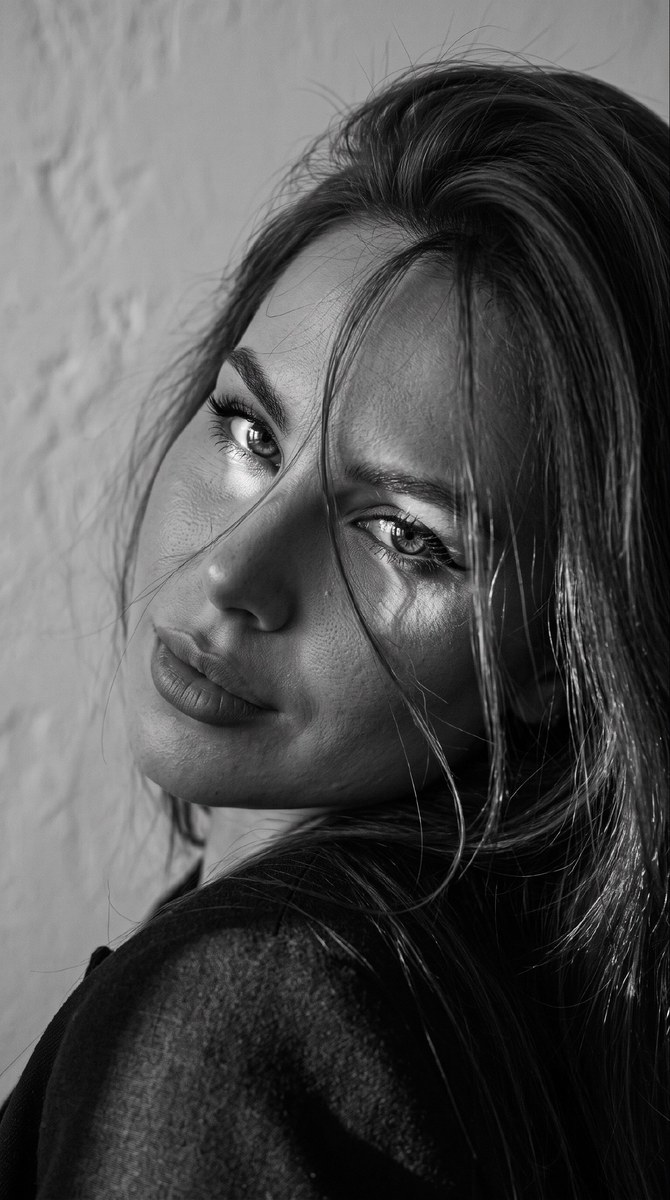
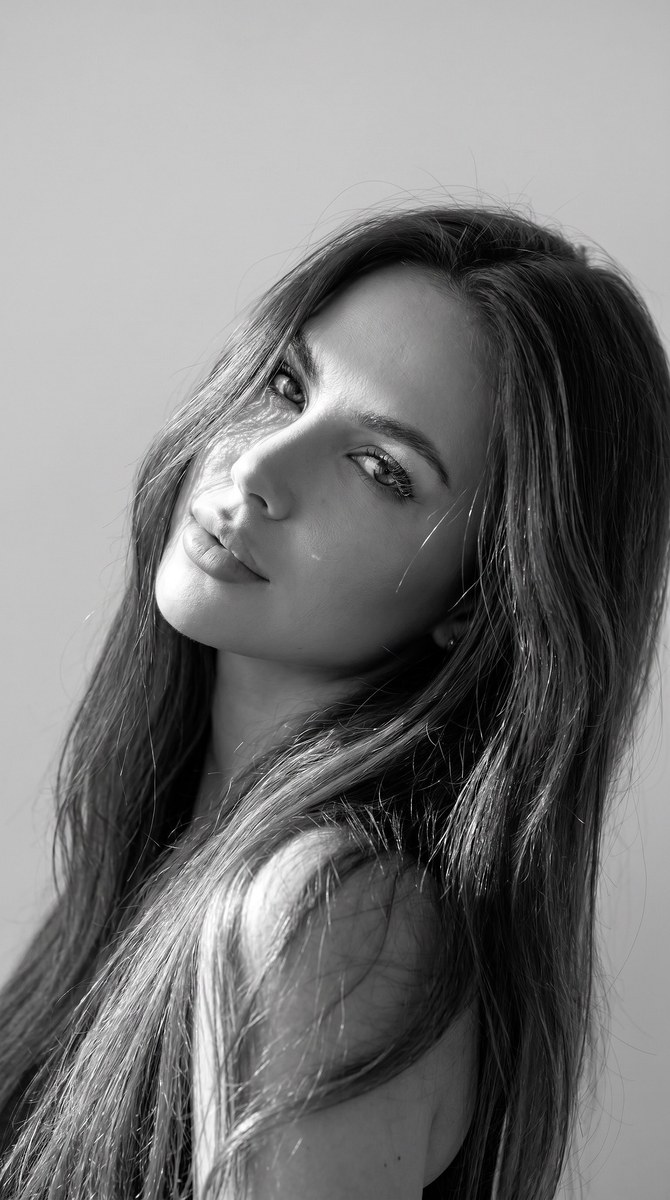
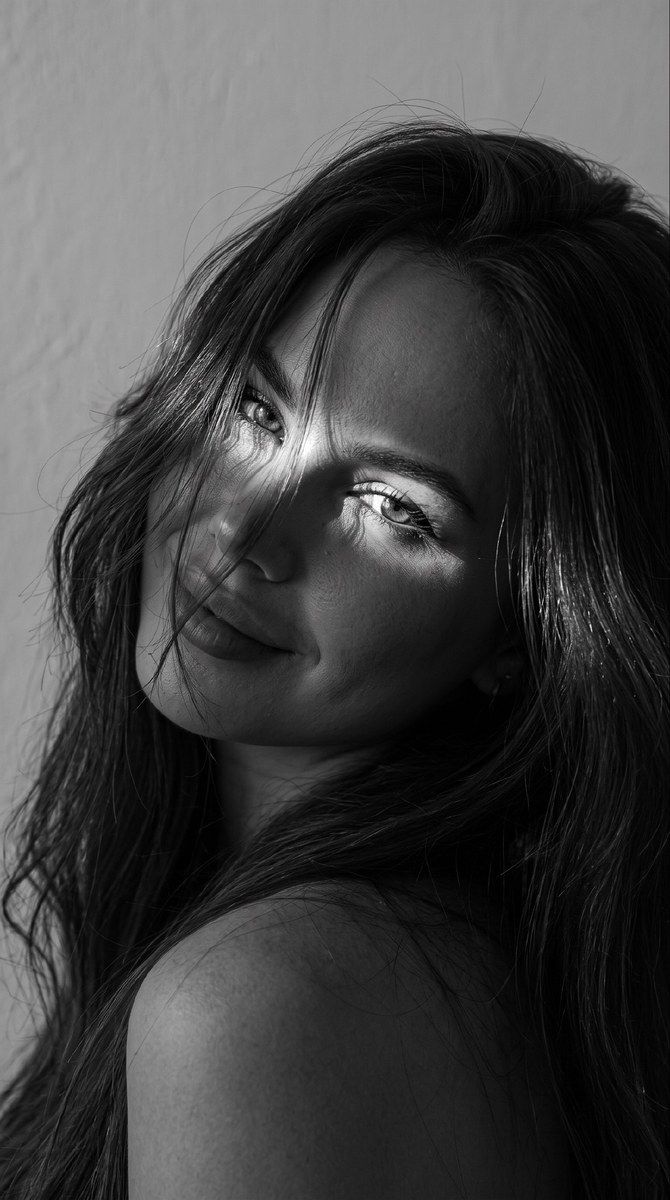
Create a hyperrealistic black-and-white close-up portrait with voluminous hair, a playful gaze, and sunlight falling across the eyes
Example outputs
Prompt template
- Format
- Text
- Inputs
- Reference_photo (image) · Required
- Outputs
- Portrait (image)
Use the reference image and do not change the subject’s facial features. Create a hyperrealistic black-and-white photo, captured with a professional camera, showing a close-up of her face. Her long hair is styled with volume and falls in strands across her face. She looks playfully toward the camera, with her head tilted back toward her shoulder as she looks over her shoulder. Use a light wall as the background and low exposure. Let rays of sunlight fall partly across her eyes. Format: 9:16What you'll create
This prompt creates a hyperrealistic black-and-white close-up portrait of a woman with voluminous hair falling in strands across her face. She looks playfully toward the camera over her shoulder, with low exposure and sunlight partly falling across her eyes
Usage instructions
Provide a reference photo so the subject’s facial features can be preserved. The prompt combines a close-up, over-the-shoulder pose with low exposure and partial sunlight across the eyes; adjust the hair volume or the amount of sunlight to vary the look
Frequently asked questions
Can the sunlight’s intensity be adjusted?
Yes. Adjust how strongly the sun rays fall across the eyes while keeping the low-exposure black-and-white portrait


Comments
Tried this prompt? Share what you made, compare results, or ask a question