Candid Park Photo with a Face Reference
Create a realistic iPhone-style park photo using a face reference to preserve identity and guide the pose. The prompt specifies the outfit, framing, lighting, and photographic treatment, but requests both 9:16 and 4:5 formats
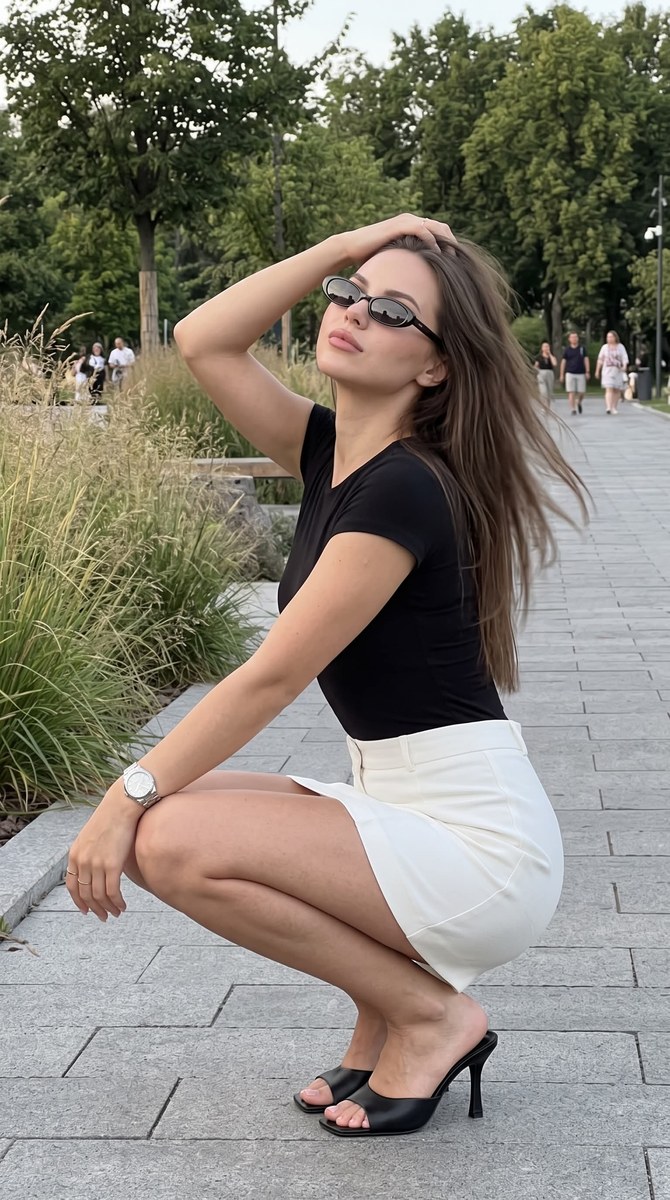
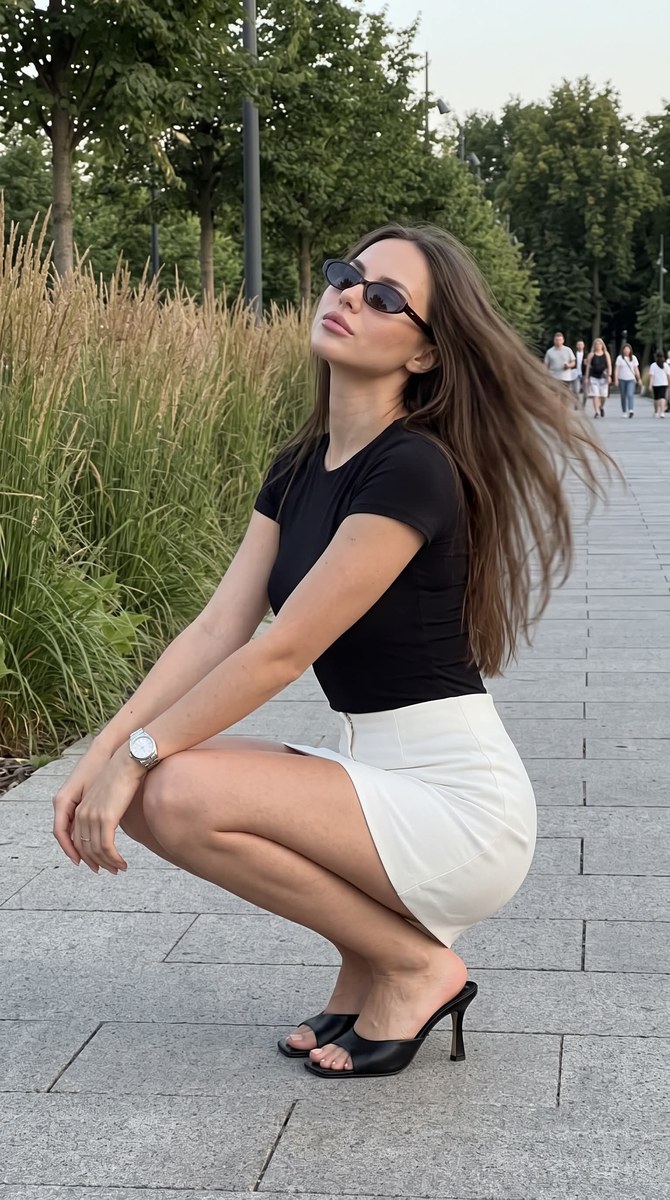
Example outputs
Prompt template
- Format
- Text
- Inputs
- Face_reference (image) · Required
- Outputs
- Generated_photo (image)
Do not change the facial features. Photo 9:16.

Use the attached face reference as the ONLY facial identity reference. Transfer the face exactly without changing it.

Ultra-realistic iPhone rear-camera photo, vertical 4:5, Apple ProRAW, RAW capture, no flash, exposure -1.3 EV, natural evening light, realistic smartphone grain.

Outdoor park with stone pavement, ornamental grasses, trees and distant pedestrians. Entire background sharp. No background blur.

iPhone 1x lens, no zoom, camera 1.6–1.8 m away, eye level with a slight downward angle. Medium full-body framing matching the reference.

Natural candid shot while lowering into a squat. Knees together, heels lifted in black mule heels, torso leaning slightly forward. Left forearm resting on the knees. Right hand running through the hair. Head tilted back toward camera-left, chin raised, relaxed expression behind narrow dark oval sunglasses.

Hair styled with a natural middle part and loose texture, strands moving backward with the hand, only the moving hair has slight motion blur. Do not describe hair length, haircut or color.

Black fitted short-sleeve top, structured high-waisted white mini skirt, metallic wristwatch.

Natural iPhone rendering, RAW look, no flash, no HDR, no beauty filter, no background blur, preserve the exact pose, composition, framing and camera angle from the reference.
What you'll create
This prompt creates a realistic, candid smartphone photo of a person lowering into a squat on stone pavement in a park. It specifies the pose, black-and-white outfit, dark oval sunglasses, evening light, and sharp background
Usage instructions
Provide a face reference, since the prompt relies on it for facial identity and pose. You can adjust the composition by changing the reference, but resolve the prompt’s conflicting 9:16 and 4:5 ratio instructions to the single format your image tool requires
Frequently asked questions
Which aspect ratio should I use?
The prompt asks for both 9:16 and 4:5, which conflict. Choose one ratio before generating if your image tool requires a single format
What should the reference photo guide?
The prompt uses the reference for facial identity and for the pose, composition, framing, and camera angle


Comments
Tried this prompt? Share what you made, compare results, or ask a question