Cinematic Portrait at an Orange Sunset
Create a close-up cinematic portrait with windblown hair, fine grain, and a blurred orange sunset background. The prompt preserves the subject’s facial features and lets you adjust the aspect ratio
Example outputs
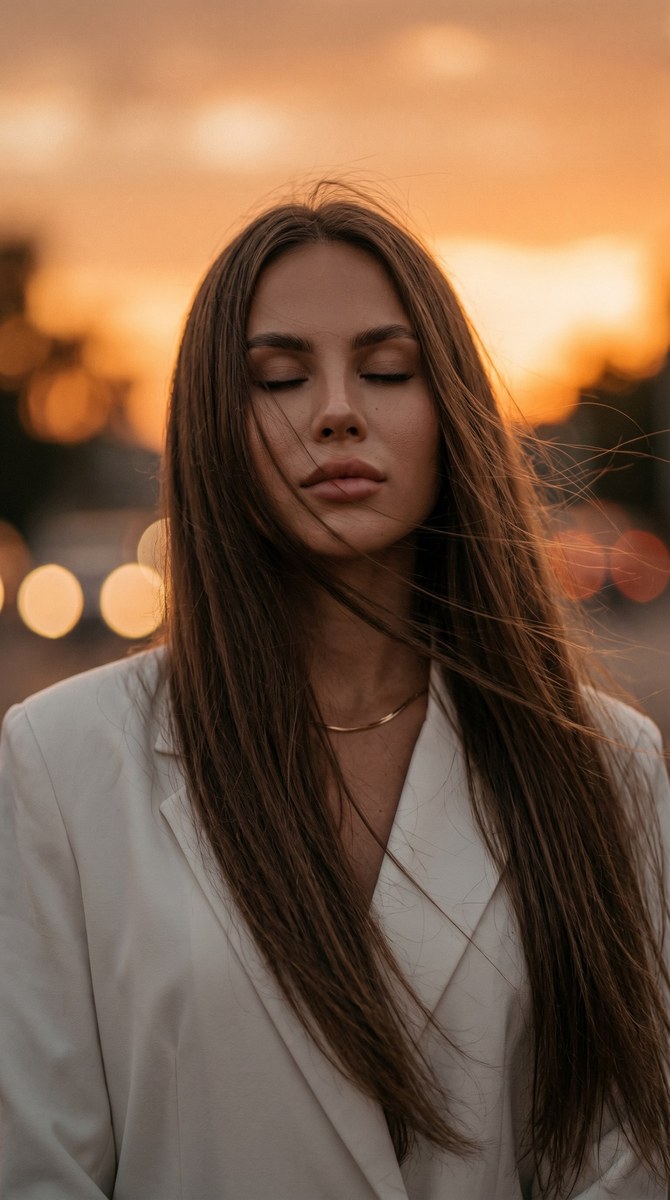
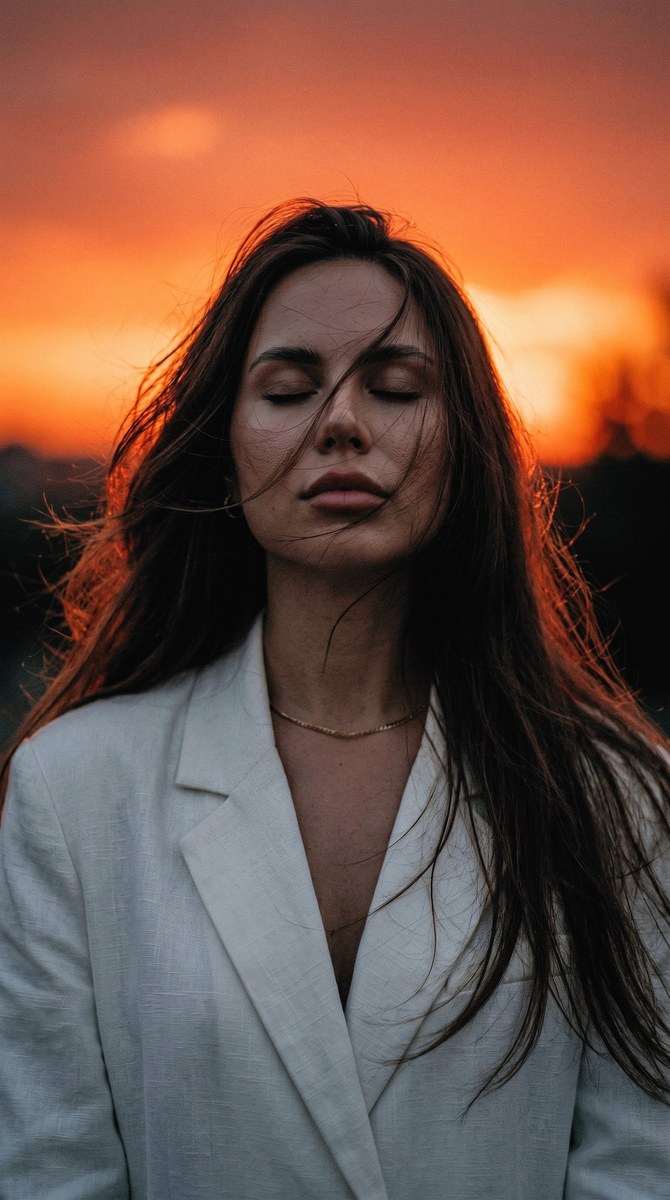
Prompt template
- Format
- Text Parameterized
- Inputs
- Reference_photo (image) · Required aspect_ratio (text) · Optional · Default: 9:16
- Outputs
- Cinematic_portrait (image)
Create a cinematic close-up portrait of the person in the reference photo. Do not change their facial features. They are standing facing the camera, with their head tilted slightly back and turned to the side, eyes closed. They are wearing an oversized white blazer and a chain necklace. Their very long, thick, straight hair is loose and blowing in the wind, with a few strands falling across their face. Use a blurred orange sunset as the background, dim lighting, and fine grain. Aspect ratio: ${aspect-ratio:9:16}Replace the ${…} placeholders with your values
before using this prompt. See parameters
and defaults below
Parameters
Replace each placeholder with your own value, or use its default when one is provided
${aspect-ratio:9:16}
aspect-ratio
Default: 9:16
What you'll create
Create a close-up cinematic portrait of a woman in an oversized white blazer and chain necklace, with very long, straight hair blowing in the wind. Her head is tilted slightly back and turned to the side, with her eyes closed; a few strands fall across her face, and a blurred orange sunset and dim lighting complete the scene
Generation settings
Usage instructions
Frequently asked questions
Can I change the aspect ratio?
Yes. The template defaults to 9:16, which you can change using the aspect_ratio parameter


Comments
Tried this prompt? Share what you made, compare results, or ask a question