Dark, Motion-Blurred Eye-Only Selfie
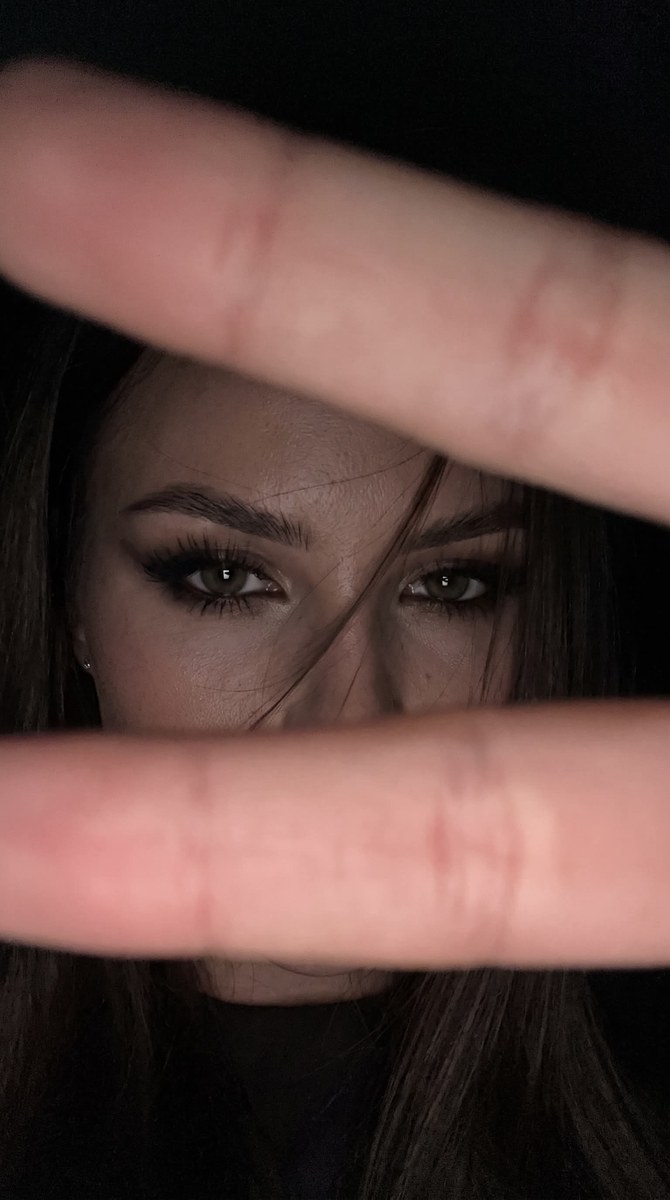
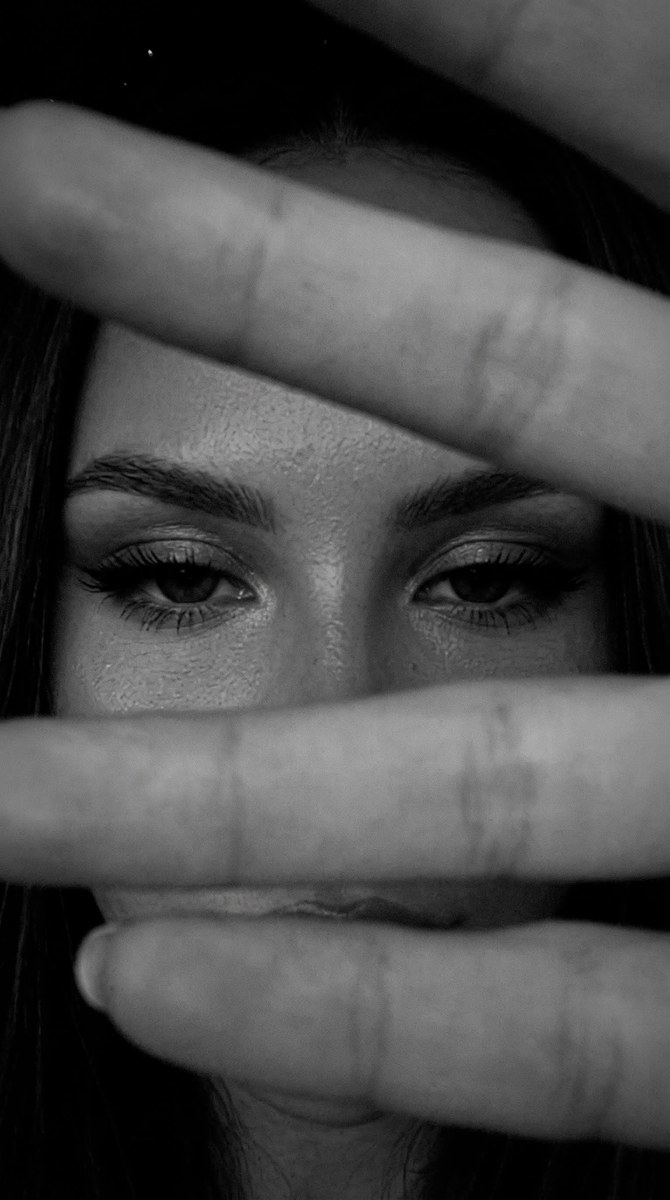
Create a realistic, very dark iPhone-style selfie that shows only a woman’s eyes through a narrow horizontal gap between fingers. The aspect ratio is customizable, with 9:16 as the original value
Example outputs
Prompt template
- Format
- Text Parameterized
- Inputs
- Reference_photo (image) · Required aspect_ratio (text) · Optional · Default: 9:16
- Outputs
- Photorealistic_dark_selfie (image)
Do not change the face.

Create a realistic, very dark iPhone selfie in a ${aspect-ratio:9:16} vertical frame, taken without flash. The photo should be slightly grainy and a little blurred, with subtle motion blur, like a spontaneous selfie taken while moving rather than a perfectly sharp image.

Two fingers are held so close to the camera that they cover the image from the top and bottom, leaving only a narrow horizontal strip visible in the center. In that central strip, show the woman’s eyes, with a few strands of hair falling across her face; only her eyebrows and eyes should be visible. Give her eyes a languid, bold, sultry expression, with half-lowered lids creating a heavy-lidded gaze. Add winged eyeliner, blended eyeshadow, and long, fluffy eyelashes. Her eyebrows should be slightly lowered while retaining their arch, and her gaze should feel sultry and catlike.

Use deep black shadows and very dark exposure, with slight grain, no retouching, and natural skin texture. Make the image photorealistic, with highly detailed skin, fabric, and props. Give it the quality of an iPhone 15 shot: light digital noise, soft sharpness, slight grain, and the feel of a candid frame captured in motion.
Replace the ${…} placeholders with your values
before using this prompt. See parameters
and defaults below
Parameters
Replace each placeholder with your own value, or use its default when one is provided
${aspect-ratio:9:16}
aspect-ratio
Default: 9:16
What you'll create
This prompt creates a very dark, photorealistic selfie framed so that only the woman’s eyes are visible through a narrow gap between fingers. Loose hair, bold eye makeup, deep shadows, and a slightly blurred, grainy look give it the feel of a spontaneous shot
Usage instructions
Frequently asked questions
What does the reference photo control?
It provides the face that must remain unchanged
Can I change the framing?
Yes. The aspect ratio is a customizable value, set to 9:16 by default




Comments
Tried this prompt? Share what you made, compare results, or ask a question