Photorealistic Webcam Portrait in a White Hoodie
Create a close, casual webcam-style portrait of a woman in a white hoodie, using a reference photo to preserve her identity. Only the camera angle and framing should vary slightly.
Example outputs
Prompt template
- Format
- Text
- Inputs
- Reference_photo (image) · Required
- Outputs
- Portrait (image)
Do not change the facial features in the reference photo. Use a 9:16 format.

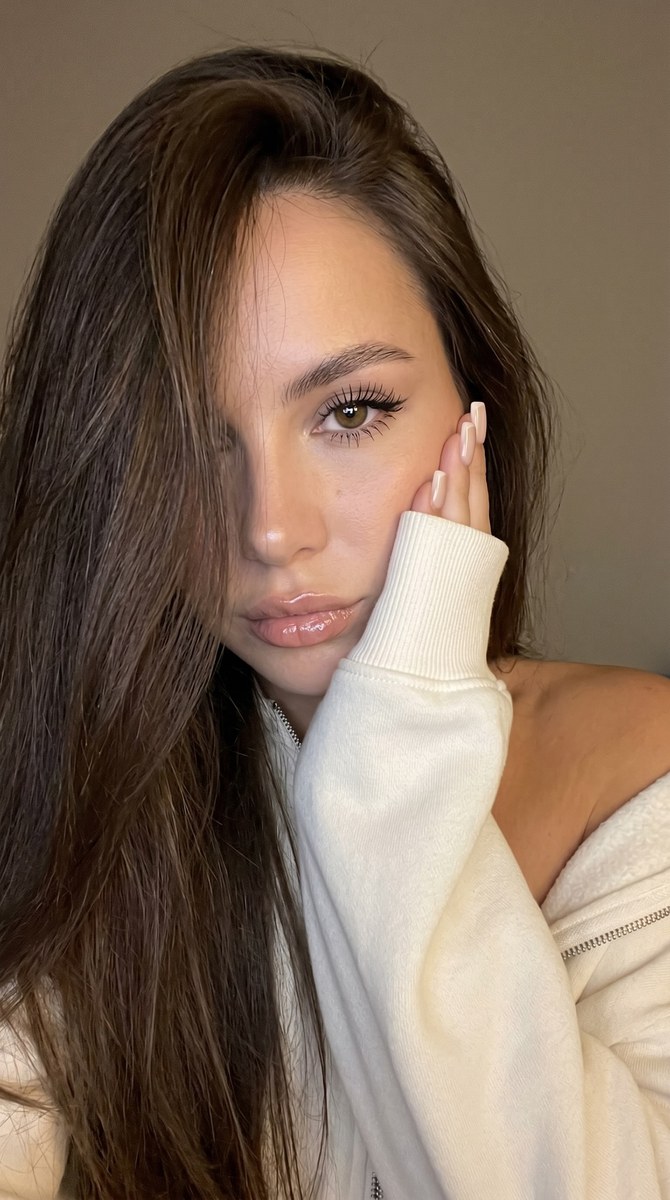
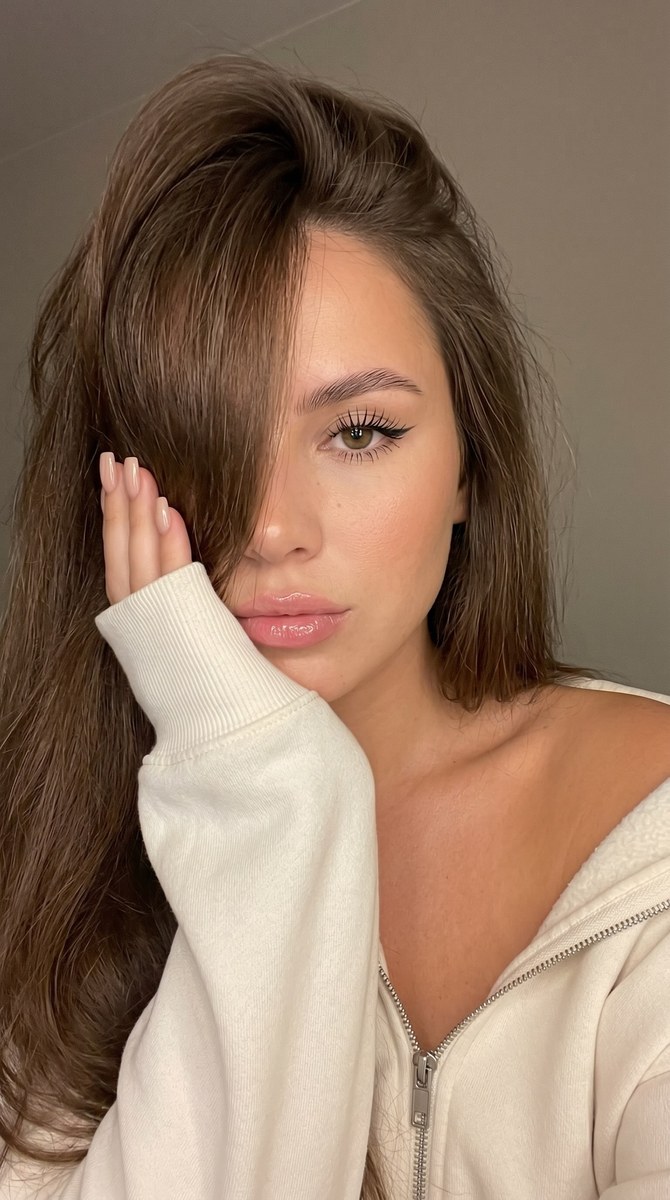
Create a photorealistic close-up portrait framed like a screenshot from a computer photobooth. A young woman fills almost the entire frame, cropped at the shoulders, with her head tilted slightly to one side and her cheek resting against her raised hand, hidden inside a long cream-colored hoodie sleeve. Her long hair falls loosely across the left side of her face, covering one eye. The visible side of her face has soft makeup, laminated brows, a fine eyeliner wing, glossy lips, and a calm, slightly pouty expression. She looks directly into the webcam; her eyelashes are long. She wears a white zip-up hoodie slipped off one shoulder, revealing her collarbone and warm-toned skin. Square nude-colored nails peek out above the sleeve beside her cheek.

Keep the composition intimate and casual, like a webcam selfie. Use a slight frame tilt and keep the face close to the lens. Focus sharply on the visible eye, lips, hair texture, and thick white sleeve fabric, with the background softly blurred. The background is a plain warm gray-beige wall with no details. Use warm room light and screen light from the front-left, creating soft highlights on the skin and hair.

For this single output, use only a slightly different camera angle and framing. Keep the referenced face exactly identical: preserve the same facial geometry, eyes, nose, lips, skin texture, asymmetry, age signs, hairline, and all distinctive facial details. Do not render batch numbers, labels, prompt text, file names, URLs, or UI text in the image.
What you'll create
This prompt creates a photorealistic, close-cropped webcam portrait of a woman leaning her cheek against her sleeve. Warm room and screen light, soft background blur, and a slightly tilted composition shape the scene
Usage instructions
Provide a reference photo containing the face to preserve. The prompt uses that image to maintain the person's identity and facial details while allowing only a slight adjustment to the camera angle and framing.
Frequently asked questions
What may change from the reference photo?
Only the camera angle and framing should change slightly; preserve the face and its distinctive details


Comments
Tried this prompt? Share what you made, compare results, or ask a question