Playful Streetwear Selfie with iPhone 5 Texture
Create a close-up, playful streetwear selfie while preserving the reference subject’s facial features. The aspect ratio is customizable, with 2:3 as the default
Example outputs
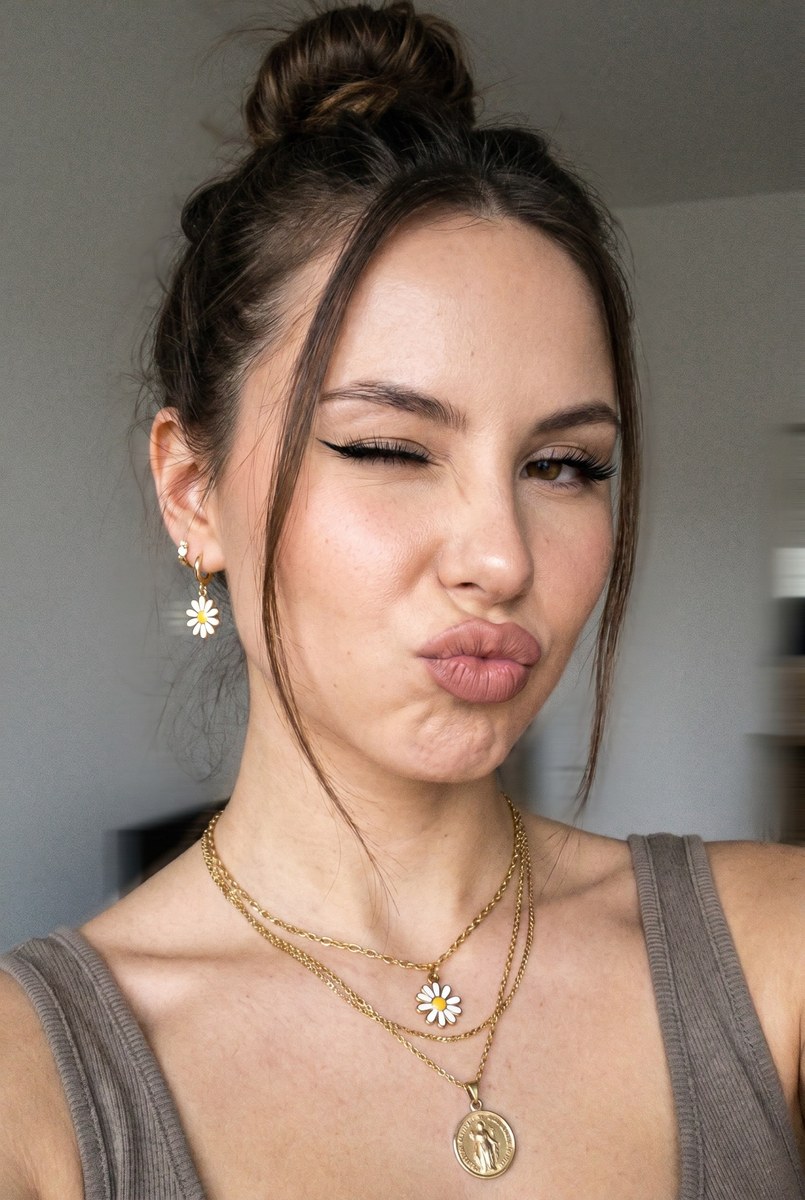
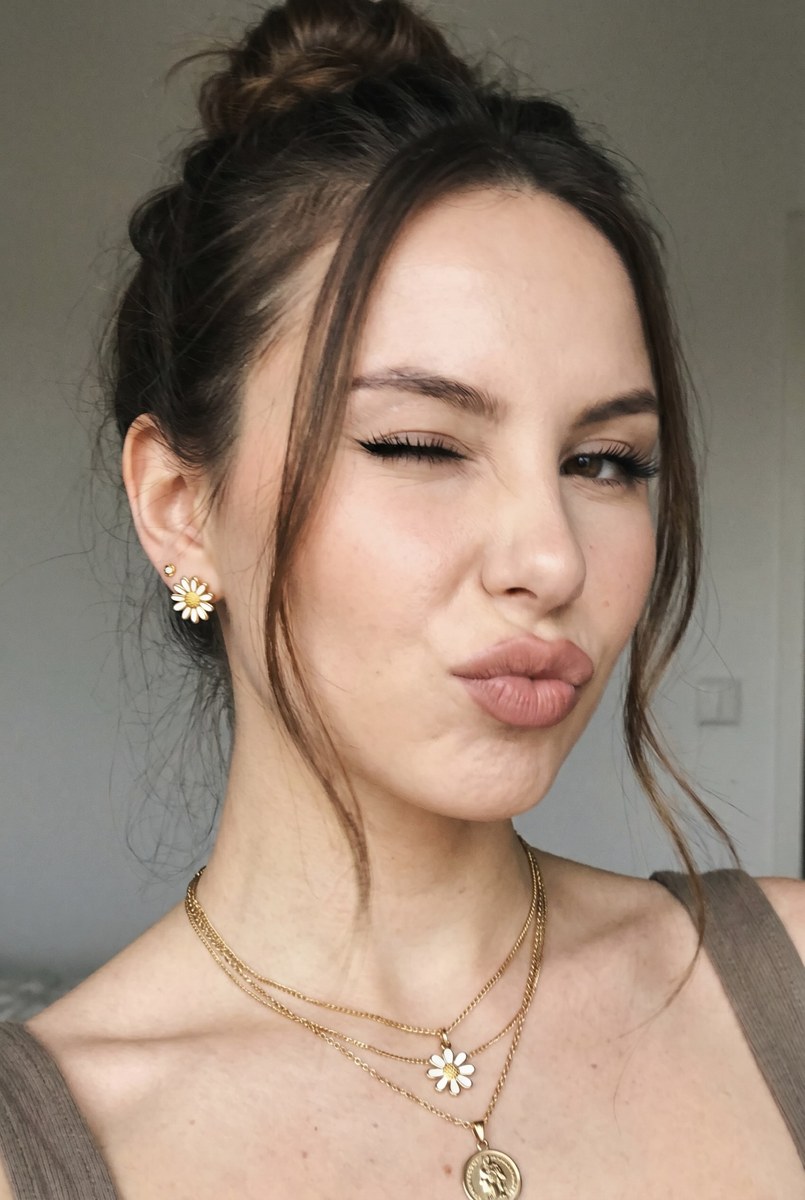
Prompt template
- Format
- Text Parameterized
- Inputs
- Reference_photo (image) · Required Aspect_ratio (text) · Optional · Default: 2:3
- Outputs
- Selfie (image)
Create a close-up selfie of a woman. Preserve the facial features of the person in the provided reference photo. The woman is winking and making a duck face, with a playful mood.

Give her a messy bun with loose strands framing her face. Add gold jewelry: layered chains with daisy and medal pendants, and daisy earrings.

Use soft frontal lighting and a neutral background. Style the look as streetwear with a slight sense of movement. Give the image the quality of an iPhone 5 photo, with noise, grain, and muted colors. Use an aspect ratio of ${aspect-ratio:2:3}.
Replace the ${…} placeholders with your values
before using this prompt. See parameters
and defaults below
Parameters
Replace each placeholder with your own value, or use its default when one is provided
${aspect-ratio:2:3}
aspect-ratio
Default: 2:3
What you'll create
This prompt creates a close-up streetwear selfie of a woman winking and making a duck face, with a messy bun and gold daisy jewelry. Soft frontal lighting, a neutral background, slight movement, and muted, grainy iPhone 5-style texture establish the look
Usage instructions
Frequently asked questions
What should the reference photo control?
Use it to preserve the subject’s facial features
What creates the iPhone 5-style look?
The prompt calls for noise, grain, and muted colors


Comments
Tried this prompt? Share what you made, compare results, or ask a question