Photo-Filled Typography Vintage Movie Poster
Create a vertical 3:4 vintage movie poster with a full-width photo above oversized photo-filled lettering.
Example outputs

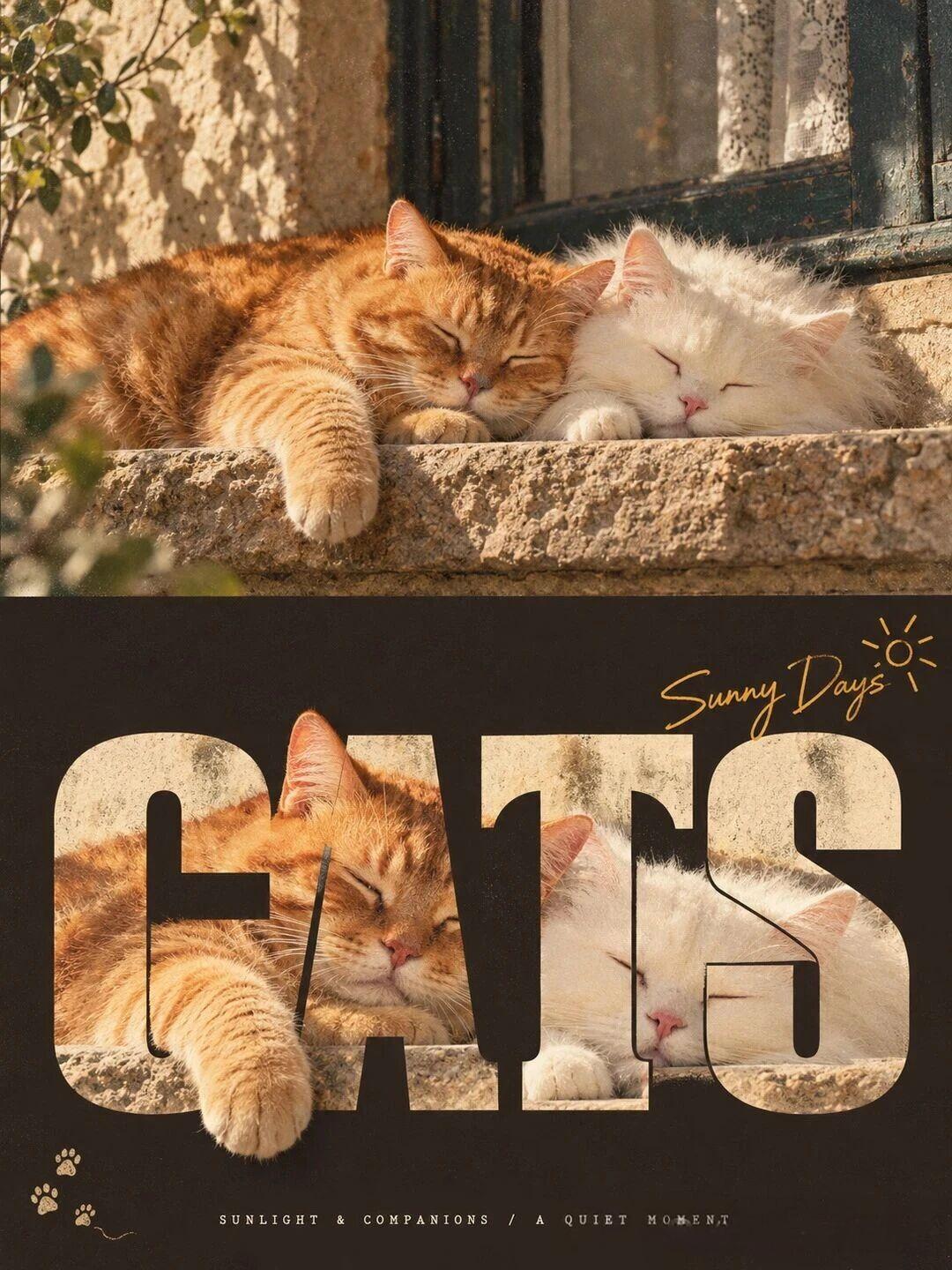
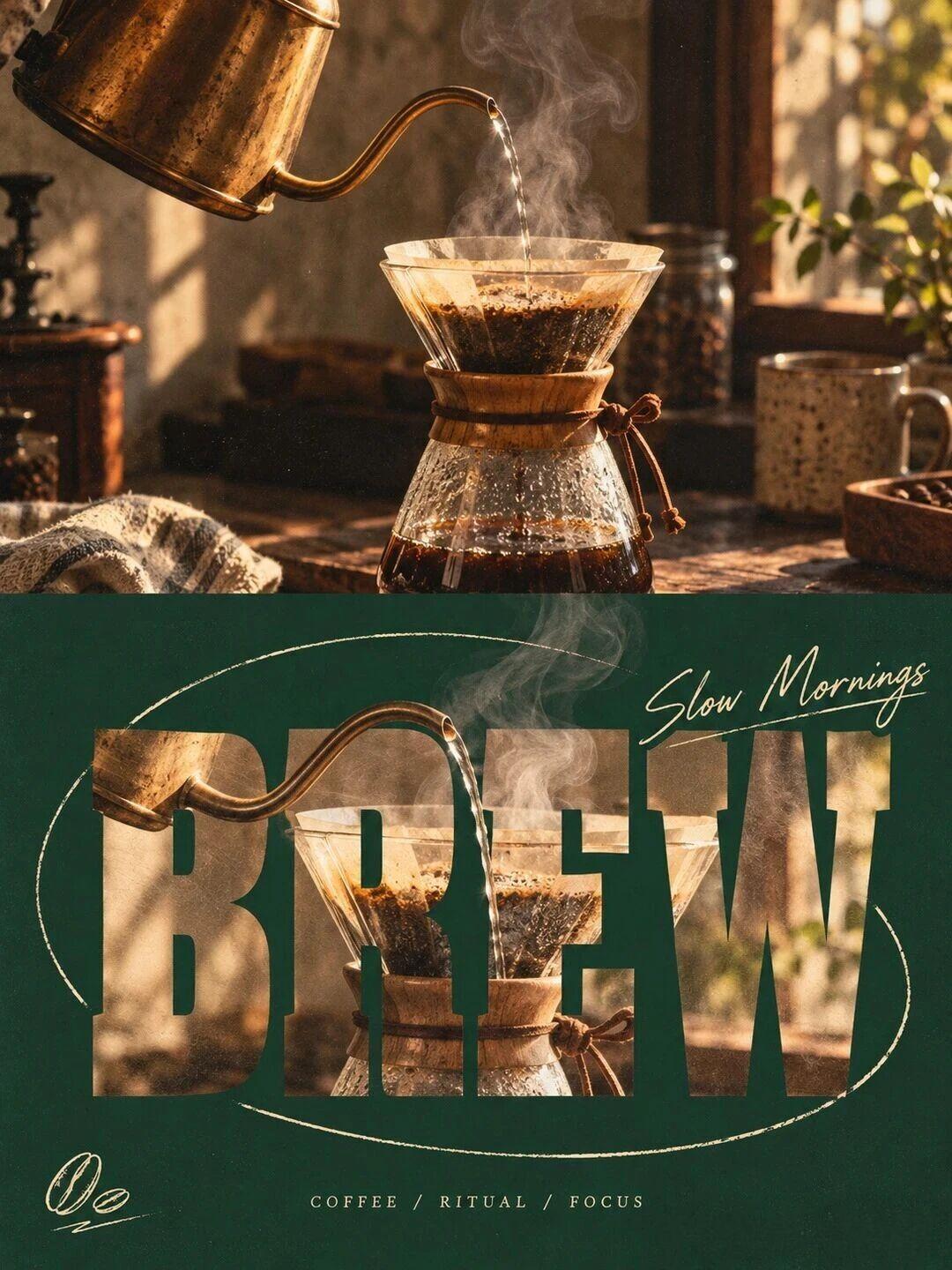
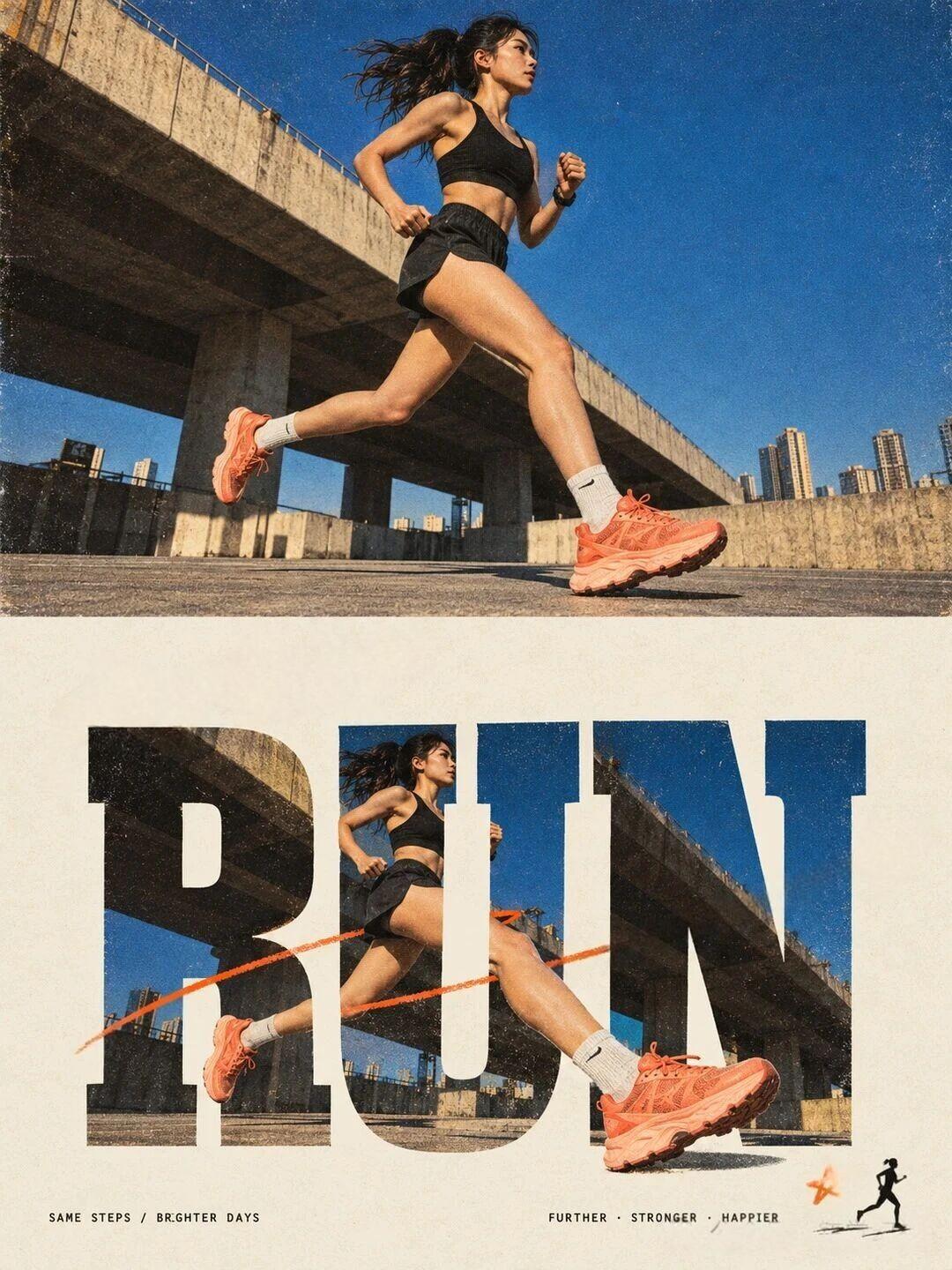

Prompt template
- Format
- Text Parameterized
- Inputs
- Photograph (image) · Required subject (text) · Required background_color (text) · Required word (text) · Required photo_detail (text) · Required protruding_element (text) · Required slogan (text) · Required
- Outputs
- Vintage_movie_poster (image)
Create a vertical 3:4 vintage movie poster divided into two equal horizontal sections.

Upper half (50% of the image): Show the supplied photograph edge to edge, with no border. The subject is ${subject}.

Lower half (50% of the image): Use a flat, solid-color background with the color ${background-color}. Leave generous clean space around the edges; the photograph must not extend into this section.

Core typography: Place the English uppercase word “${word}” in an oversized, bold, condensed serif typeface, colored warm off-white (#F2E8D5). The word should span approximately 80% of the image width and sit slightly above the center of the lower half. Cut out the interiors of the letters so that an enlarged detail of the same photograph, ${photo-detail}, shows through the letters and aligns with the photograph above. The photo visible inside the letters must match the upper photograph exactly in tone and grain. Make ${protruding-element} overlap the edges of the letters and break through their outlines, creating an interwoven sense of depth.

Decoration: Add the small handwritten slogan “${slogan}”.
Replace the ${…} placeholders with your values
before using this prompt. See parameters
and defaults below
Parameters
Replace each placeholder with your own value, or use its default when one is provided
${subject}
subject
Required
${background-color}
background-color
Required
${word}
word
Required
${photo-detail}
photo-detail
Required
${protruding-element}
protruding-element
Required
${slogan}
slogan
Required
What you'll create
An upper photo fills half a vertical page above a solid lower field. Oversized off-white serif letters reveal matching enlarged photo detail, with a protruding element crossing their edges for depth.
Usage instructions
Provide the photograph and fill in each required text value, including the word and slogan. The layout depends on aligning the enlarged photo detail inside the letters with the same area in the upper photo; adjust the background color or protruding element to change the poster’s contrast and depth.
Frequently asked questions
Can the upper photo spill across the lower background?
No. It stays in the upper half except within the designed letter cutouts.
Should the embedded photo detail have a different grain?
No. Tone and grain match the upper photograph.








Comments
Tried this prompt? Share what you made, compare results, or ask a question