Analyze a Reference Image and Create an Original Image Prompt
Use GPT to break down a reference image’s visual qualities, then apply them to a new concept without copying the original image.
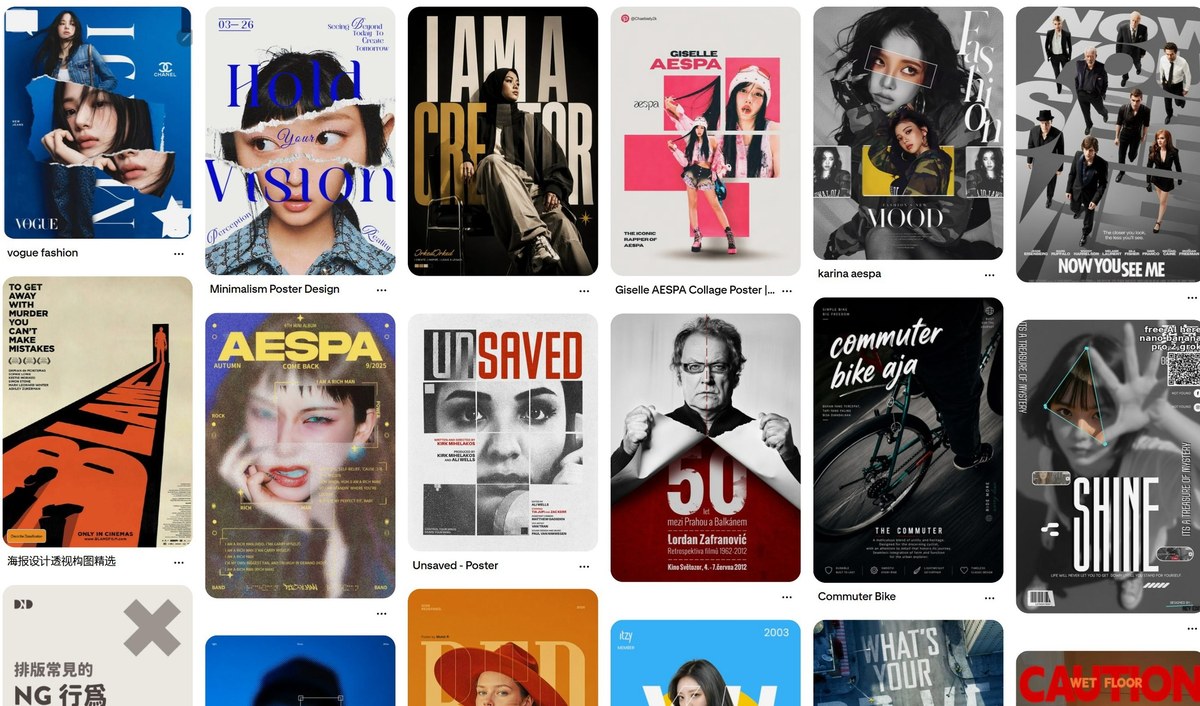
Example outputs
Prompt template
- Format
- Text Parameterized
- Inputs
- Reference_image (image) · Required Creative_direction (text) · Required
- Outputs
- Image_generation_prompt (text)
Analyze the uploaded reference image’s composition, camera, lighting, colors, materials, and visual style. Summarize the visual qualities that make it effective.

Then create an image-generation prompt based on those visual qualities, adapted to this new creative direction: ${creative-direction}

Preserve the reference’s visual language, but replace its original characters, setting, subject, and story with the new concept. Do not directly copy the reference image. Make the final prompt clear and ready to use for AI image generation.
Replace the ${…} placeholders with your values
before using this prompt. See parameters
and defaults below
Parameters
Replace each placeholder with your own value, or use its default when one is provided
${creative-direction}
creative-direction
Required
What you'll create
A short visual analysis identifies composition, camera, light, color and materials, then informs a new image prompt for a different creative direction.
Frequently asked questions
Should the original story be copied?
No, characters, setting, subject and narrative are replaced while the visual language is retained.


Comments
Tried this prompt? Share what you made, compare results, or ask a question