Cute Doodle and Chibi Photo Edit
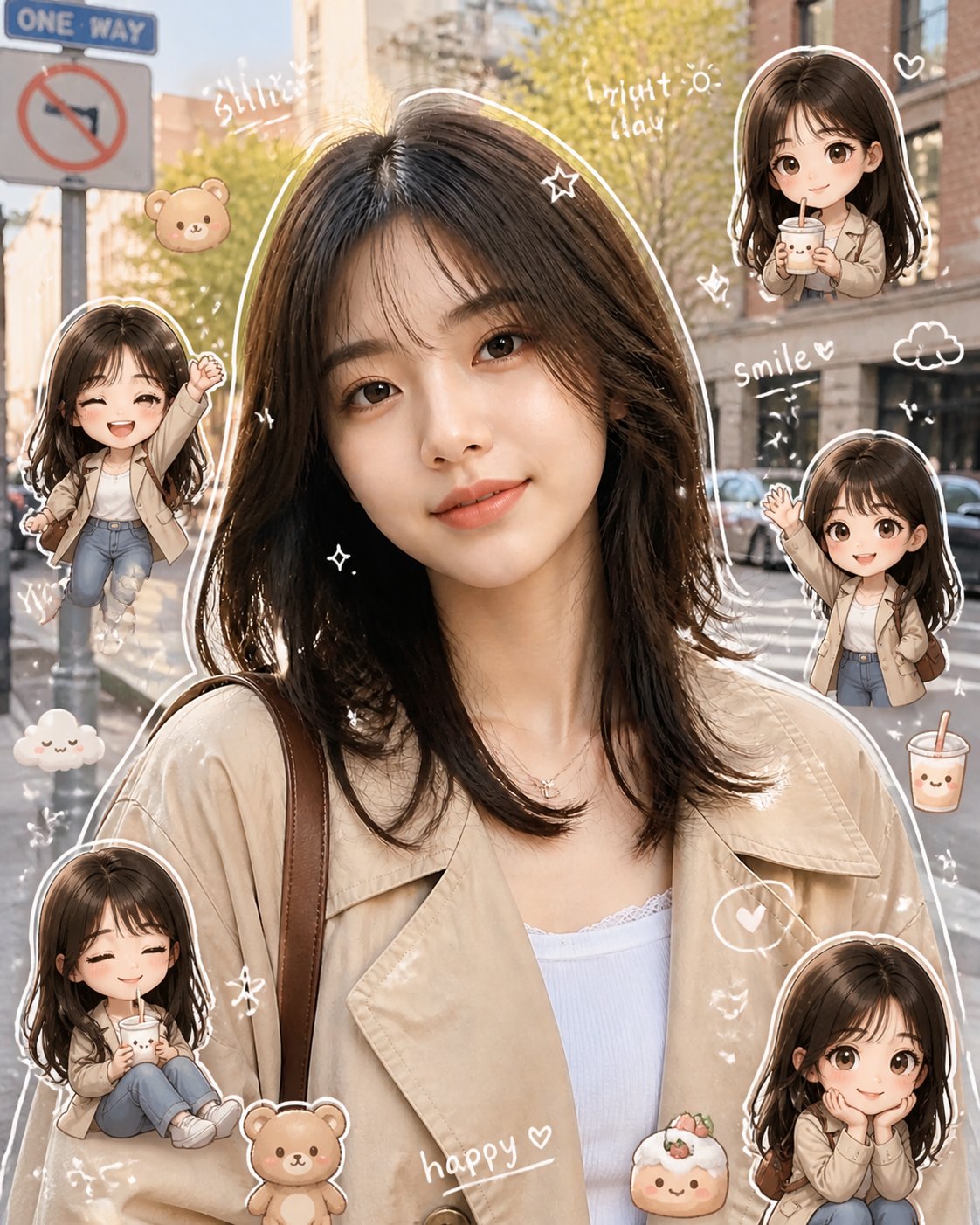
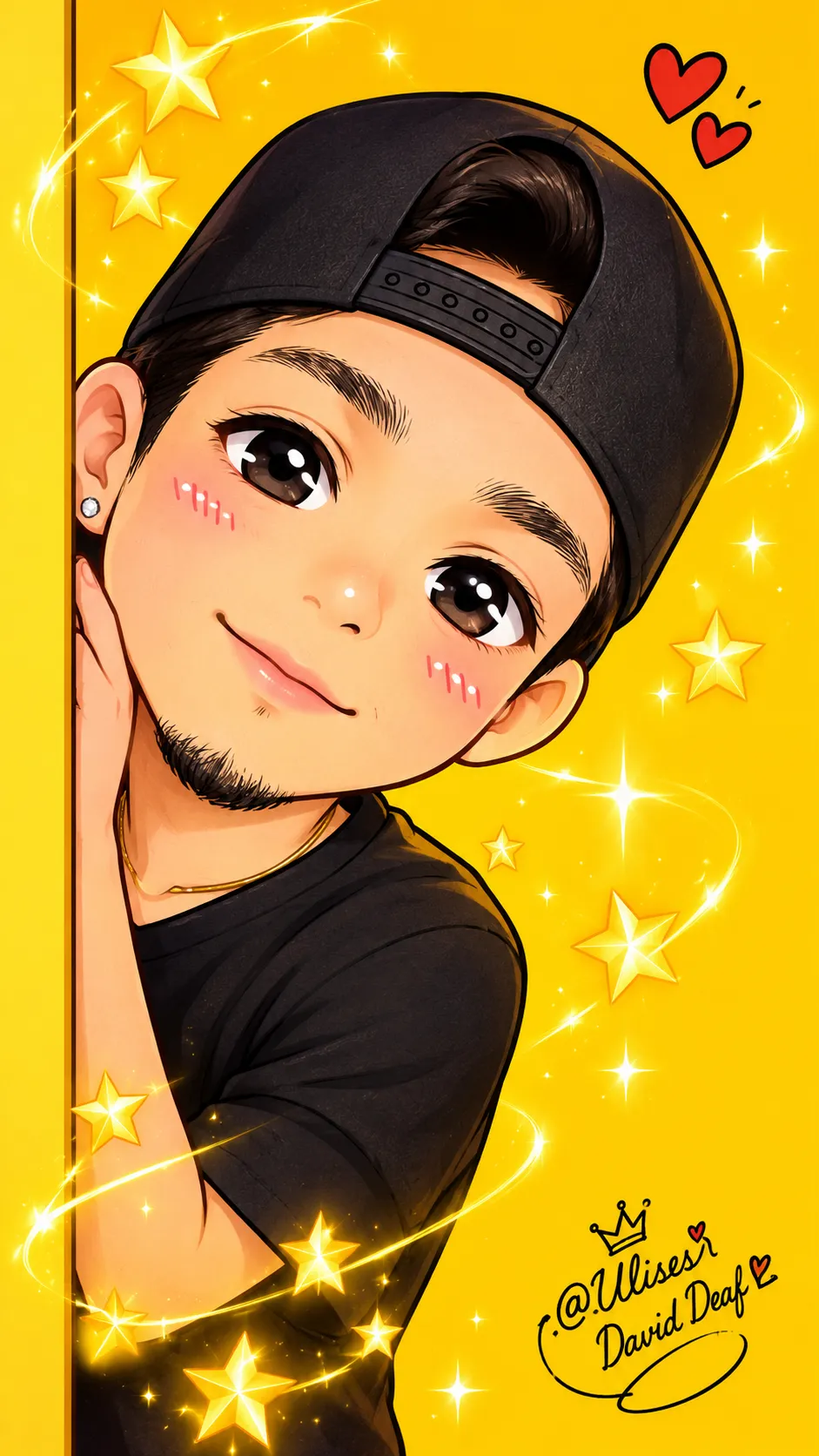
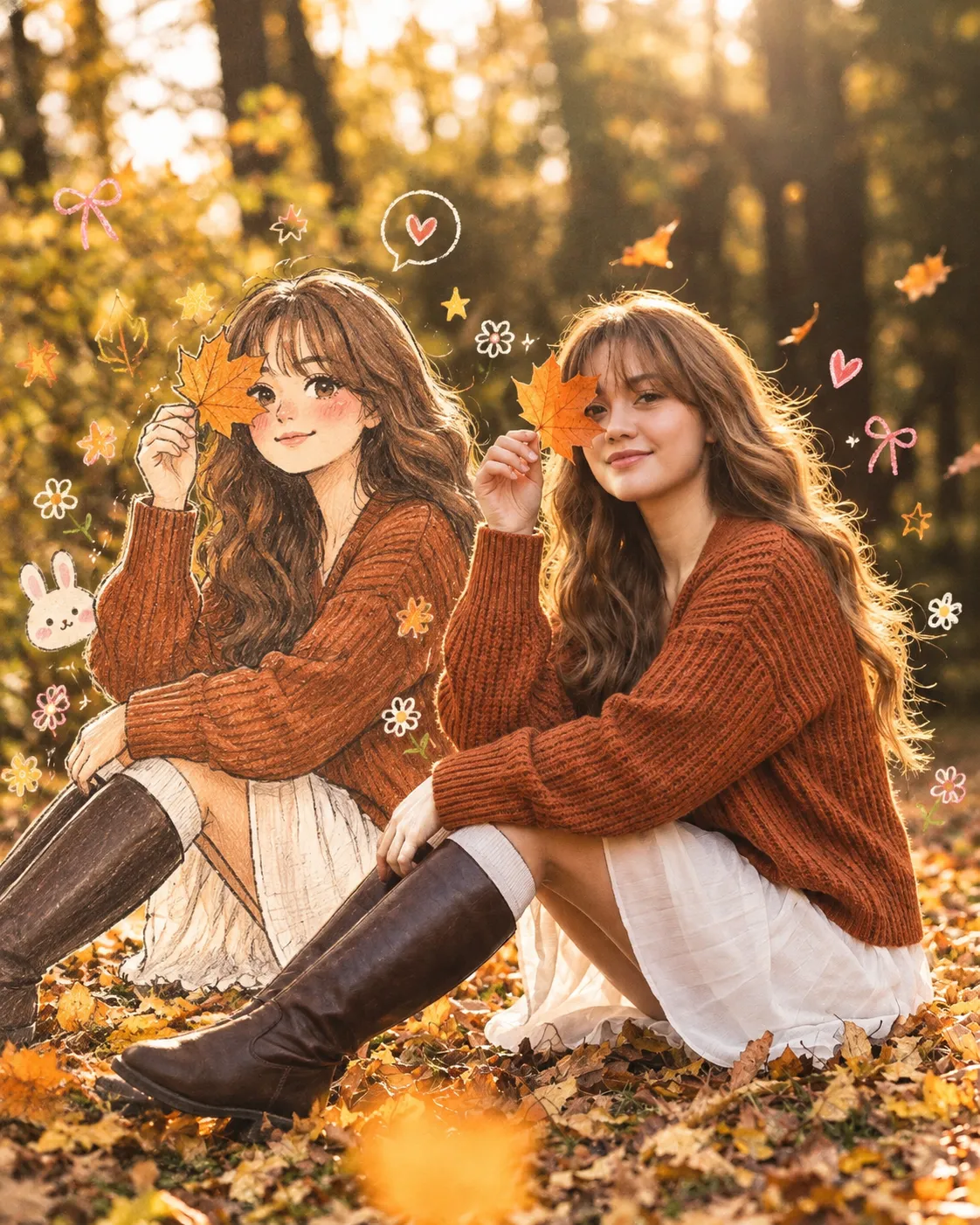
Turn a photo into a warm, cute edit with subtle white doodles, short handwritten captions, and glossy 3D chibi versions of the person. Keep the original composition, background, and natural colors
Example outputs
Prompt template
- Format
- Text
- Inputs
- Photo (image) · Required
- Outputs
- Editedphoto (image)
Edit this photo into a cute Pinterest/Xiaohongshu-style doodle aesthetic edit while keeping the original composition and colors natural. Do NOT heavily change the original lighting or color grading. Keep the tones soft, airy, warm, and realistic. Avoid oversaturated colors, HDR effects, strong orange filters, or excessive contrast.

Add hand-drawn doodle elements around the main objects: white outline strokes, sketchy sparkles, stars, hearts, arrows, tiny flowers, playful swirls, and mini handwritten notes. Add small cute mascot-style doodles that match the vibe of the photo (tiny bear, smiling drink, cute food character, sleepy cloud, etc.), but keep them subtle and balanced. Use handwritten white text with short relatable captions only. Do NOT add too many words or overcrowd the image.

Use a real face as a reference photo. Keep the background the same as in the photo. The lighting is warm, soft, and clean, with subtle shadows. Around the image, add several mini chibi (3D cute style) versions of the character while maintaining the original facial features. Give the chibi characters various poses and expressions, such as jumping cheerfully, waving, sitting relaxed, or holding a drink, with cute and playful expressions.

Add hand-drawn white doodle elements: an outline around the main body, stars, hearts, sparkles, motion lines, and small cute icons. Add aesthetic handwritten text such as "shine," "bright day," "happy," and "smile" in a casual doodle font. Overall style: clean and aesthetic composition, white sticker outline, soft pastel color tone, high detail, glossy 3D chibi look, cute Korean style.
What you'll create
This prompt transforms a supplied photo into a cute, Pinterest- and Xiaohongshu-inspired edit with hand-drawn doodles and miniature 3D chibi versions of the person. It preserves the original background and composition, with soft, warm tones and subtle decorative details
Usage instructions
Provide the photo to be edited; it supplies the person’s face, background, composition, and colors. You can change the short handwritten captions or the listed chibi poses while keeping the doodles subtle and the overall tones soft and natural
Frequently asked questions
Can I change the handwritten captions?
Yes. Replace the example phrases with short, relatable captions, while keeping the text sparse





Comments
Tried this prompt? Share what you made, compare results, or ask a question