Photography
Fashion Editorial
Portrait
Luxury
Google Gemini 3-pro-image
Google Gemini
Nano Banana Pro
Luxury Fashion Editorial Portrait
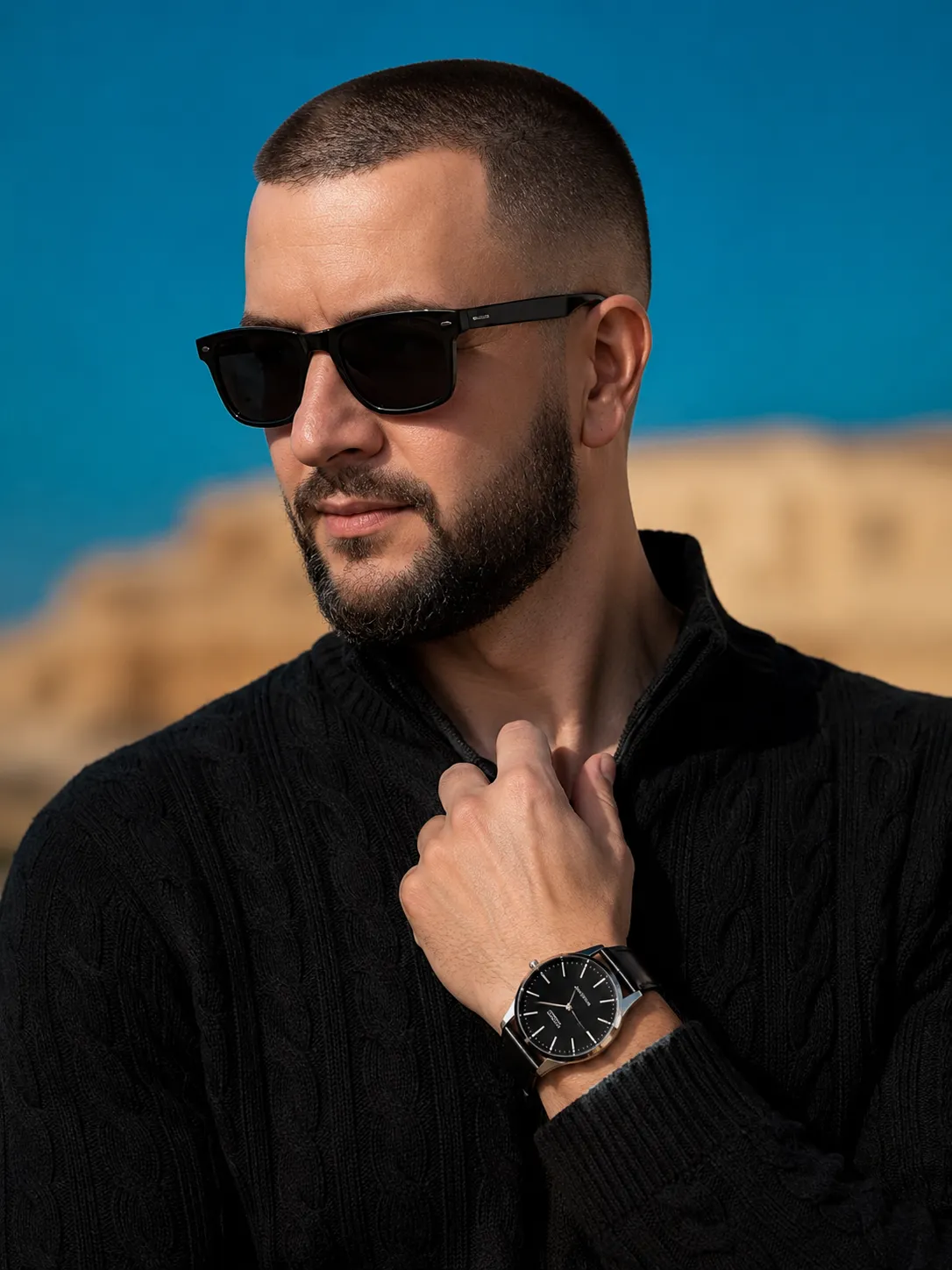
Create a close-up, ultra-realistic luxury fashion portrait with refined styling, diffused daylight, and a premium magazine aesthetic.
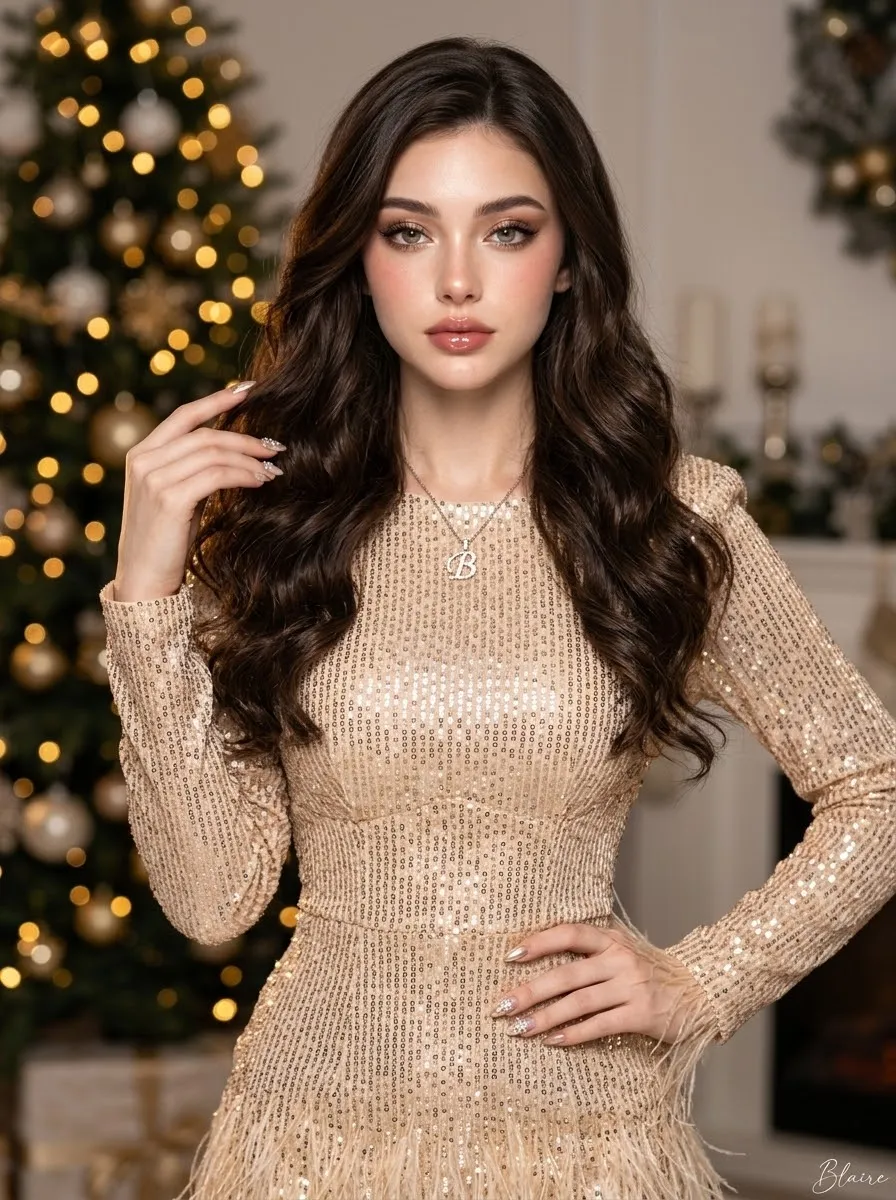
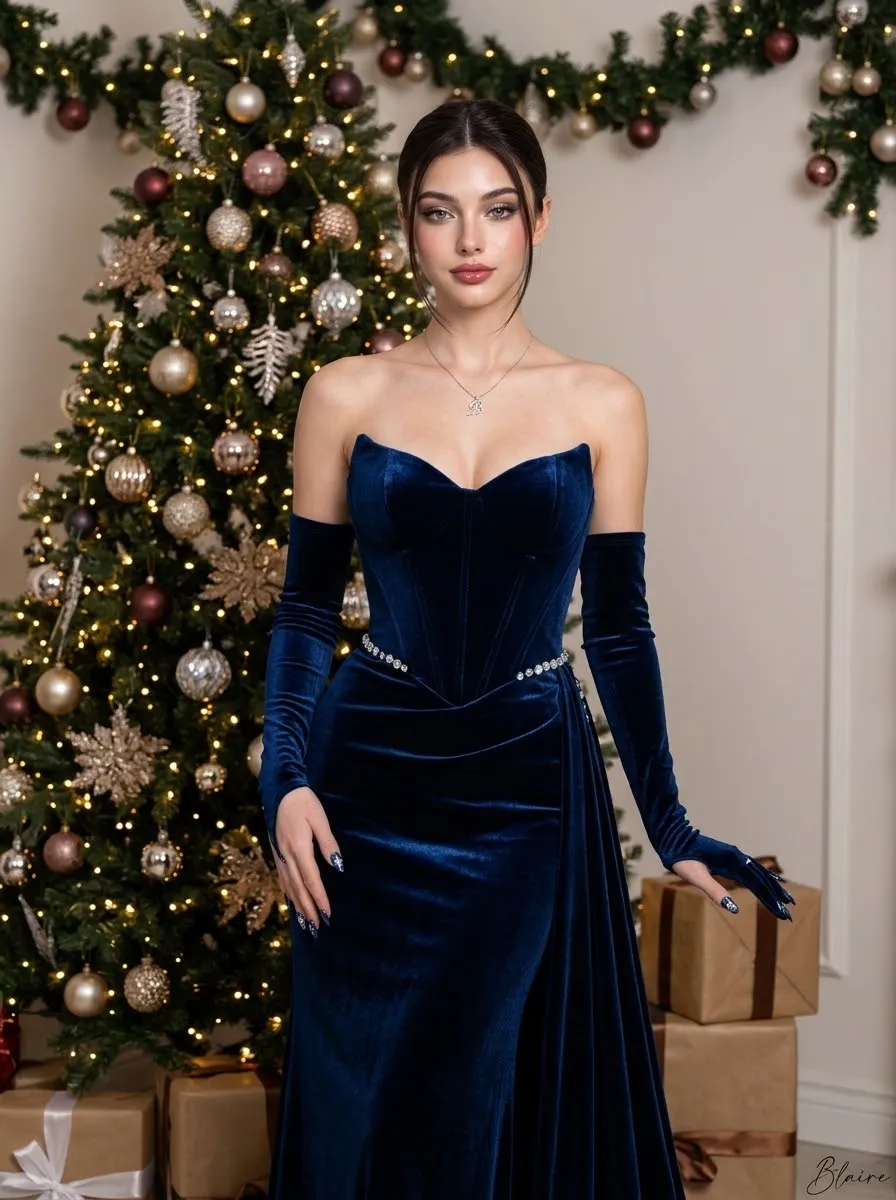
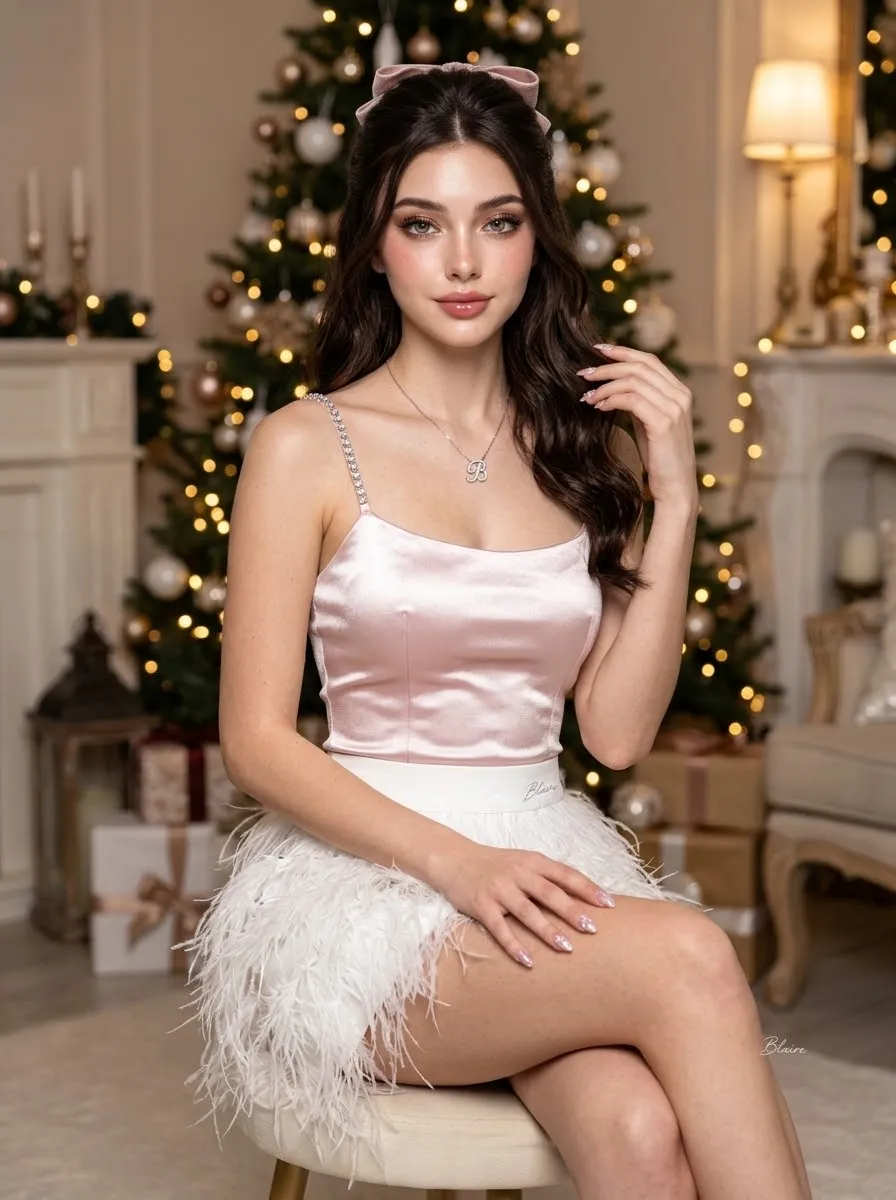
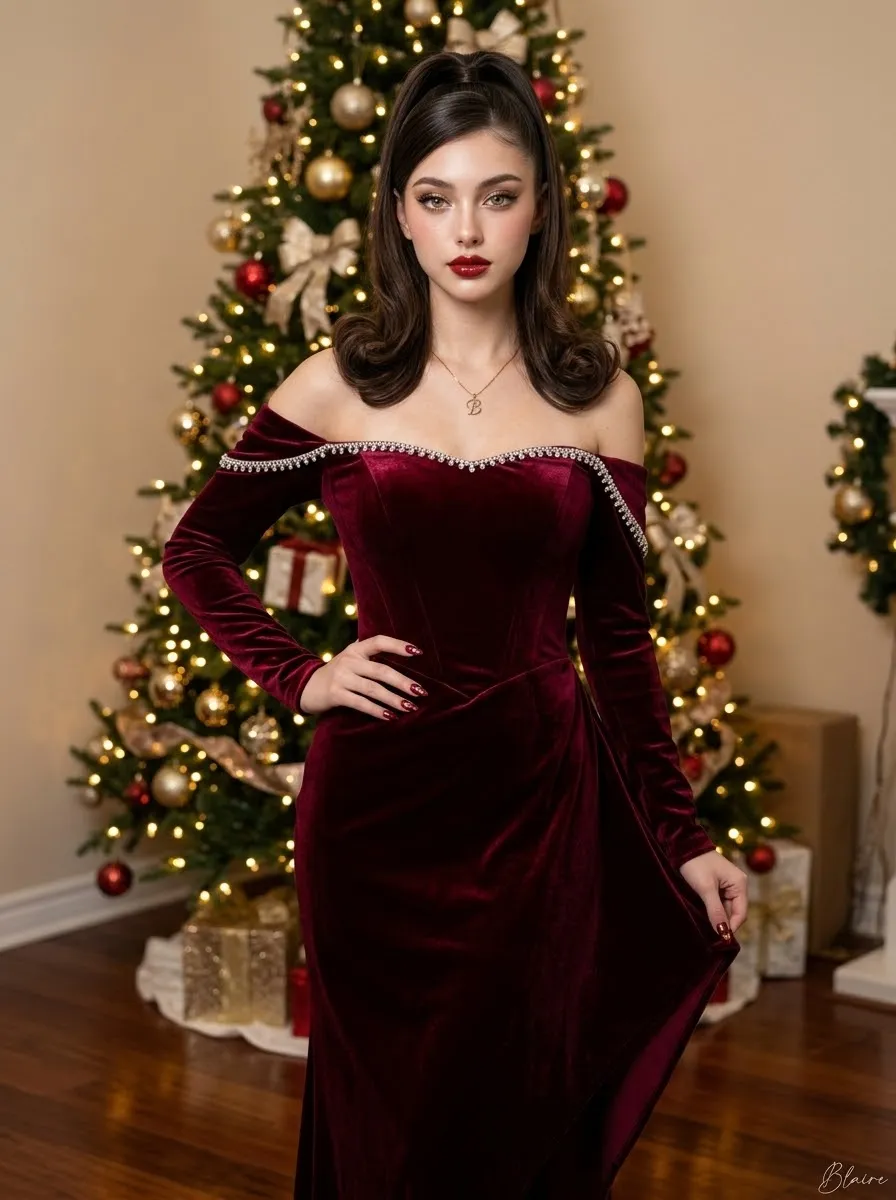
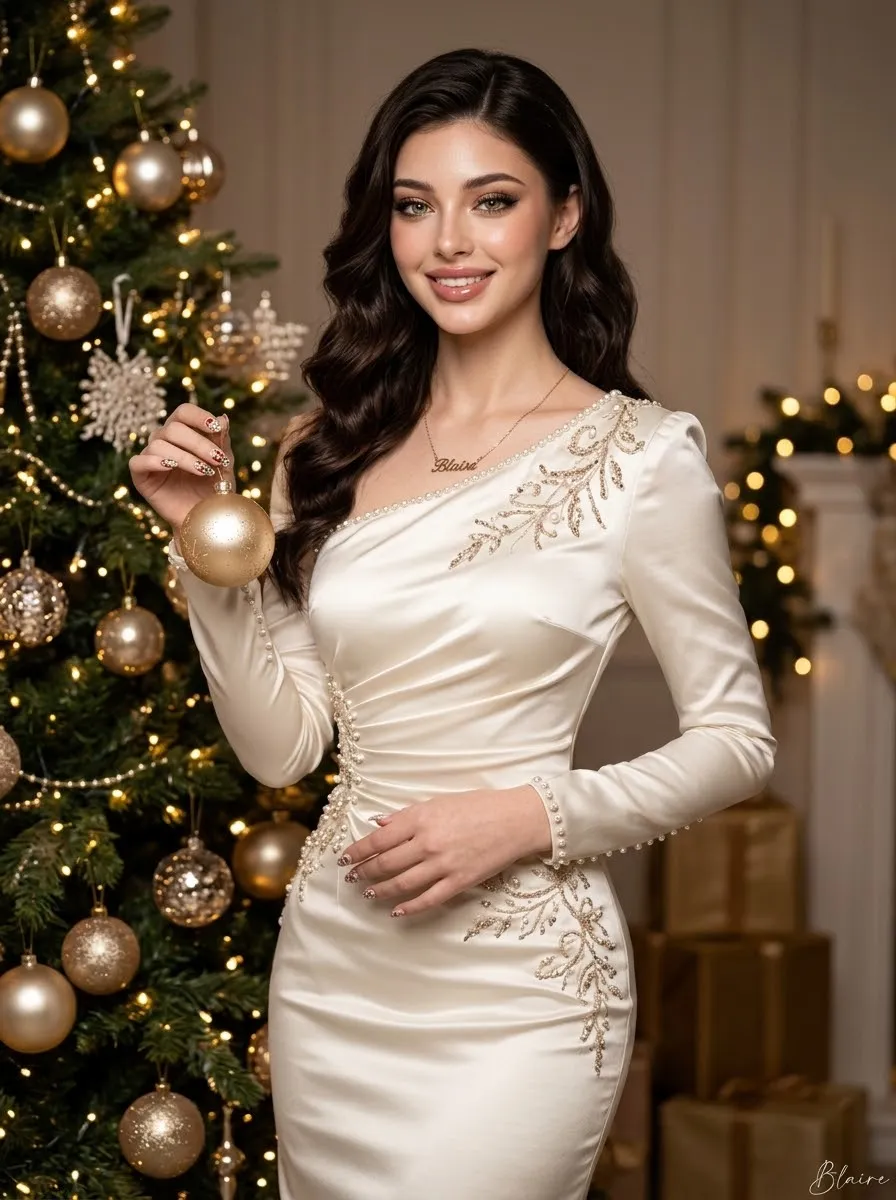
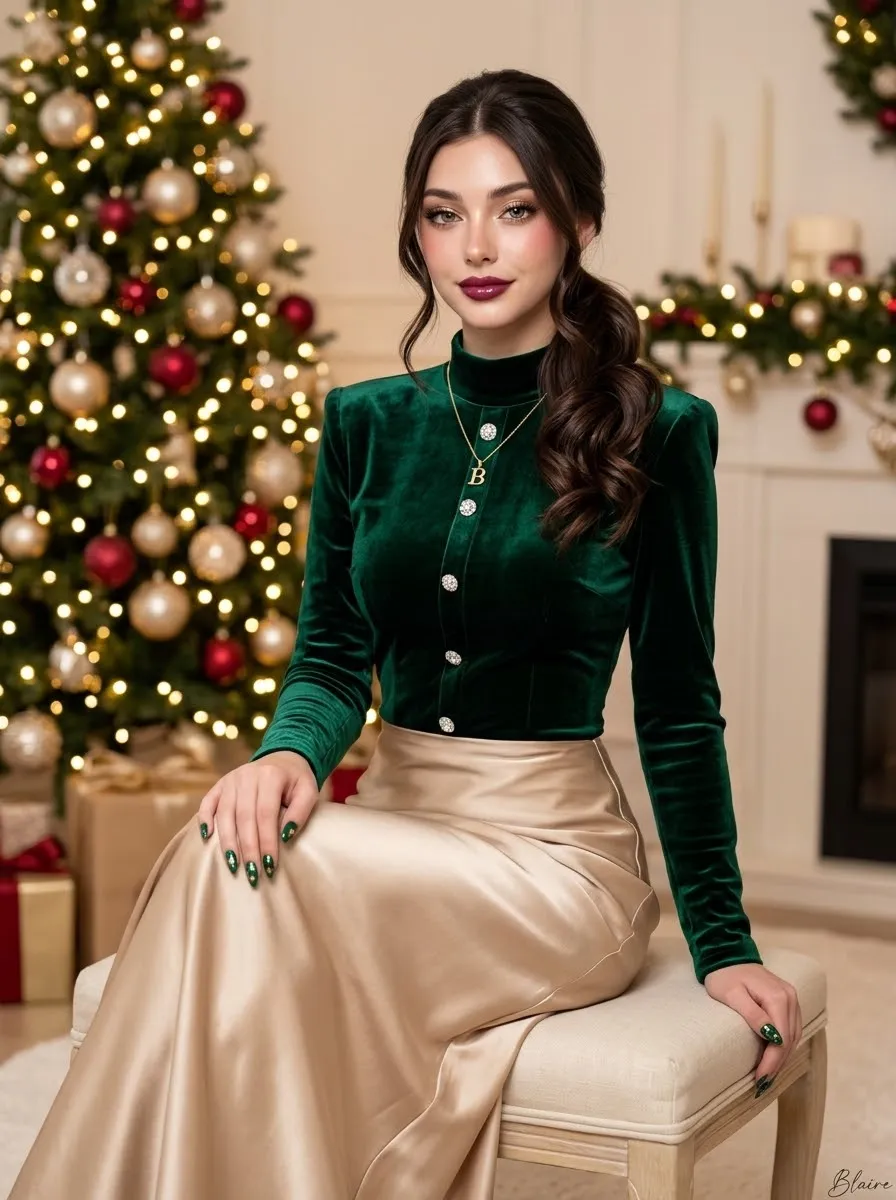
Example outputs
Prompt template
- Format
- Text Parameterized
- Inputs
- subject_and_styling (text) · Optional · Default: a modern man with a sharp skin-fade haircut and a thick, perfectly groomed beard, wearing matte black square sunglasses with a thick frame and a minimalist white branding detail on the temples, and a textured black cable-knit sweater with an open neckline backdrop (text) · Optional · Default: rich turquoise blue above transitioning to a warm blurred sandstone tone below aspect_ratio (text) · Optional · Default: 3:4
- Outputs
- Generatedfashionportrait (image)
Create a close-up, luxury fashion editorial portrait of ${subject-and-styling:a modern man with a sharp skin-fade haircut and a thick, perfectly groomed beard, wearing matte black square sunglasses with a thick frame and a minimalist white branding detail on the temples, and a textured black cable-knit sweater with an open neckline}. He faces slightly left with his chin lowered, creating a calm and confident expression. His left hand lightly grips the neckline, revealing an elegant black analog watch with a slim polished steel case, black sunburst dial, and fine white minute markers. Gentle diffused daylight from the upper-right wraps around his face, accentuating facial contours and fabric textures. The backdrop transitions from rich turquoise blue above to a warm blurred sandstone tone below: ${backdrop:rich turquoise blue above transitioning to a warm blurred sandstone tone below}. Use eye-level framing, ultra-realistic detail, and shallow depth of field for a premium magazine photography aesthetic. Use a ${aspect-ratio:3:4} aspect ratio.Replace the ${…} placeholders with your values
before using this prompt. See parameters
and defaults below
Parameters
Replace each placeholder with your own value, or use its default when one is provided
${subject-and-styling:a modern man with a sharp skin-fade haircut and a thick, perfectly groomed beard, wearing matte black square sunglasses with a thick frame and a minimalist white branding detail on the temples, and a textured black cable-knit sweater with an open neckline}
subject-and-styling
Default: a modern man with a sharp skin-fade haircut and a thick, perfectly groomed beard, wearing matte black square sunglasses with a thick frame and a minimalist white branding detail on the temples, and a textured black cable-knit sweater with an open neckline
${backdrop:rich turquoise blue above transitioning to a warm blurred sandstone tone below}
backdrop
Default: rich turquoise blue above transitioning to a warm blurred sandstone tone below
${aspect-ratio:3:4}
aspect-ratio
Default: 3:4
What you'll create
An eye-level portrait emphasizes collar-gripping fingers, a black analog watch and soft upper-right daylight with shallow depth of field.
Frequently asked questions
Can the subject styling be customized?
Yes. The subject-and-styling input controls the look alongside backdrop and aspect ratio.
Comments
Tried this prompt? Share what you made, compare results, or ask a question