Nighttime Rooftop Fashion Portrait
Create a high-end fashion photograph of a woman on a terrace overlooking an illuminated city at night, preserving her face from a reference image.
Example outputs
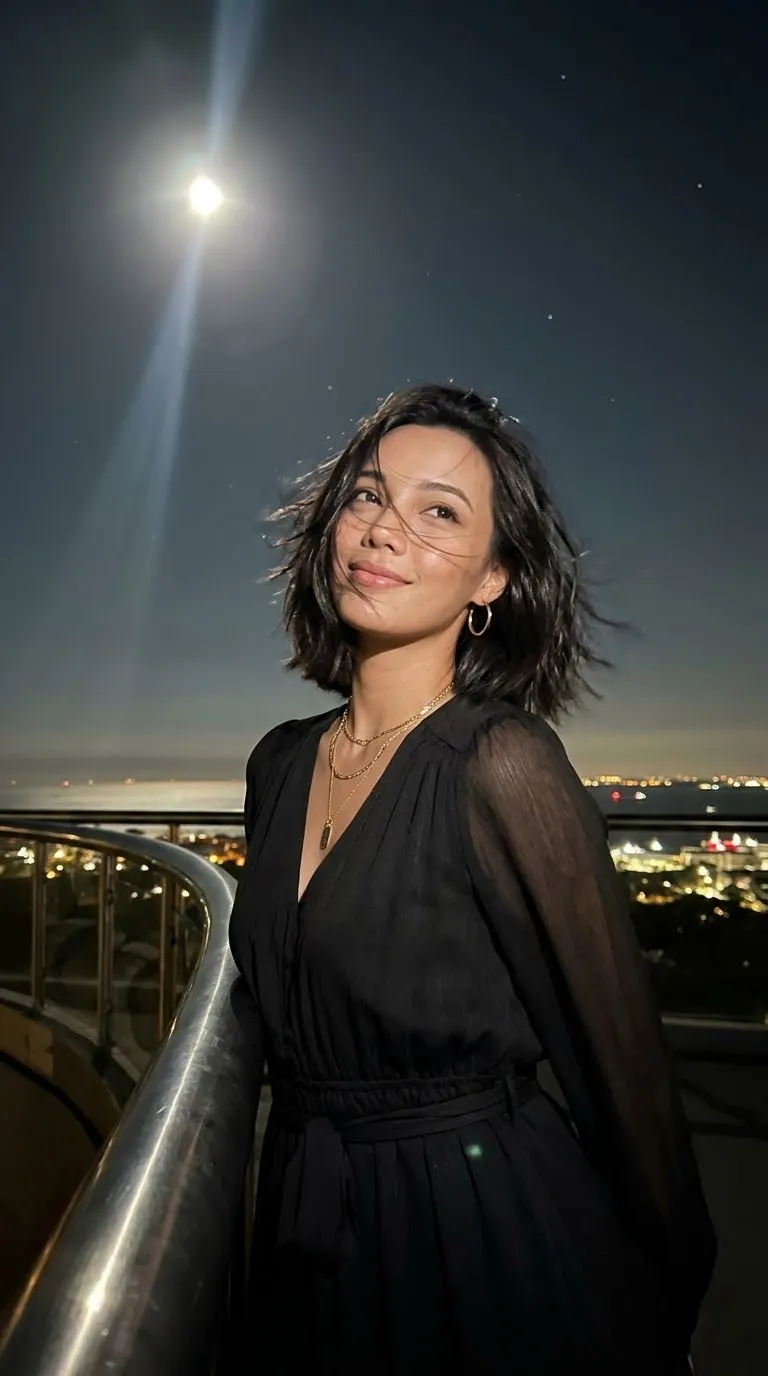
AI-generated video of a woman in a brown cropped top and light mini skirt leans against a glass terrace railing, with an illuminated city skyline behind her.
Download video result 1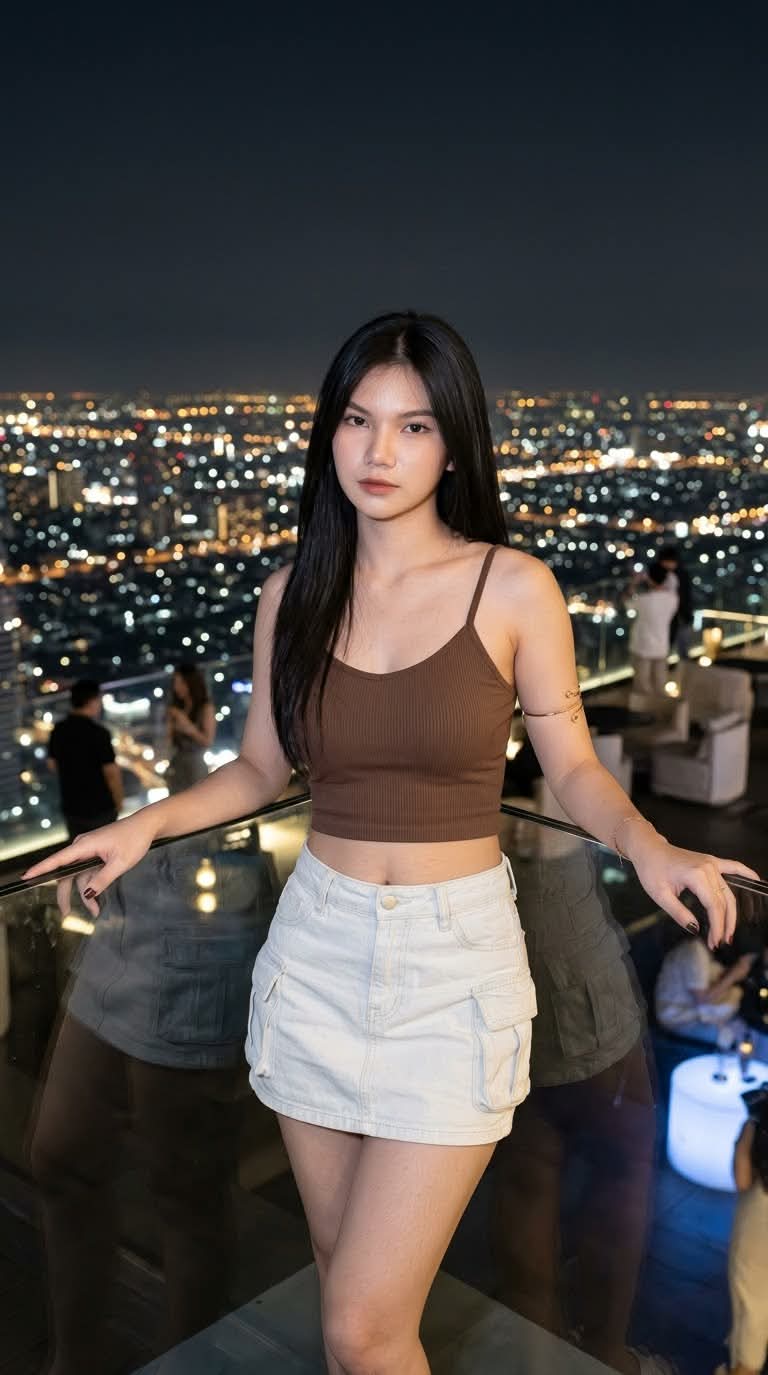
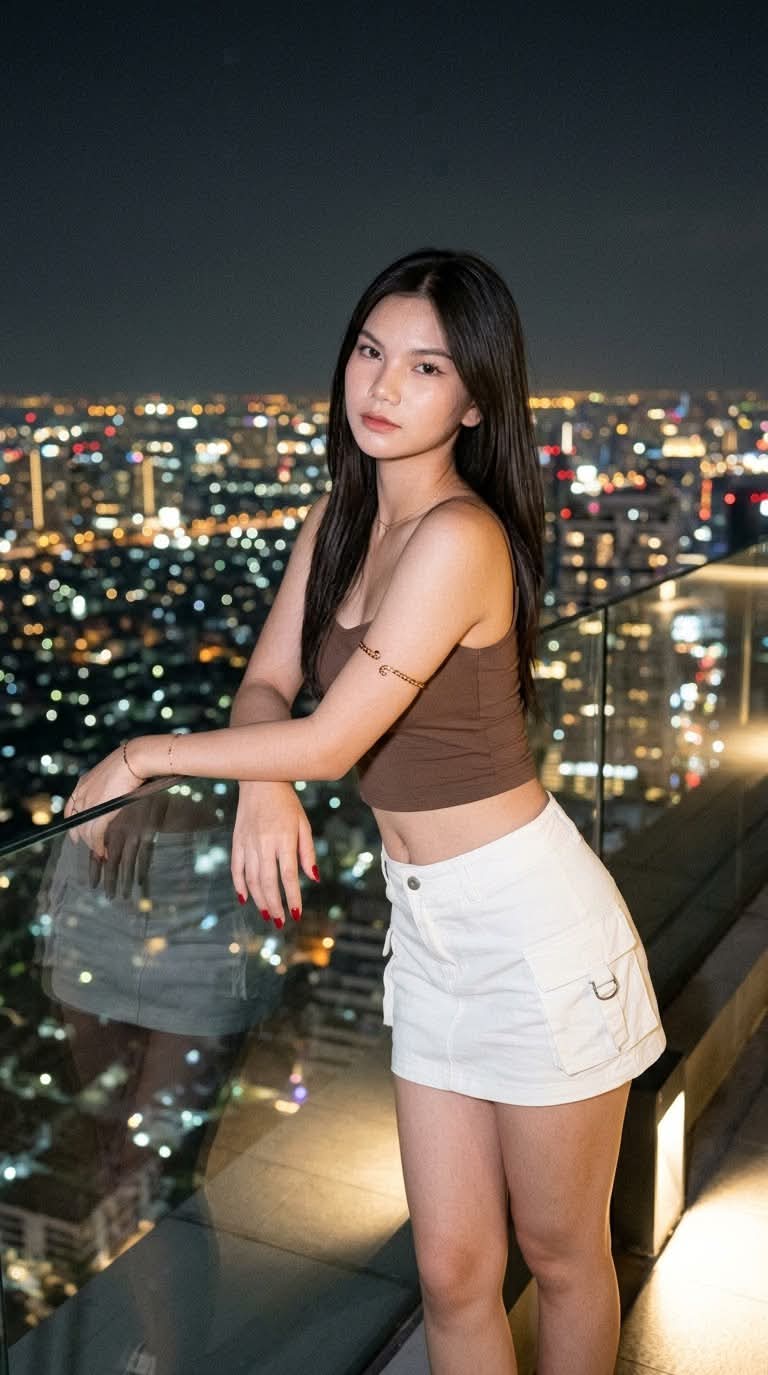
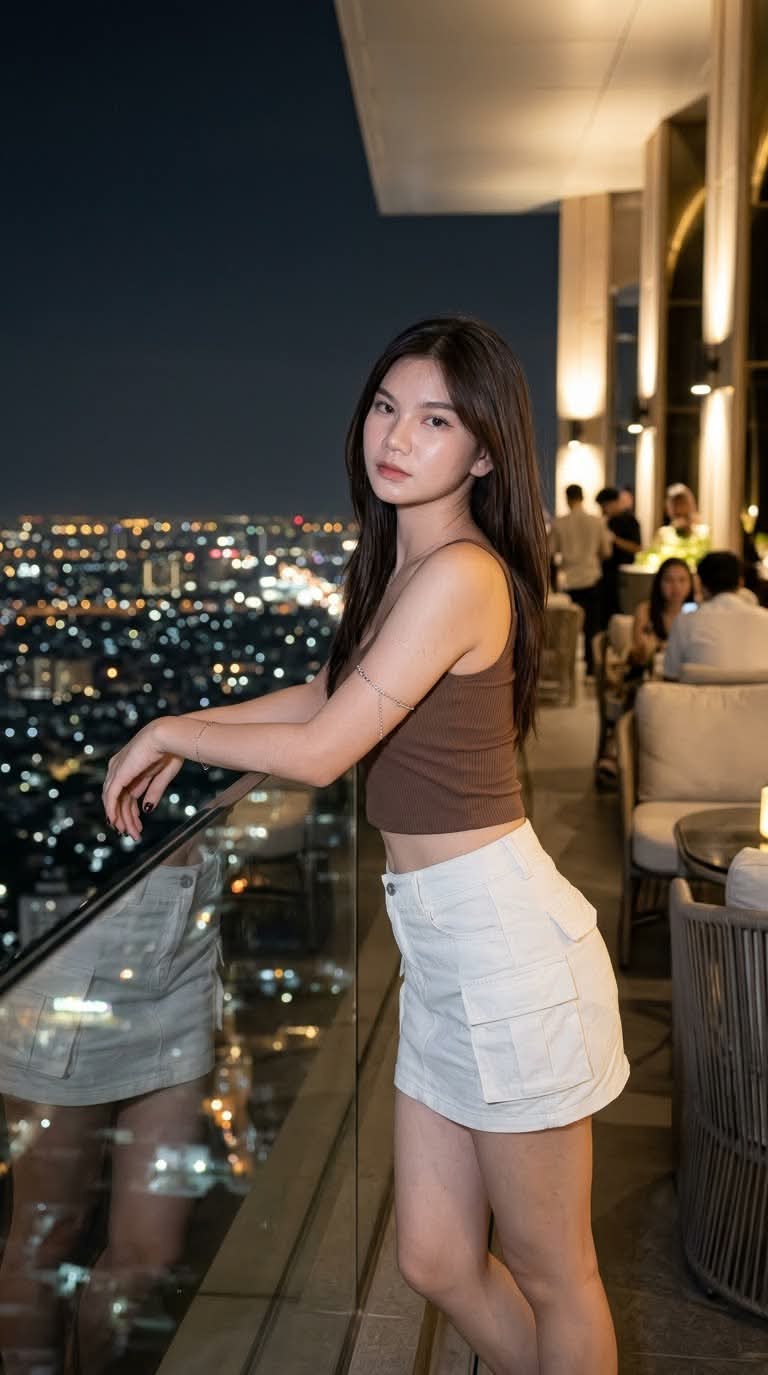
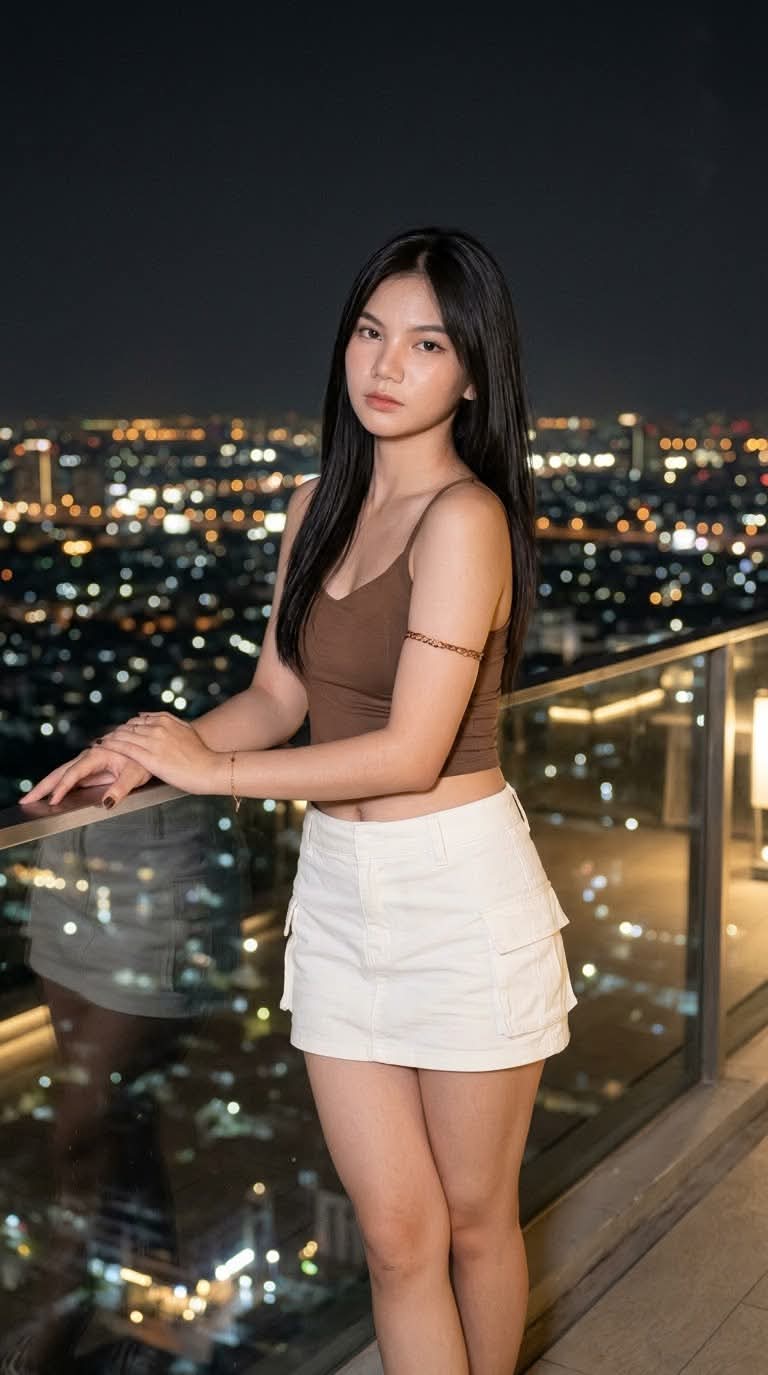
Prompt template
- Format
- Text Parameterized
- Inputs
- Reference_photo (image) · Required skirt_color (text) · Optional · Default: white watermark (text) · Optional · Default: xyerosee
- Outputs
- Fashion_portrait (image)
Create a sophisticated nighttime fashion photograph of a young woman on a high-rise terrace overlooking an illuminated city. Use the supplied reference photo to preserve her face.

She has clear skin and long, straight, waist-length hair falling over her shoulders and sides. She wears a brown cropped camisole with thin straps that reveals her midriff, a navel piercing, and a light ${skirt-color:white} denim mini skirt with utility pockets on the sides. Add a delicate clear or golden-brown bracelet around her upper left arm. Her body is curvilinear and sculptural, with slightly full hips, and her long square nails are painted red.

Show her standing and leaning slightly forward against the edge of the terrace, looking directly at the camera with a serious, confident expression. The terrace has a glass or acrylic barrier reflecting the city lights. In the background, show a panoramic view of a large city with numerous buildings and distant urban lights creating a carpet-of-lights effect; include a storefront with large glass windows.

Use an 85mm lens and the style of a high-end fashion magazine. Create a hyper-realistic image in 8K resolution, with a 3:4 aspect ratio and cinematic color grading. Use soft lighting, primarily from the city below, with possibly dim ambient terrace lighting to create an elegant urban nighttime atmosphere.

Include a delicate, semi-transparent white handwritten-script watermark reading "${watermark:xyerosee}" at the bottom center.
Replace the ${…} placeholders with your values
before using this prompt. See parameters
and defaults below
Parameters
Replace each placeholder with your own value, or use its default when one is provided
${skirt-color:white}
skirt-color
Default: white
${watermark:xyerosee}
watermark
Default: xyerosee
What you'll create
A woman leans slightly forward near a reflective terrace barrier. Straight waist-length hair, a brown camisole, utility-pocket denim skirt and red nails appear against a panoramic illuminated skyline.
Frequently asked questions
Can the skirt color be adjusted?
The skirt-color input defaults to white.




Comments
Tried this prompt? Share what you made, compare results, or ask a question