Realistic Gaming-Shop Fashion Portrait
Create a realistic fashion-magazine portrait of a girl seated in a yellow gaming chair inside a computer shop, using a supplied reference photo to preserve her face.
Example outputs
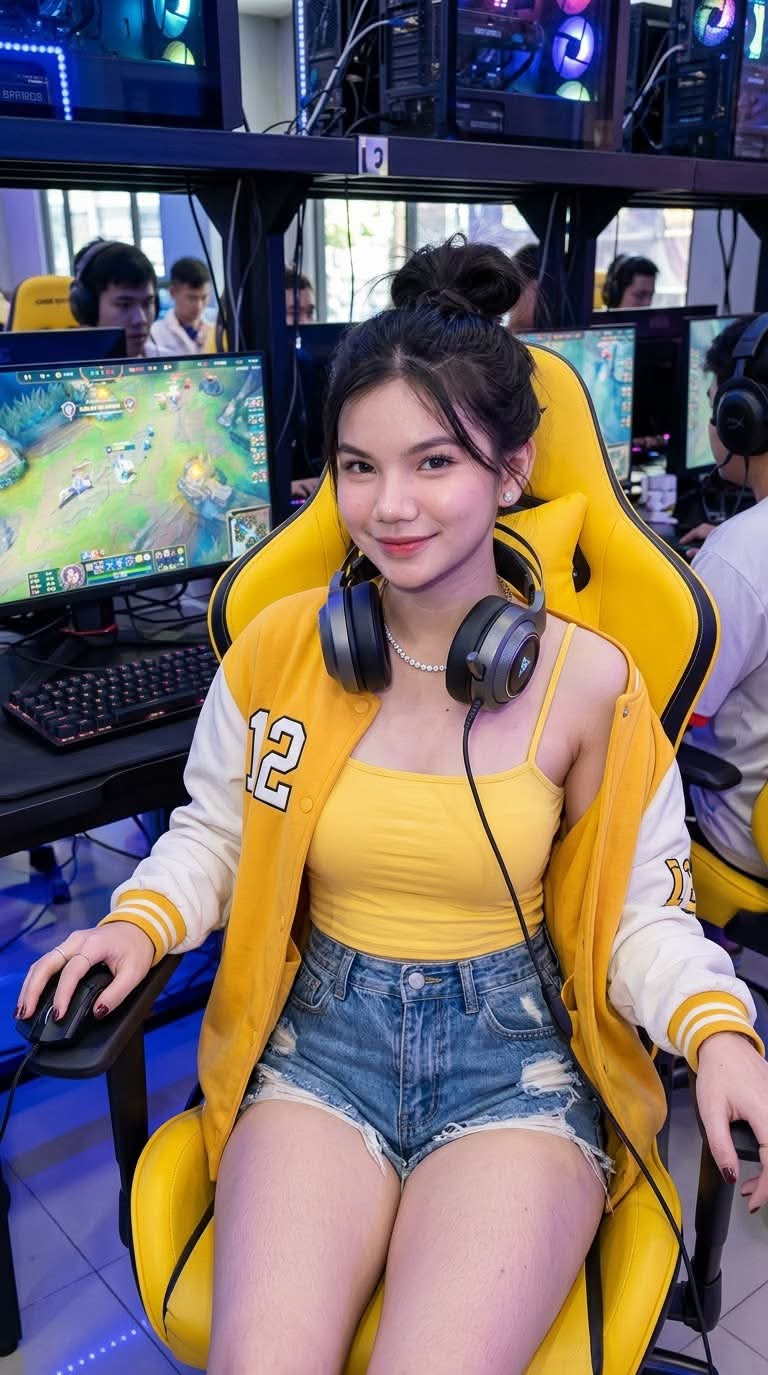
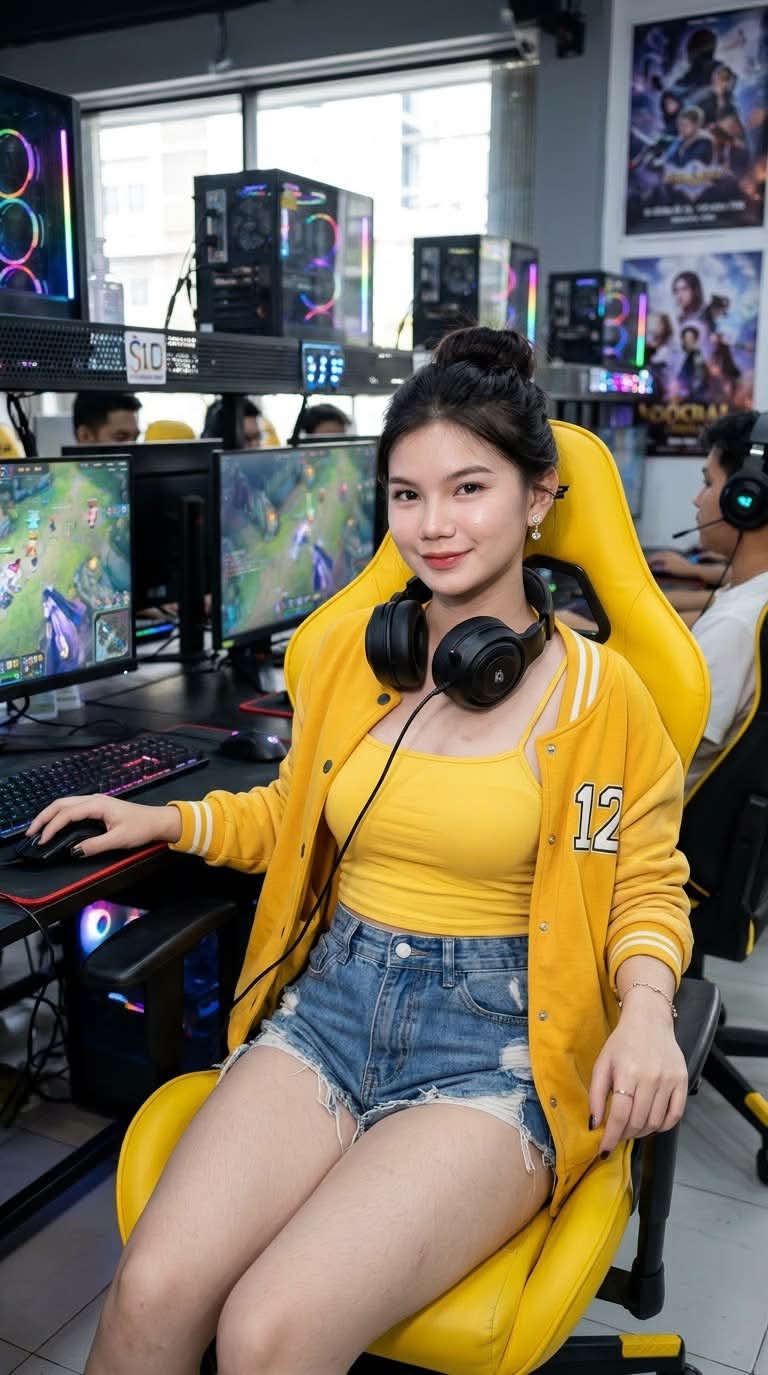
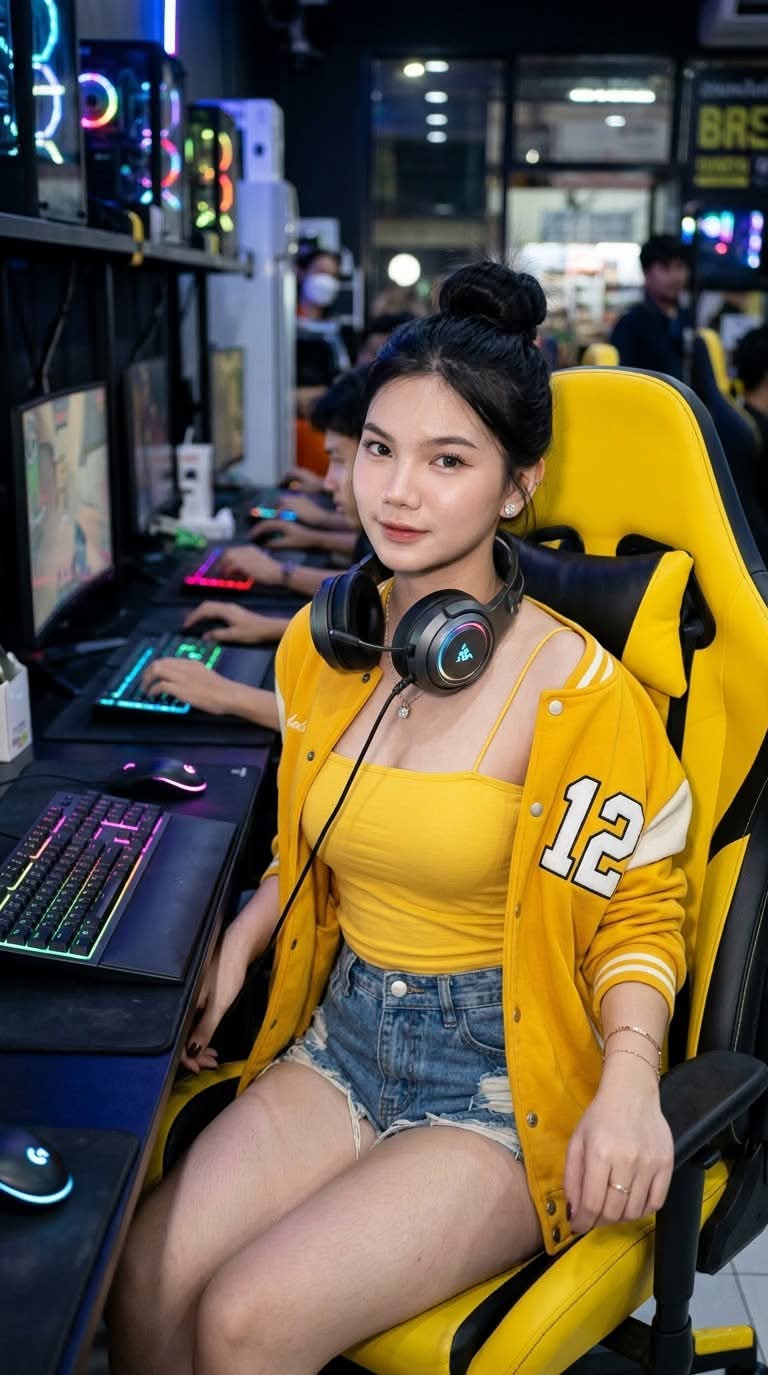
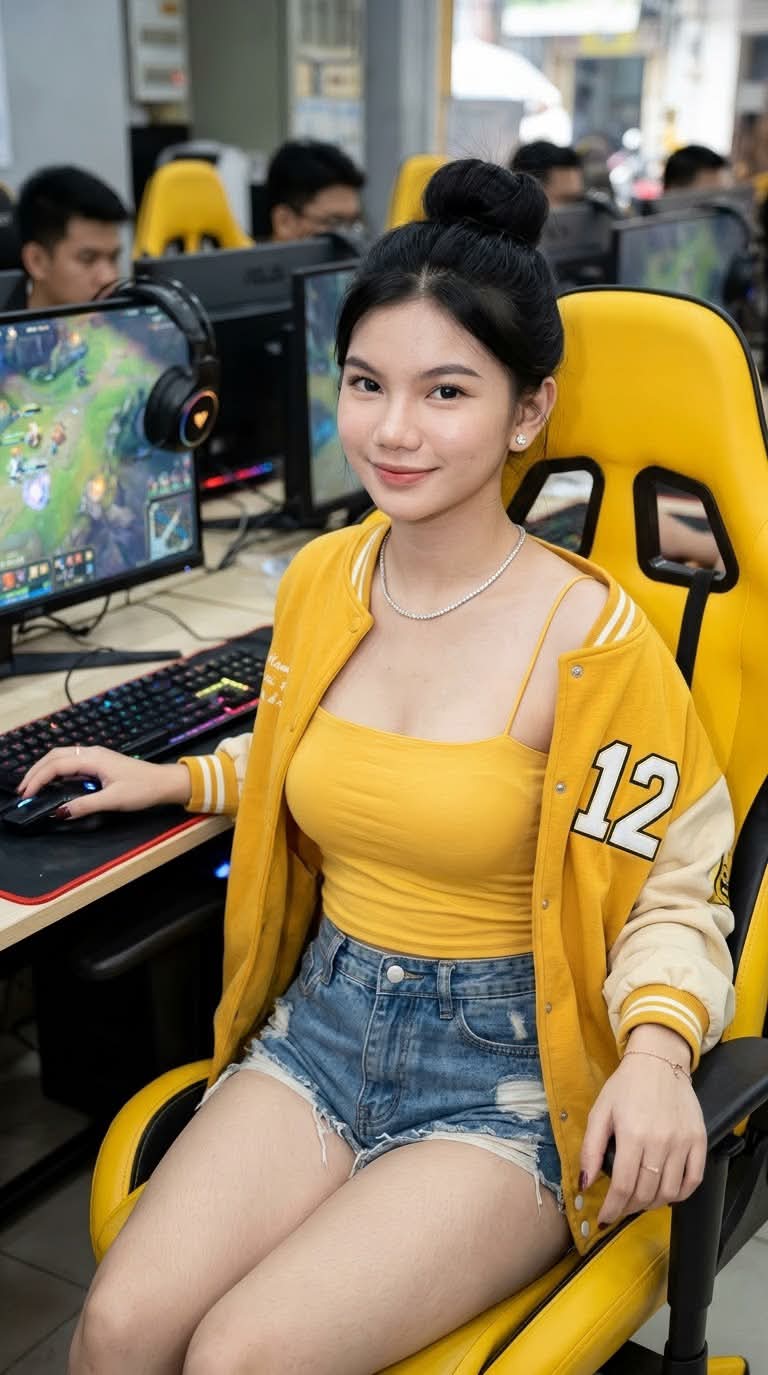
Prompt template
- Format
- Text Parameterized
- Inputs
- Reference_photo (image) · Required watermark_text (text) · Optional · Default: xyerosee
- Outputs
- Realistic_fashion_portrait (image)
Using the supplied reference photo, create a realistic image of a young girl while preserving her face and identity exactly. Do not change the subject.

She is seated in a yellow gaming chair, playing at a computer and looking toward the camera with a playful but gorgeous expression. She wears a yellow sleeveless spaghetti-strap top, a yellow varsity jacket with “12” attached, and tattered high-waisted shorts. She has long, straight black hair styled into a bun, diamond accessories, and natural makeup. Her headphones rest around her neck.

Set the scene inside a computer shop, with a storefront and large glass windows in the background. Use an 85mm lens and the style of a high-end fashion magazine. Create an elegant urban nighttime atmosphere with soft lighting, mainly from city lights at ground level, and possibly dim ambient lighting on the terrace. Use cinematic color grading, an 8K resolution, and a 3:4 aspect ratio.

Add a delicate, semi-transparent handwritten watermark in white ink, centered at the bottom: “${watermark-text:xyerosee}”.
Replace the ${…} placeholders with your values
before using this prompt. See parameters
and defaults below
Parameters
Replace each placeholder with your own value, or use its default when one is provided
${watermark-text:xyerosee}
watermark-text
Default: xyerosee
What you'll create
A reference subject pauses at a computer and looks toward the camera. A yellow varsity jacket, headphones at the neck and urban window light create the nighttime setting.
Frequently asked questions
Are the headphones worn over the ears?
No. They rest around the neck.
What number appears on the jacket?
Twelve.





Comments
Tried this prompt? Share what you made, compare results, or ask a question