Black-and-White Portrait with Red Roses
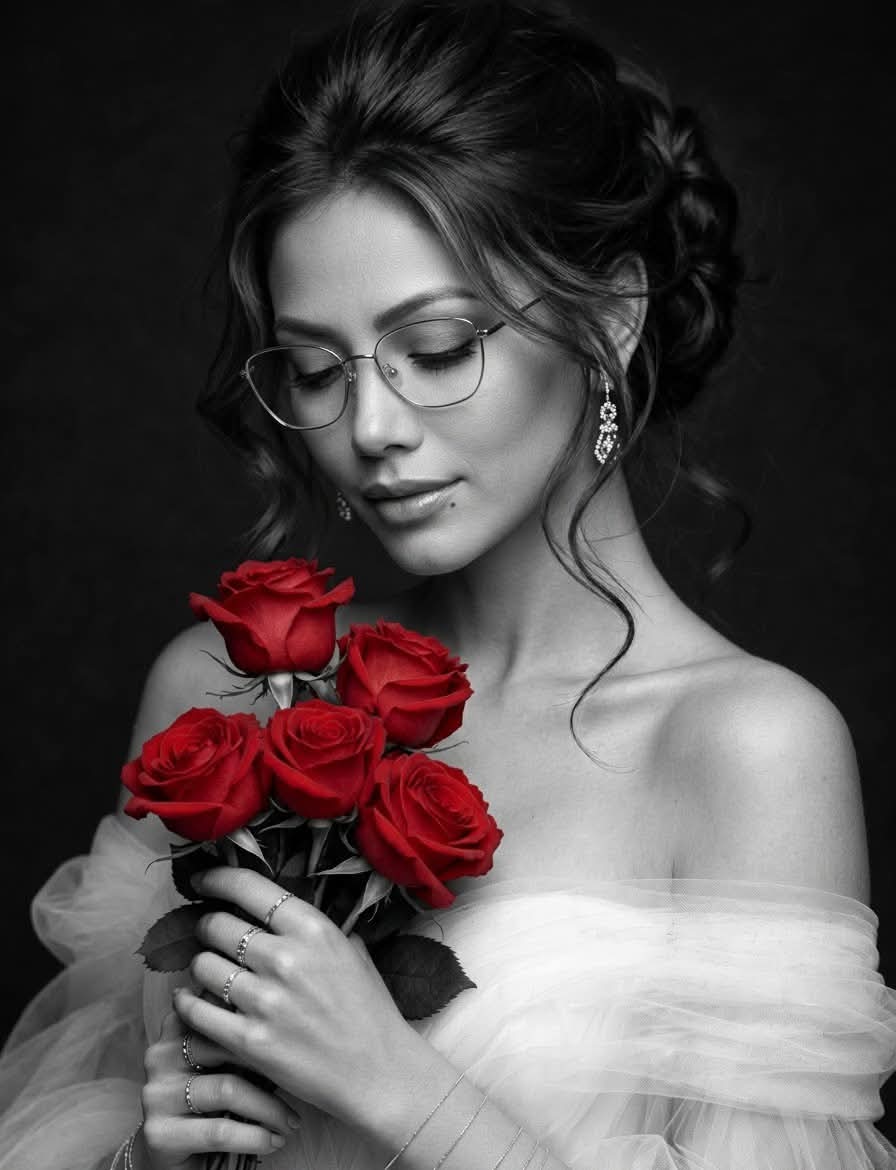
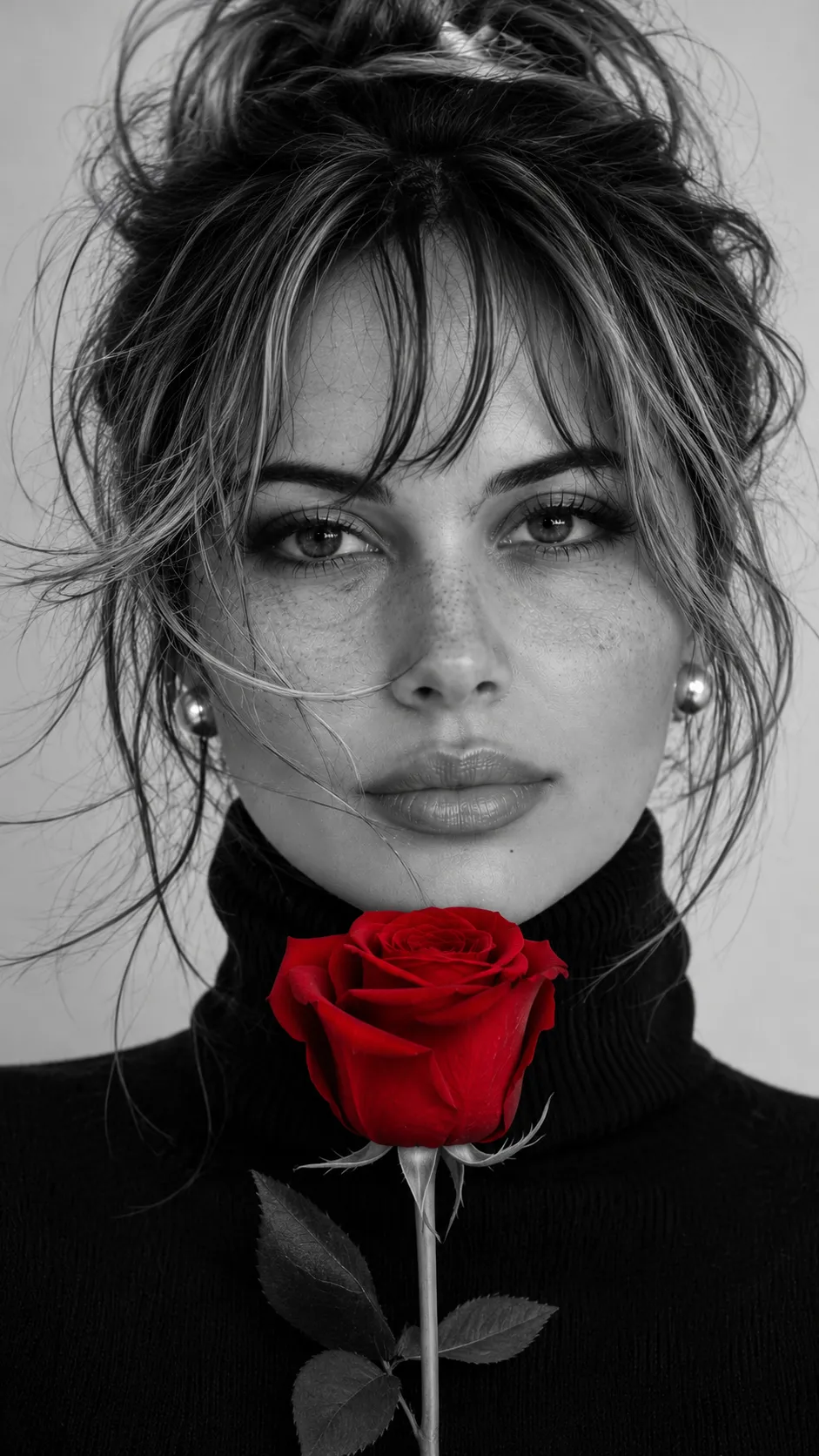
Create an elegant fine-art fashion portrait with a selective-color bouquet of red roses and a customizable signature.
Example outputs
Prompt template
- Format
- Text Parameterized
- Inputs
- Signature_text (text) · Optional · Default: Yuyun 🌹
- Outputs
- Portrait (image)
Create a sophisticated black-and-white portrait photograph of an elegant young woman with a gentle expression, holding a small bouquet of vibrant, deep red roses as the only spot of color, using a selective-color effect.

She has styled-updo hair with loose, wavy strands framing her face, wears an off-shoulder white tulle or chiffon dress, and has subtle pearl earrings. Use soft studio lighting, cinematic contrast, shallow depth of field, and a minimalist dark background in a high-end fine-art fashion photography style.

In the bottom-right corner, include a small, bold, stylized handwritten signature in cursive, slightly abstract and artistic, with a soft glow. The exact signature text is ${signature-text:Yuyun 🌹}.
Replace the ${…} placeholders with your values
before using this prompt. See parameters
and defaults below
Parameters
Replace each placeholder with your own value, or use its default when one is provided
${signature-text:Yuyun 🌹}
signature-text
Default: Yuyun 🌹
What you'll create
An elegant woman holds a small deep-red bouquet before a dark minimalist backdrop. A loose updo, pearl earrings and airy white fabric catch soft studio light within a grayscale portrait.
Frequently asked questions
Does the entire image stay black and white?
The roses alone retain vibrant deep red through a selective-color effect.




Comments
Tried this prompt? Share what you made, compare results, or ask a question