Torn-Paper Photo and Manga Split
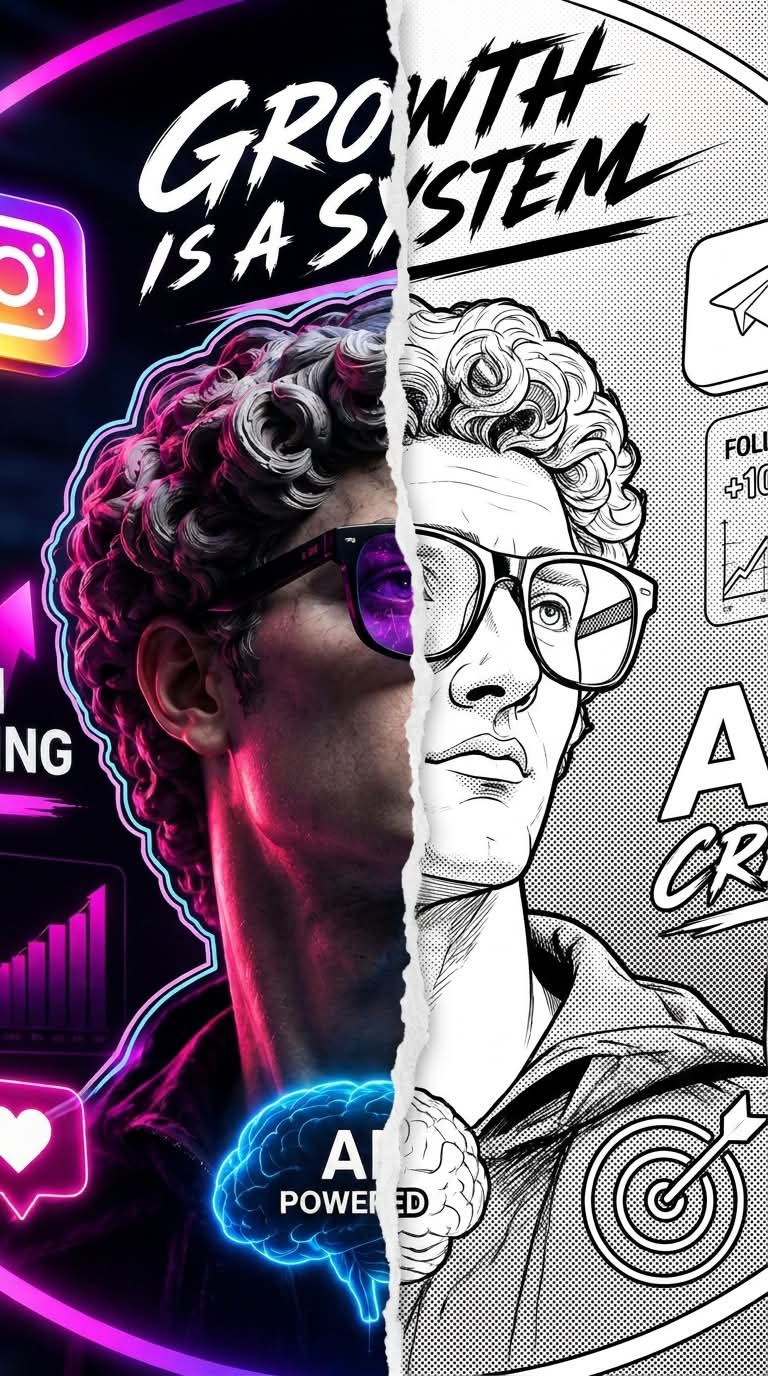
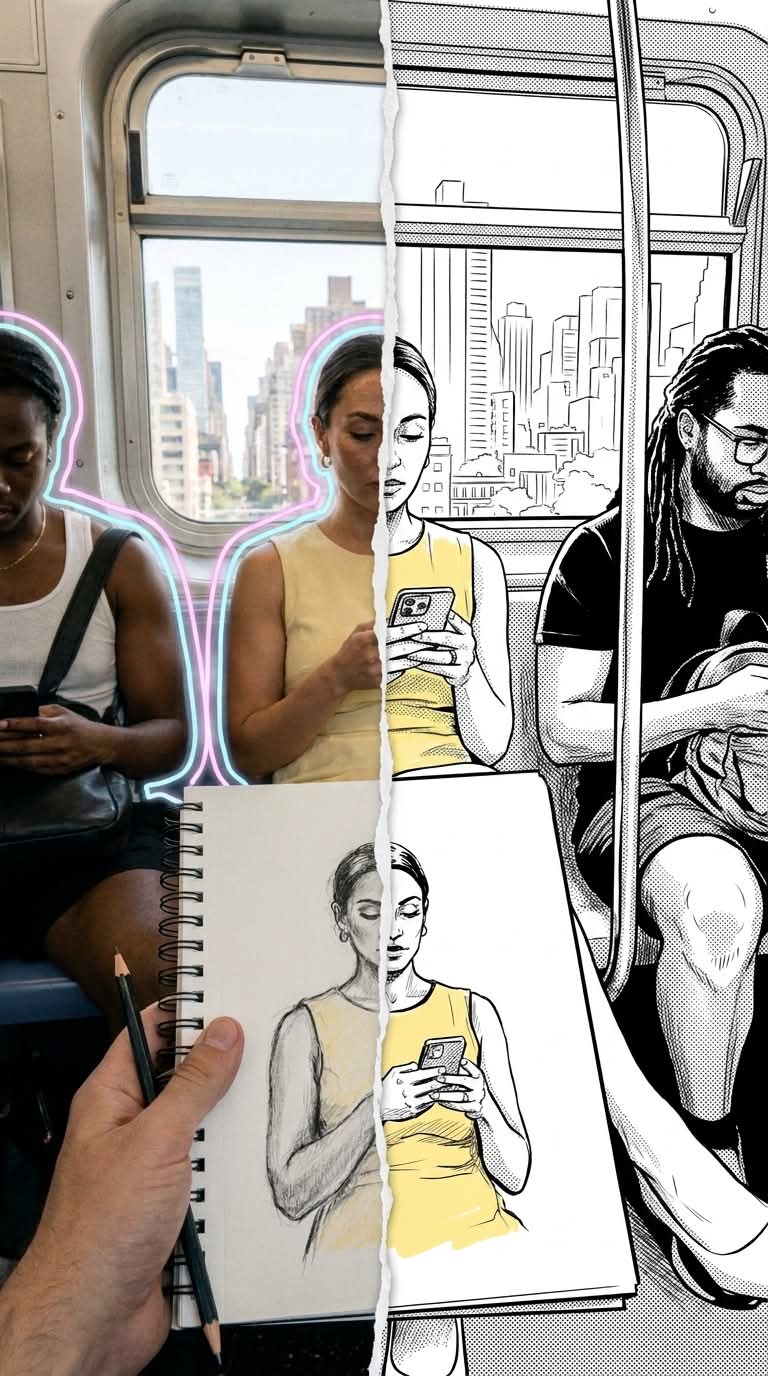
Create a mixed-media portrait that pairs the original color photo with a black-and-white manga-style drawing, divided by a torn-paper edge.
Example outputs
Prompt template
- Format
- Text
- Inputs
- Reference_photo (image) · Required
- Outputs
- Mixed_media_portrait (image)
Apply a mixed-media effect to the uploaded photo. Preserve the person's face, hairstyle, pose, and clothing from the original image.

Divide the image vertically down the center with a white torn-paper edge.

Left side: Keep the original realistic color photo, including the original clothing and background. Add a delicate double outline around the person's silhouette in pastel neon pink and blue.

Right side: Transform the right half of the person into a clean black-and-white 2D drawing in a comic or manga style.
What you'll create
A white torn edge divides the portrait vertically. The realistic left side gains a delicate pastel pink-and-blue outline while the right becomes a clean two-dimensional comic drawing.
Frequently asked questions
Which side remains photographic?
The left side preserves the original color photograph and background.
Does the pose change on the manga side?
No. Face, hairstyle, clothing and pose follow the original image.



Comments
Tried this prompt? Share what you made, compare results, or ask a question