Create a Dynamic Manga Page from a Reference Photo
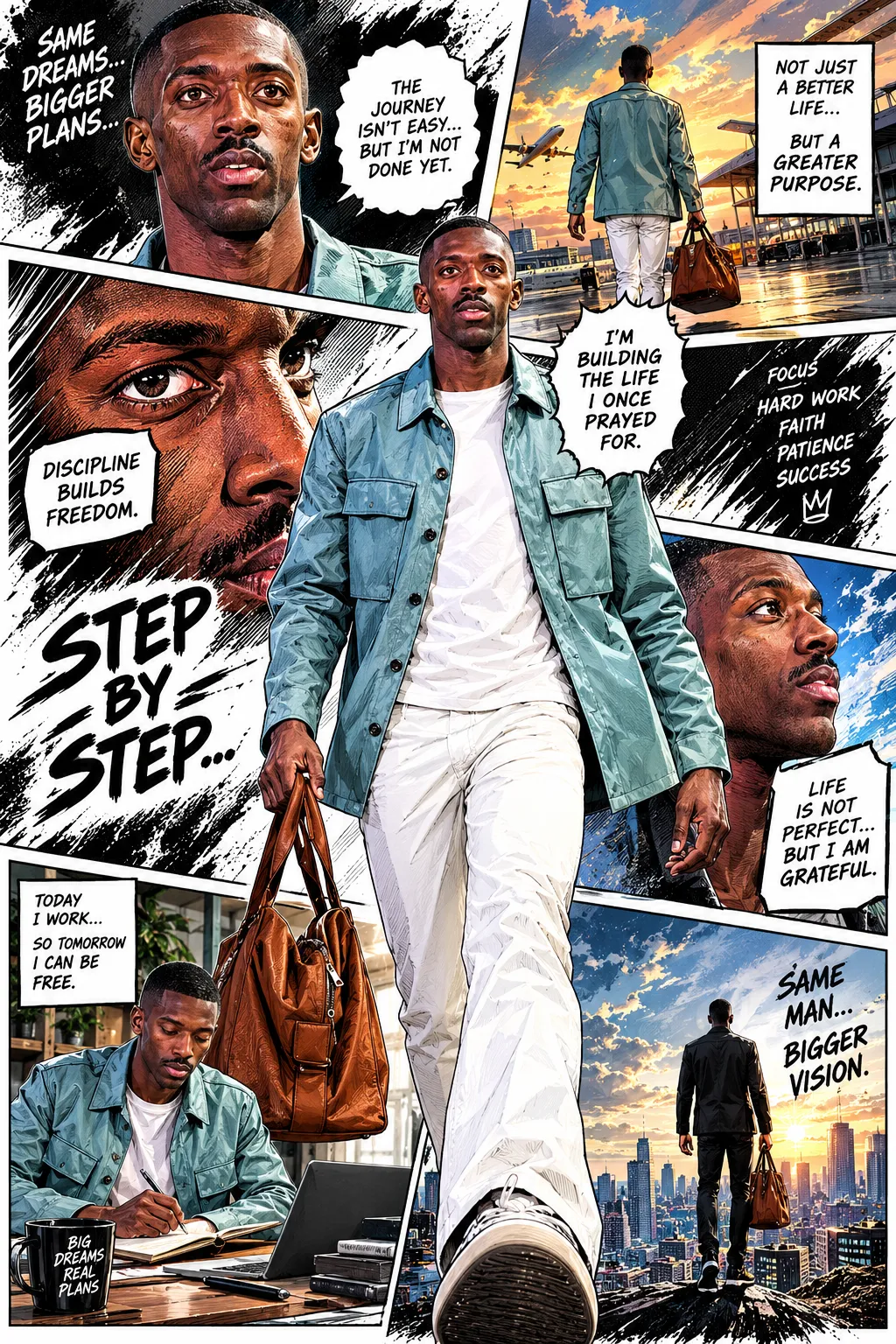
Create a full-color manga page based on the person in an uploaded reference photo, using expressive paneling and energetic visual effects.
Example outputs
Prompt template
- Format
- Text
- Inputs
- Reference_image (image) · Required
- Outputs
- Manga_page (image)
Use the uploaded reference image to create a full-color, full-page manga illustration based on the person shown. Compose an authentic manga page with 5 to 7 dynamic, interconnected panels. Use cinematic storytelling, dramatic perspective, expressive emotions, dynamic poses, speed lines, impact frames, close-up shots, and intense visual flow. Add comic-style sound effects in English, handwritten dialogue bubbles, ink splashes, halftone textures, comic sketch lines, and graphite-inspired brush strokes. Combine vibrant colors with manga-style shading and strong contrast. Emphasize the character’s personality and aura using symbolic visual elements and atmospheric energy effects. Make the result highly detailed, emotional, stylish, energetic, and professional, with clean white negative space blended with chaotic ink textures.What you'll create
Interconnected panels combine close-ups, action poses and expressive reactions. Speed lines, English sound effects and dialogue bubbles create a vivid energetic page with deliberate white space.
Frequently asked questions
How many panels are requested?
Five to seven interconnected panels form the page.
What adds printed-comic texture?
Halftones, ink splashes, sketch lines and graphite-inspired strokes are specified.




Comments
Tried this prompt? Share what you made, compare results, or ask a question