Drypoint City Poster
Create a collectible city poster in a drypoint printmaking style, centered on a dominant landmark and a spacious pedestrian plaza.
Example outputs
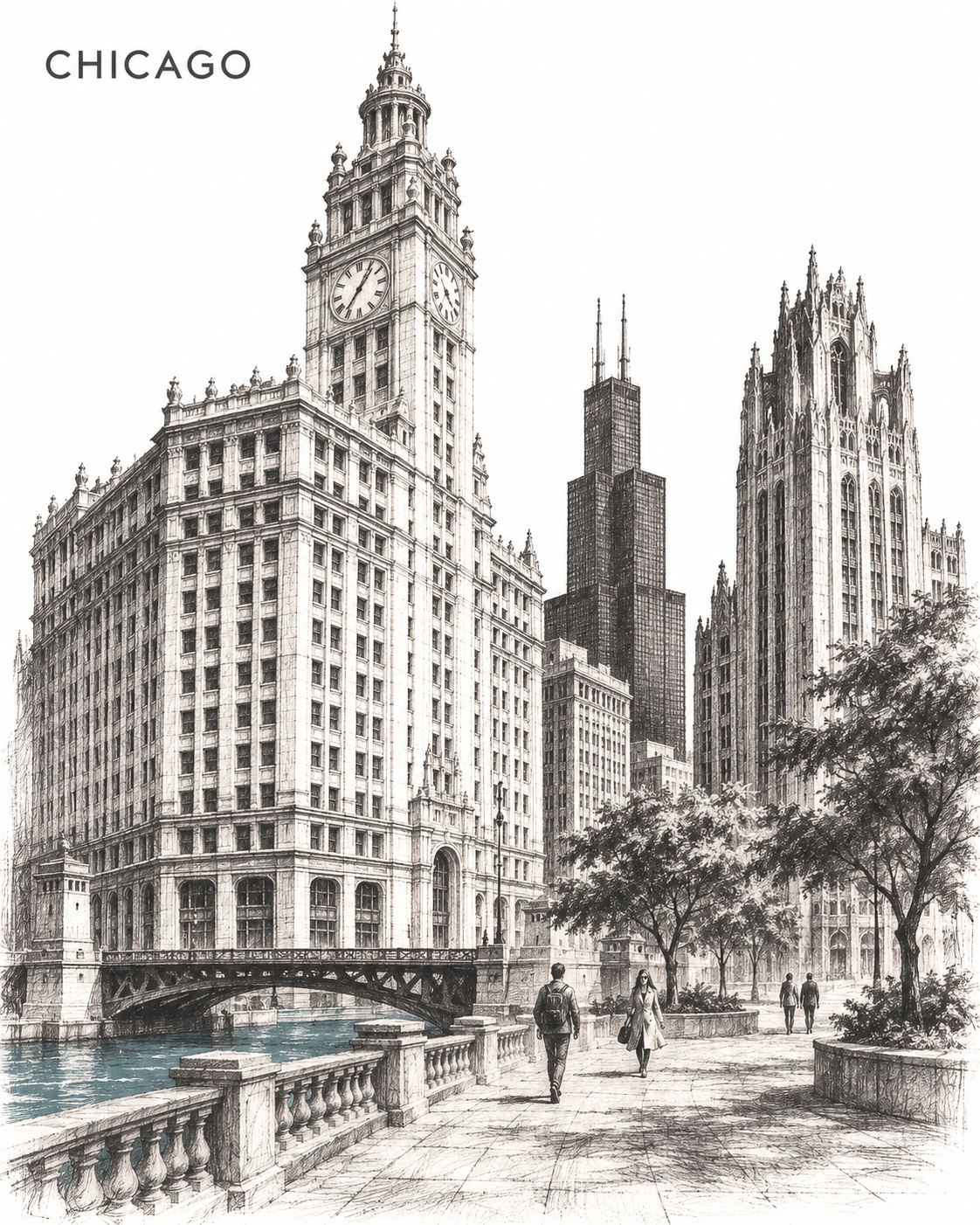
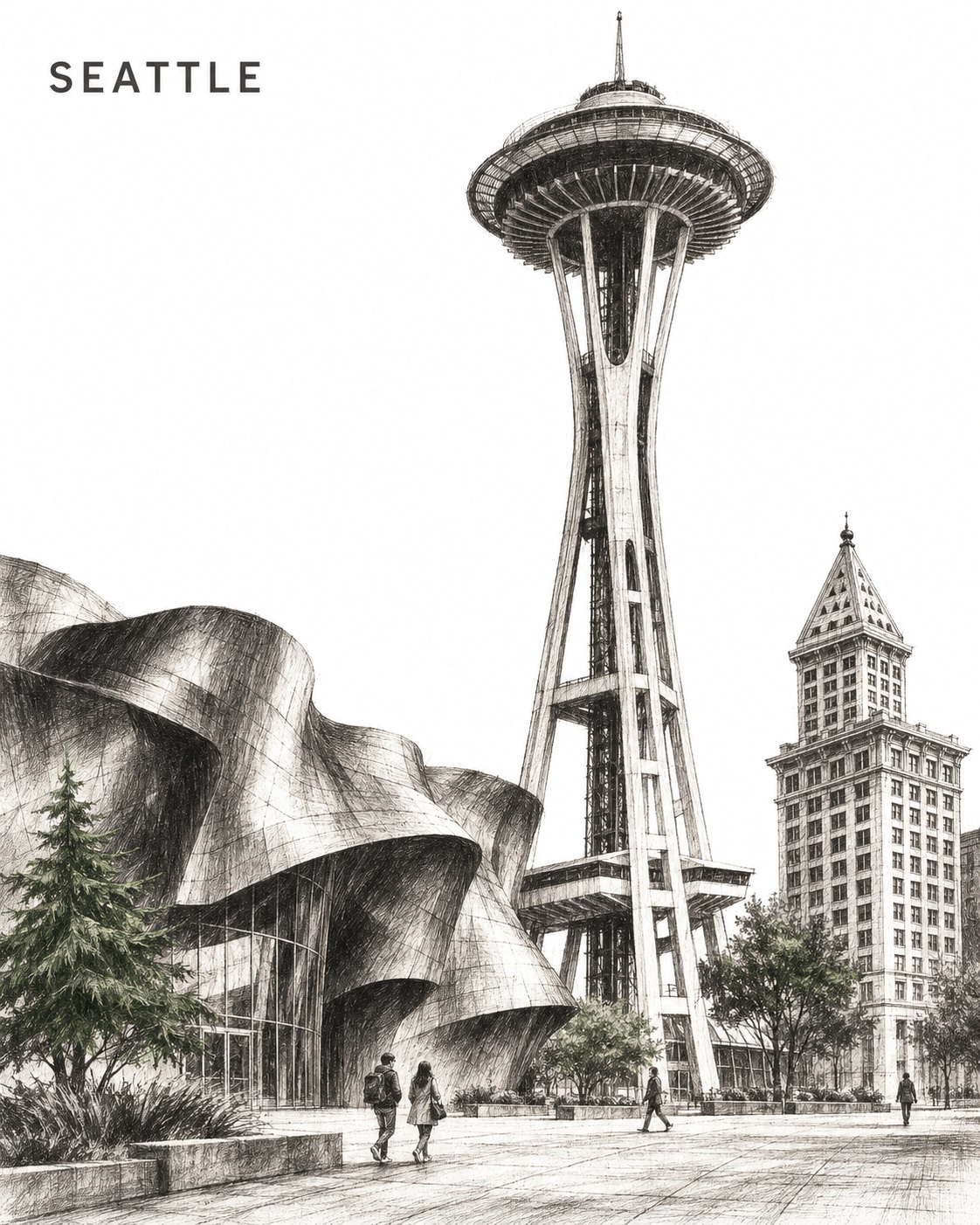
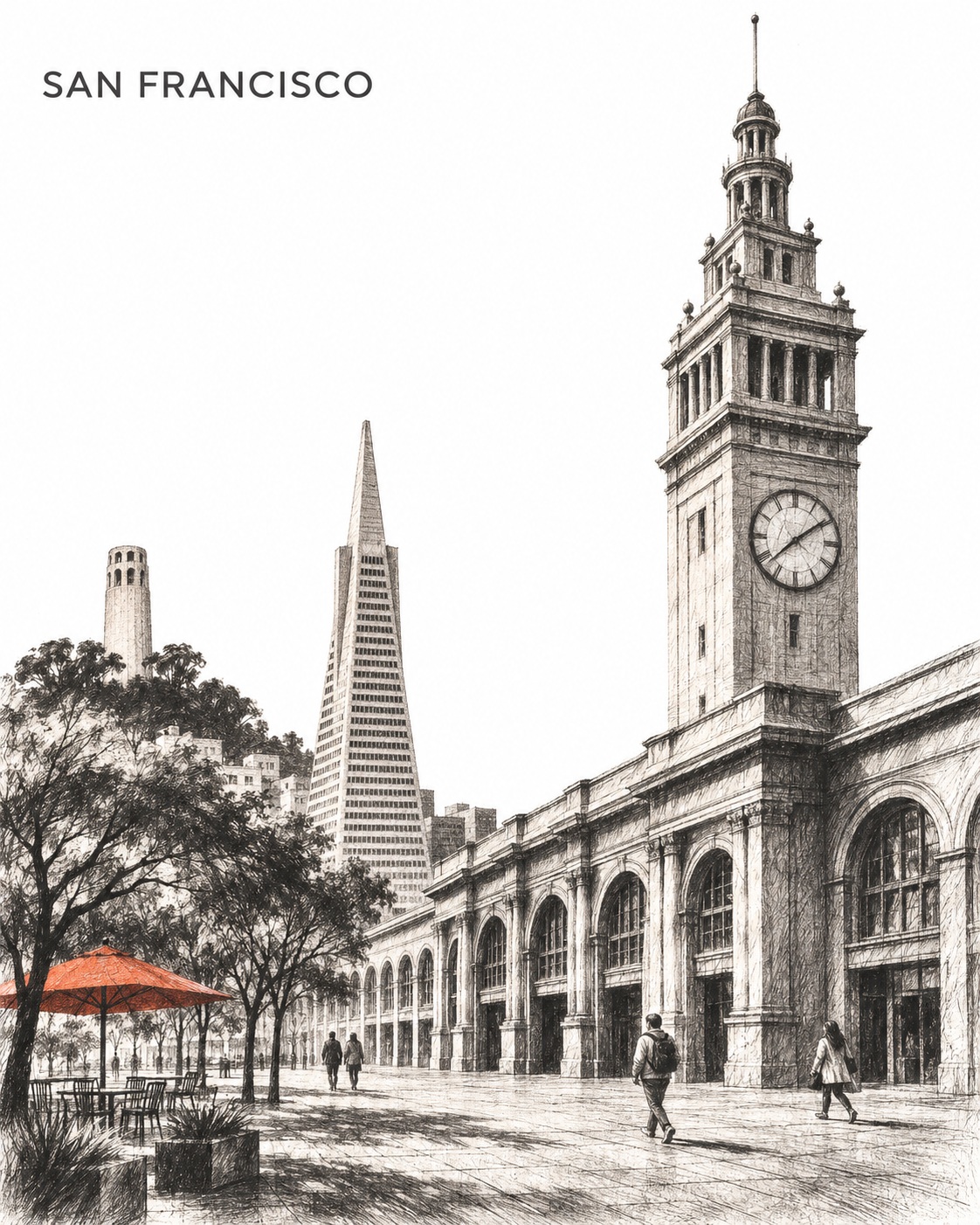
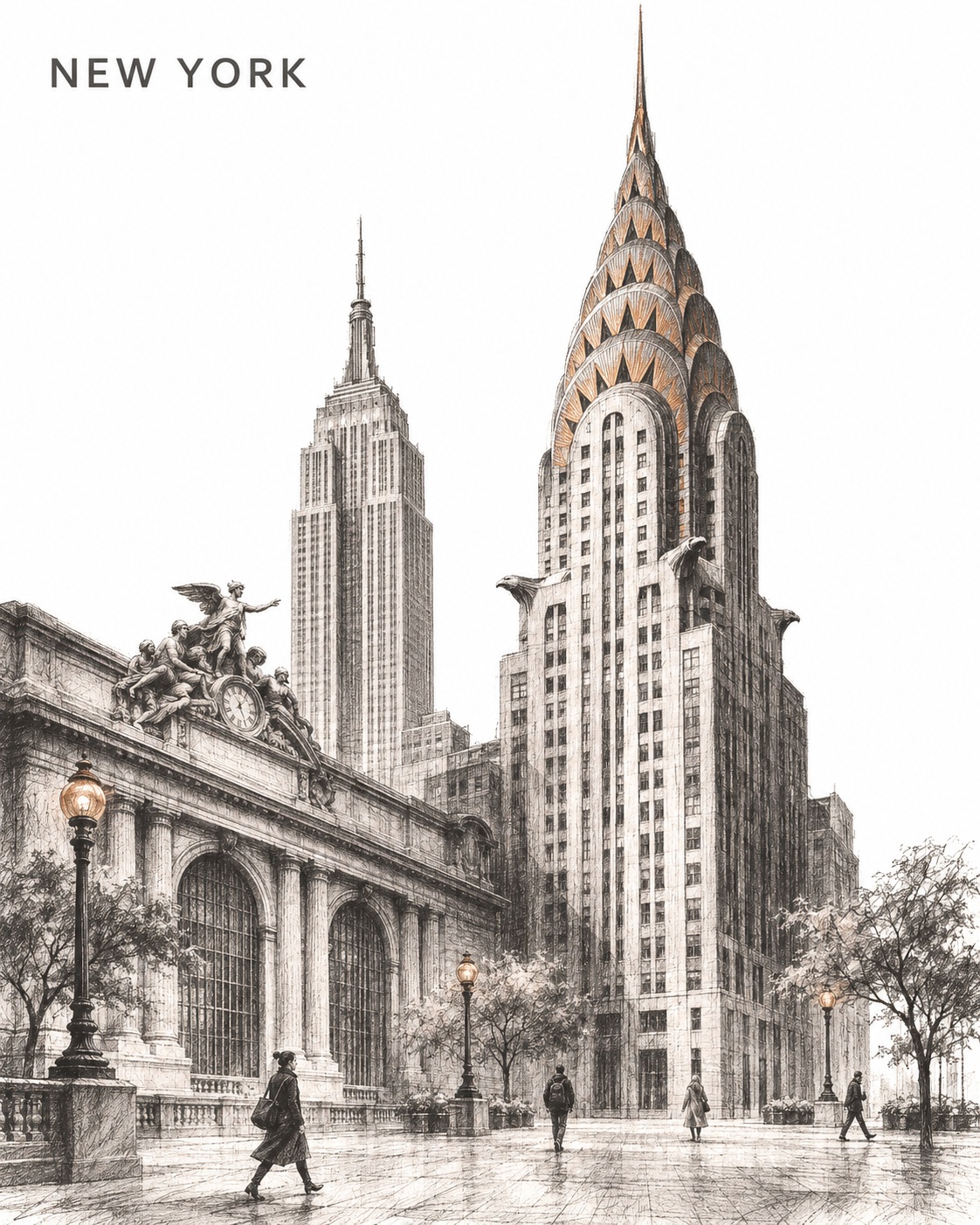
Prompt template
- Format
- Text Parameterized
- Inputs
- city (text) · Required landmark (text) · Required
- Outputs
- Cityscape (image)
Create a collectible drypoint city poster of ${city}. Vertical 4:5 on pure-white paper.

Make ${landmark} dominant and select two recognizable supporting landmarks from ${city} with contrasting silhouettes. Creatively unite them around one spacious pedestrian plaza while preserving their defining architecture and proportions.

Use an asymmetric human-height view. Connect all bases through one shared ground plane and a single horizontal flow, varying height, spacing and gentle overlaps. Avoid stacked skyline rows. Include four tiny contemporary pedestrians.

Use velvety charcoal-black drypoint burr, expressive scratched lines and selective dense shadows. Add one restrained destination-inspired accent. Keep the sky luminous unprinted white and the focal silhouette clear.

Place “${city}” in small uppercase SUIT typography at the upper left: clean contemporary sans-serif, Regular or Medium, restrained tracking and soft charcoal, with ample white clearance.

Keep signs and inscriptions blank. No other lettering, logos, borders, signatures or watermarks.
Replace the ${…} placeholders with your values
before using this prompt. See parameters
and defaults below
Parameters
Replace each placeholder with your own value, or use its default when one is provided
${city}
city
Required
${landmark}
landmark
Required
What you'll create
A dominant landmark and two contrasting supporting silhouettes share a spacious plaza in an asymmetric human-height view. Scratched charcoal-black drypoint lines, selective dense shadows and one restrained color accent leave the sky bright and unprinted.
Usage instructions
Provide the city and its dominant landmark; the prompt calls for two supporting landmarks recognizable from that city. The shared ground plane and asymmetric human-height view shape the composition, while the single destination-inspired accent can be tailored to the place.
Frequently asked questions
Is the skyline stacked in rows?
No; the landmarks connect through a single ground plane and horizontal flow with gentle overlaps.




Comments
Tried this prompt? Share what you made, compare results, or ask a question