Palette-Knife Oil-Painting City Poster
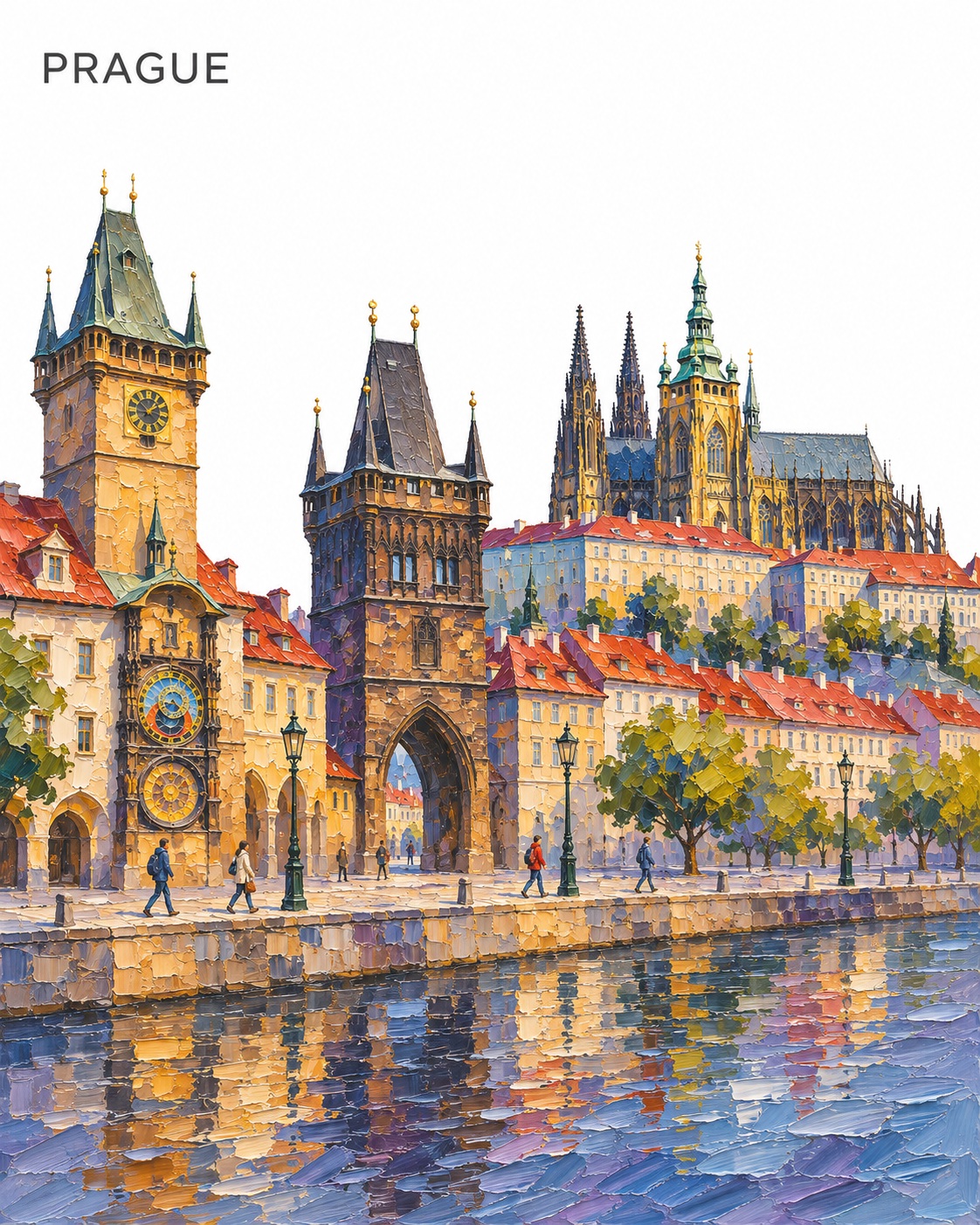
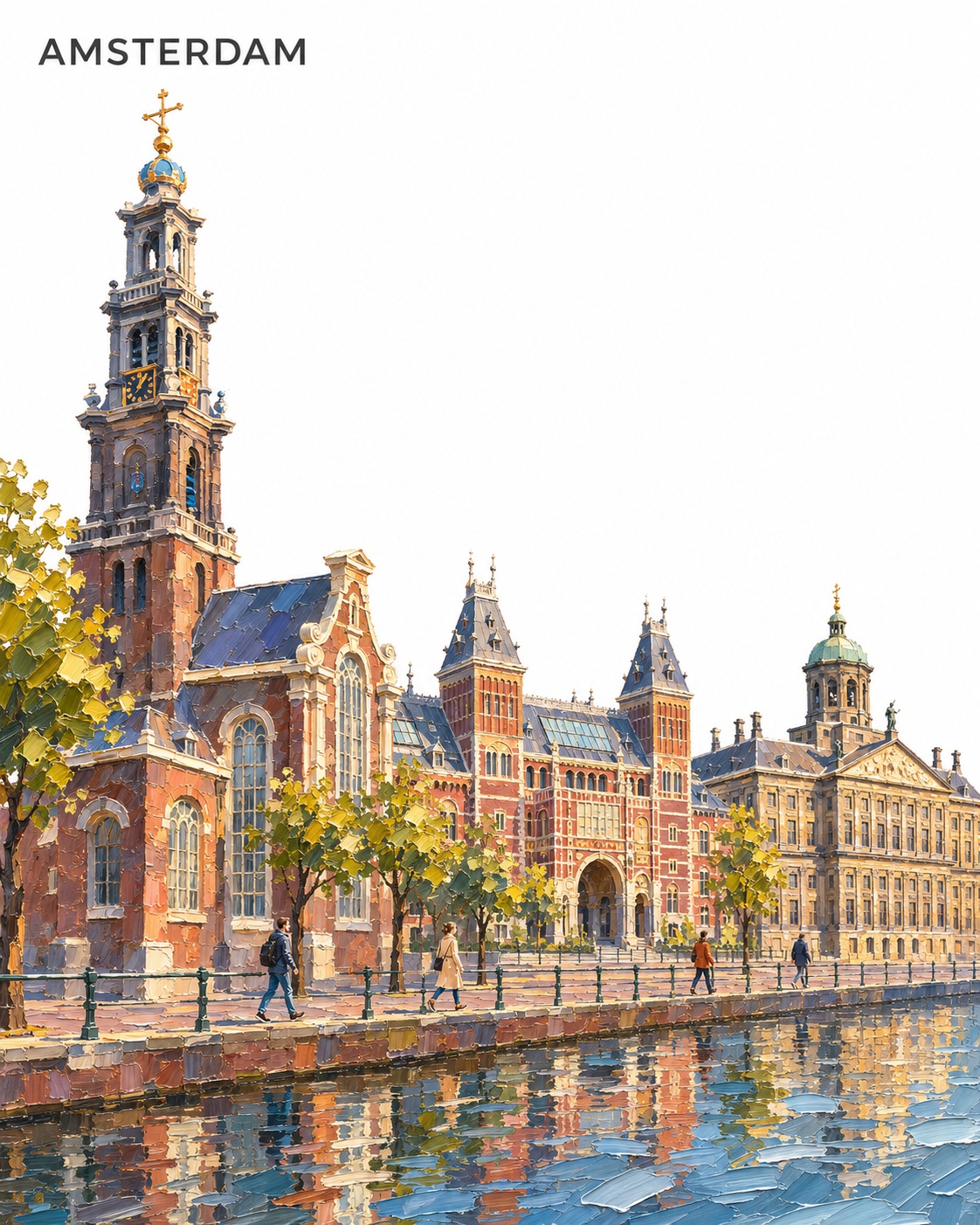
Create a collectible, vertical city poster as a textured palette-knife oil painting, with a dominant landmark, a continuous riverside promenade, and restrained city-inspired colors.
Example outputs
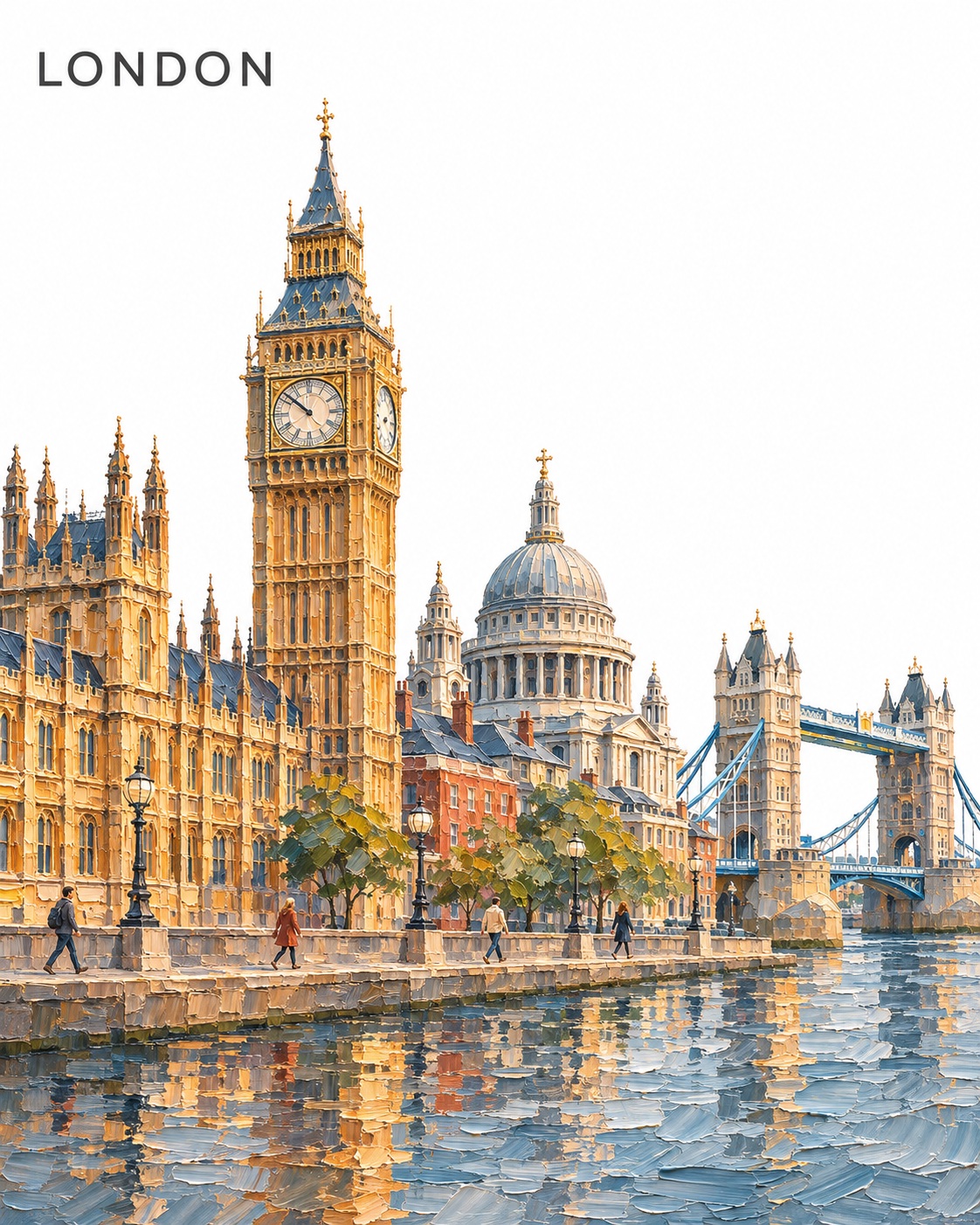
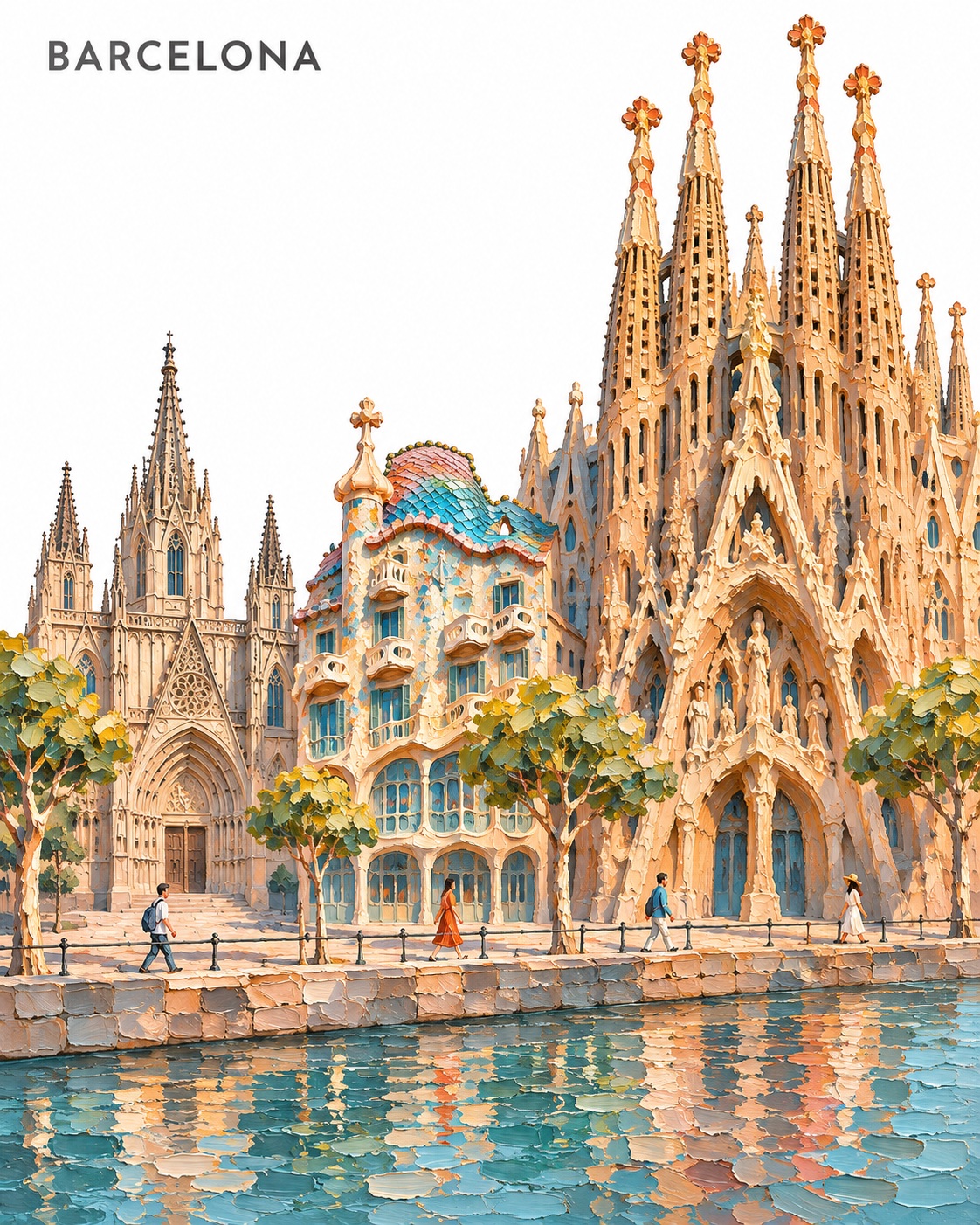
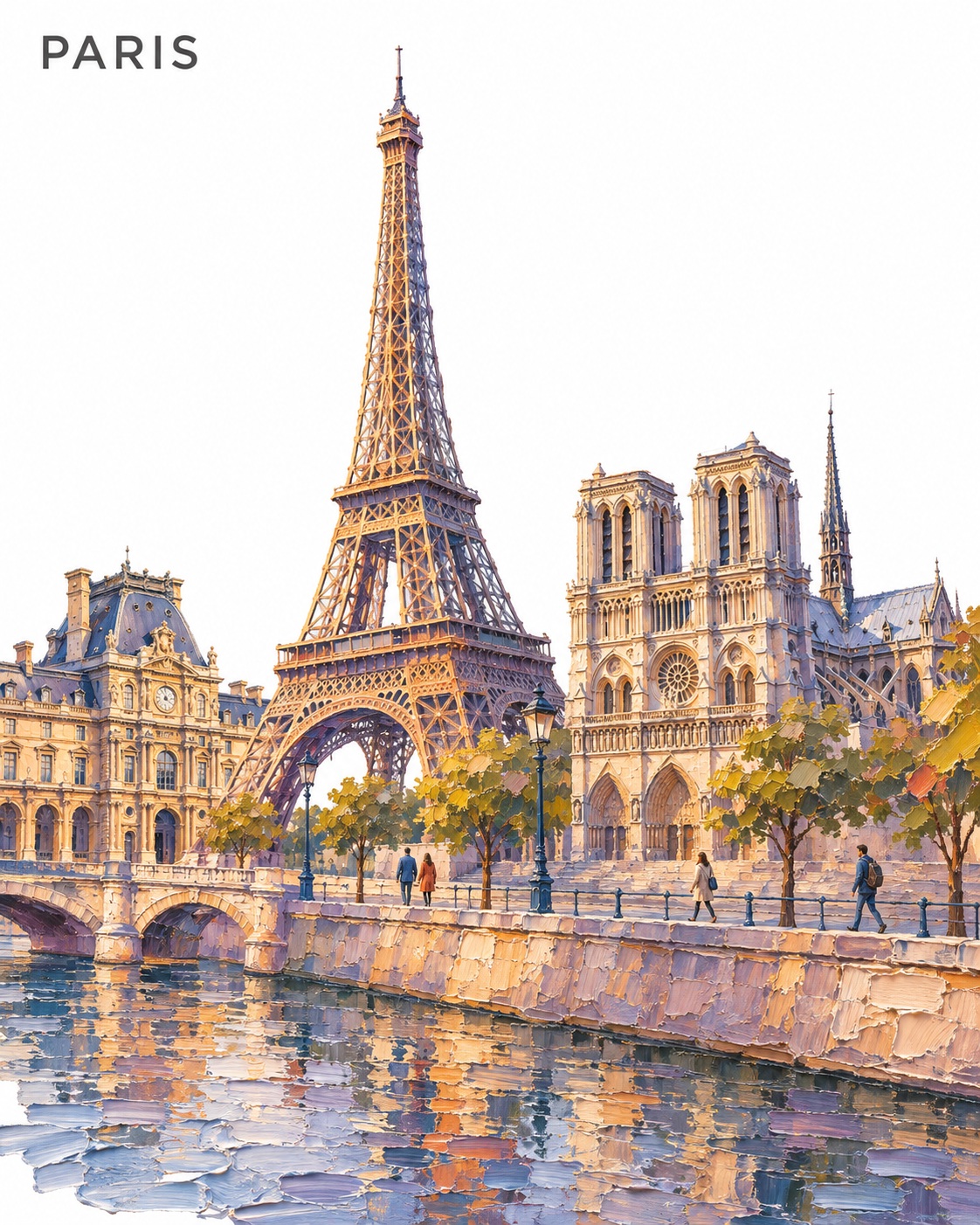
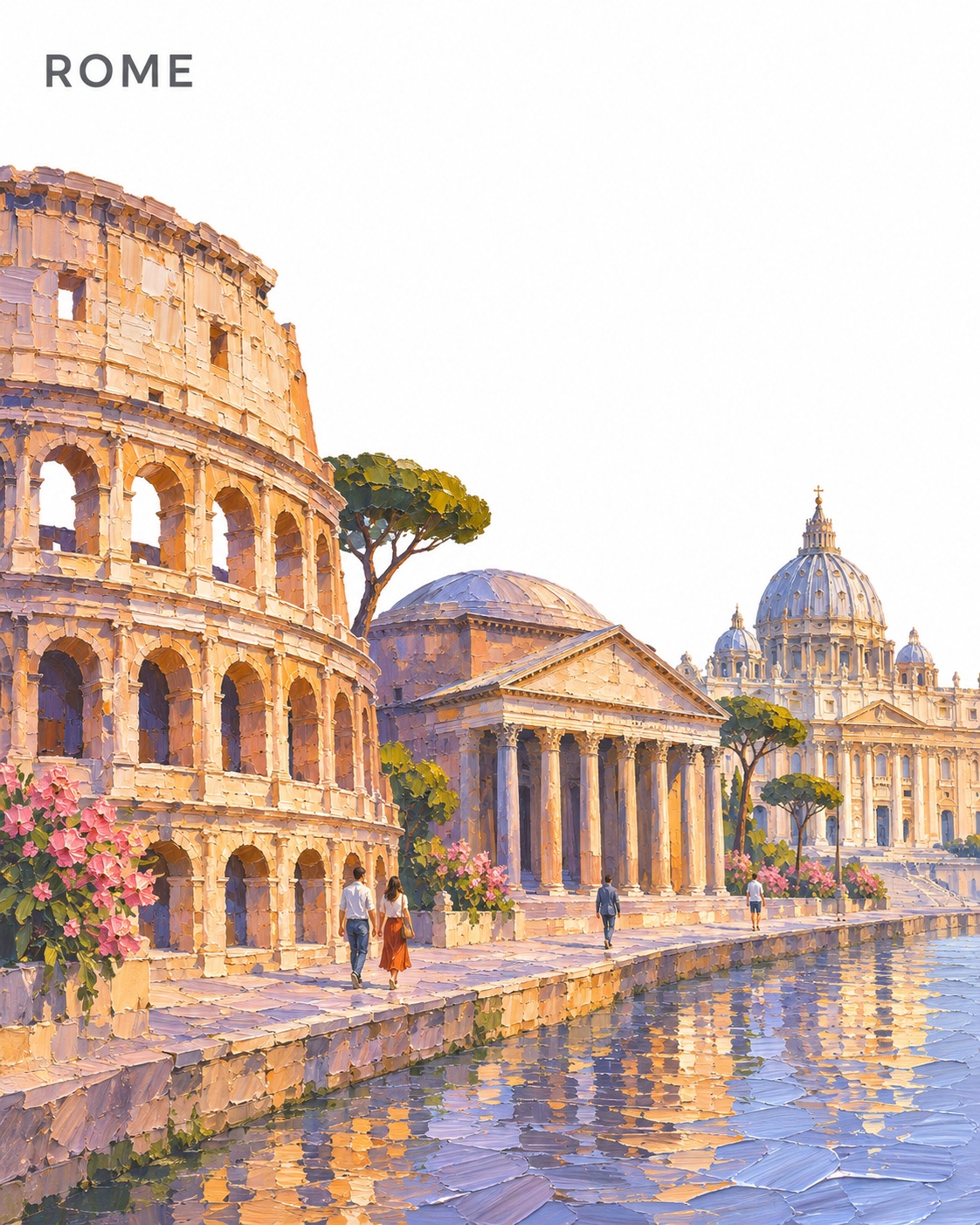
Prompt template
- Format
- Text Parameterized
- Inputs
- city (text) · Required landmark (text) · Required
- Outputs
- Cityscape (image)
Create a collectible palette-knife oil-painting city poster of ${city}. Make ${landmark} dominant and choose two recognizable supporting landmarks from ${city}.

Unite the landmarks along one continuous riverside promenade, creatively rearranging geography while preserving their defining silhouettes, proportions, and architectural character.

Use an asymmetric human-height view. Connect their bases through one shared ground plane and a single horizontal flow. Vary height, spacing, and gentle overlaps; avoid separate tiers. Add four tiny contemporary pedestrians.

Use thick sculpted paint, broad interlocking knife strokes, and selected sharp architectural edges. Choose restrained destination-inspired colors, balancing warm sunlit stone with cool shadows and broken water reflections. Keep the sky pure white and the focal structure clear.

Place “${city}” in small uppercase SUIT typography at the upper left: clean contemporary sans-serif, Regular or Medium, restrained tracking, and soft charcoal, with ample white clearance.

Keep signs and inscriptions blank. No other lettering, logos, borders, signatures, or watermarks.
Replace the ${…} placeholders with your values
before using this prompt. See parameters
and defaults below
Parameters
Replace each placeholder with your own value, or use its default when one is provided
${city}
city
Required
${landmark}
landmark
Required
What you'll create
Thick interlocking paint strokes connect a dominant landmark and two supporting buildings along one ground plane. Four tiny pedestrians add scale to the asymmetric architectural composition.
Usage instructions
Provide a city and the landmark you want to feature most prominently. The prompt arranges the landmarks along one continuous promenade while allowing creative geographic rearrangement; change the dominant landmark or the city to shift the composition and destination character.
Frequently asked questions
Are landmarks stacked in separate tiers?
No. They share one ground plane and horizontal flow.
What produces the tactile surface?
Thick sculpted paint and broad palette-knife strokes.





Comments
Tried this prompt? Share what you made, compare results, or ask a question