Wood-Engraved City Waterfront Poster
Create a collectible vertical city poster featuring a dominant landmark, two supporting landmarks, and a unified waterfront scene rendered in a wood-engraving style.
Example outputs
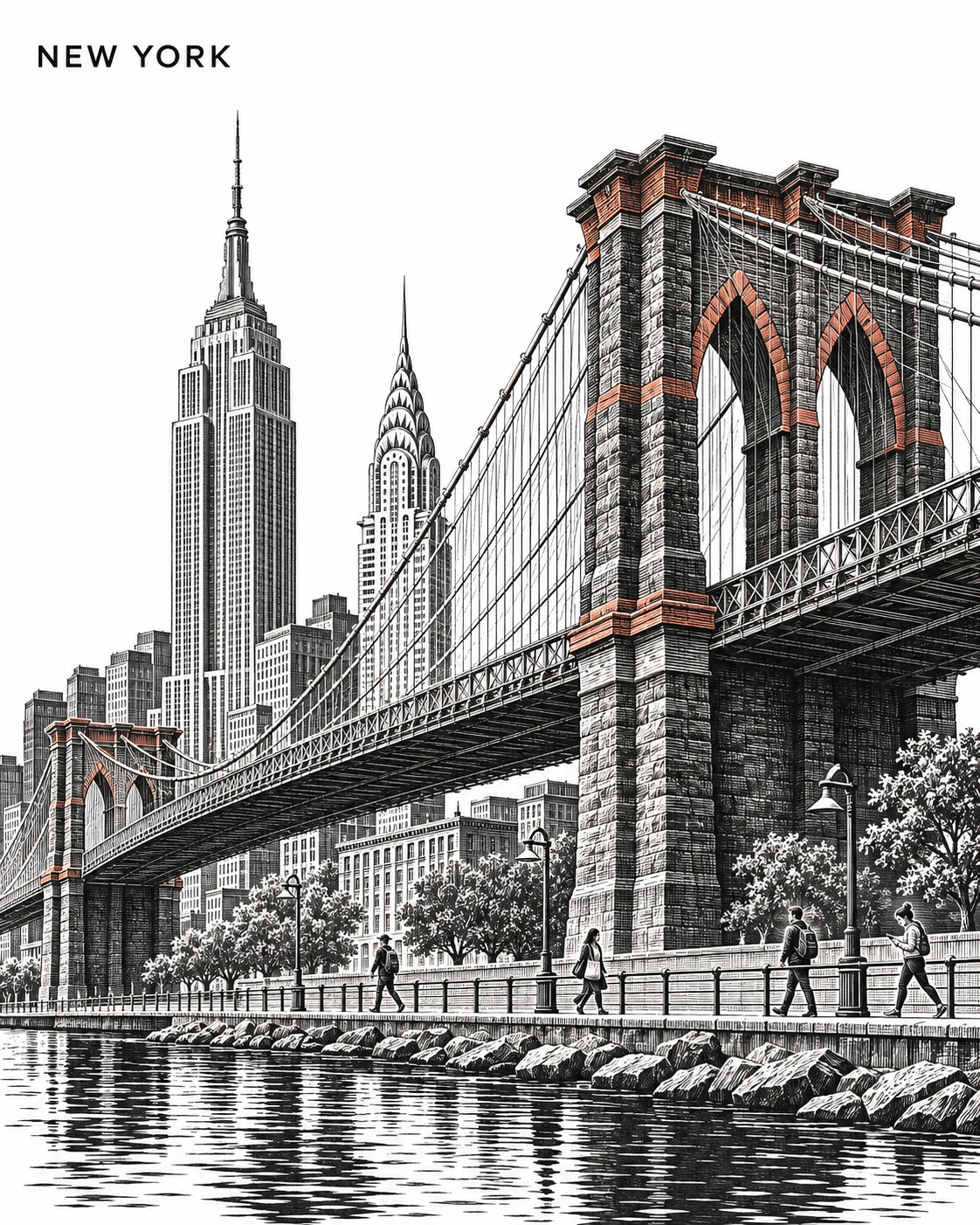
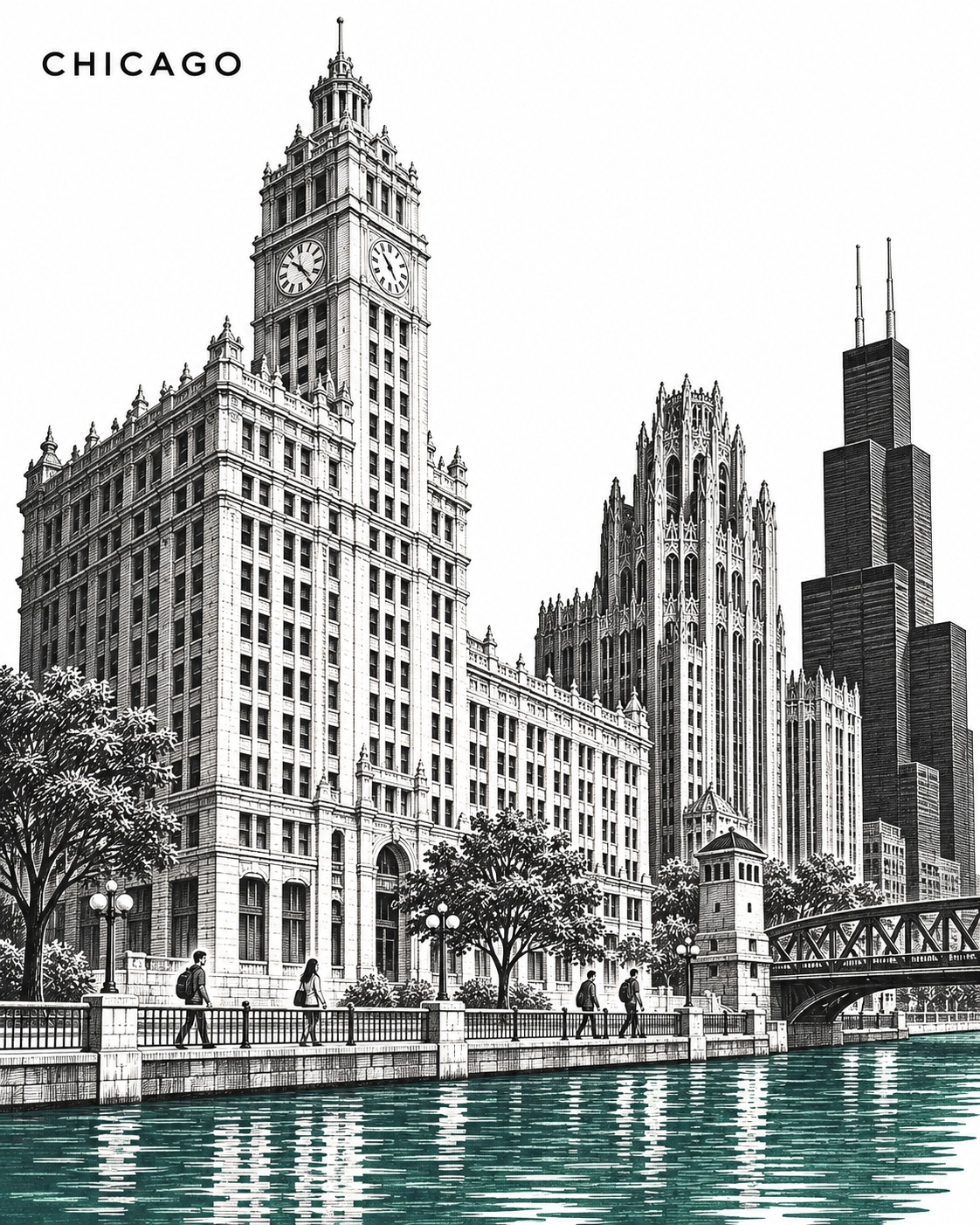
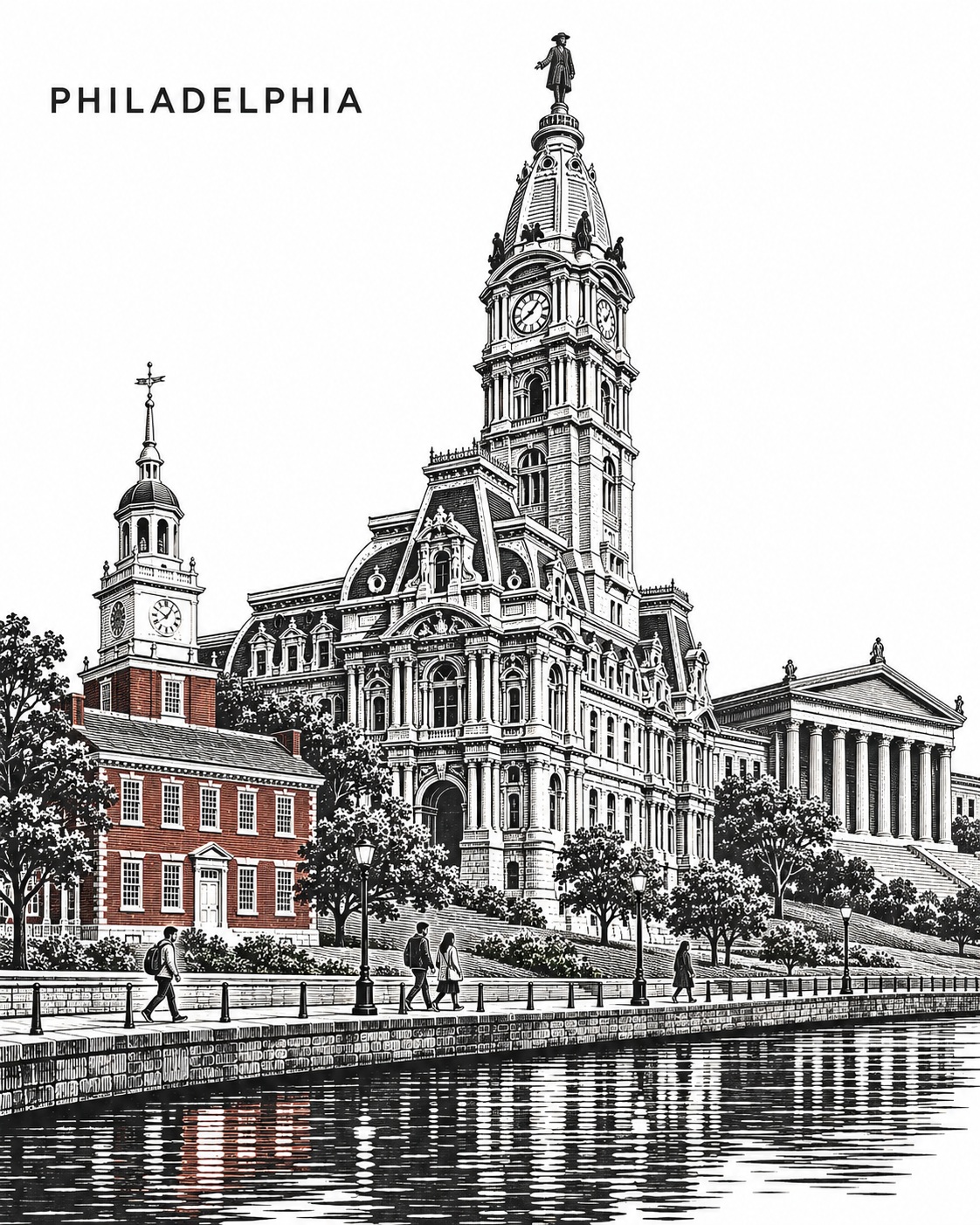
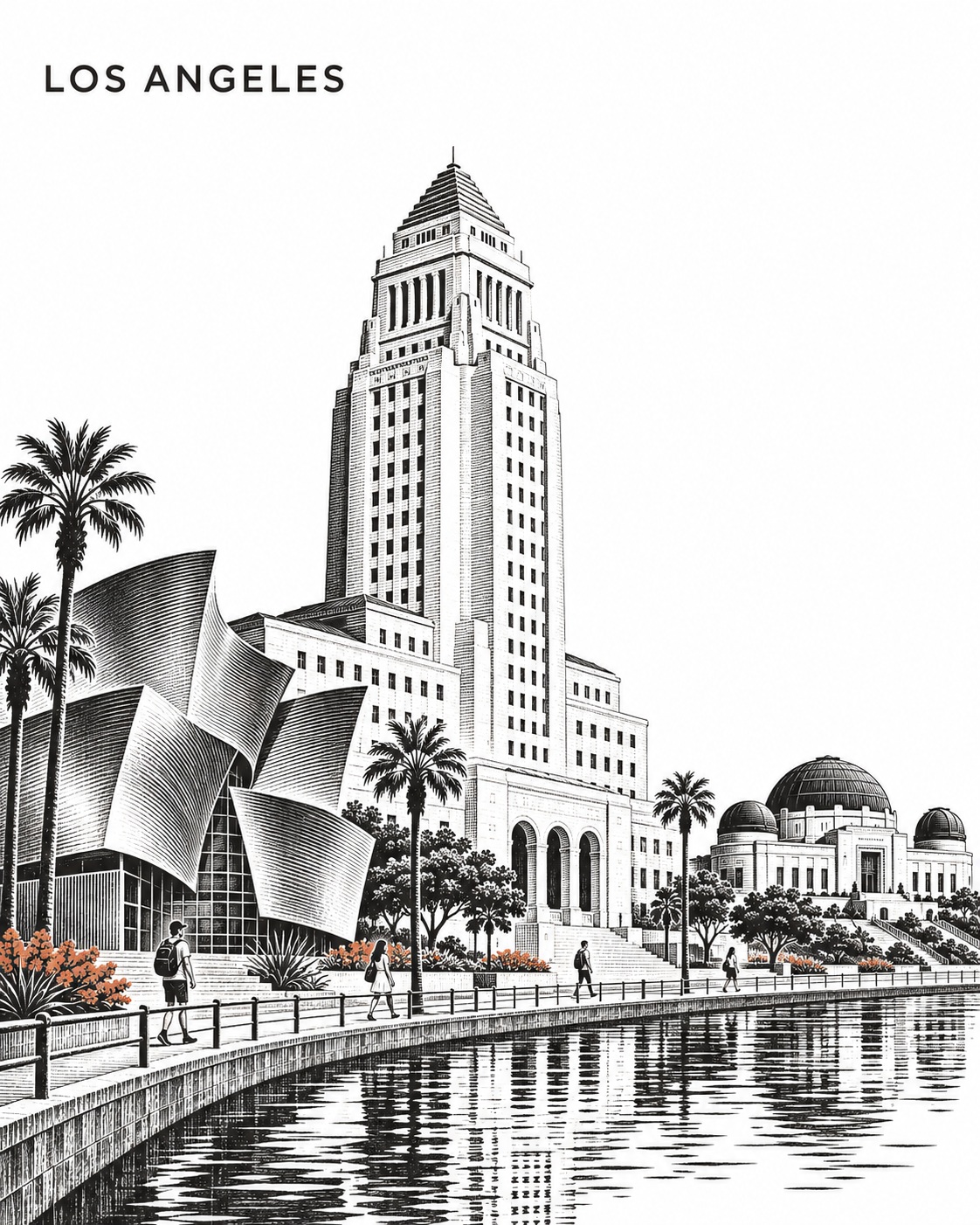
Prompt template
- Format
- Text Parameterized
- Inputs
- city (text) · Required landmark (text) · Required
- Outputs
- city_poster (image)
Create a collectible wood-engraved city poster of ${city}. Vertical 4:5 on pure-white paper.

Make ${landmark} dominant and choose two recognizable supporting landmarks from ${city} with contrasting structural forms. Unite them along one continuous waterfront, creatively rearranging geography while preserving defining silhouettes and proportions.

Use an asymmetric low three-quarter view. Anchor the structures to one connected waterfront setting and a single horizontal flow. Vary heights, spacing and gentle overlaps; avoid stacked skyline tiers. Add four tiny contemporary pedestrians.

Build depth with fine white incisions through broad charcoal-black masses, rhythmic parallel cuts and selective intricate detail. Use one restrained destination-inspired accent. Simplify water reflections into broken horizontal marks and keep the sky luminous white.

Place “${city}” in small uppercase SUIT-style sans-serif at the upper left, with clear white space.

No other lettering, inscriptions, logos, borders, signatures or watermarks.
Replace the ${…} placeholders with your values
before using this prompt. See parameters
and defaults below
Parameters
Replace each placeholder with your own value, or use its default when one is provided
${city}
city
Required
${landmark}
landmark
Required
What you'll create
Three landmarks share a continuous waterfront in an asymmetric low view. Charcoal masses, fine white cuts and a restrained accent sit beneath a white sky with a small upper-left city label.
Usage instructions
Provide the city and its dominant landmark; the prompt directs the model to choose two recognizable supporting landmarks from that city. The destination-inspired accent should remain restrained; changing the city also changes the required city label and can guide the accent choice.
Frequently asked questions
Must the geography be literally accurate?
No. It may be rearranged while landmark silhouettes remain recognizable.
How many tiny pedestrians appear?
Four contemporary pedestrians.







Comments
Tried this prompt? Share what you made, compare results, or ask a question