Golden-Hour Portrait by the Water
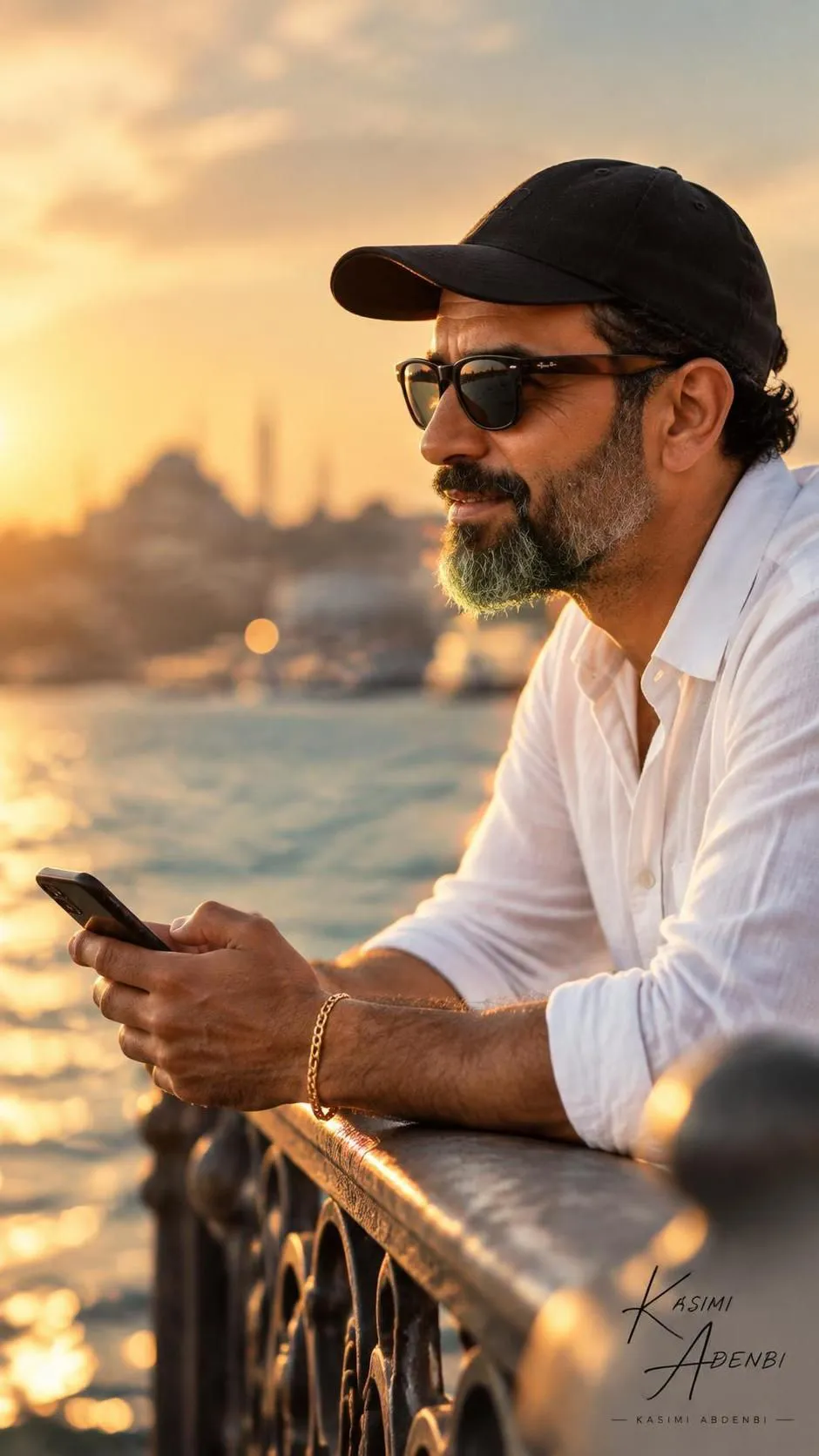
Create a cinematic, photorealistic portrait using a reference image of a man. The prompt specifies his pose and accessories, warm golden-hour lighting, and a vertical composition with space to the left.
Example outputs
Prompt template
- Format
- Text
- Inputs
- Reference_image (image) · Required
- Outputs
- Portrait (image)
Create a cinematic, sunlit portrait of a man from the uploaded reference image leaning on an ornate metal railing overlooking water, captured in profile during golden hour. He wears a black baseball cap and sunglasses, holds a smartphone in both hands, and wears a simple gold bracelet. Rim light catches his beard and the edge of his hat.

Use a shallow depth of field with creamy bokeh and blurred urban architecture in the background. Keep the foreground railing softly out of focus to create depth. Use a high-resolution 85mm portrait perspective and a wide aperture for strong subject isolation. Apply natural warm tones, high contrast with soft filmic grain, subtle teal midtones, warm highlights, and a gentle vignette.

Emphasize realistic skin texture, fabric detail on the cap and shirt, the metallic sheen of the railing, and reflective lenses with tiny specular highlights. Create a moody, contemplative atmosphere with a cinematic storytelling composition: place the subject on the right third and leave negative space to the left. Use soft directional sunlight, detailed photorealism, cinematic color grading, and crisp focus on the face and hands. --ar 9:16
What you'll create
Create a photorealistic cinematic portrait of a man in profile, leaning on an ornate metal railing overlooking water. Warm directional sunlight, shallow depth of field, and a right-third composition with negative space to the left shape the scene.
Generation settings
Usage instructions
Frequently asked questions
What does the reference image contribute?
The prompt identifies the man as coming from the uploaded image; the pose, clothing, setting, lighting, and composition are specified in the prompt.
Can I change the composition?
Yes. The prompt currently places the subject on the right third with negative space on the left; you can revise those placement instructions to suit a different composition.


Comments
Tried this prompt? Share what you made, compare results, or ask a question