Place Me on a New York Street at Night
Edit an uploaded photo to place the recognizable subject naturally on a Manhattan street at night.
Prompt template
- Format
- Text Parameterized
- Inputs
- Uploaded_photo (image) · Required destination (text) · Optional · Default: Manhattan street in New York
- Outputs
- Edited_night_street_photo (image)
Place me naturally on a ${destination:Manhattan street in New York} at night. Preserve my identity and facial features. Add realistic city lighting, reflections, traffic, pedestrians, depth, shadows, and atmosphere. Make it look like a professional street photograph taken in New York, not an AI-generated image.Replace the ${…} placeholders with your values
before using this prompt. See parameters
and defaults below
Parameters
Replace each placeholder with your own value, or use its default when one is provided
${destination:Manhattan street in New York}
destination
Default: Manhattan street in New York
What you'll create
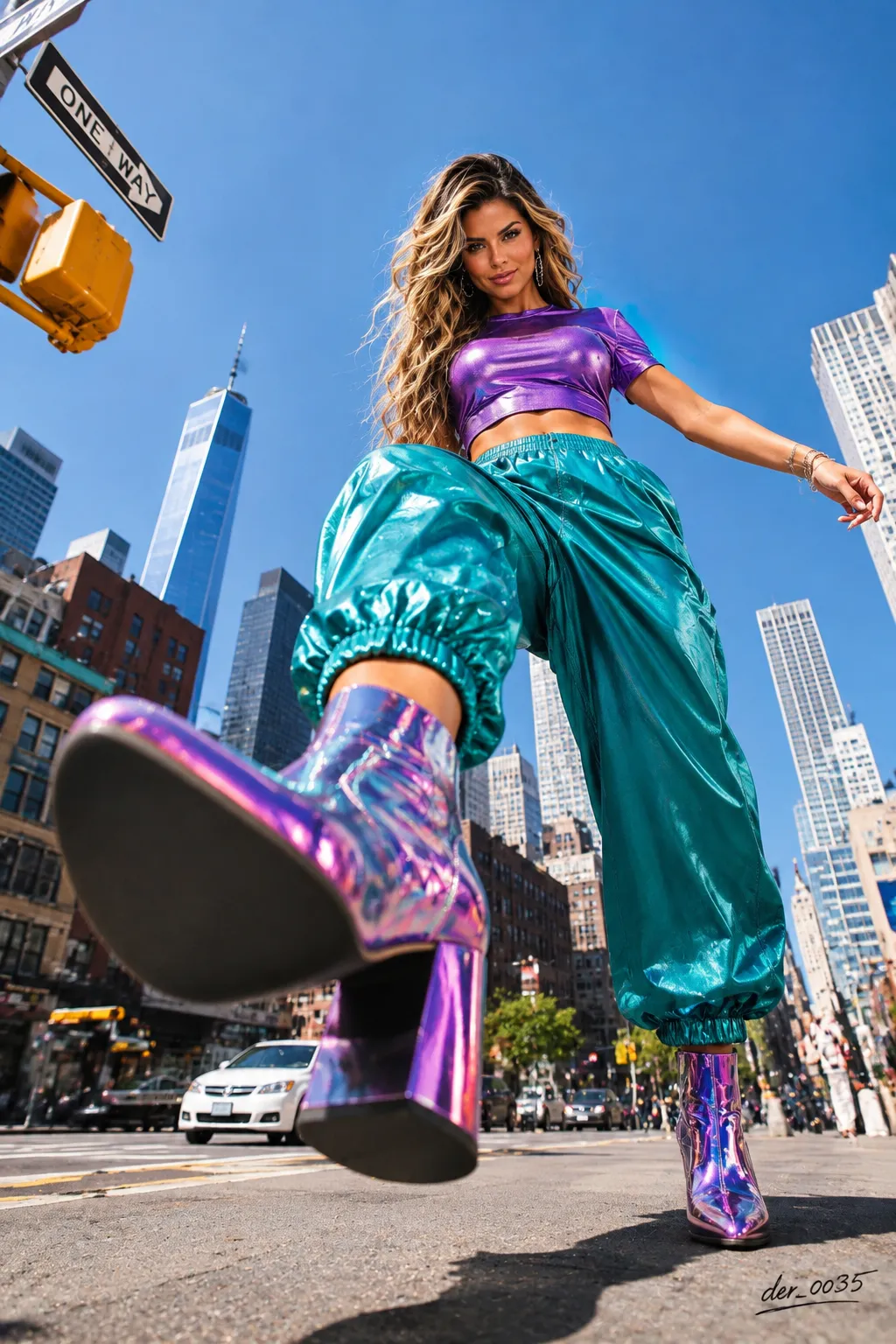
The reference person stands naturally on a New York street at night amid traffic, pedestrians and reflections. Believable shadows and urban atmosphere integrate them into a professional street photograph.
Frequently asked questions
Can the destination change?
Yes. The destination field defaults to a Manhattan street in New York.
Does the edit alter the face?
No. Identity and facial features remain preserved.



Comments
Tried this prompt? Share what you made, compare results, or ask a question