Transform a Photo into a Professional Night Photograph
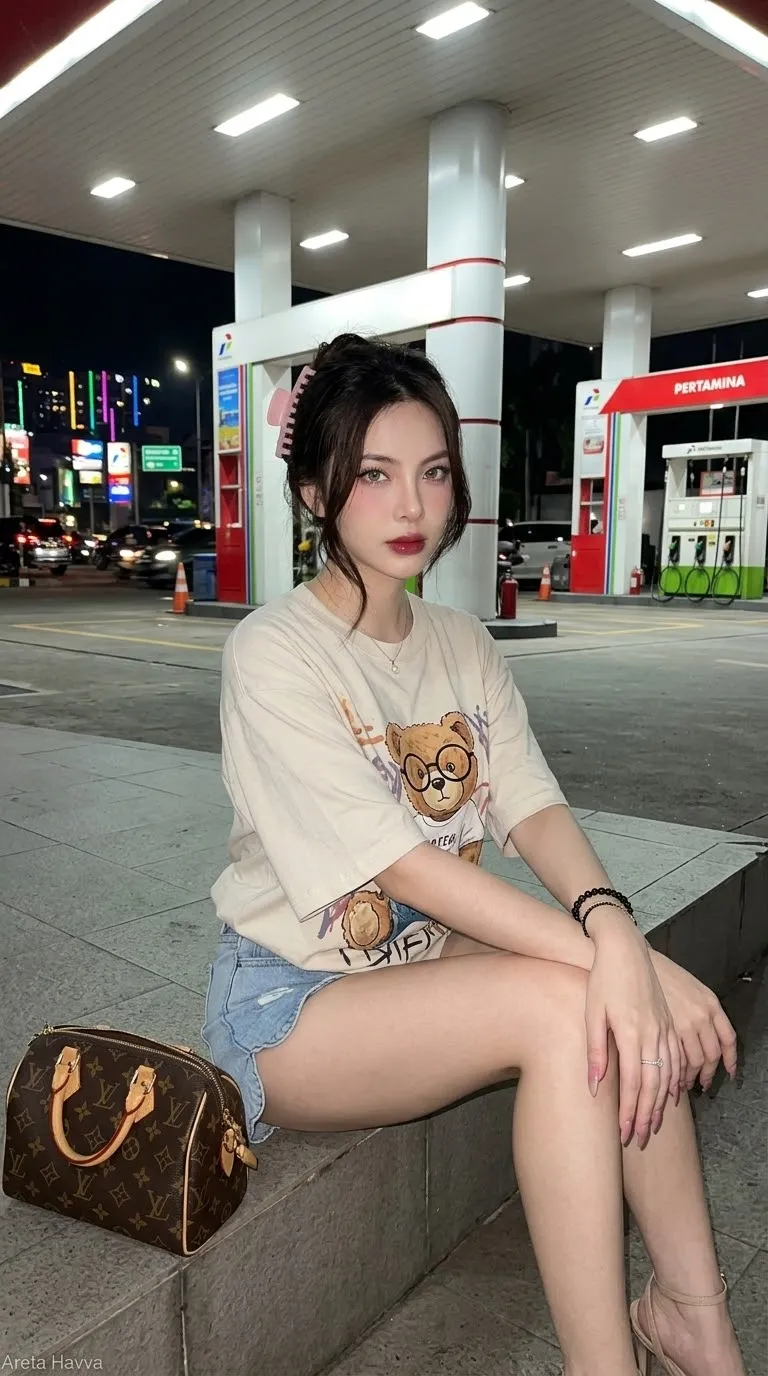
Create a believable nighttime photograph while preserving the person’s appearance and natural skin texture.
Prompt template
- Format
- Text Parameterized
- Inputs
- uploaded_photo (image) · Required
- Outputs
- enhanced_photo (image)
Transform ${uploaded-photo} into a professional nighttime photograph. Keep the person’s face, body, clothing, proportions, expression, and identity unchanged. Create realistic night lighting with believable highlights, shadows, ambient light, reflections, depth, and atmospheric detail. Preserve natural skin texture and avoid excessive smoothing, glowing skin, fake lighting, or an AI-generated appearance.Replace the ${…} placeholders with your values
before using this prompt. See parameters
and defaults below
Parameters
Replace each placeholder with your own value, or use its default when one is provided
${uploaded-photo}
uploaded-photo
Required
What you'll create
Believable ambient light, highlights, reflections and atmospheric detail turn the source into a nighttime photograph. Natural skin and original expression remain intact without artificial glow or excessive smoothing.
Frequently asked questions
Can the expression change to suit the night scene?
No. The original expression stays unchanged.
Is glowing skin part of the effect?
No. Fake lighting and glowing skin are explicitly avoided.




Comments
Tried this prompt? Share what you made, compare results, or ask a question