Dramatic Graphic-Novel Portrait of a Man
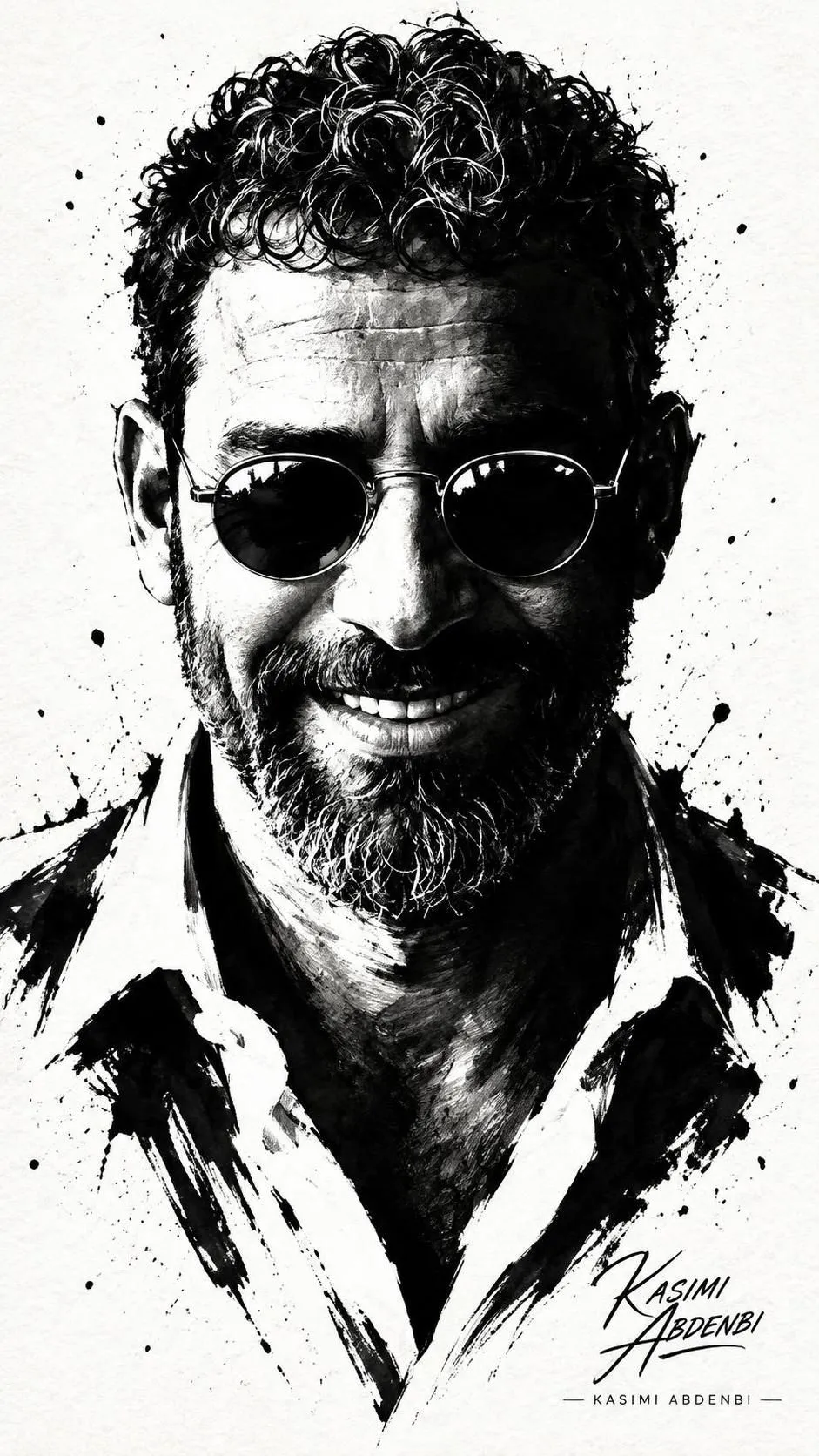
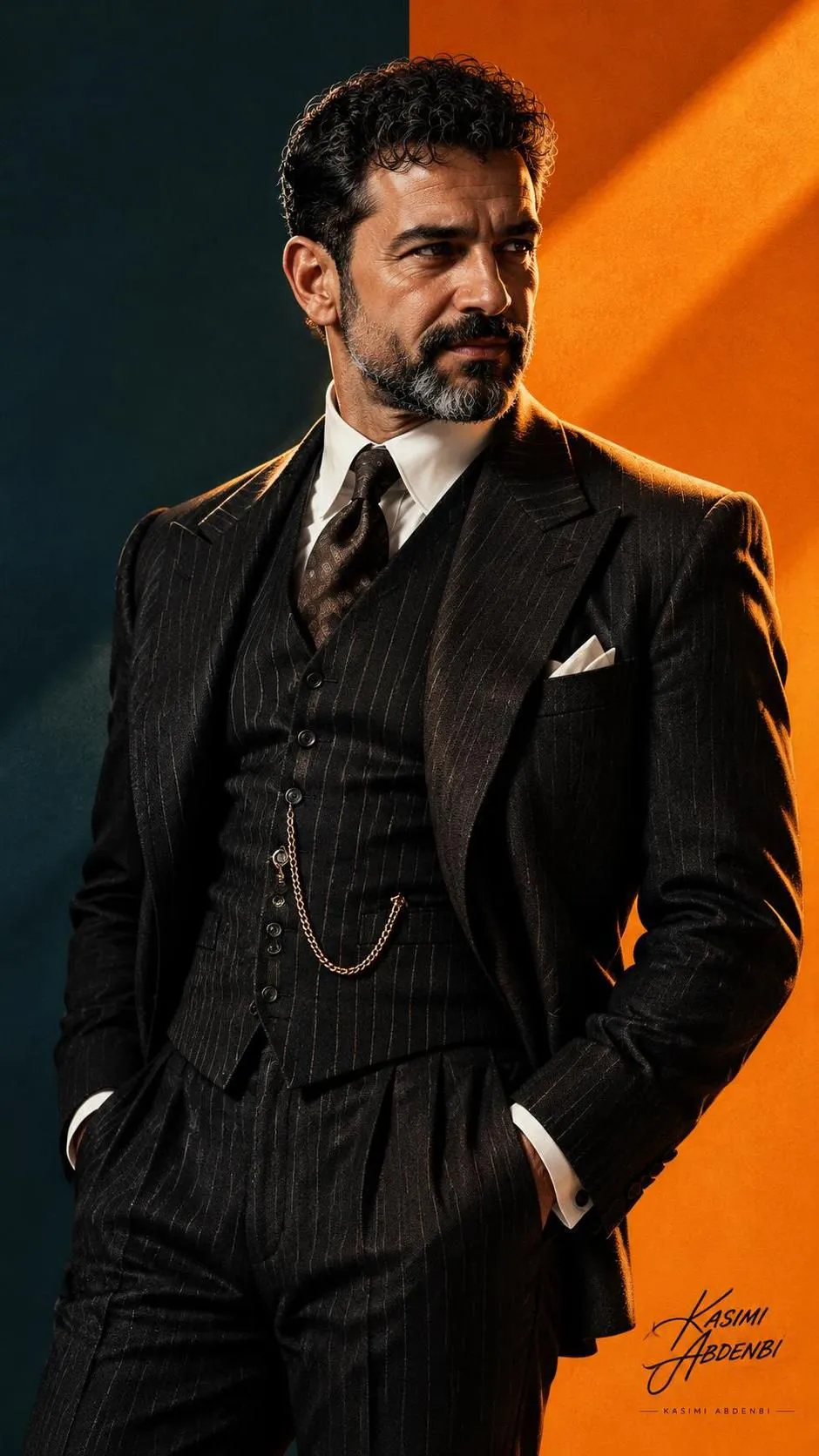
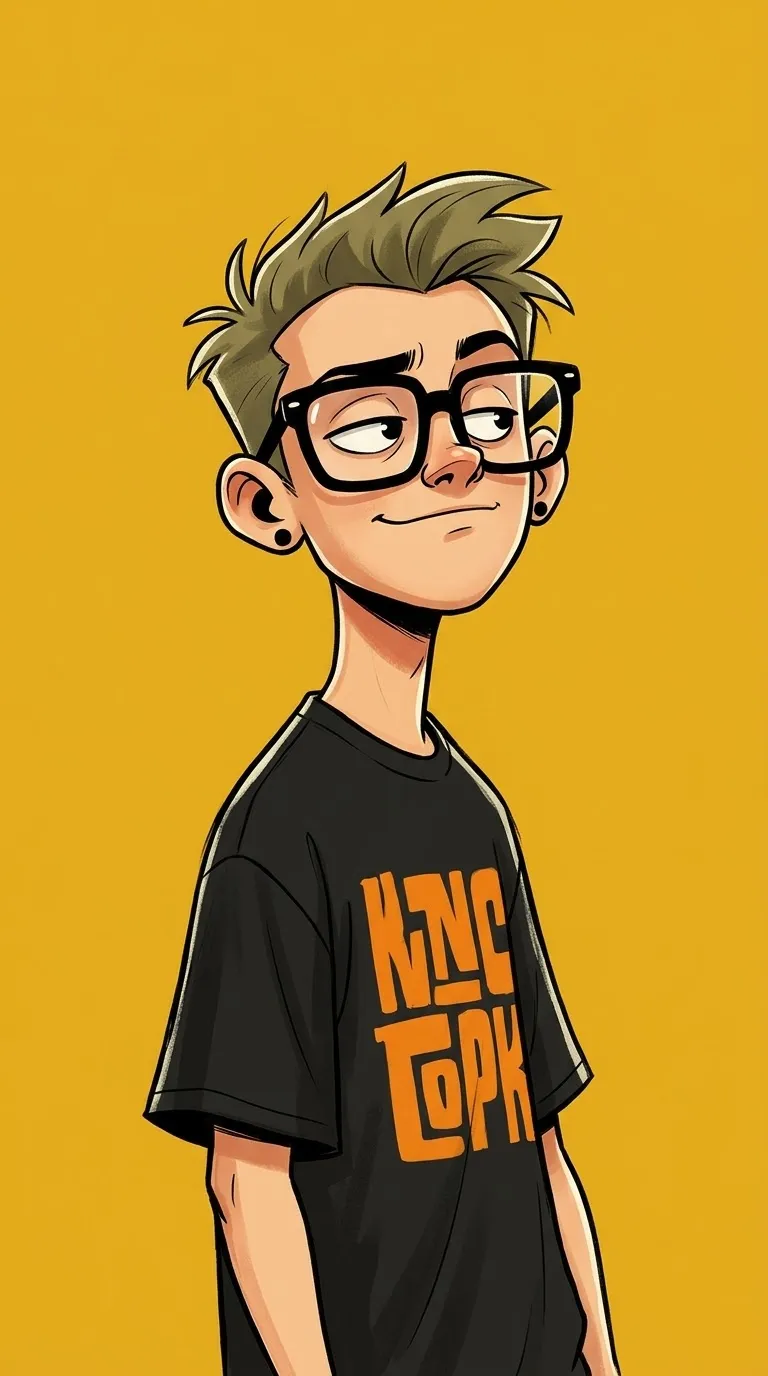
Create a cinematic, poster-ready graphic-novel portrait from a reference image, with dramatic lighting and an exaggerated reaching-hand perspective. The cap text is customizable, and a signature in the top corner is optional
Example outputs

Prompt template
- Format
- Text Parameterized
- Inputs
- Reference_image (image) · Required cap_label (text) · Optional · Default: JORDAN
- Outputs
- Illustrated_portrait (image)
Create a low-angle, dramatic portrait of a confident man based on the uploaded image, in a stylized comic/illustration style. Show him in three-quarter view with an exaggerated foreshortened hand reaching toward the viewer. He wears a red baseball cap labeled "${cap-label:JORDAN}", a black hoodie, and a dark utility vest with detailed pockets and zipper textures. Warm rim lighting from the right casts orange highlights across his face, hand, and jacket, while cool teal ambient light fills the background, creating strong contrast and a cinematic mood. Use bold, clean linework, cel-shading with smooth gradient fills, high-contrast shadows, subtle painterly textures on fabric and skin, visible stitch and material detail, soft film grain, and a slightly desaturated, moody palette. Use a wide-angle perspective and shallow depth of field. Make it poster-ready, high-resolution, and polished with a graphic-novel finish. A signature in the top corner is optional. --ar 9:16Replace the ${…} placeholders with your values
before using this prompt. See parameters
and defaults below
Parameters
Replace each placeholder with your own value, or use its default when one is provided
${cap-label:JORDAN}
cap-label
Default: JORDAN
What you'll create
This prompt creates a dramatic illustrated portrait of a confident man, using an uploaded image as a reference. It combines bold comic linework, cel shading, textured clothing, and warm-orange and cool-teal lighting in a vertical poster composition
Generation settings
Usage instructions
Frequently asked questions
Can I change the text on the cap?
Yes. Replace the default “JORDAN” with the lettering you want on the red baseball cap
Is the signature required?
No. The prompt makes a signature in the top corner optional




Comments
Tried this prompt? Share what you made, compare results, or ask a question