Origami Product Advertisement Video
Generate a 10-second origami-inspired product video from uploaded product images, with Malay product doodle text and strict product and text-preservation constraints.
Example outputs
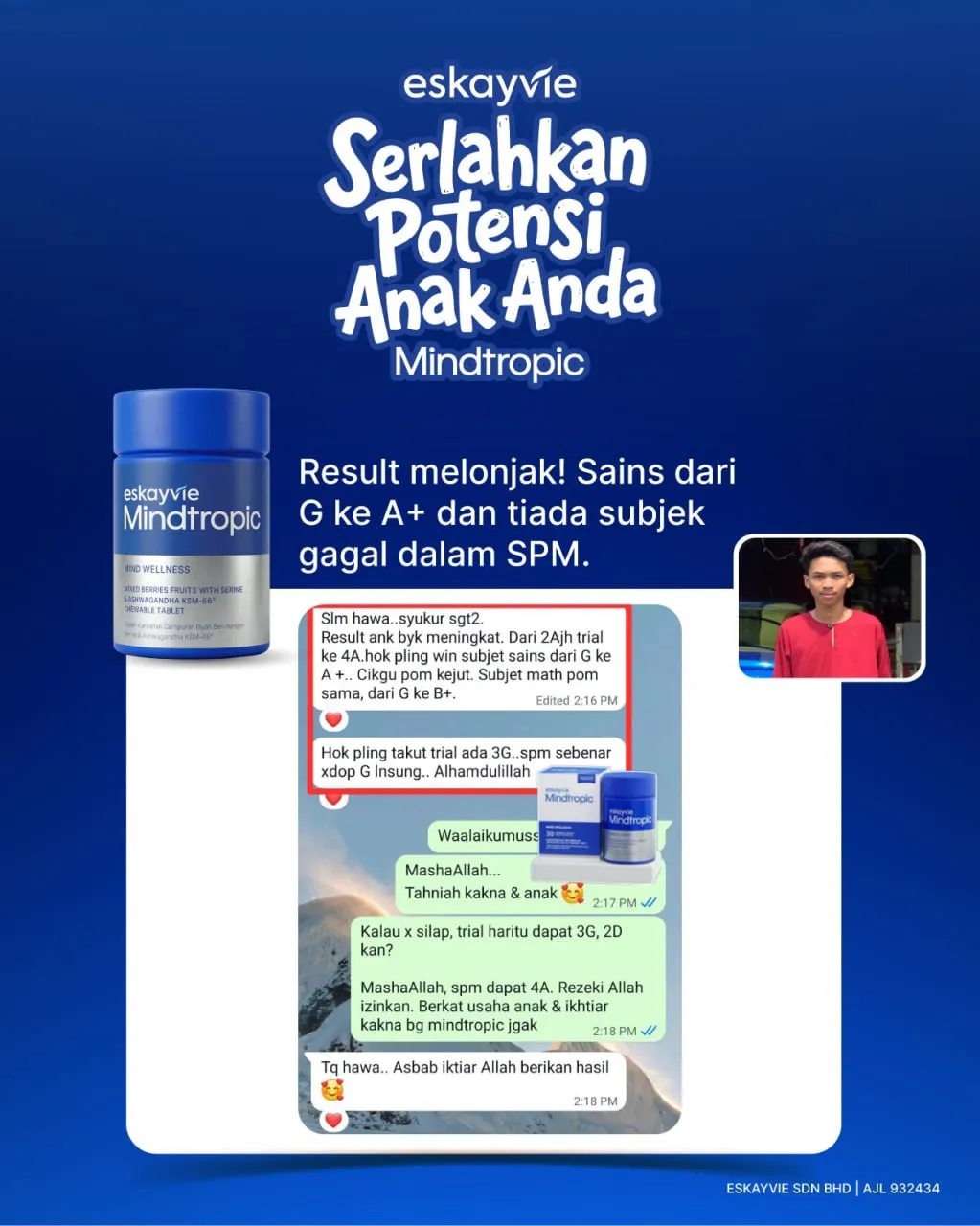
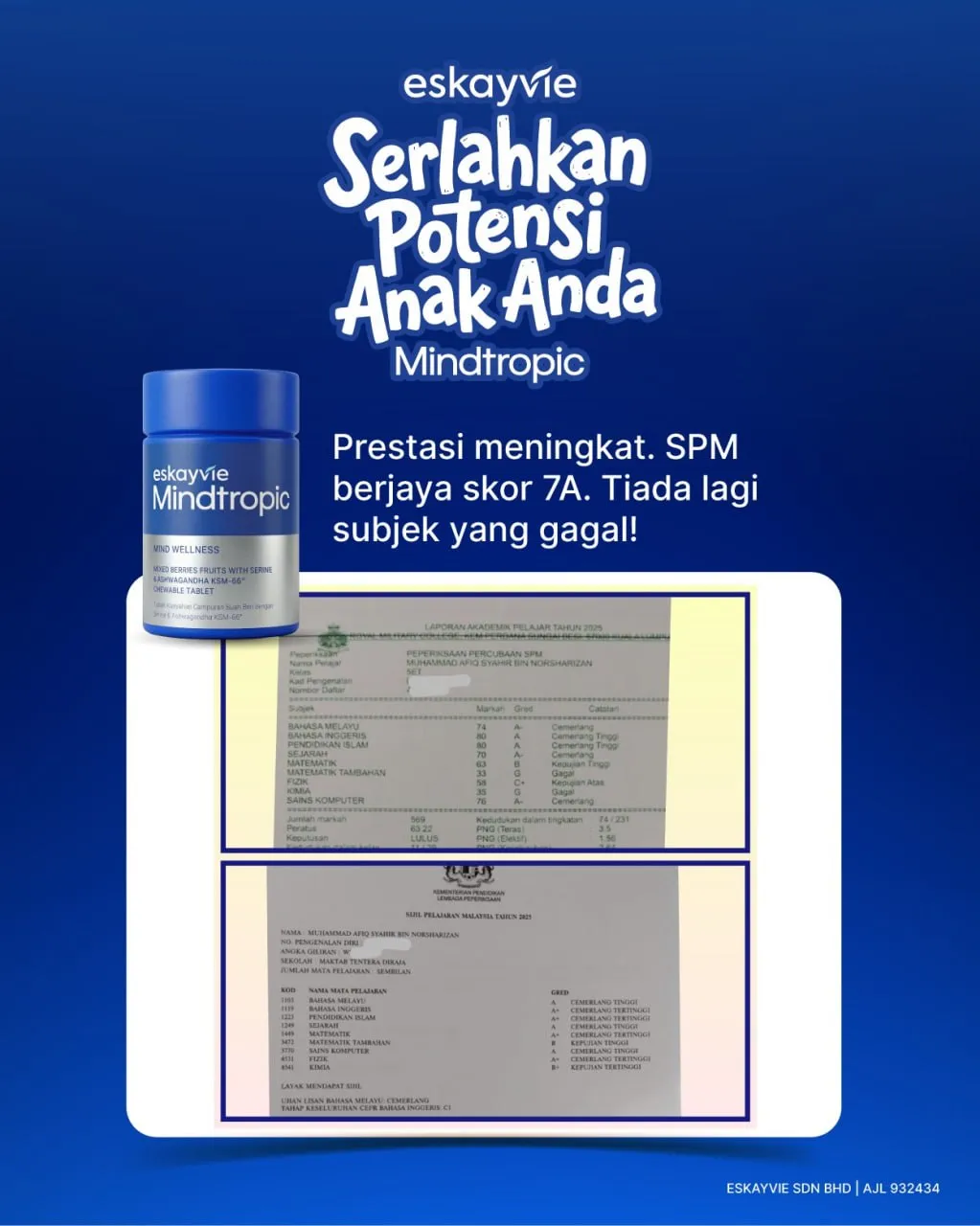
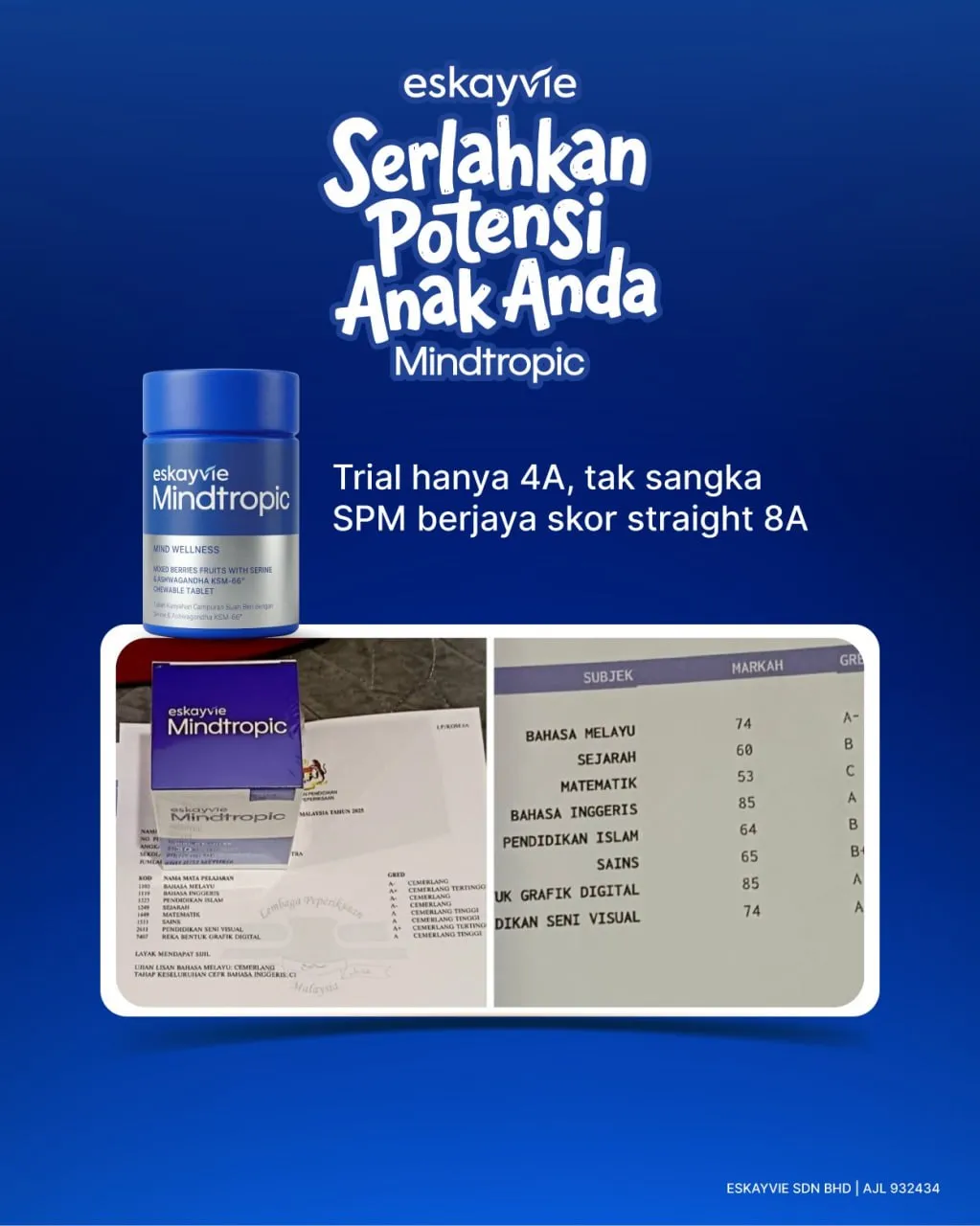
Prompt template
- Format
- Text Parameterized
- Inputs
- Product_reference_images (image) · Required brand_name (text) · Required product_info (text) · Required
- Outputs
- Product_ad_video (video)
Create a 10-second product video in Google Flow using Ingredients to Video. Use 1–7 uploaded product images as references.

Apply these instructions:
/OrigamiProductAd
/OrigamiStudyMission
/OrigamiFoldTransition
/OrigamiFormation
/PushIn
/OrbitProduct
/iPhone18ProMax
/daylight
/povhand
/producthero
/OrigamiWorld
/PaperPathBuild
/OrigamiReveal

/brandlock:"${brand-name}"
/logolock
/labellock
/textlock
/colourlock
/shapelock
/materiallock
/designlock
/productscalelock
/symmetricalproductformation
/slashcommands:internal_only never_visible
/notextfromcommands

/floatingmalaydoodletext:"${product-info}"|"${product-info}"|"${product-info}"|"${product-info}"|"${product-info}"|"${product-info}"
/doodlestyle:clean_origami_playful
/doodleoneatatime
/exactspelling
/fixedtext
/nogibberishtext
/noextratext
/doodlearoundproduct
/nevercoverproduct

/no_face
/no_character_face
/heroending
Replace the ${…} placeholders with your values
before using this prompt. See parameters
and defaults below
Parameters
Replace each placeholder with your own value, or use its default when one is provided
${brand-name}
brand-name
Required
${product-info}
product-info
Required
What you'll create
A ten-second product-video brief combines paper folding, reveal transitions and product-focused camera movement. Doodle captions appear individually around the product without covering it.
Frequently asked questions
Should internal slash commands appear on screen?
No, the source explicitly keeps command text hidden and excludes extra visible text.





Comments
Tried this prompt? Share what you made, compare results, or ask a question