Smoky Studio Portrait with Cinematic Grain
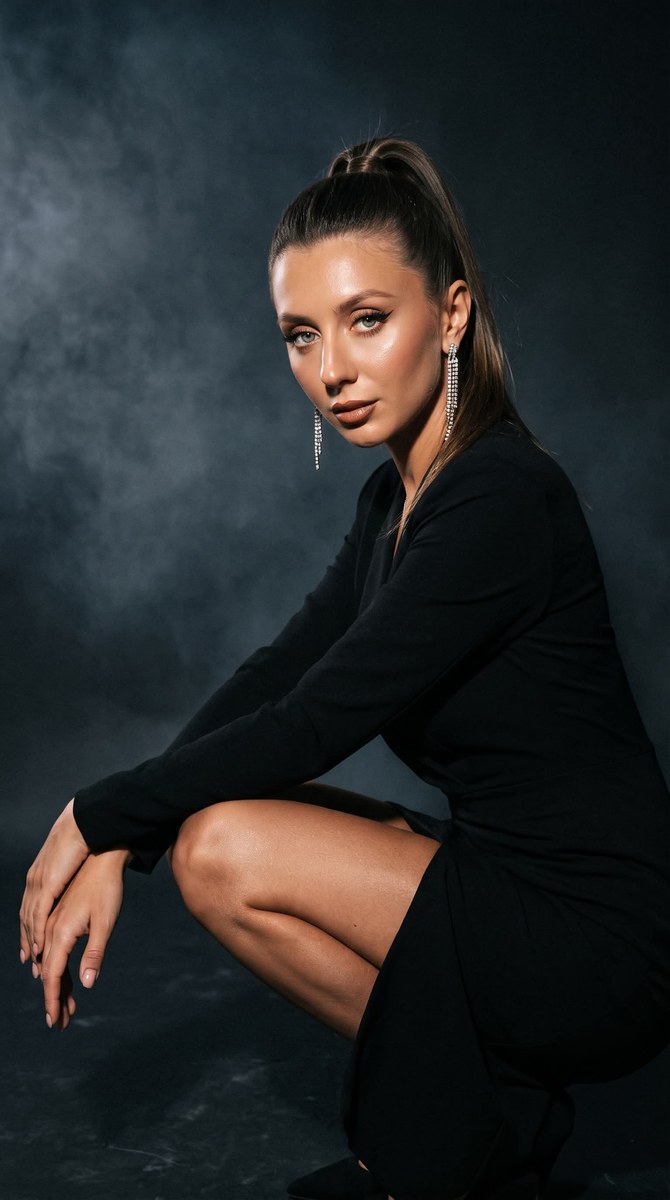
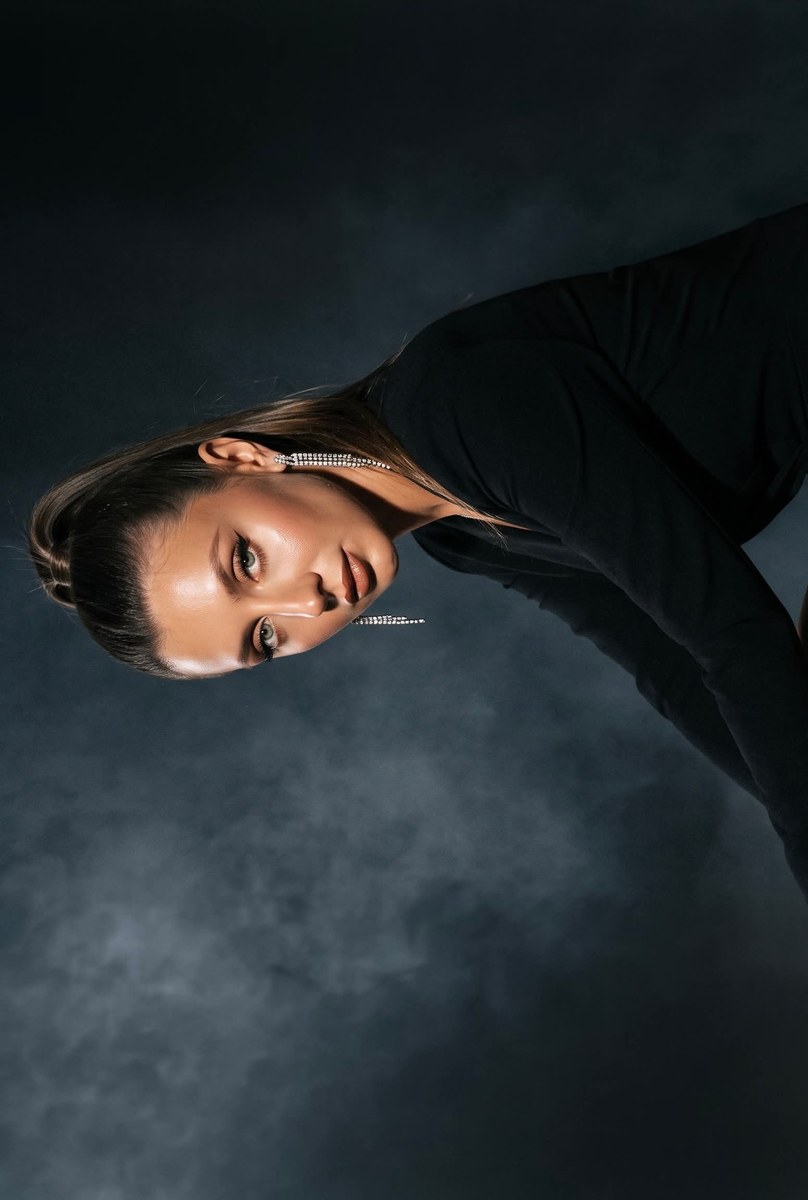
Create a dramatic, candid-feeling studio portrait from a reference photo while preserving the subject’s facial features. The prompt specifies the makeup, black outfit, crouching pose, dark studio setting, lighting, and 9:16 framing
Example outputs
Prompt template
- Format
- Text
- Inputs
- Reference_photo (image) · Required
- Outputs
- Portrait (image)
Create a photo without changing the subject's facial features.

Use a cinematic effect with added grain. Make it look like a random, imperfect iPhone shot.

Give the woman a charming, alluring expression with a flirtatious gaze. Use winged eyeliner, upward-curled lashes, brown lipstick with gloss, contouring, a light blush, highlighter on the tip of the nose, and shimmer on the skin.

Make the photo lively, natural, and authentic, with no filters. Outfit and styling: a black dress, long sparkling earrings, and a sleek ponytail; nude nails. Setting: a dark studio background with hard flash and softbox lighting. Pose, angle, and mood: she is crouching gracefully and confidently in profile, with her chin slightly raised, conveying cool luxury. Use a smoky frame and dramatic lighting.

Aspect ratio: 9:16
What you'll create
This prompt creates a cinematic, imperfect iPhone-style portrait of a woman in a black dress, posed in profile in a dark, smoky studio. It specifies her makeup and accessories, dramatic lighting, subtle grain, and a 9:16 composition
Generation settings
Nano Banana Pro
Aspect ratio: 9:16
Usage instructions
Provide a clear, well-lit reference photo; the prompt uses it as the basis for the portrait while asking to preserve facial features. The 9:16 framing and crouching profile pose are explicit controls you can change if you want a different composition
Frequently asked questions
What should the reference photo control?
Use it as the basis for the subject’s appearance, and preserve the facial features as requested
Can the aspect ratio be changed?
The prompt specifies 9:16; change that instruction if you want a different framing






Comments
Tried this prompt? Share what you made, compare results, or ask a question