Retro Low-Poly PS1 Game Character
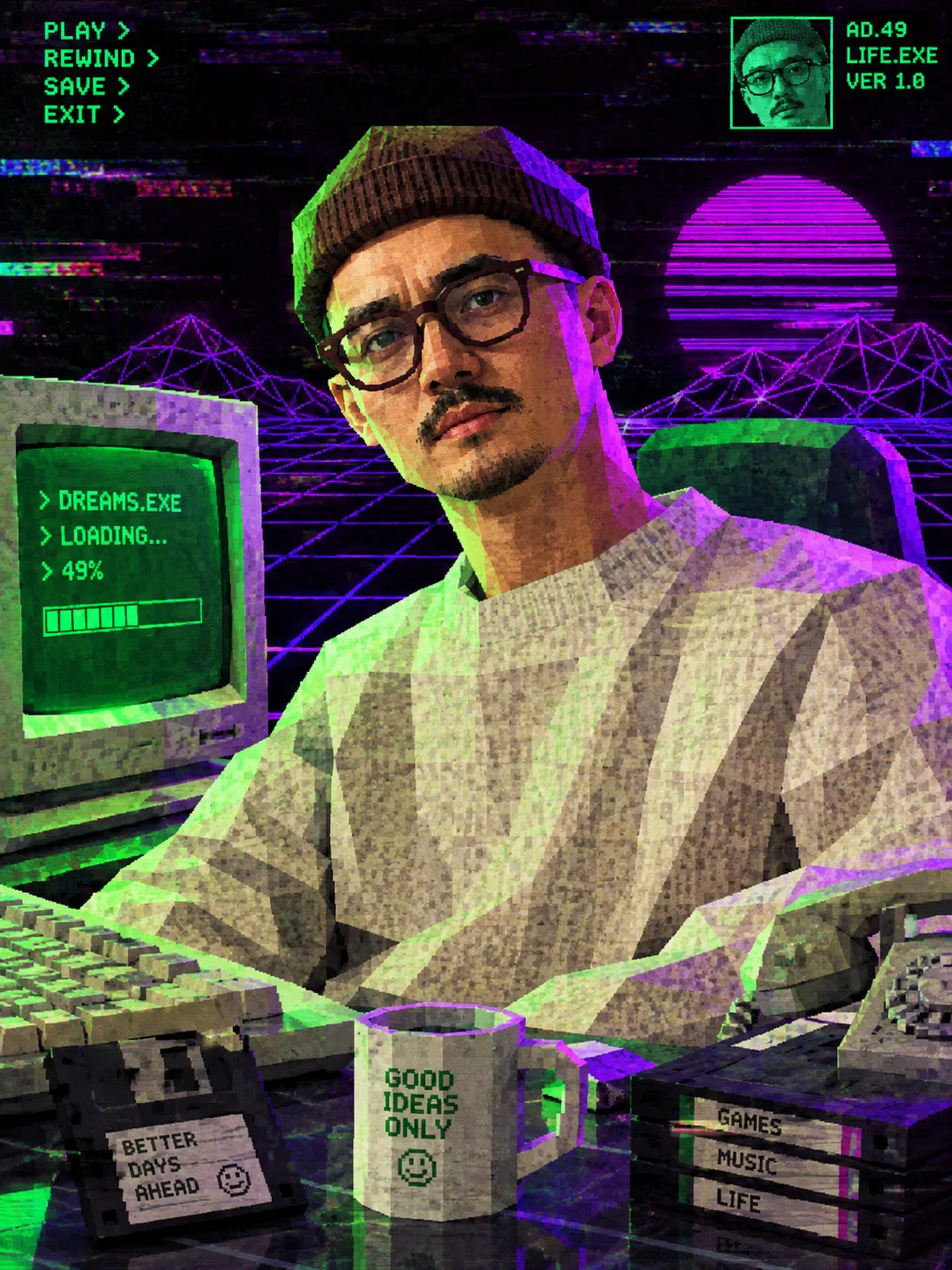
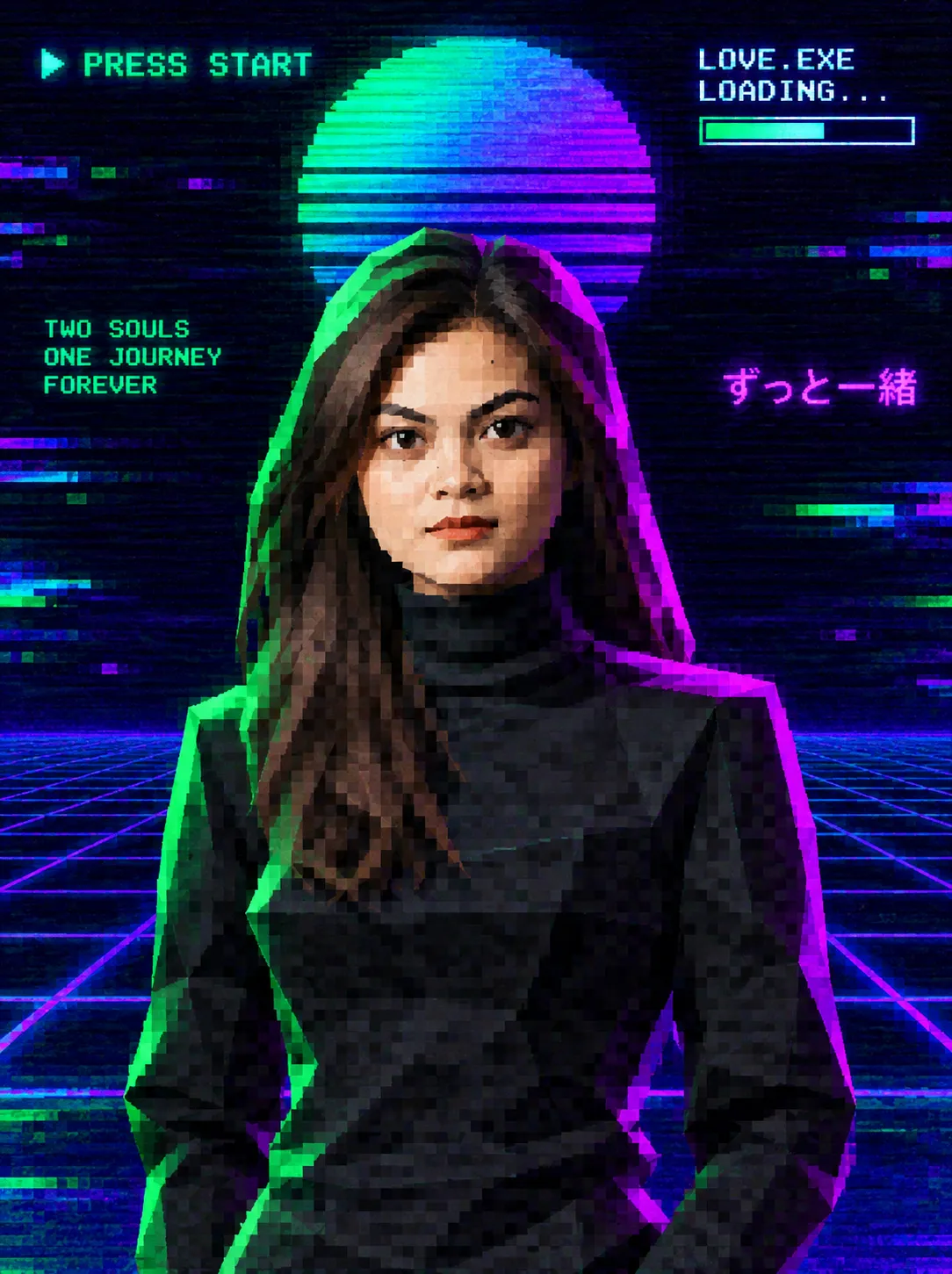
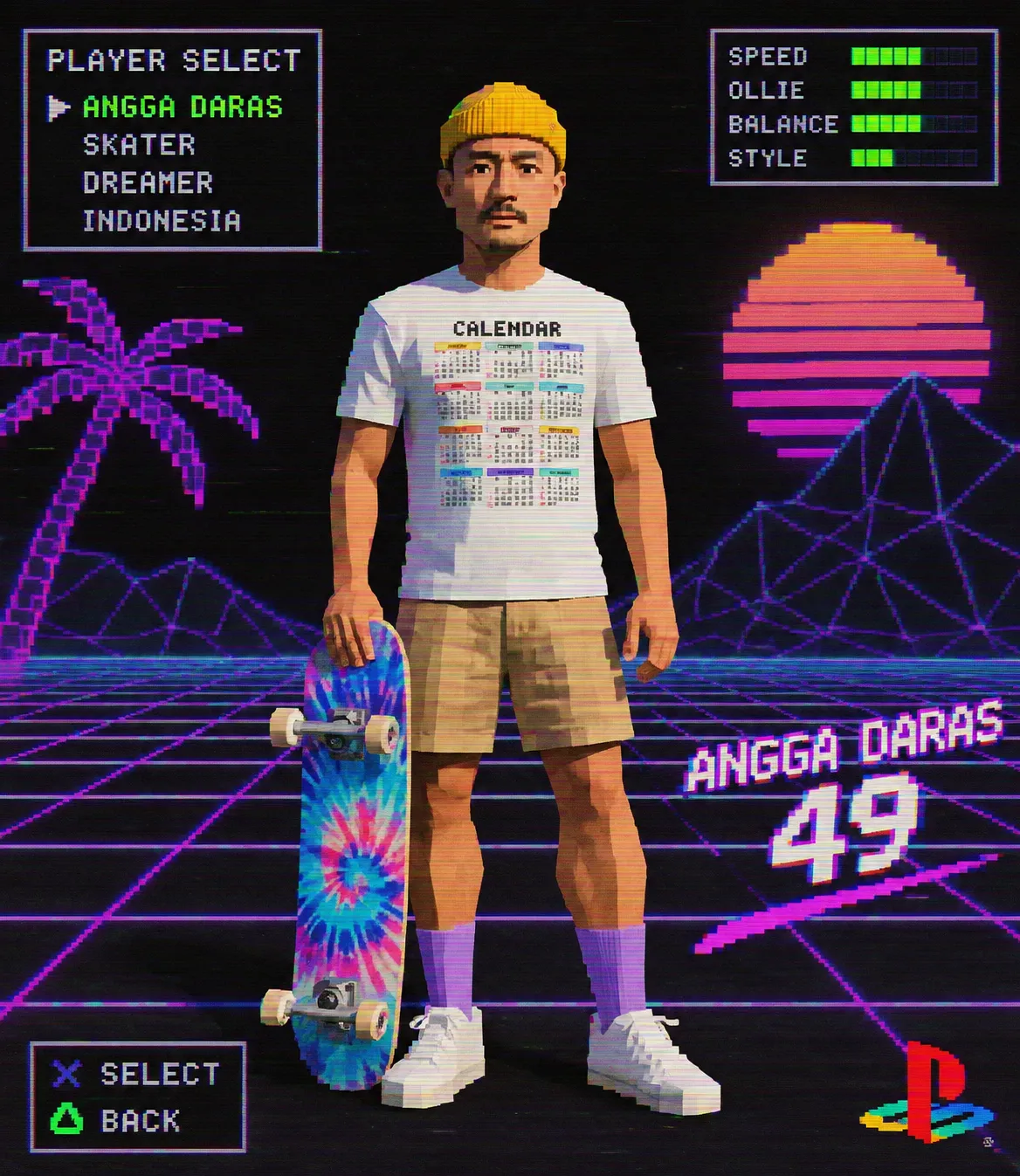
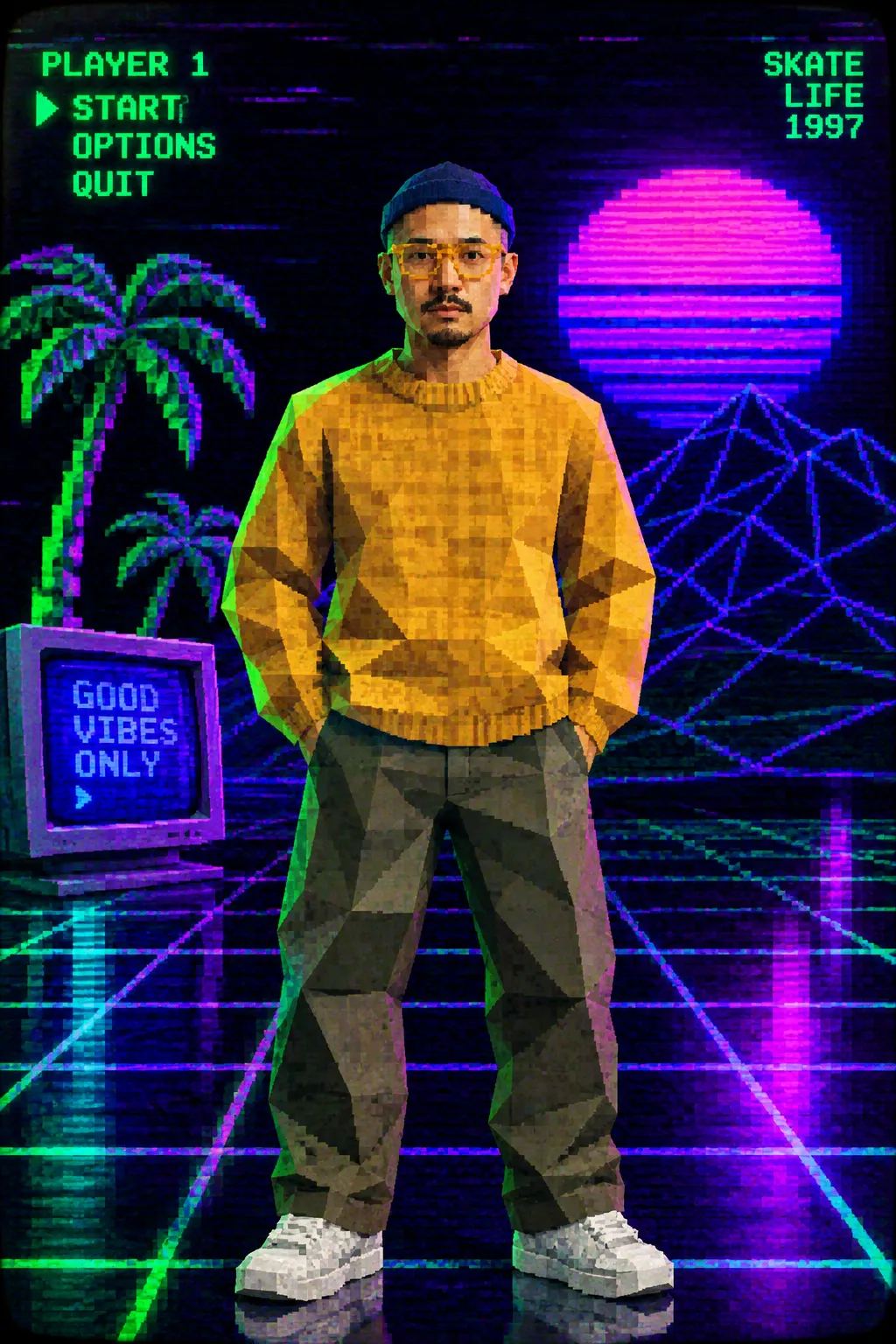
Transform a photo into a blocky, pixelated game character with a nostalgic 32-bit aesthetic and neon gamer lighting.
Example outputs
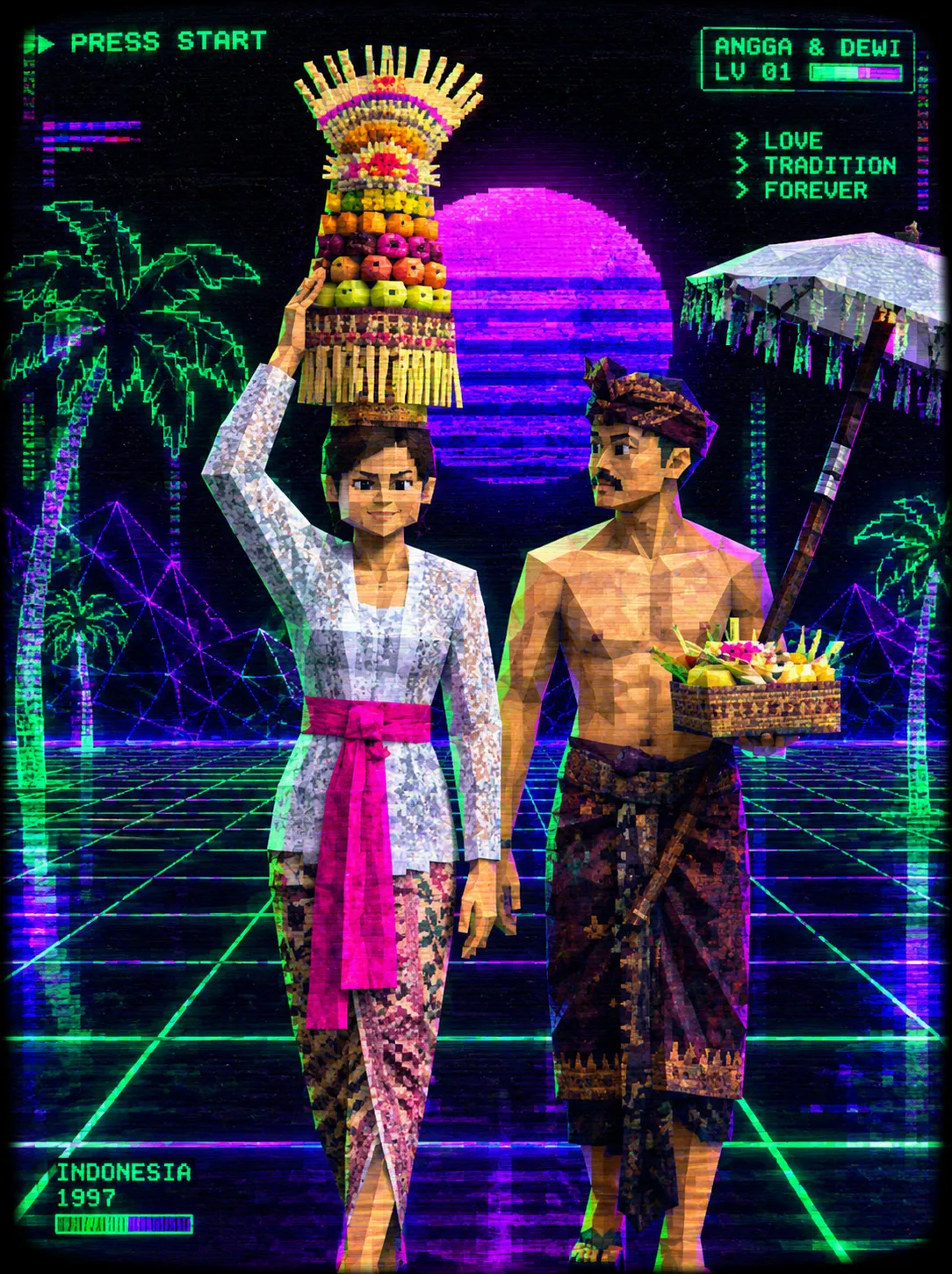
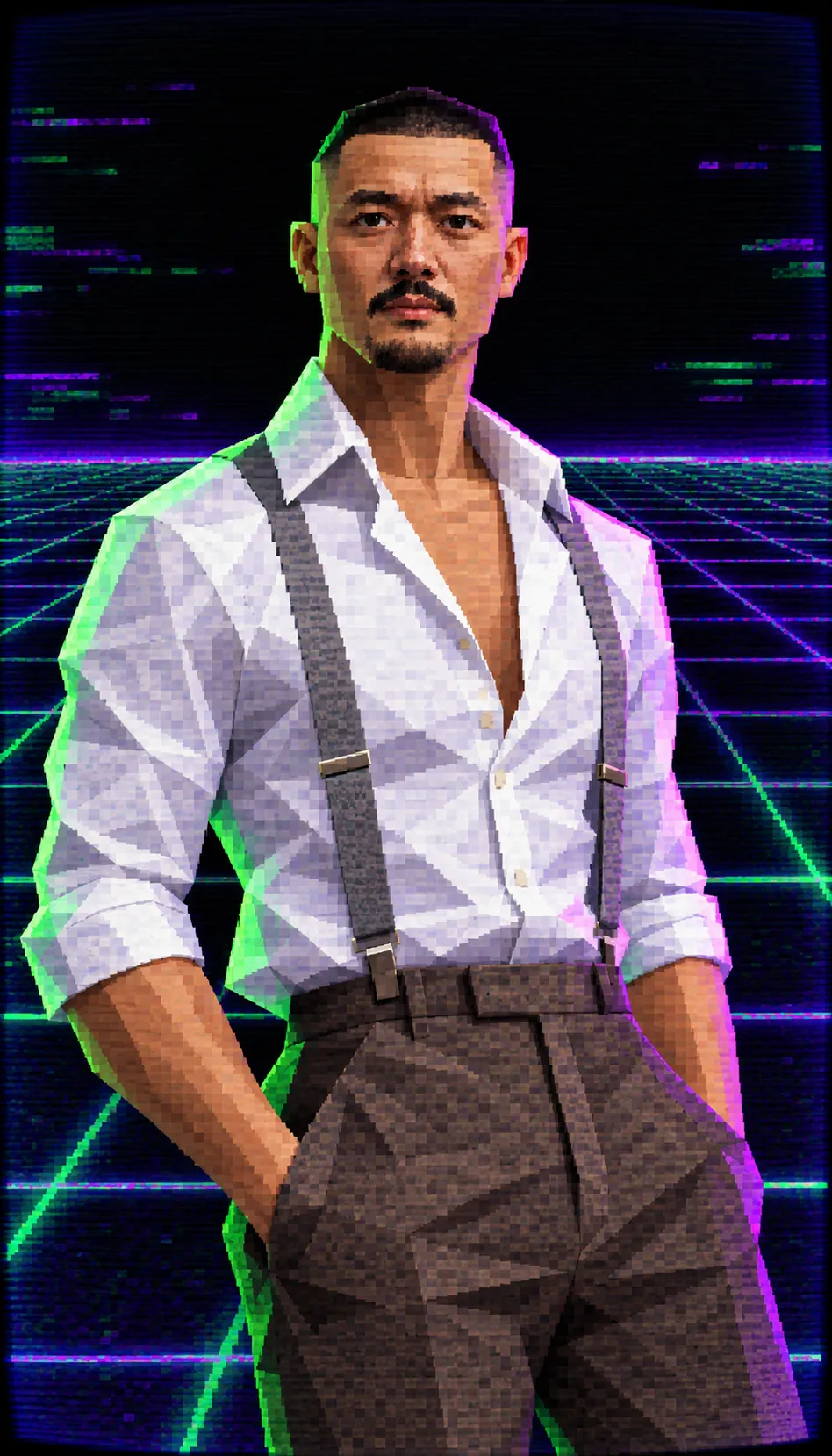
Prompt template
- Format
- Text Parameterized
- Inputs
- input_photo (image) · Required environment (text) · Optional · Default: glitchy digital grid or black void
- Outputs
- stylized_game_character_image (image)
Transform the subject of the input photo into a retro low-poly game character. Use a PS1 graphics aesthetic with Y2K nostalgia and vaporwave vibes. Place the character in ${environment:glitchy digital grid or black void}. Use neon green and purple gamer lighting with a CRT monitor glow effect. Create blocky geometry with visible polygons, pixelated face texture mapping, and jagged edges. Aim for a 32-bit aesthetic, an unrefined mesh, a raw digital look, and a pixelation filter.Replace the ${…} placeholders with your values
before using this prompt. See parameters
and defaults below
Parameters
Replace each placeholder with your own value, or use its default when one is provided
${environment:glitchy digital grid or black void}
environment
Default: glitchy digital grid or black void
What you'll create
Blocky geometry, pixelated face textures and jagged edges evoke early console graphics. Green-purple light surrounds a raw mesh inside a digital grid or black void.
Frequently asked questions
Should polygon edges be hidden?
No. Visible polygons and unrefined geometry are central to the retro look.
Can the environment be customized?
Yes. The default is a glitchy grid or black void.




Comments
Tried this prompt? Share what you made, compare results, or ask a question