Fisheye Studio Flex Portrait
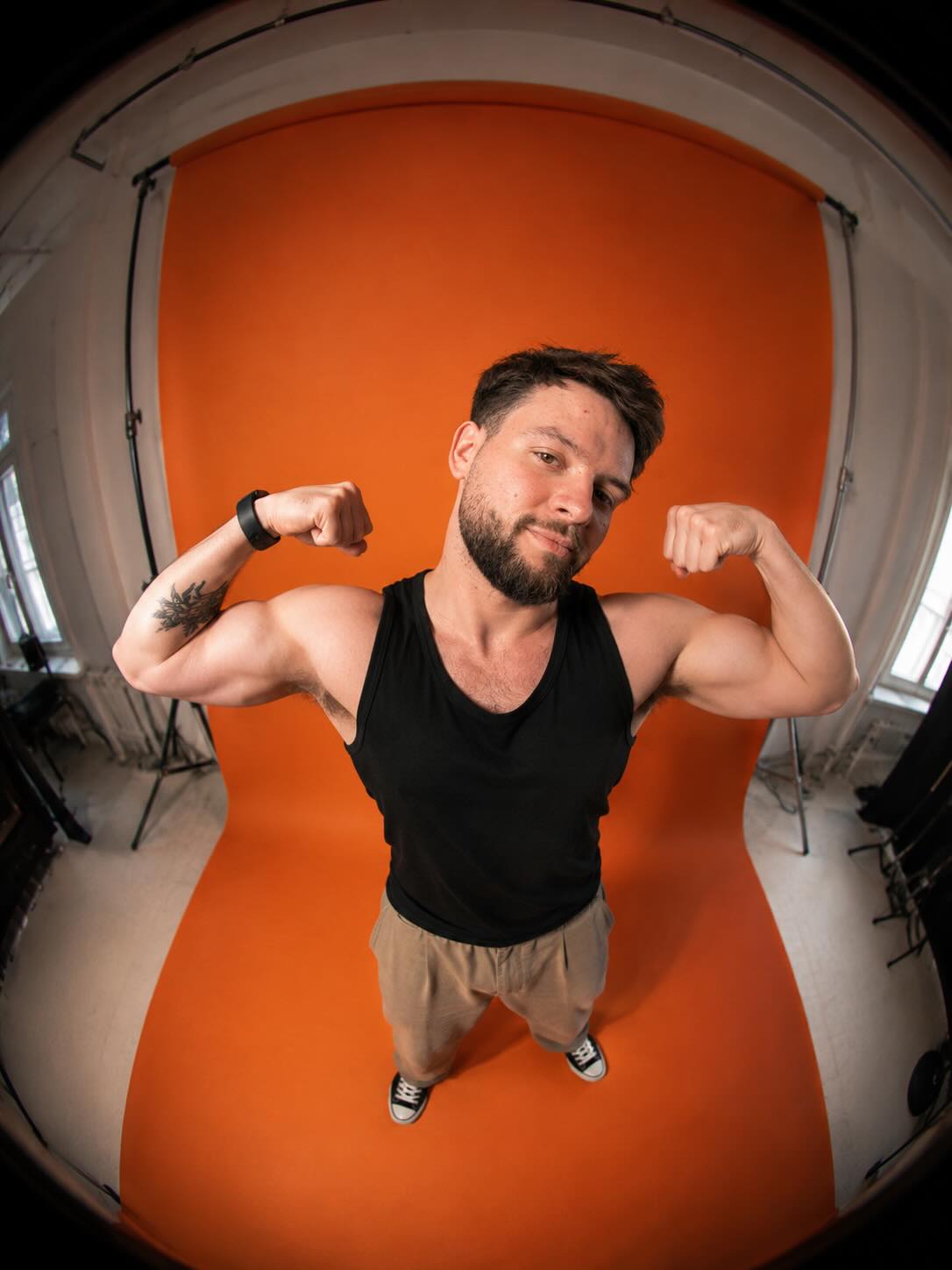
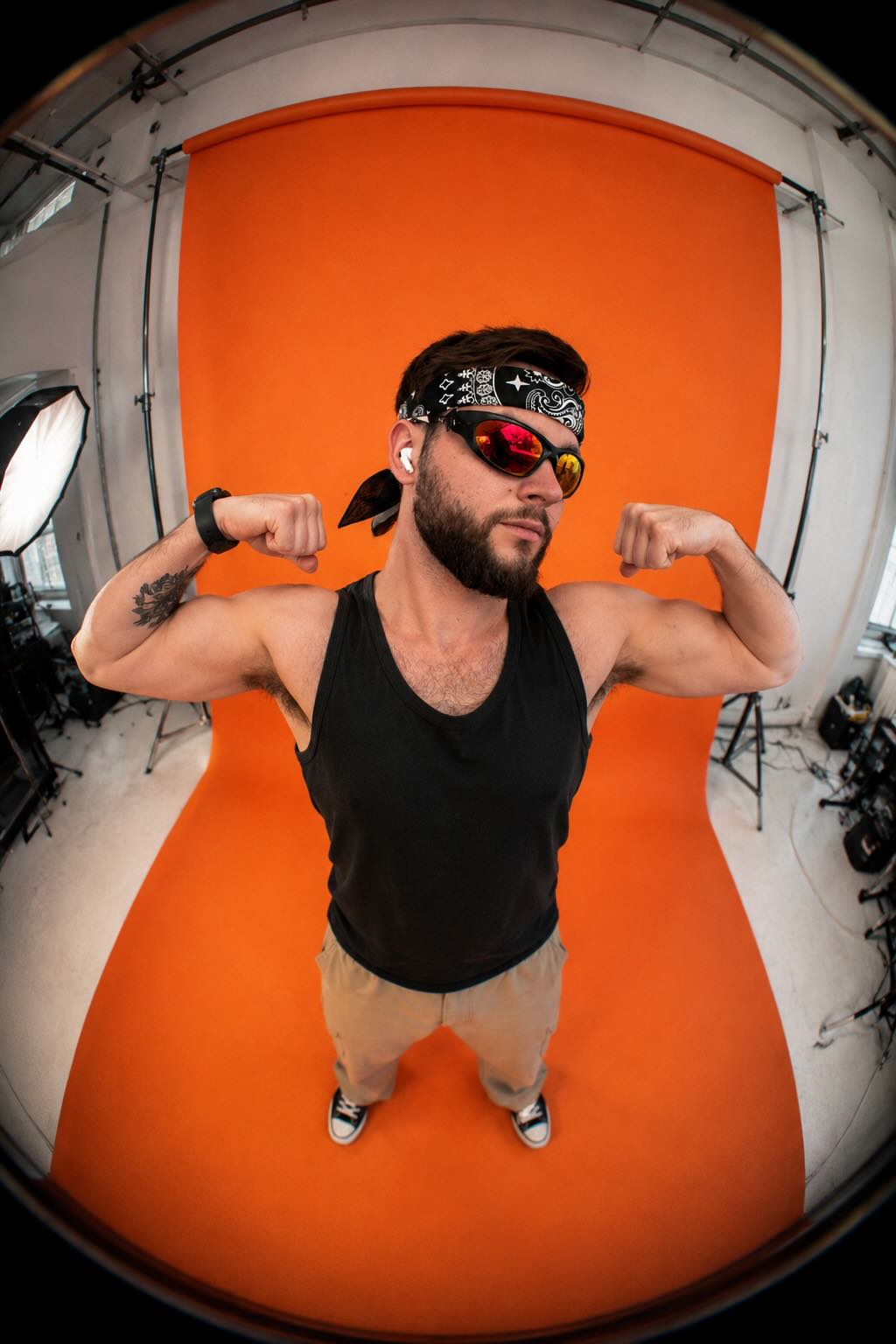
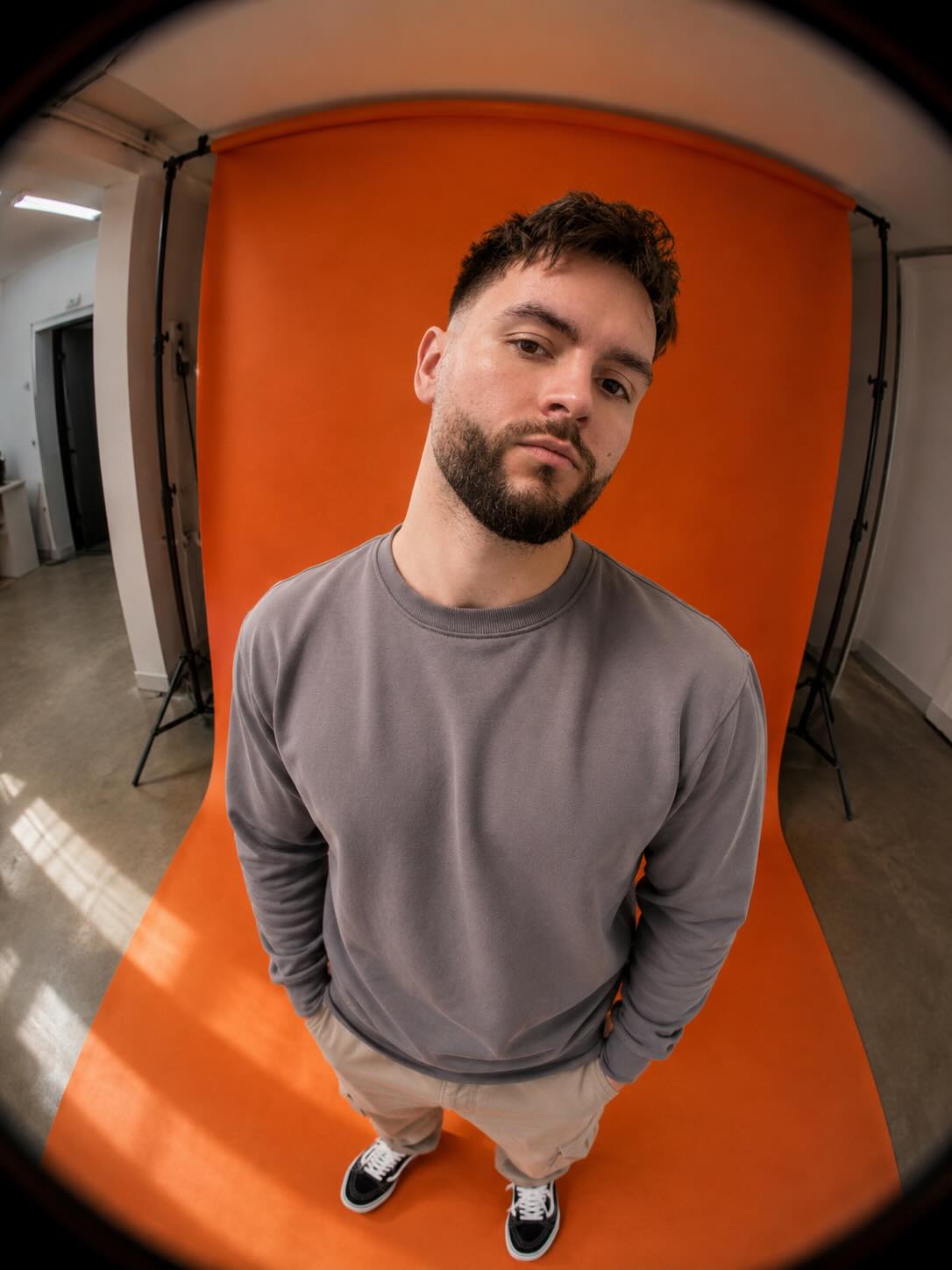
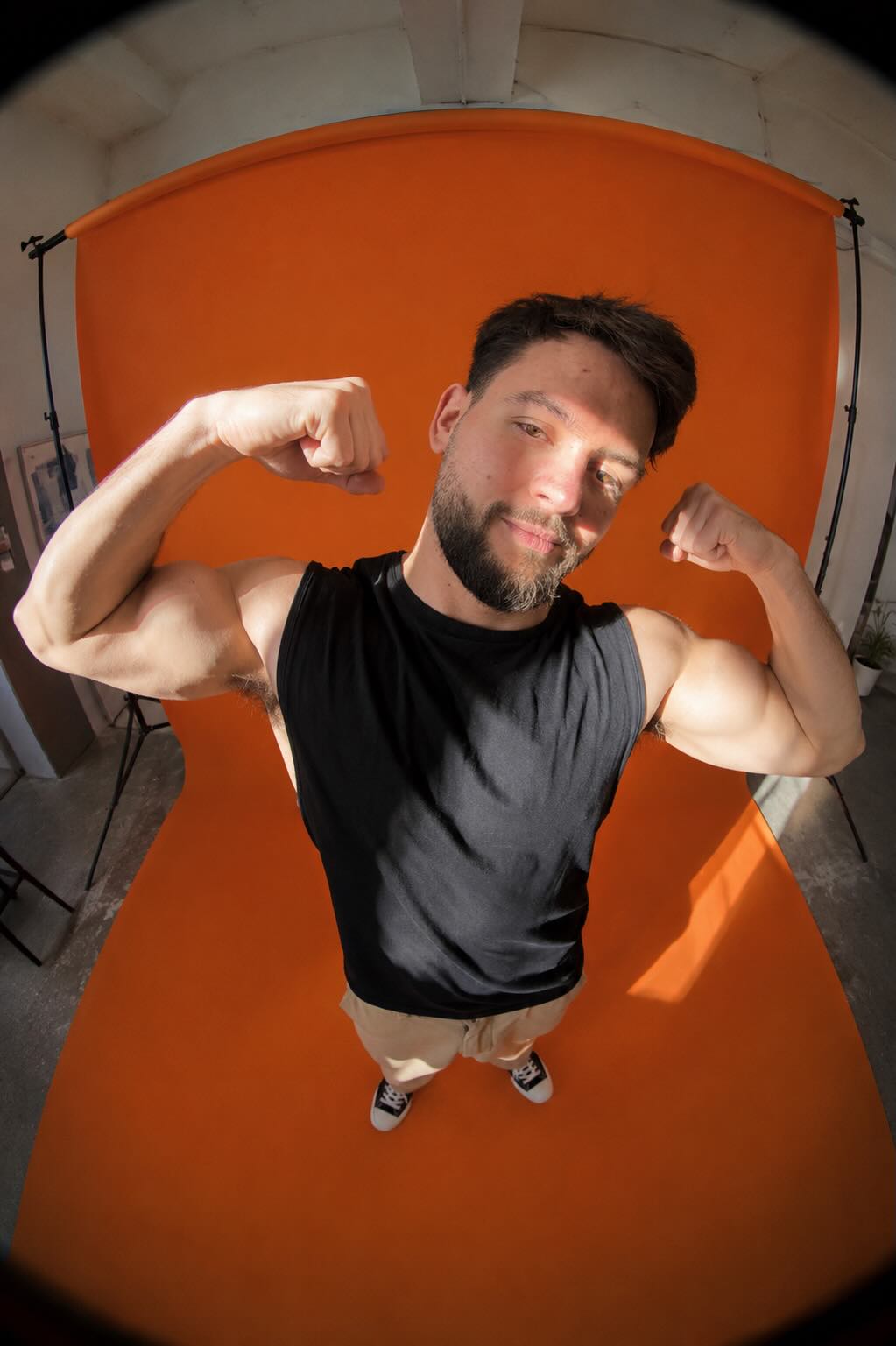
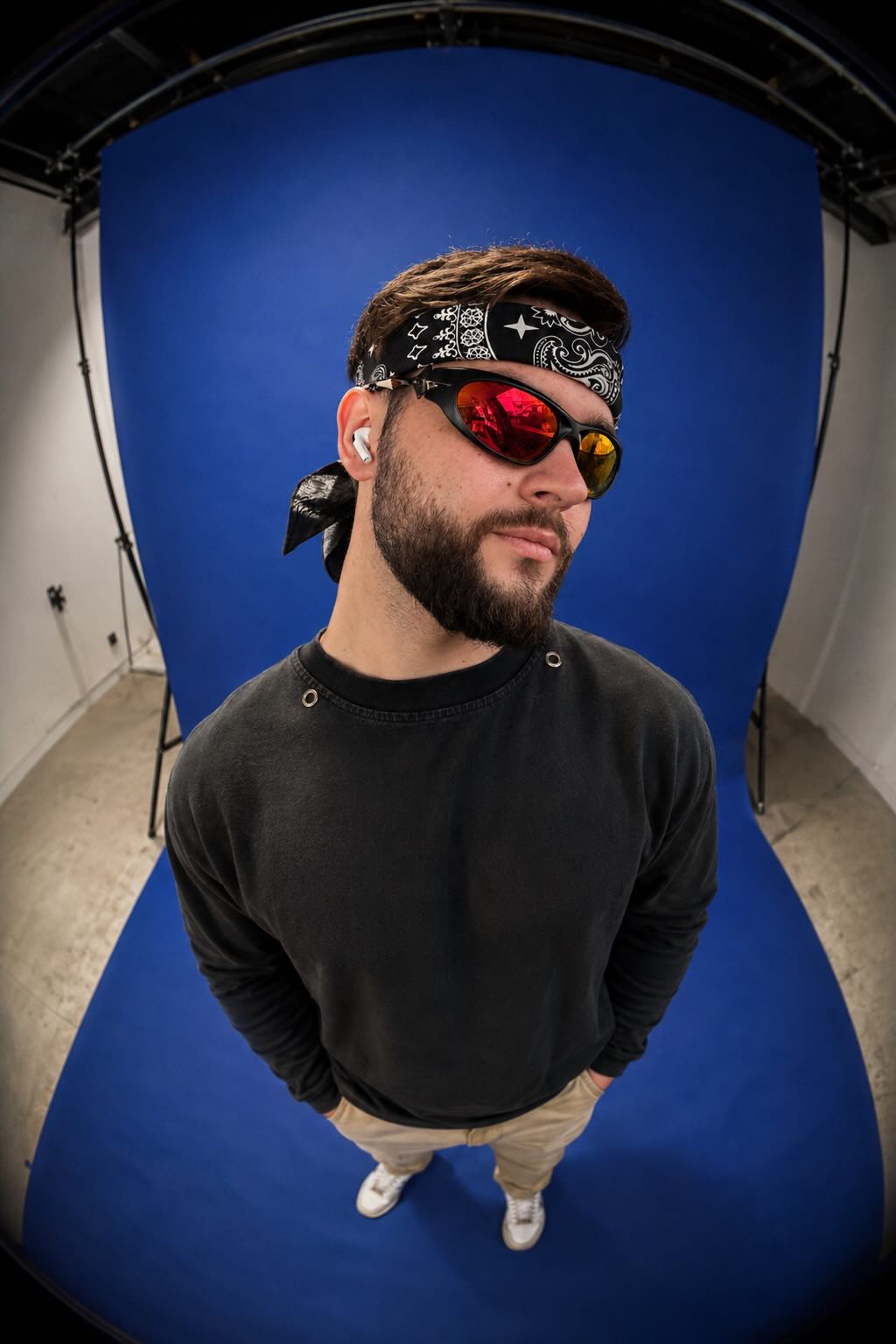
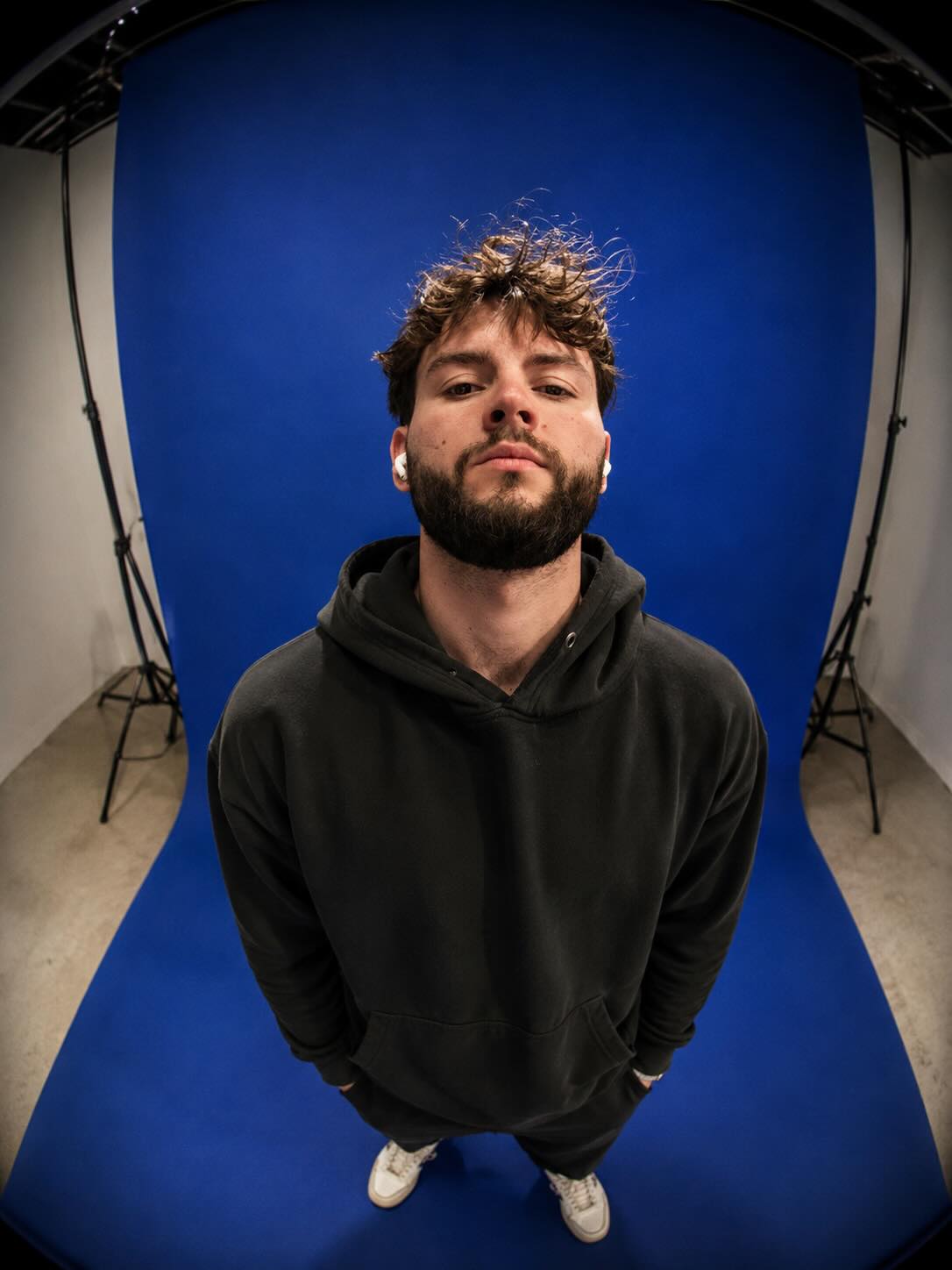
Create an editorial fashion portrait from a reference photo, preserving the subject’s face while emphasizing a flexing pose and dramatic fisheye perspective.
Example outputs
Prompt template
- Format
- Text Parameterized
- Inputs
- Reference_photo (image) · Required backdrop_color (text) · Optional · Default: vivid orange
- Outputs
- Portrait_image (image)
Create an ultra-realistic editorial portrait of the person in the reference image. Preserve their face and facial features exactly; do not alter their identity. Show them standing in a minimalist studio, photographed from a dramatic high-angle overhead perspective with strong fisheye-lens distortion. Have them flex their biceps in a freestyle pose for a candid, energetic feel. Keep the same top as in the reference photo, and pair it with relaxed neutral-toned pants and classic sneakers visible near the bottom of the frame.

Use a ${backdrop-color:vivid orange} seamless paper backdrop that curves onto the floor, with studio surroundings visible at the edges for an authentic behind-the-scenes fashion-photography feel. Use bright, soft studio lighting with subtle shadows, rich contrast, realistic skin texture, cinematic color grading, slight film grain, and shallow depth of field. Aim for a modern Gen Z streetwear and Instagram fashion aesthetic, with realistic proportions, a natural pose, a candid expression, high detail, and DSLR-quality 4K realism.
Replace the ${…} placeholders with your values
before using this prompt. See parameters
and defaults below
Parameters
Replace each placeholder with your own value, or use its default when one is provided
${backdrop-color:vivid orange}
backdrop-color
Default: vivid orange
What you'll create
The reference person flexes in a freestyle pose, retaining the original top with neutral trousers and sneakers. Curved paper flooring and visible studio edges create a candid behind-the-scenes fashion feel.
Frequently asked questions
Can the top change?
No. It stays the same as in the reference.
What backdrop color is the default?
Vivid orange.




Comments
Tried this prompt? Share what you made, compare results, or ask a question