Turn a Photo into a The Sims 4 Character
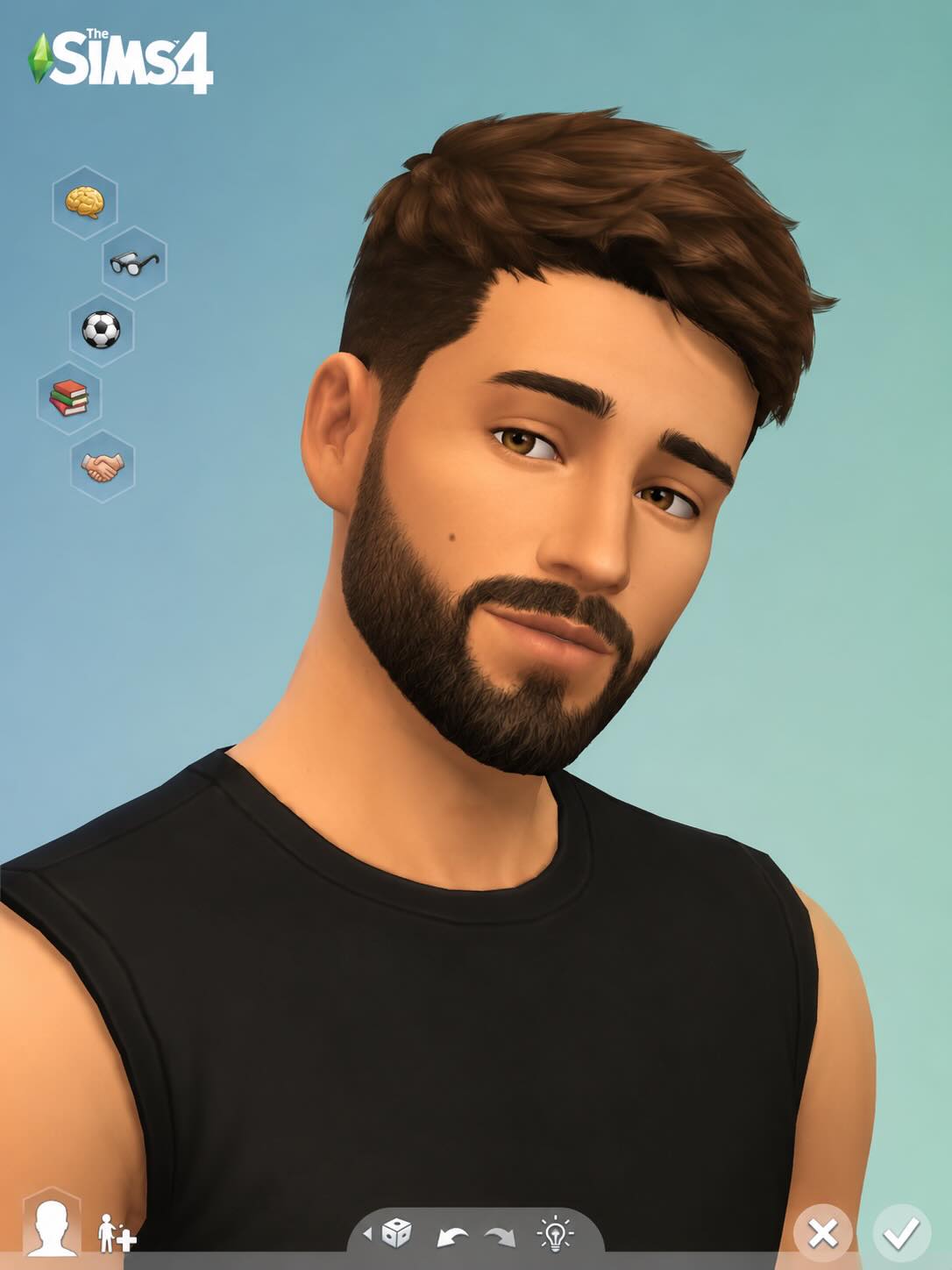
Transform a person in a photo into a polished, recognizable character in the style of The Sims 4 Create-a-Sim.
Example outputs
Prompt template
- Format
- Text
- Inputs
- Reference_photo (image) · Required
- Outputs
- Generated_character_image (image)
Transform the person in the provided photo into a character in the style of The Sims 4 while preserving their recognizable face and key features. Use the game's characteristic look: smooth skin, slightly stylized and expressive facial features, large eyes, neat textures, a polished CGI/3D-render aesthetic, and high-quality in-game lighting and character detail. Make the character look like an official Sim from Create-a-Sim, without making them overly cartoonish or anime-inspired.

Clothing, hairstyle, and accessories may be adapted to a Maxis Match The Sims 4 style. Use soft textures, stylized lighting, and a clean 3D render that looks like a character from the official game.
What you'll create
Recognizable features become simplified game-like eyes, hair and skin under stylized 3D lighting. Clothing and accessories adapt to Maxis Match while preserving the person’s individuality.
Frequently asked questions
Should the style become anime?
No. It should look like an official Sim.
Can clothing be adapted?
Yes. It may shift into Sims-style materials and design.


Comments
Tried this prompt? Share what you made, compare results, or ask a question