Transform a Photo into a Gouache Illustration
Reimagine a photo as a detailed, hand-painted gouache illustration while preserving its composition and details.
Example outputs
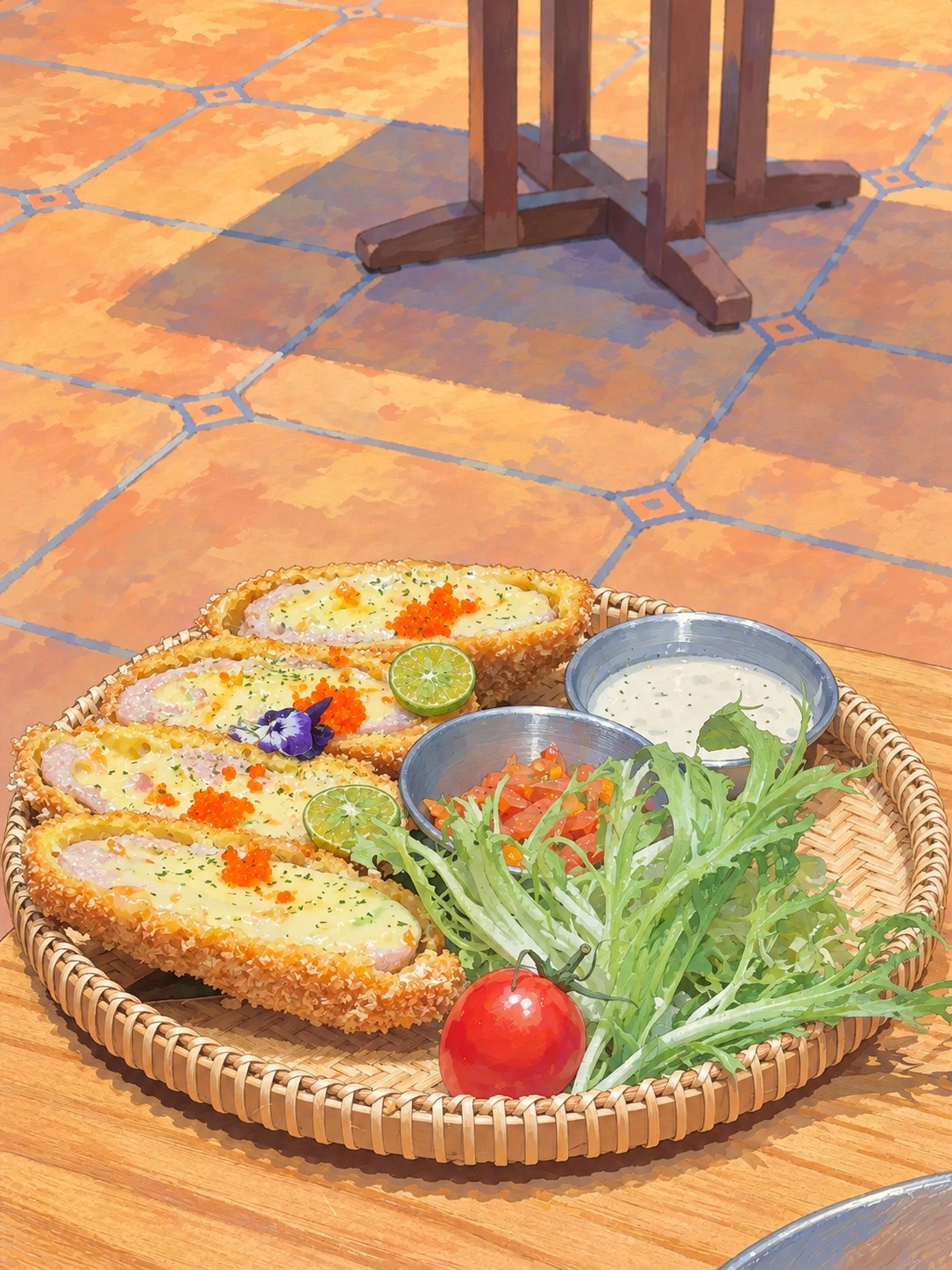
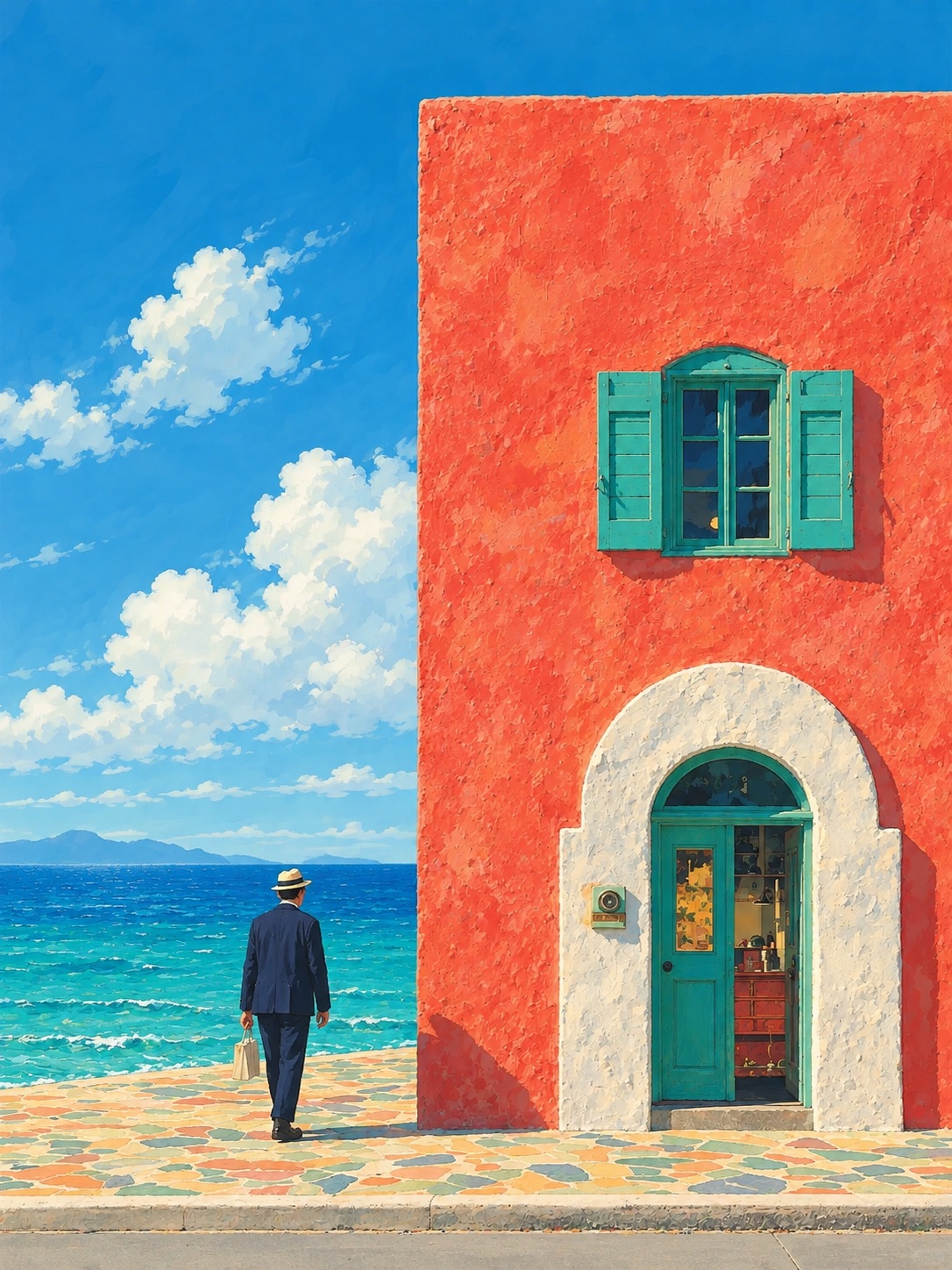
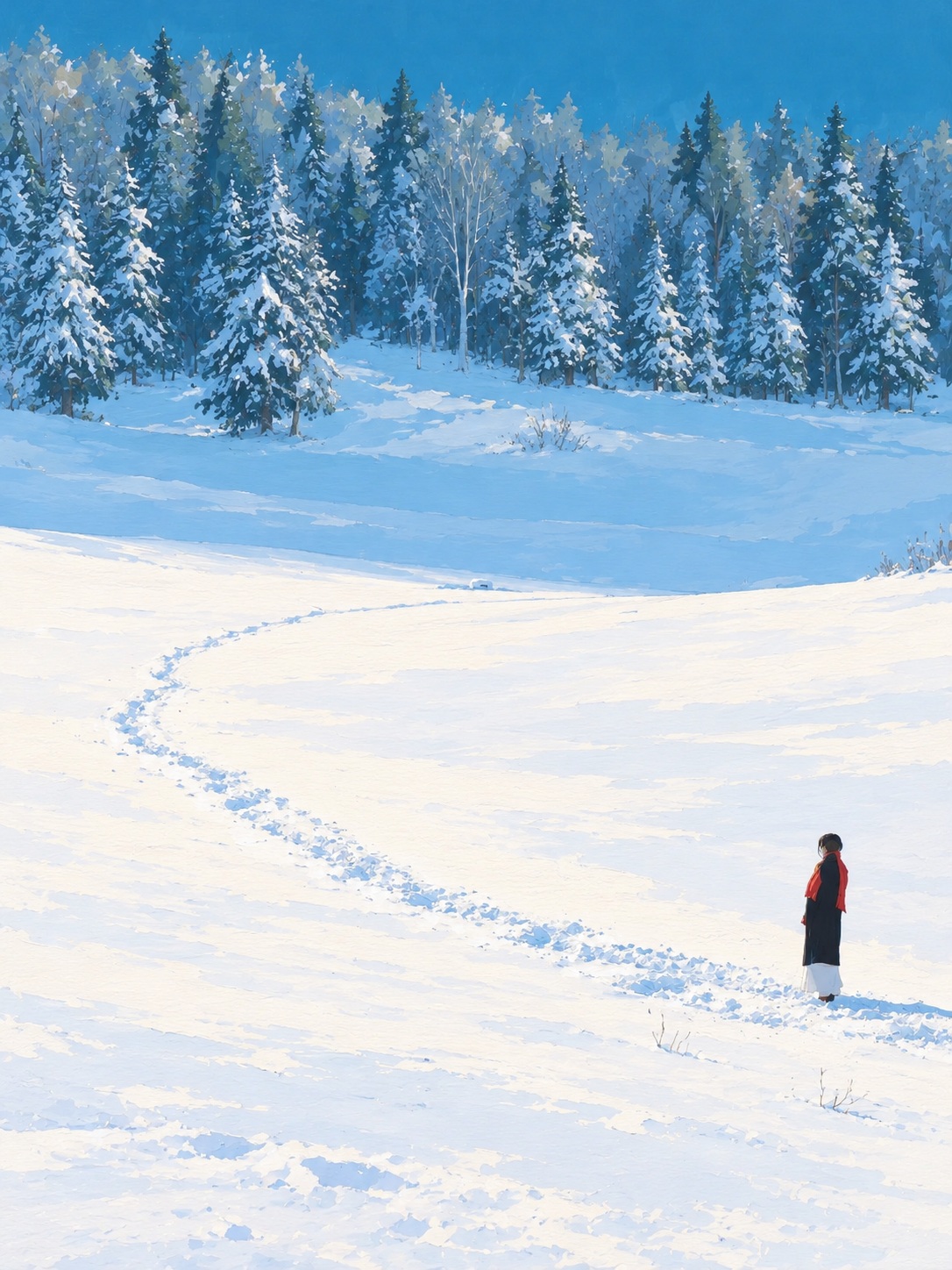
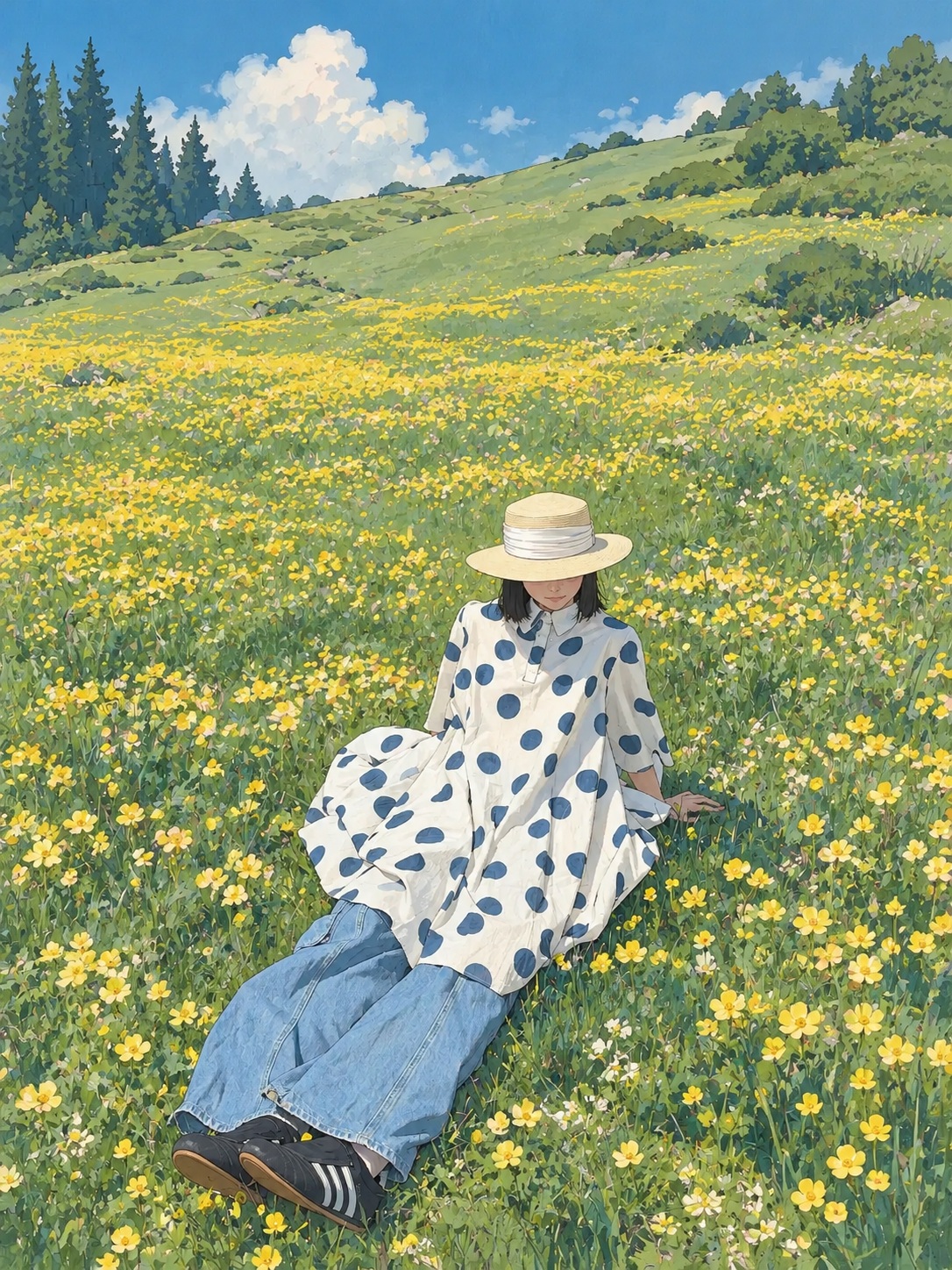
Prompt template
- Format
- Text
- Inputs
- Style_reference_image (image) · Required Photo_to_transform (image) · Required
- Outputs
- Illustration (image)
Using the first image as a style reference, transform the second photo into a detailed, hand-painted gouache illustration. Preserve the original photo’s main composition, people’s poses, clothing, and object placement. Use opaque matte color blocks, soft layered colors, fine natural lines, and a subtle paper texture. Keep the lighting airy and the colors fresh. Reinterpret all details with hand-painted strokes. Avoid a photographic-filter look, a plastic appearance, and 3D effects. Do not add any scenes or objects from the reference image, and do not add text. Use a portrait 3:4 aspect ratio.What you'll create
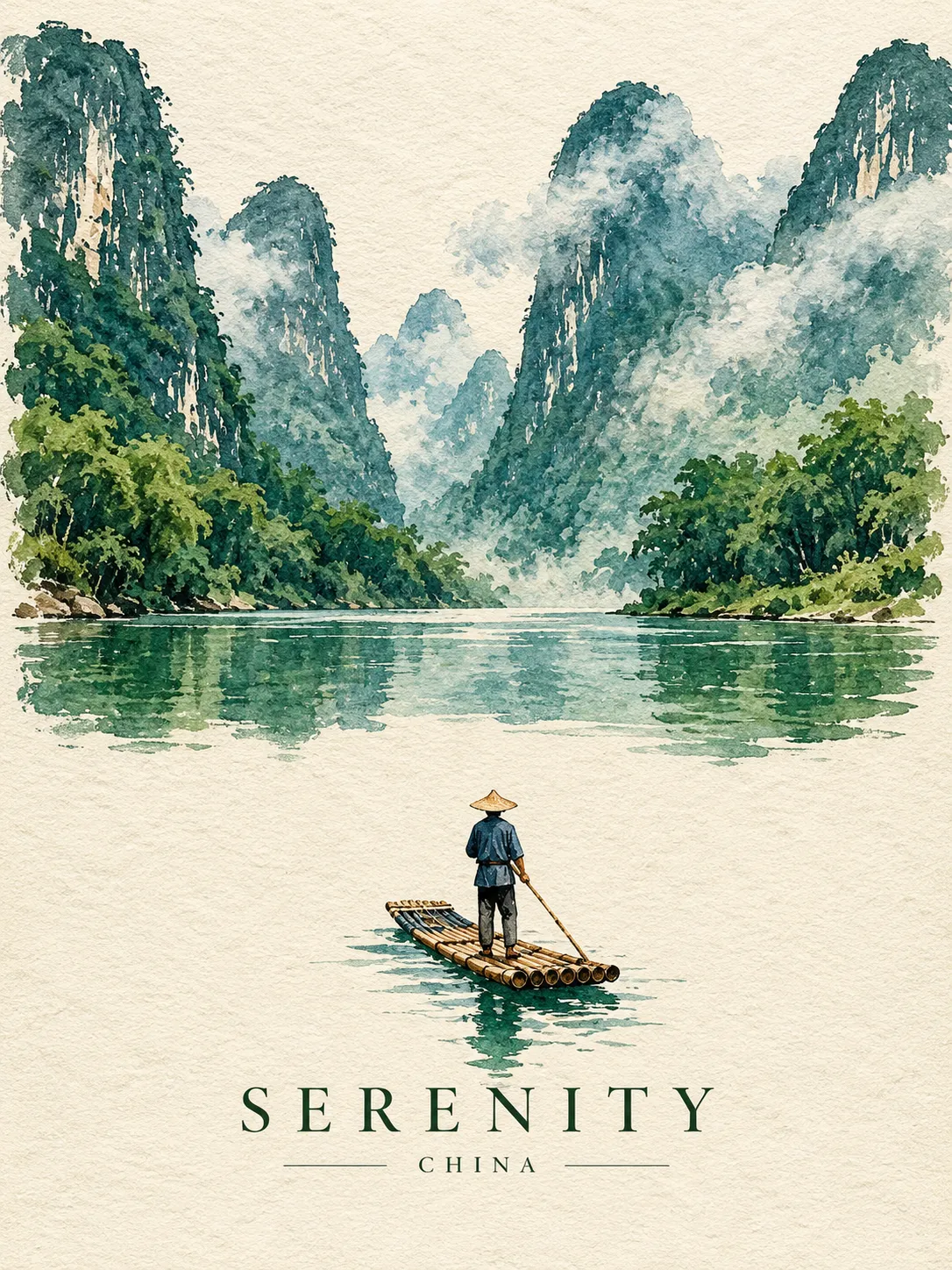
The second image becomes a hand-painted composition with opaque color blocks, soft layers and fine natural lines. Airy light and fresh colors retain the original poses and object placement within a subtle paper texture.
Frequently asked questions
Can objects from the style reference be added?
No. The first image contributes style only.
Should it look like a photographic filter?
No. Every detail is reinterpreted with painted strokes.




Comments
Tried this prompt? Share what you made, compare results, or ask a question