Life and Travel Fragments Scrapbook Collage
Turn uploaded photos into a compact, handmade travel-journal collage on textured paper, with layered materials and generous whitespace. The main photo can be specified or selected automatically from the uploads
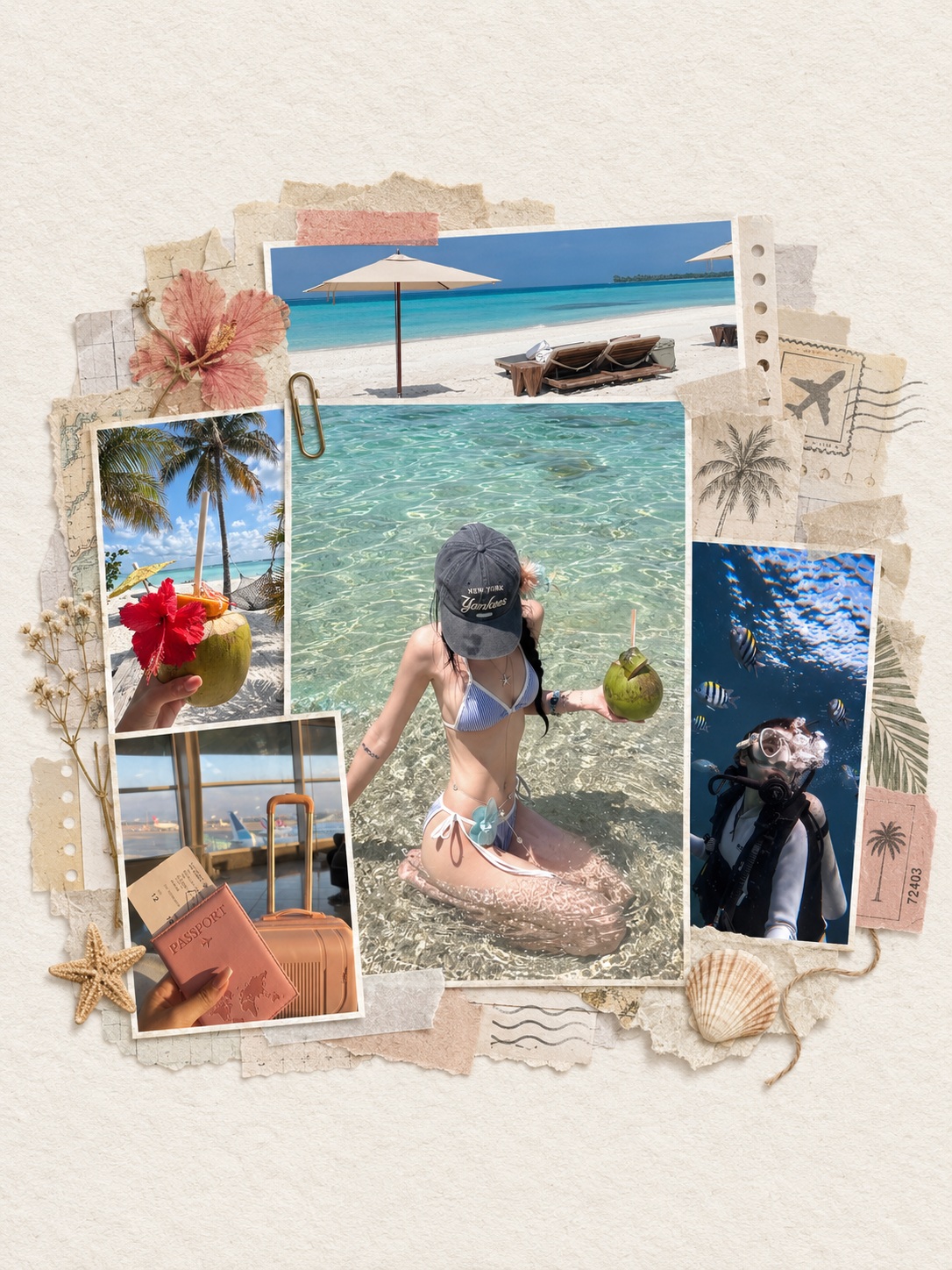
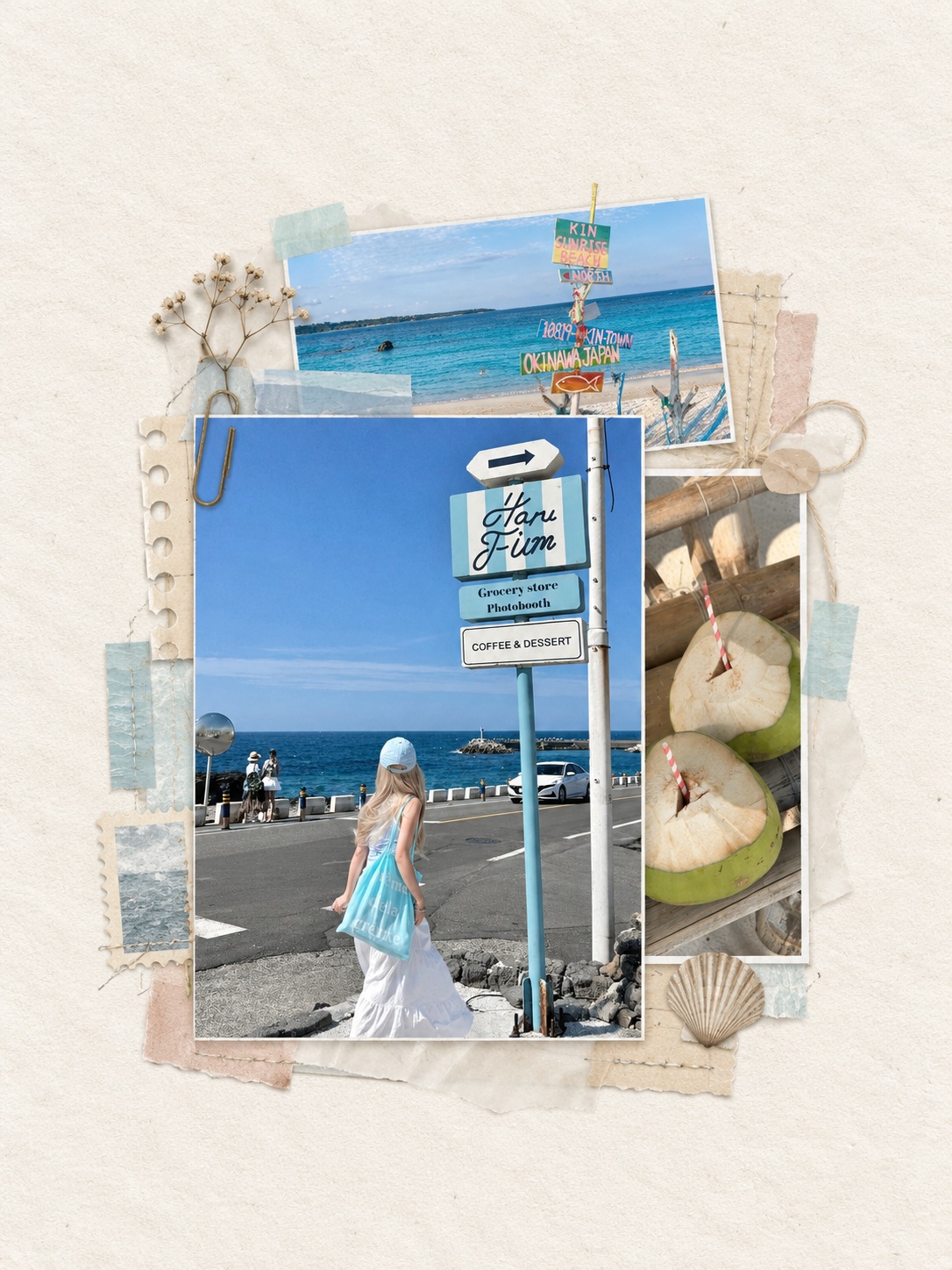
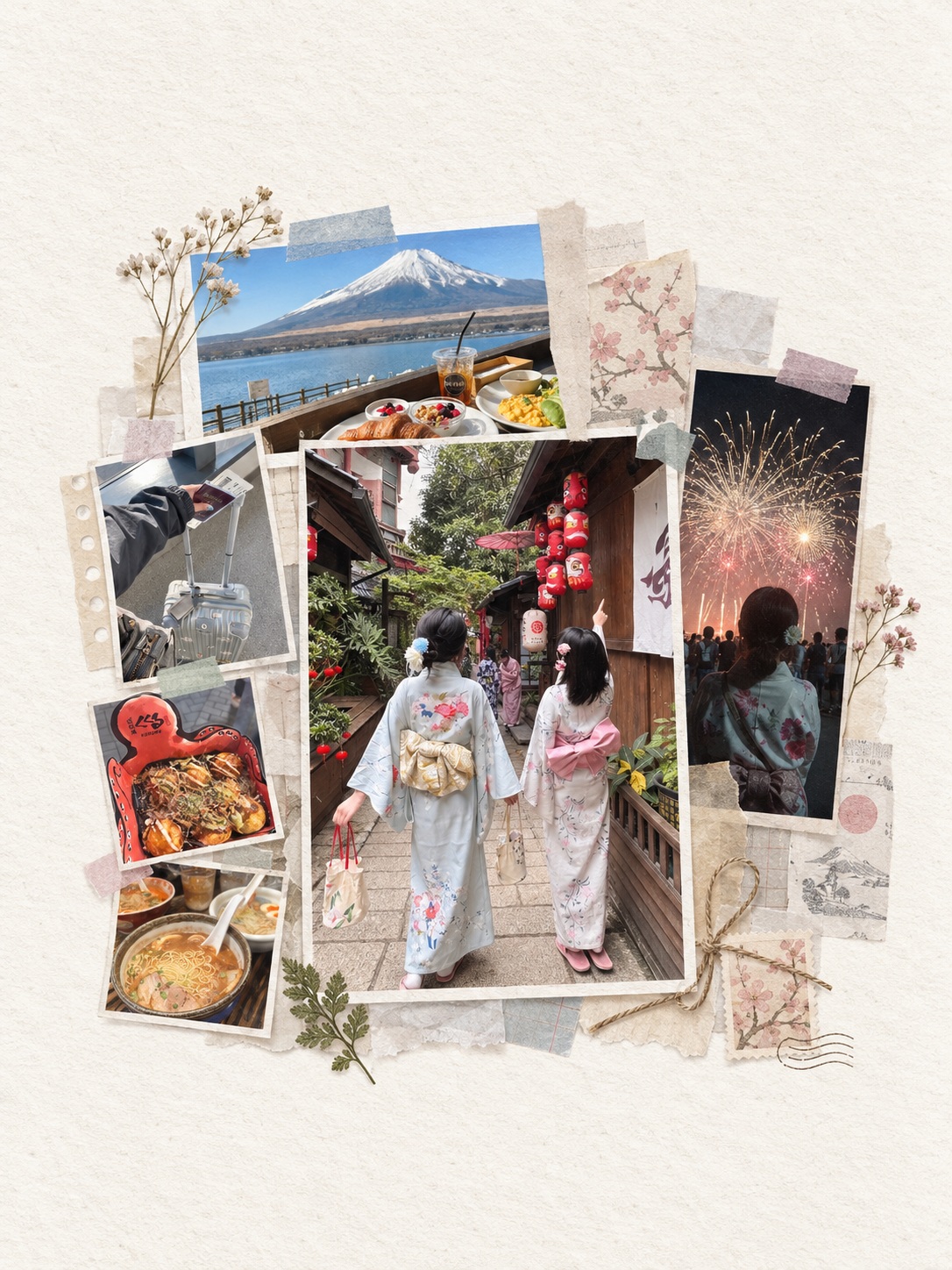
Example outputs
Prompt template
- Format
- Text
- Inputs
- UploadedPhotos (image) · Required PreferredMainPhoto (image) · Optional
- Outputs
- ScrapbookCollage (image)
Use the photos I upload to create a vertical 3:4 handmade scrapbook collage.

If I specify a main photo, follow that choice exactly. If I do not, choose the best visual center based on subject clarity, emotional impact, composition, and recognizability; use the remaining photos as supporting images. Photos may only be cropped. Do not redraw, blend, stretch, or otherwise alter their original content.

Use a warm-white canvas with a subtle fibrous paper texture. Place the entire collage compactly in the center, slightly below the visual center if appropriate. Its width and height must each be no more than half the canvas, leaving a large area of uninterrupted whitespace around it.

Place the main photo in front, cropped to a short vertical rectangle with an aspect ratio of about 3:4 to 4:5; do not make it slender. Crop one supporting photo into a wide, shallow horizontal strip and tuck it behind the main photo’s upper edge. Crop another supporting photo into a narrow vertical strip and tuck it behind the main photo on the right. The main photo must cover parts of both supporting photos’ edges; the supporting photos must not cover or overlap the main photo. Keep photo edges clean and straight; use torn edges only on the papers behind the photos.

Behind the photos, add about 10–14 layers of thin, realistic scrapbook materials, such as fibrous paper, tracing paper, translucent paper, handmade paper, punched edges, fine thread, paper clips, stitching, ticket scraps, or a few pencil marks. Choose materials to suit the photos rather than mechanically repeating the same decorations.

Layer papers in varied sizes and offsets, leaving gaps and an irregular outer silhouette. Never connect them into a square or rectangular backing board or a closed frame. Add richness only within the existing compact composition; do not enlarge the overall collage.

Use warm white, greige, oatmeal, and mist gray as the main material colors, with a few muted accents chosen from secondary colors in the photos. If a color already appears extensively in the photos, do not use it for large paper areas.

Keep the materials clearly visible but less eye-catching than the main photo. Choose a soft secondary color for the tape to suit each set of photos. Do not use black, charcoal, or near-black tape, and do not mechanically repeat the most prominent color in the photos.

Make the result feel like a real, handmade personal travel journal: quiet and natural, with visible paper thickness, slightly curled edges, translucent overlaps, and soft shadows. Do not make it look like a commercial poster, a neat template, or a tiled photo collage. By default, add no text, logo, or watermark
What you'll create
Create a compact handmade scrapbook collage from the uploaded photos, with one prominent photo and two partially tucked supporting photos. Layer realistic paper materials in muted tones on a warm-white, fibrous canvas, leaving ample blank space around the collage
Usage instructions
Frequently asked questions
How is the main photo chosen?
You can specify the main photo; otherwise, select the one with the clearest subject, strongest emotional impact, and most recognizable composition
Can the photos be blended or reshaped?
No. Crop the photos only; do not redraw, merge, stretch, or alter their original content
How should the collage colors be chosen?
Use warm neutrals as the base and choose a few muted accents from secondary photo colors. Avoid using a color that already dominates the photos for large paper areas








Comments
Tried this prompt? Share what you made, compare results, or ask a question