Personalized Luxury Saree Portrait Collage
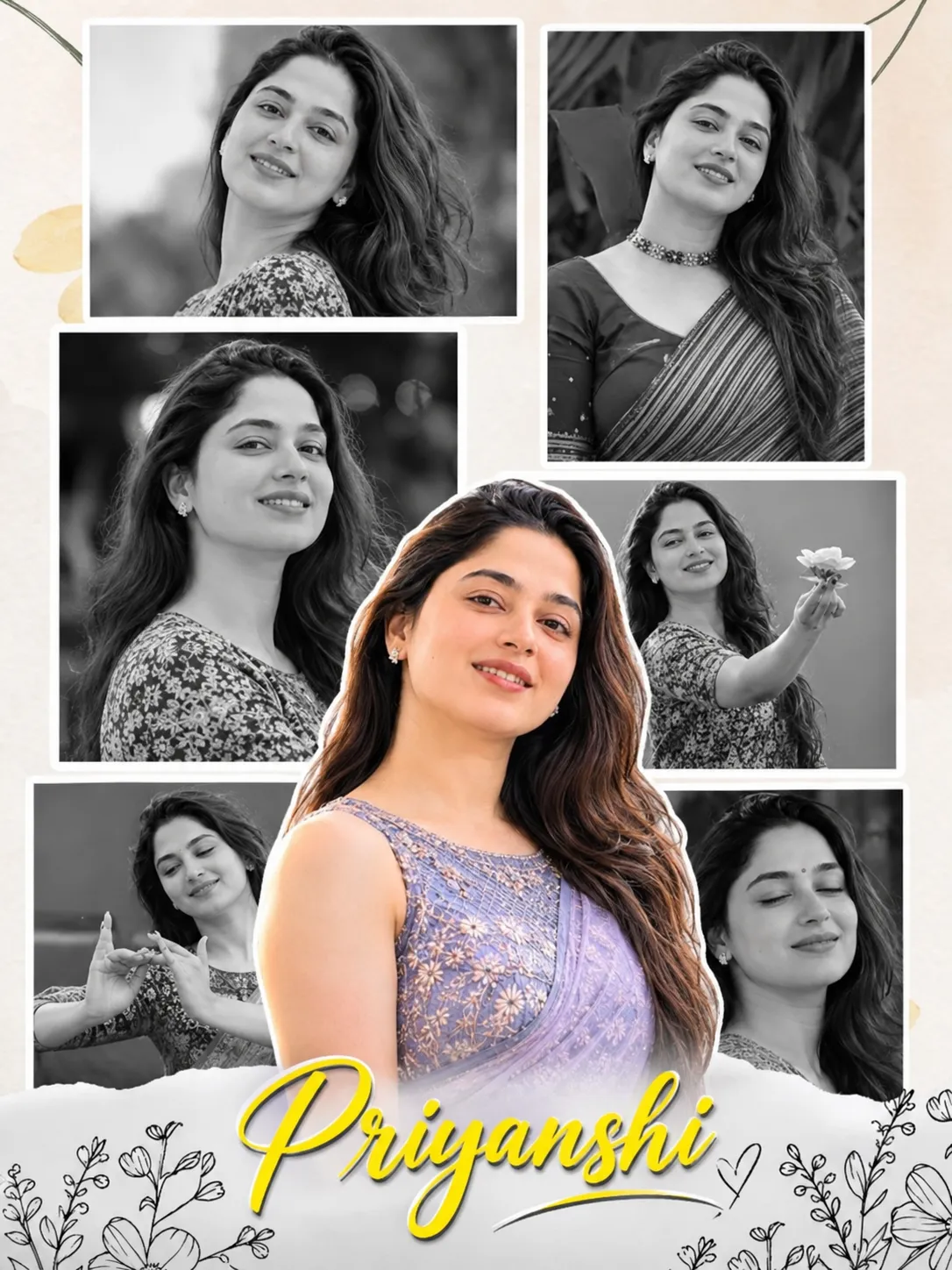
Create an elegant multi-panel portrait collage combining monochrome editorial photographs with a prominent color portrait. Customize the featured name while keeping the subject’s identity consistent with the supplied reference photo.
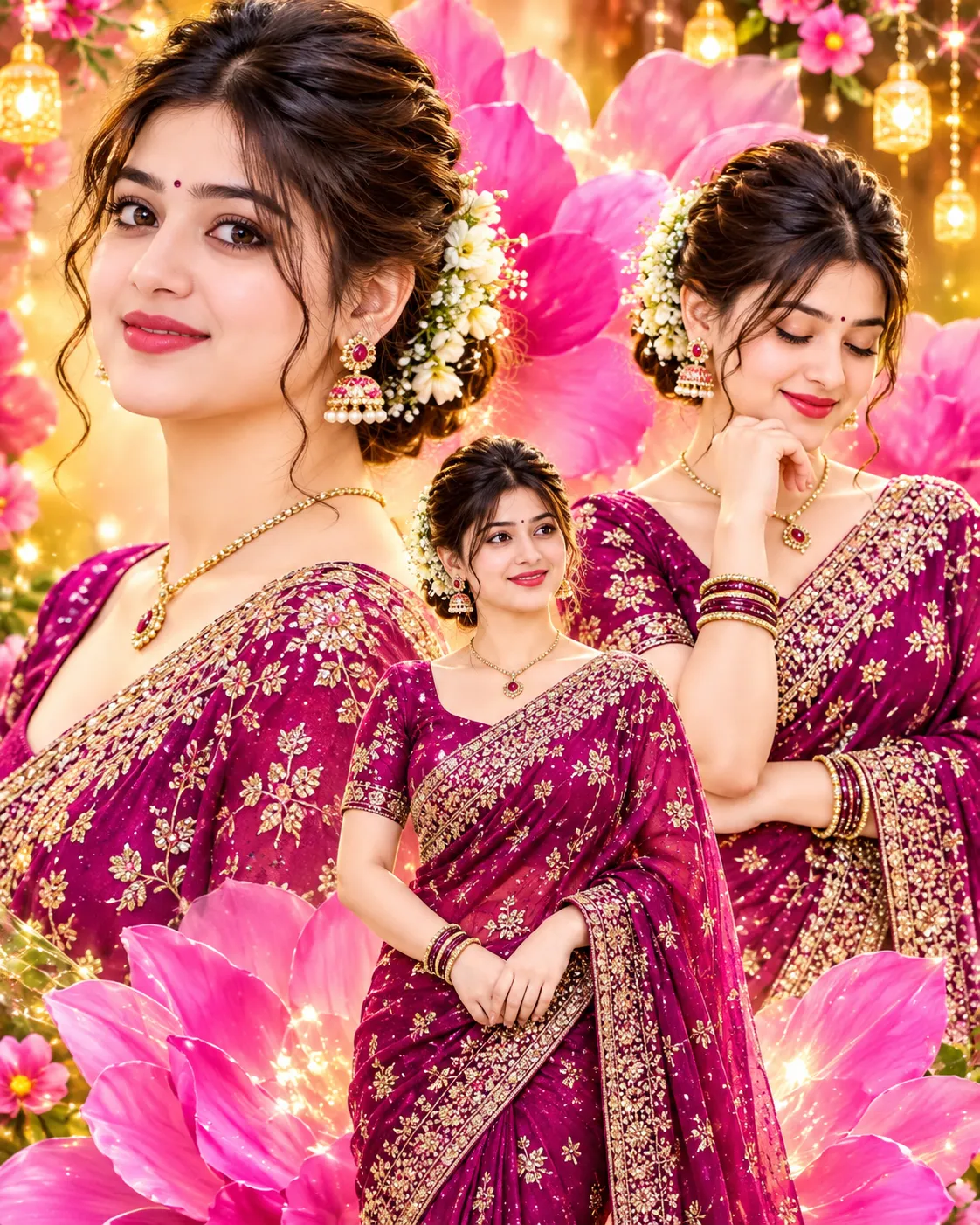
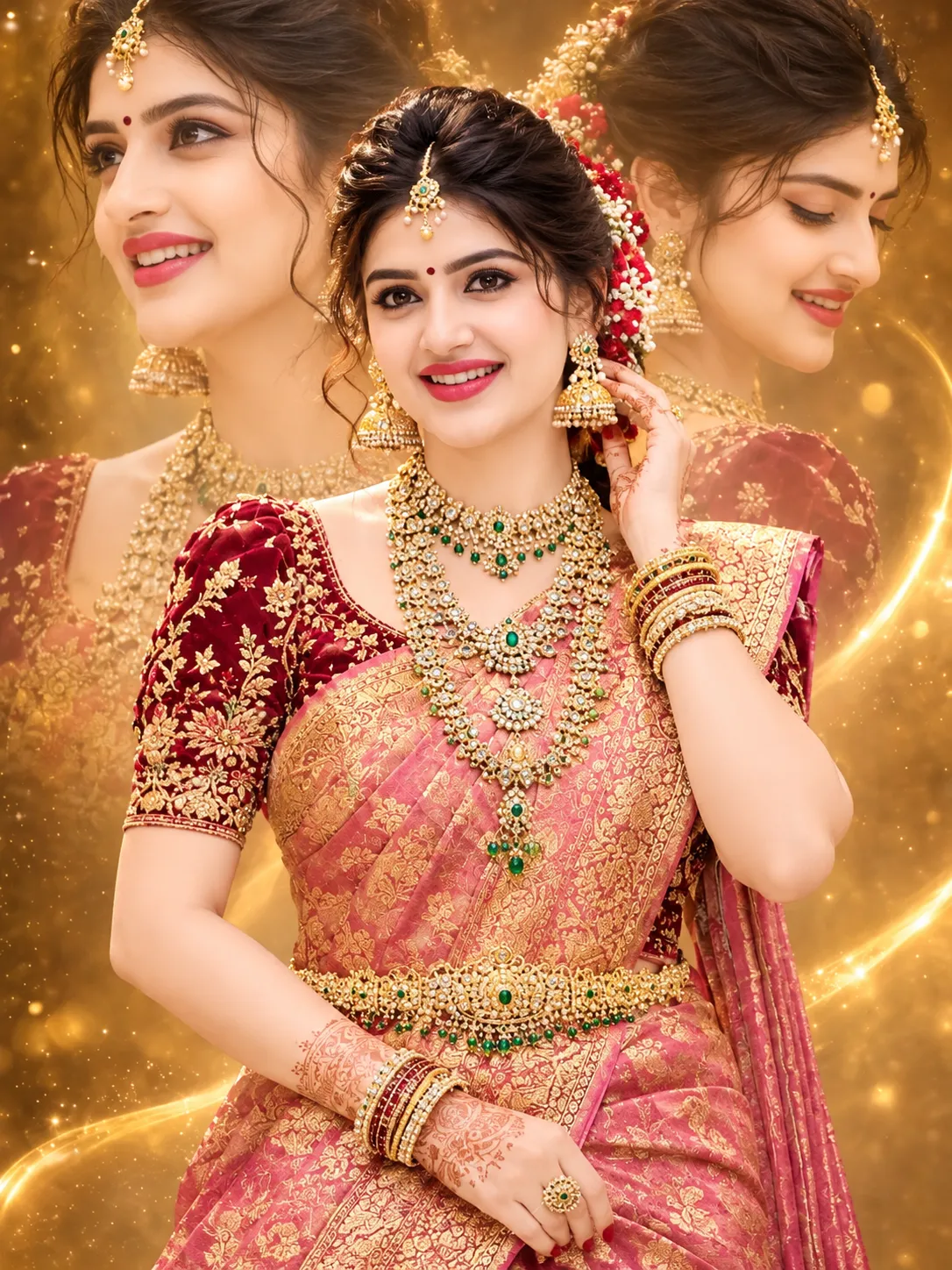
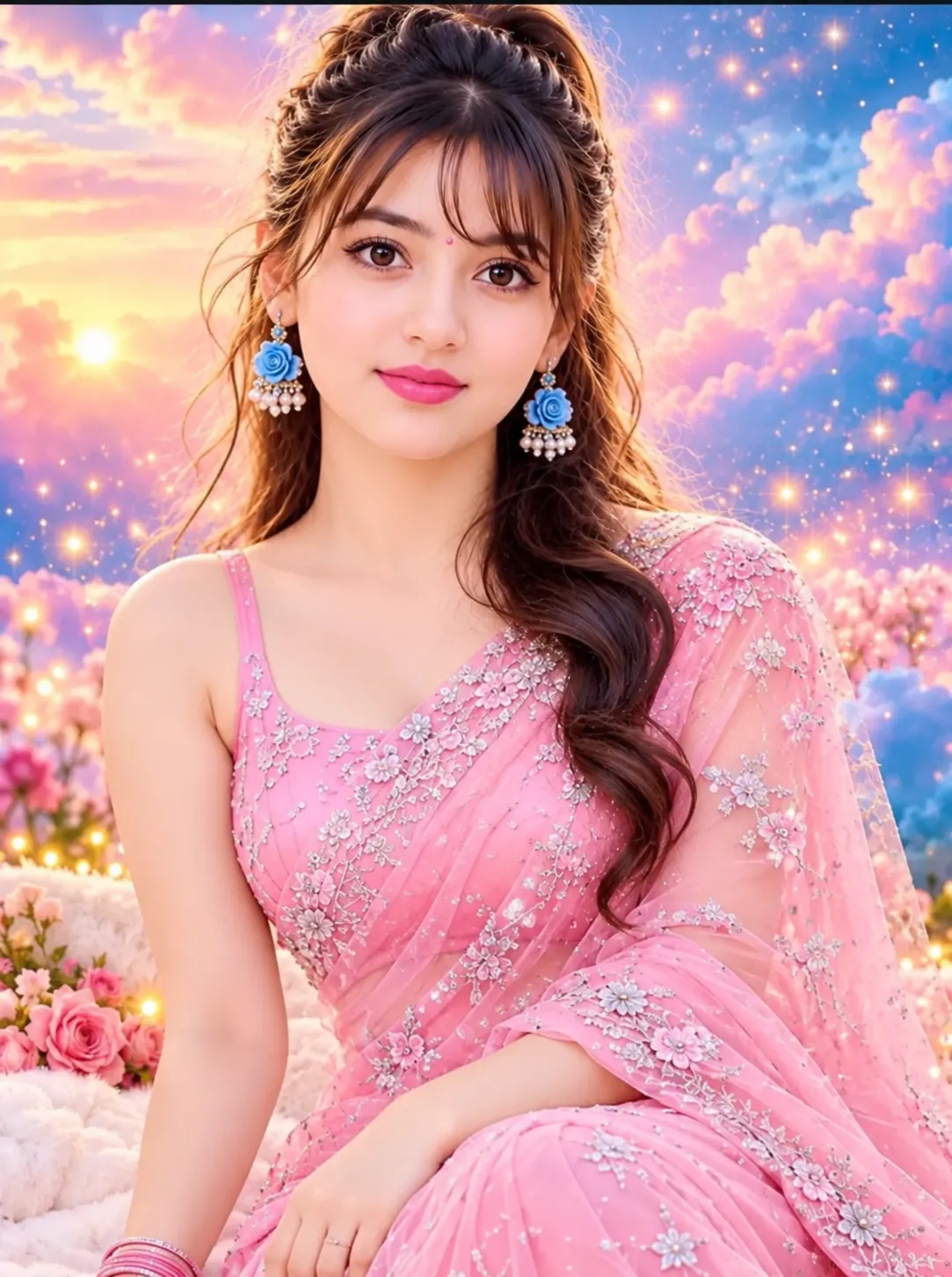
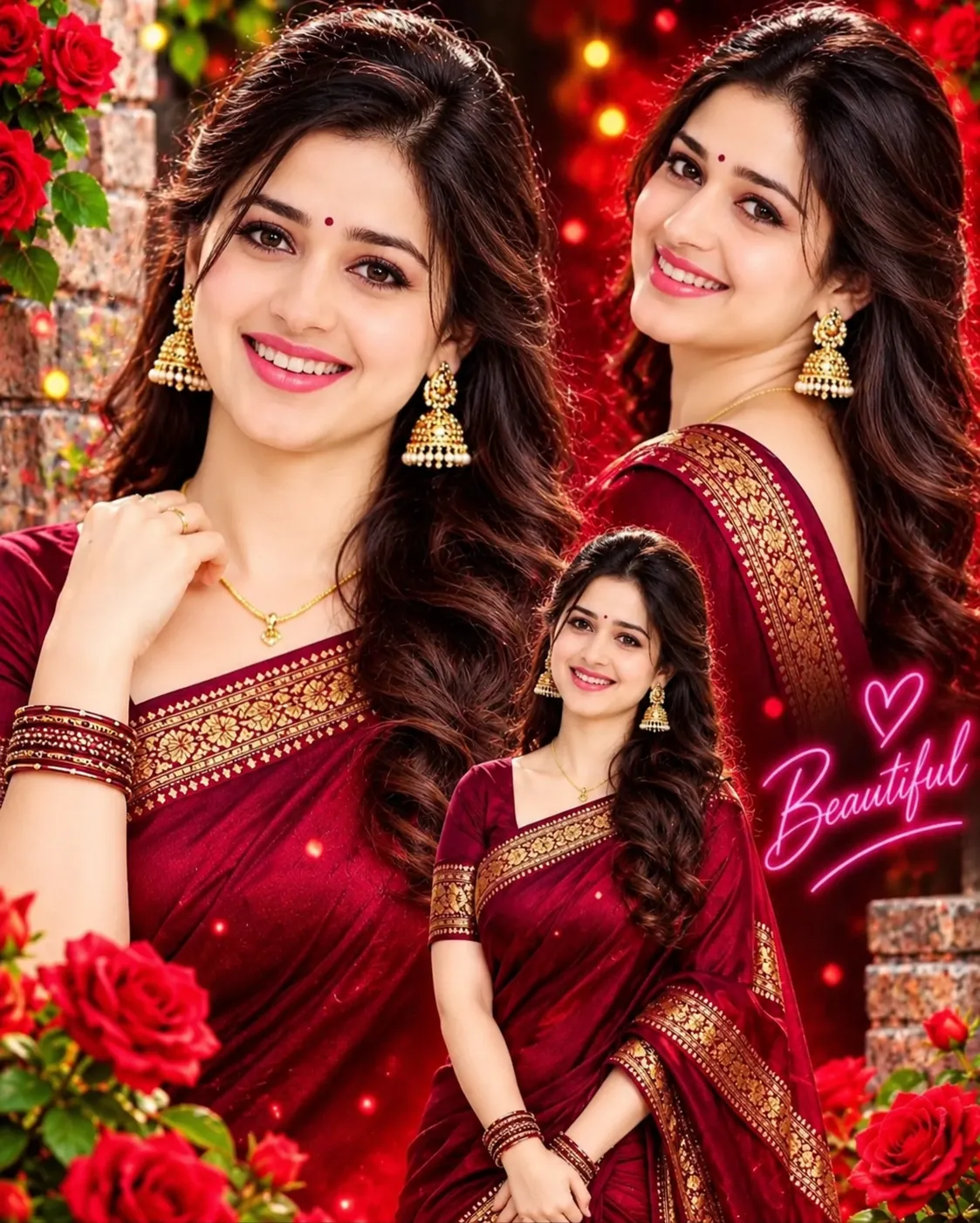
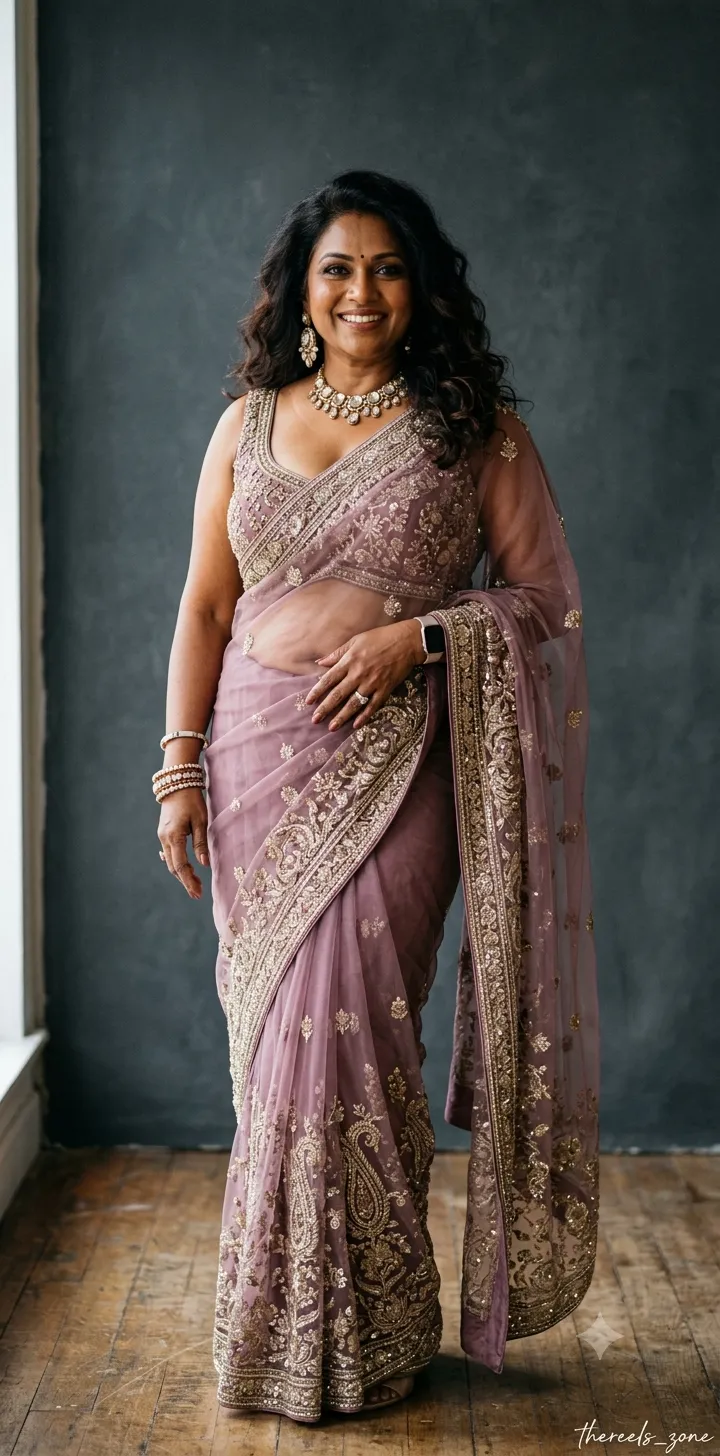
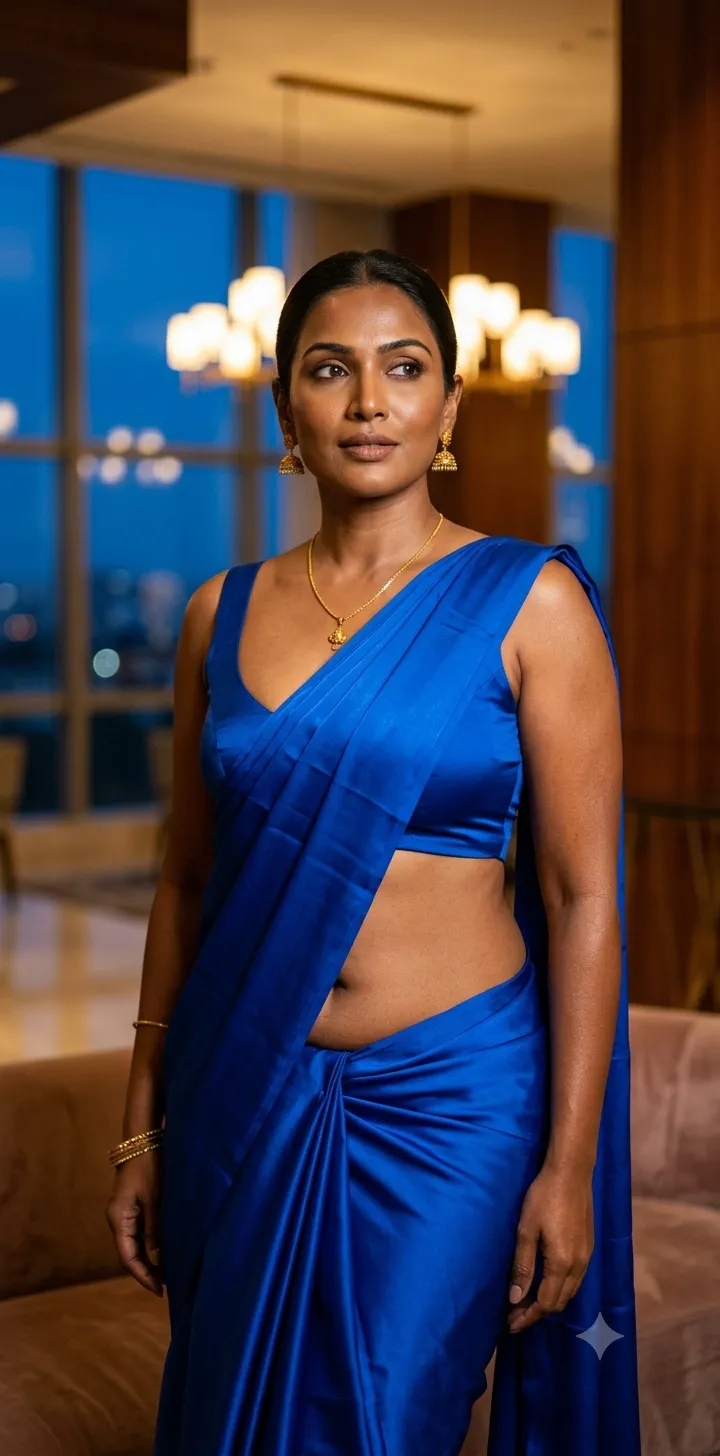
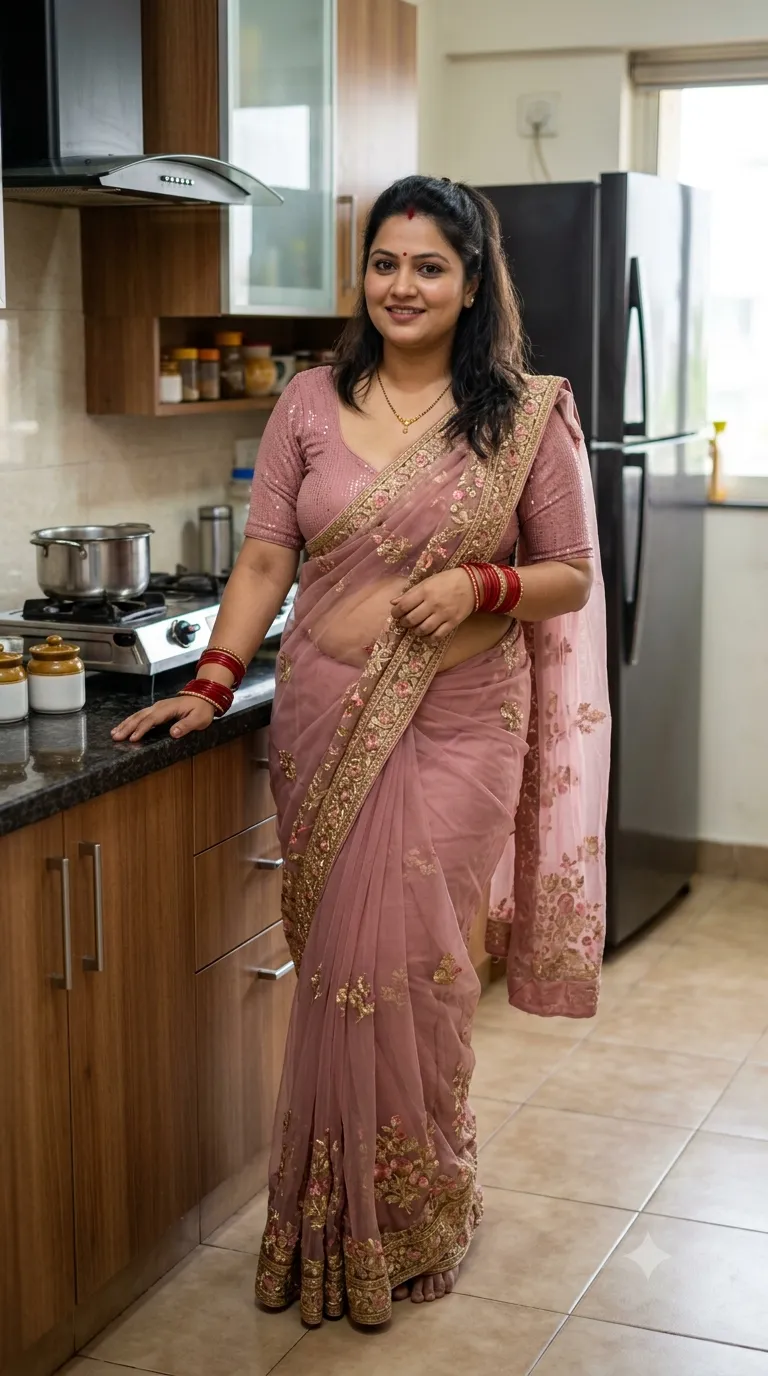
Example outputs
Prompt template
- Format
- Text Parameterized
- Inputs
- Reference_photo (image) · Required name (text) · Optional · Default: Priyanshi
- Outputs
- Portrait_collage (image)
Create an ultra-realistic luxury editorial photography collage featuring a beautiful young Indian woman named ${name:Priyanshi}.

PROJECT DETAILS:
- Image Type: Luxury Multi-Panel Portrait Photography Collage
- Aspect Ratio: 3:4 (Vertical)
- Resolution: Ultra HD 8K
- Style: Elegant, Cinematic, Minimalist, Artistic Scrapbook Photography
- Photography: Professional DSLR portrait photography

MAIN SUBJECT:
A beautiful young Indian woman with long, voluminous, naturally wavy dark brown hair, expressive eyes, a gentle smile, and elegant facial features.

She is wearing a beautiful lavender-purple floral embroidered saree with a matching sleeveless blouse. Preserve her exact facial identity from the reference photograph. Maintain realistic skin texture, natural proportions, and authentic facial details.

COLLAGE COMPOSITION:
Create a sophisticated multi-panel collage containing six to seven photographs of the same woman.

1. Top-left: Black-and-white close-up portrait, gentle smile, head slightly tilted.
2. Top-right: Black-and-white elegant saree portrait, wearing a beautiful choker necklace.
3. Middle-left: Large black-and-white close-up portrait with long flowing hair.
4. Middle-right: Black-and-white candid photograph holding a beautiful flower.
5. Bottom-left: Black-and-white artistic photograph making a delicate hand gesture.
6. Bottom-right: Black-and-white peaceful portrait with closed eyes.
7. Center foreground: A large, beautiful full-color portrait of ${name:Priyanshi} wearing the lavender floral saree, looking directly at the camera with a gentle smile.

VISUAL DESIGN:
- Arrange photographs in an overlapping scrapbook-style composition.
- Give each photograph clean white Polaroid-style borders.
- Use black-and-white photography for all background panels.
- Keep the central portrait in beautiful natural colors.
- Add a subtle white outline around the central subject to separate her from the background.
- Use a warm ivory textured paper background.
- Add delicate botanical line-art illustrations and tiny floral doodles around the bottom corners.
- Create a torn-paper effect across the lower section.

NAME TYPOGRAPHY:
Write the name:

"${name:Priyanshi}"

Use large, elegant, flowing cursive calligraphy in bright golden yellow with subtle dark shadowing and a delicate underline flourish.

Position the name prominently at the bottom center, ensuring perfect spelling and readability.

LIGHTING & FINISH:
- Soft natural portrait lighting.
- Beautiful warm skin tones.
- Professional cinematic color grading.
- Sharp facial details.
- Realistic hair texture.
- Premium fashion magazine aesthetic.
- Balanced composition with elegant negative space.

IMPORTANT:
All photographs must feature the same woman with consistent facial identity. Maintain natural expressions and realistic anatomy. Avoid distorted faces, artificial skin, duplicated facial features, extra fingers, incorrect text, and cluttered layouts.

Final result should look like a premium personalized birthday or appreciation portrait collage, elegant, artistic, and visually captivating.
Replace the ${…} placeholders with your values
before using this prompt. See parameters
and defaults below
Parameters
Replace each placeholder with your own value, or use its default when one is provided
${name:Priyanshi}
name
Default: Priyanshi
What you'll create
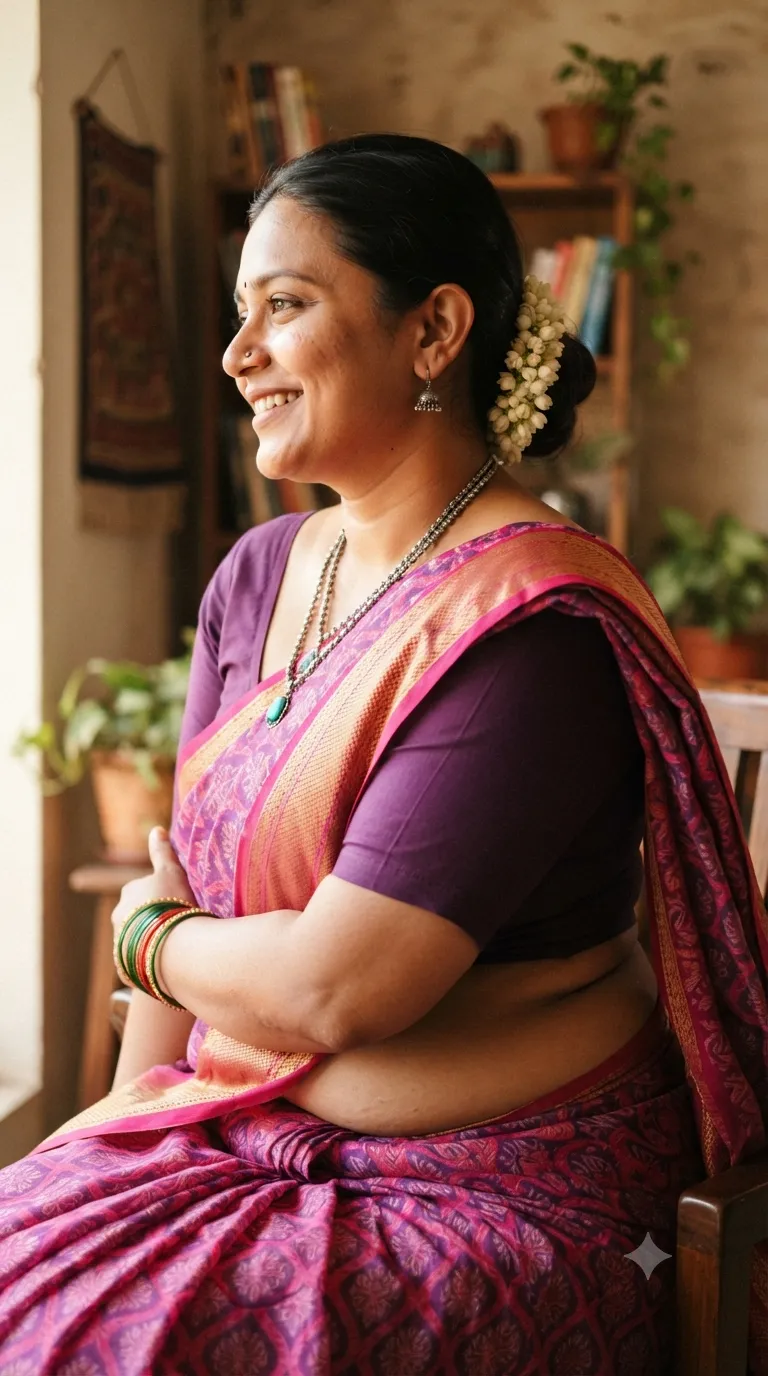
Create a personalized fashion portrait collage featuring a woman in a lavender floral saree. The design combines overlapping black-and-white portraits with a central color portrait, ivory scrapbook textures, botanical details, and golden calligraphy.
Generation settings
Usage instructions
Frequently asked questions
What should the reference photo control?
Use it to preserve the subject’s facial identity across all portraits.
Can I change the displayed name?
Yes. Update the name input; it is used both to identify the featured subject and for the prominent calligraphy.


Comments
Tried this prompt? Share what you made, compare results, or ask a question