Street-Fashion Portrait with a Retro Paint Window
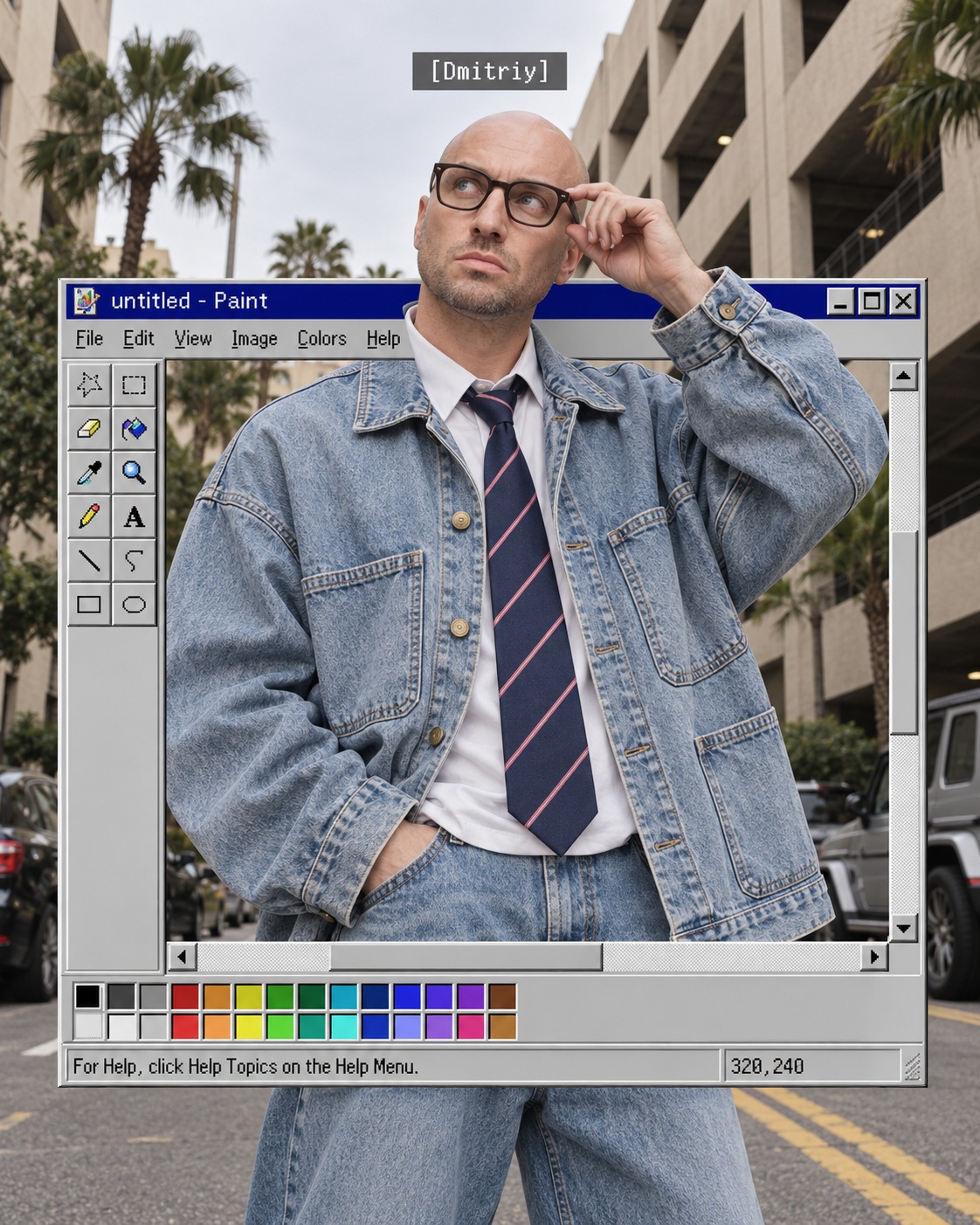
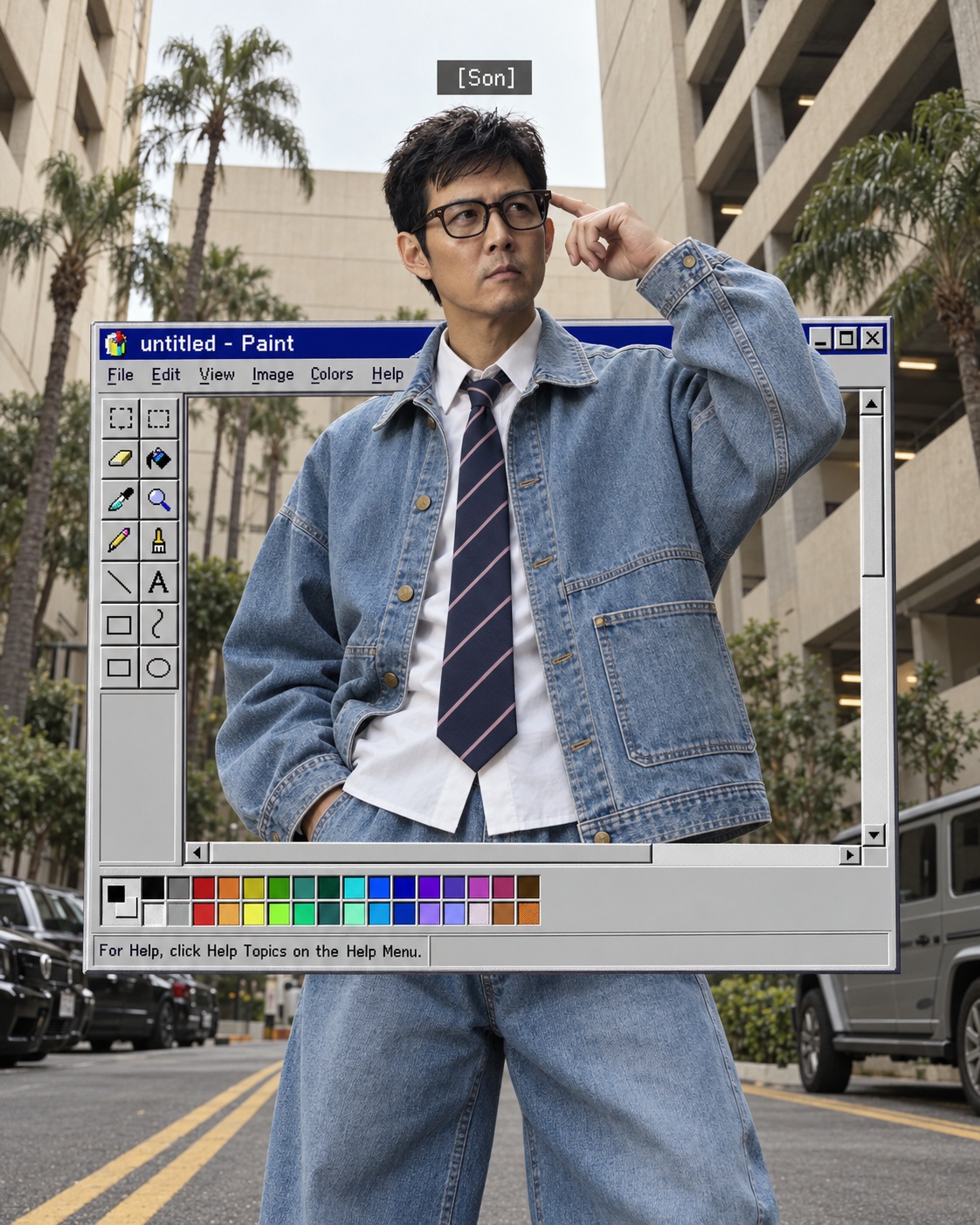
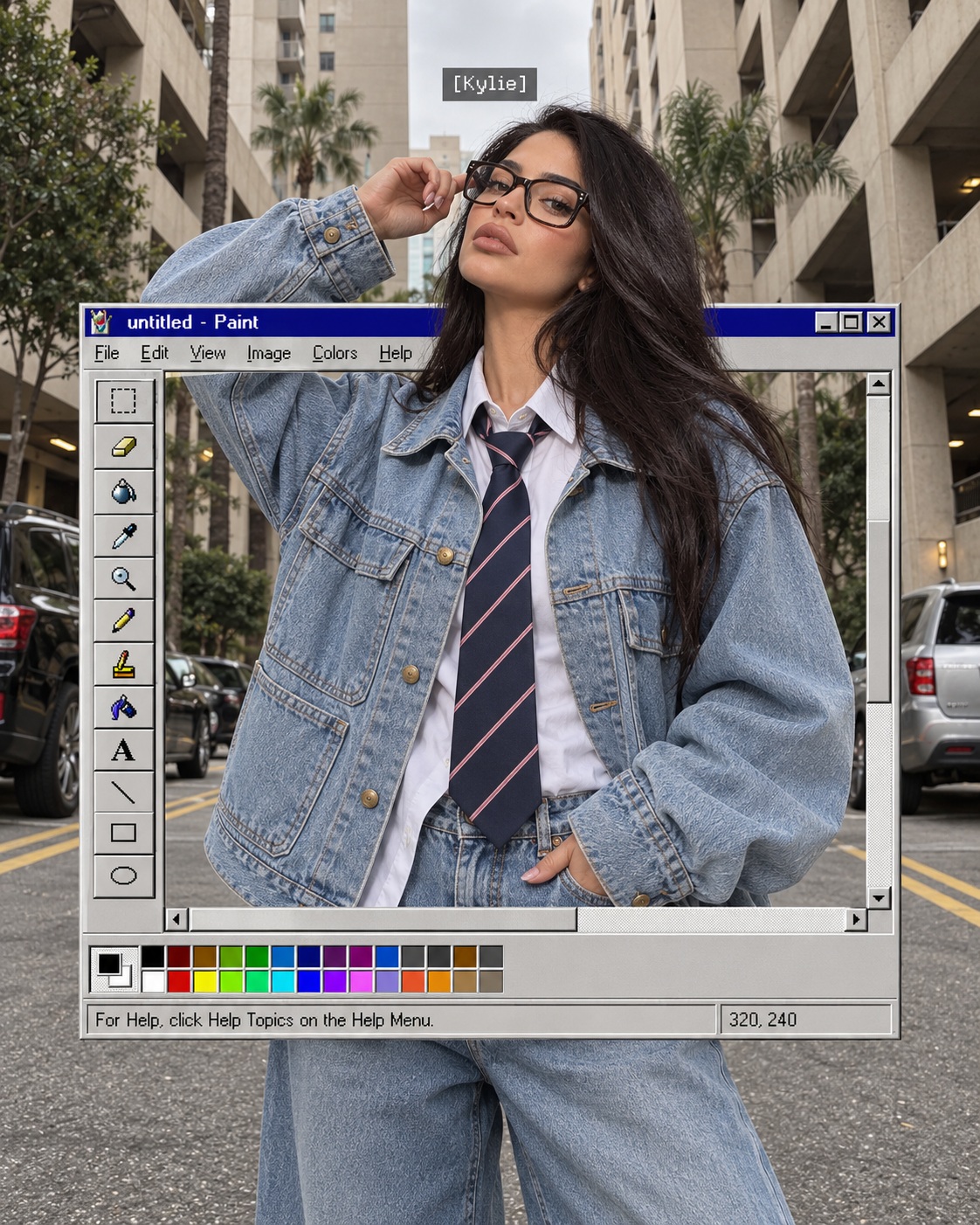
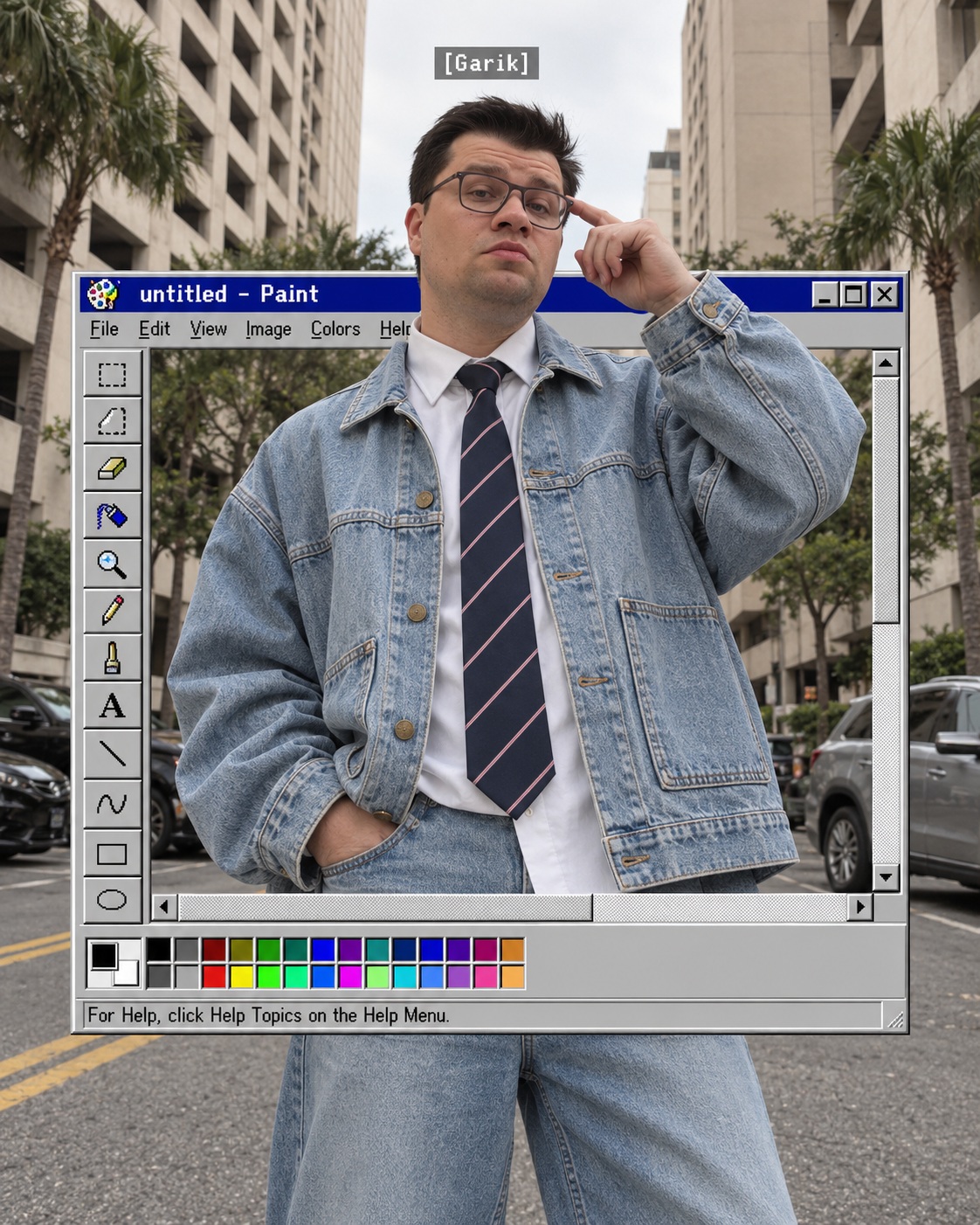
Create a photorealistic street-fashion portrait that blends a person emerging from a retro Microsoft Paint interface with an urban parking scene.
Example outputs
Prompt template
- Format
- Text Parameterized
- Inputs
- Uploaded_photo (image) · Required name (text) · Optional · Default: [ИМЯ ПЕРСОНАЖА]
- Outputs
- Street_fashion_photograph (image)
Create a photorealistic street-fashion photograph featuring the person from the uploaded photo. Use a vertical 4:5 composition.

IDENTITY: Use the uploaded photo as the sole identity reference. Preserve the person’s recognizable facial structure, proportions, eyes, nose, lips, skin tone, hairstyle, hair color, and any facial hair. Keep natural skin texture and realistic asymmetry. Do not replace their appearance with a generic fashion model or change their ethnicity.

COMPOSITION: Frame the person centrally from the head to approximately mid-thigh, with generous architectural space above their head. Use a slightly low camera angle. Their chin is raised and their gaze points upward and slightly toward the viewer’s left. Their left arm, on the viewer’s right, is lifted, with the index finger touching the temple of their eyeglasses. Their other hand is tucked into a pocket. The pose feels spontaneous and casually confident.

OUTFIT: An extremely oversized light-blue denim jacket with dropped shoulders, voluminous sleeves, large rectangular patch pockets, visible stitching, and brass-colored buttons. Underneath, a white collared shirt and a navy tie with thin pink diagonal stripes. Wide matching light-blue jeans. Thick dark rounded-rectangular eyeglasses with clear lenses, keeping the eyes visible. Preserve the uploaded person’s hairstyle rather than copying someone else’s hair.

MAIN VISUAL EFFECT: Integrate a large floating Microsoft Paint window from the Windows 95/98 era into the photograph. It occupies approximately 80% of the image width, extending from shoulder level to the upper thighs. Reproduce the classic light-gray beveled interface, dark-blue title bar reading “untitled - Paint,” small window-control buttons, menu bar, two-column toolbar on the left, scrollbars, bottom color palette, and status bar.

The person appears to emerge physically from the Paint window. Their head and raised arm extend above and in front of its upper border, partially hiding the title bar and right edge. Their torso occupies the central canvas area. The bottom interface and color palette overlap the front of their hips, while their jeans remain visible below the window. Maintain one continuous, anatomically coherent person. Inside the canvas, the same street scene continues seamlessly, aligned with the surrounding photograph. The window is a graphic overlay within the scene, with no physical computer or monitor.

BACKGROUND: An urban parking area surrounded by tall beige concrete buildings, rectangular open parking-garage bays, palm trees, and green shrubs. Parked black cars on the left and a silver SUV on the right. Gray asphalt with double yellow road markings. Soft overcast daylight, realistic shadows, subdued warm-neutral colors, and a natural handheld street-photography character.

Above the person’s head, add a small translucent charcoal rectangular label reading “${name:[ИМЯ ПЕРСОНАЖА]}” in crisp white pixel lettering.

Keep the photograph realistic and detailed, with authentic denim texture and natural skin. Only the Paint interface and name label have a deliberately pixelated retro-computer appearance.

Negative prompt: changed identity, generic model face, excessive beautification, altered hairstyle, waxy skin, anime, illustration, CGI person, modern software interface, glassmorphism, physical monitor, blank white canvas, duplicated person, separate portrait inside the window, misaligned background, incorrect overlapping layers, extra fingers, distorted hands, warped glasses, illegible main title, extra labels, watermark.
Replace the ${…} placeholders with your values
before using this prompt. See parameters
and defaults below
Parameters
Replace each placeholder with your own value, or use its default when one is provided
${name:[ИМЯ ПЕРСОНАЖА]}
name
Default: [ИМЯ ПЕРСОНАЖА]
What you'll create
A person appears centrally from head to mid-thigh with generous architecture above. A low camera angle and upward gaze meet the unusual vintage software-window treatment.
Generation settings
Advanced settings
- Negative prompt
- changed identity, generic model face, excessive beautification, altered hairstyle, waxy skin, anime, illustration, CGI person, modern software interface, glassmorphism, physical monitor, blank white canvas, duplicated person, separate portrait inside the window, misaligned background, incorrect overlapping layers, extra fingers, distorted hands, warped glasses, illegible main title, extra labels, watermark.
Frequently asked questions
Is the person duplicated inside the graphic window?
No. A separate portrait or duplicate person is excluded.
Can a physical monitor replace the graphic?
No. The template excludes a physical monitor.




Comments
Tried this prompt? Share what you made, compare results, or ask a question