Photo-to-Painting Split-Panel Transformation
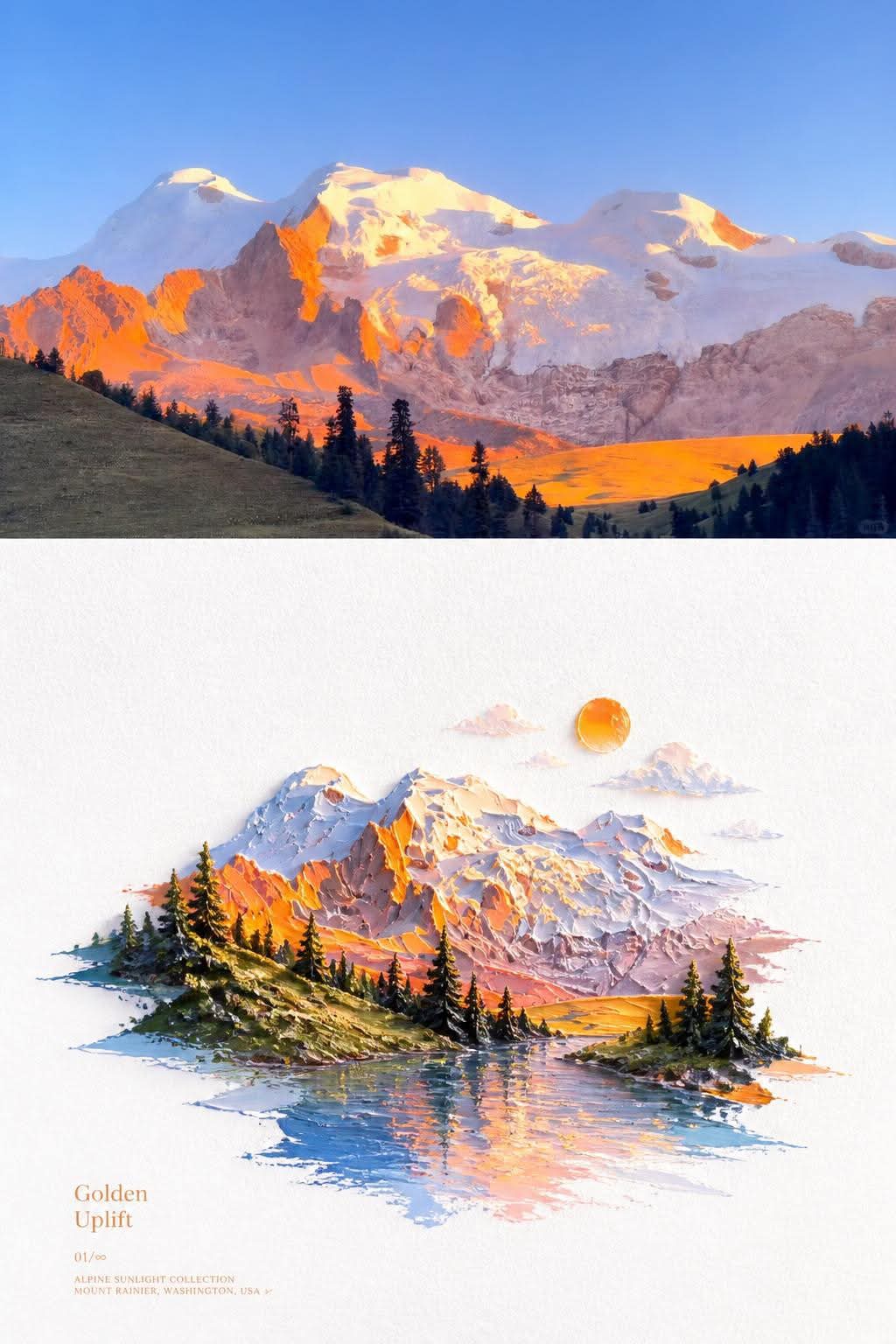
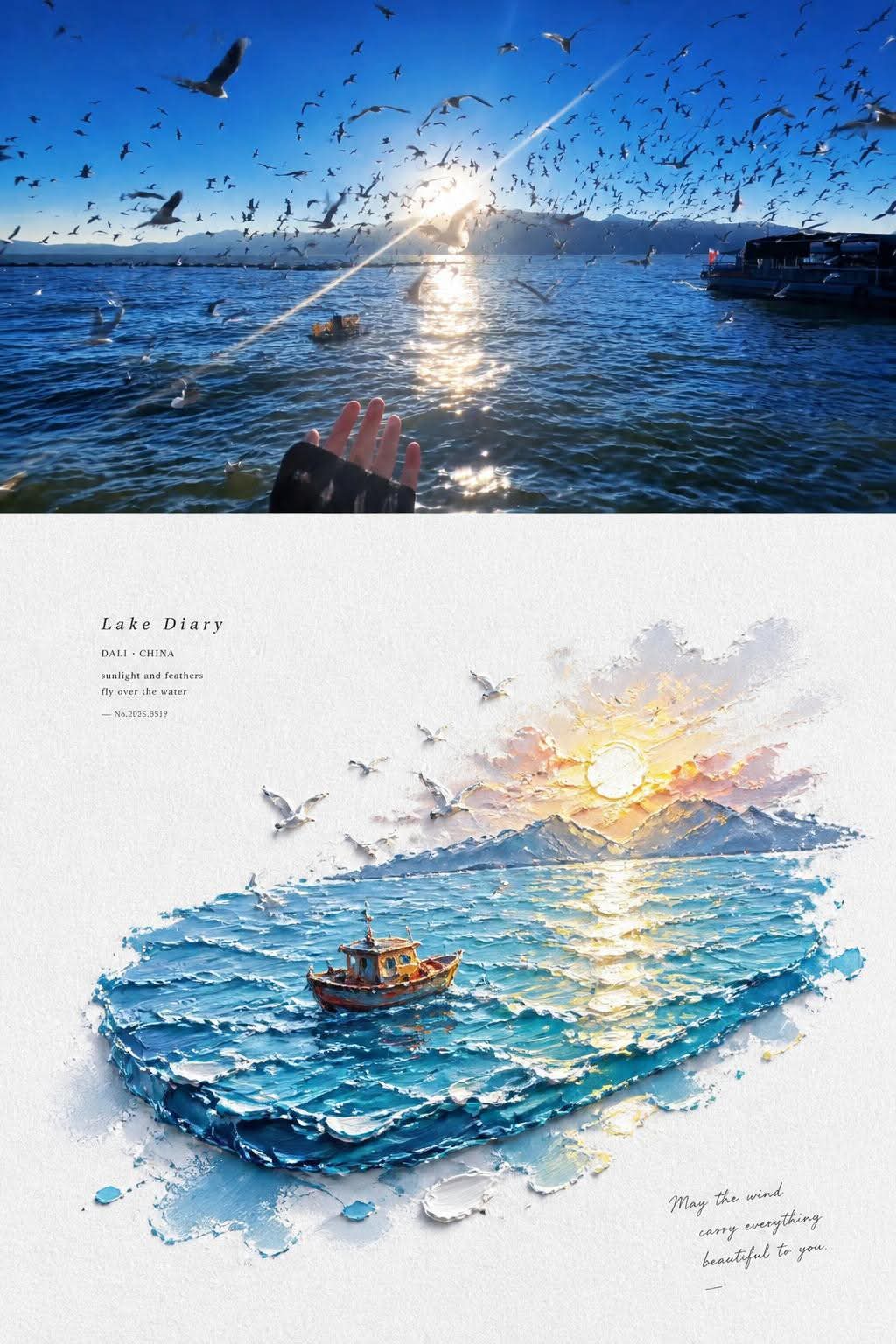
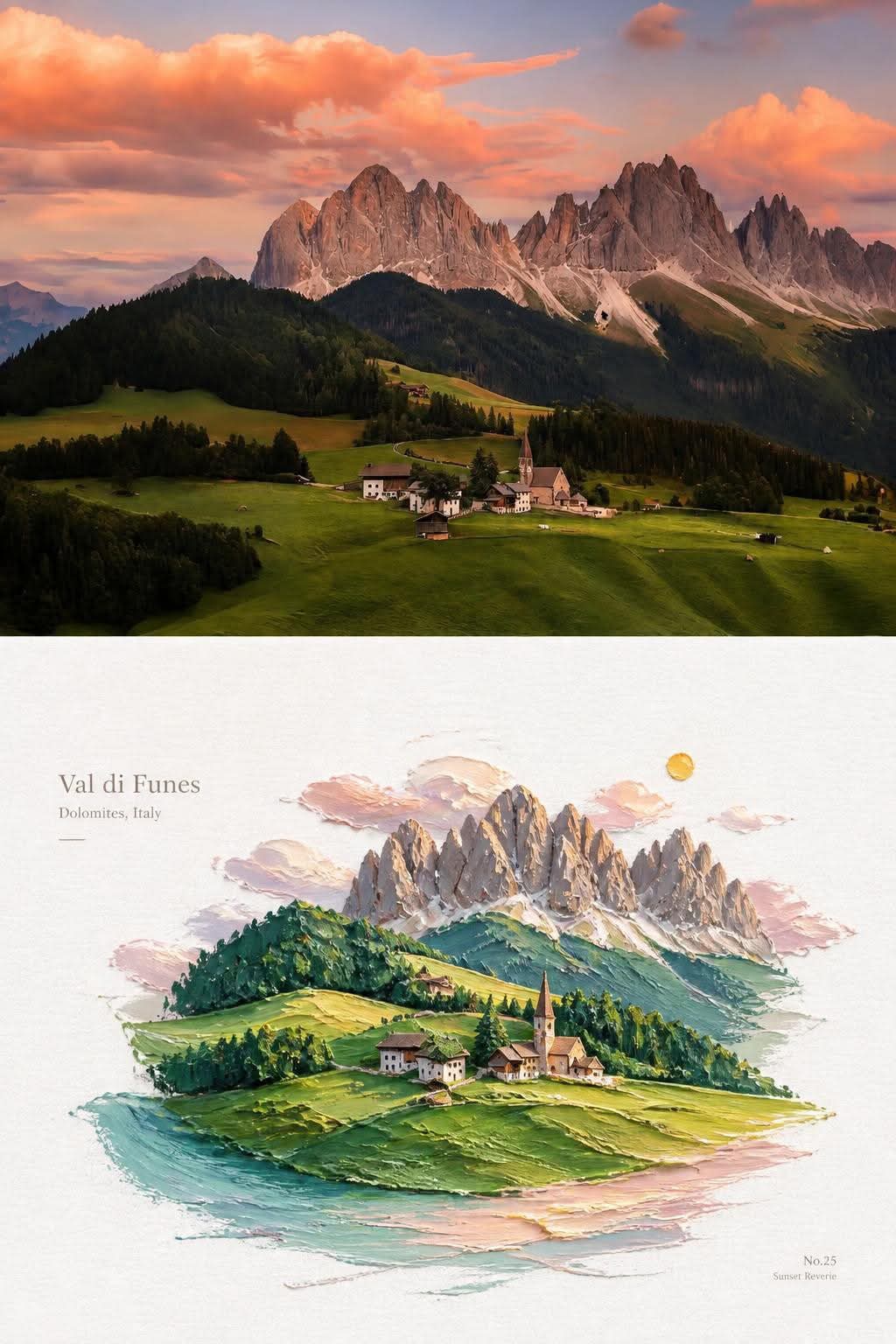
Transform each supplied photo into a vertical editorial composition that pairs the lightly refined original with a bright, tactile miniature oil-painting interpretation of its subject.
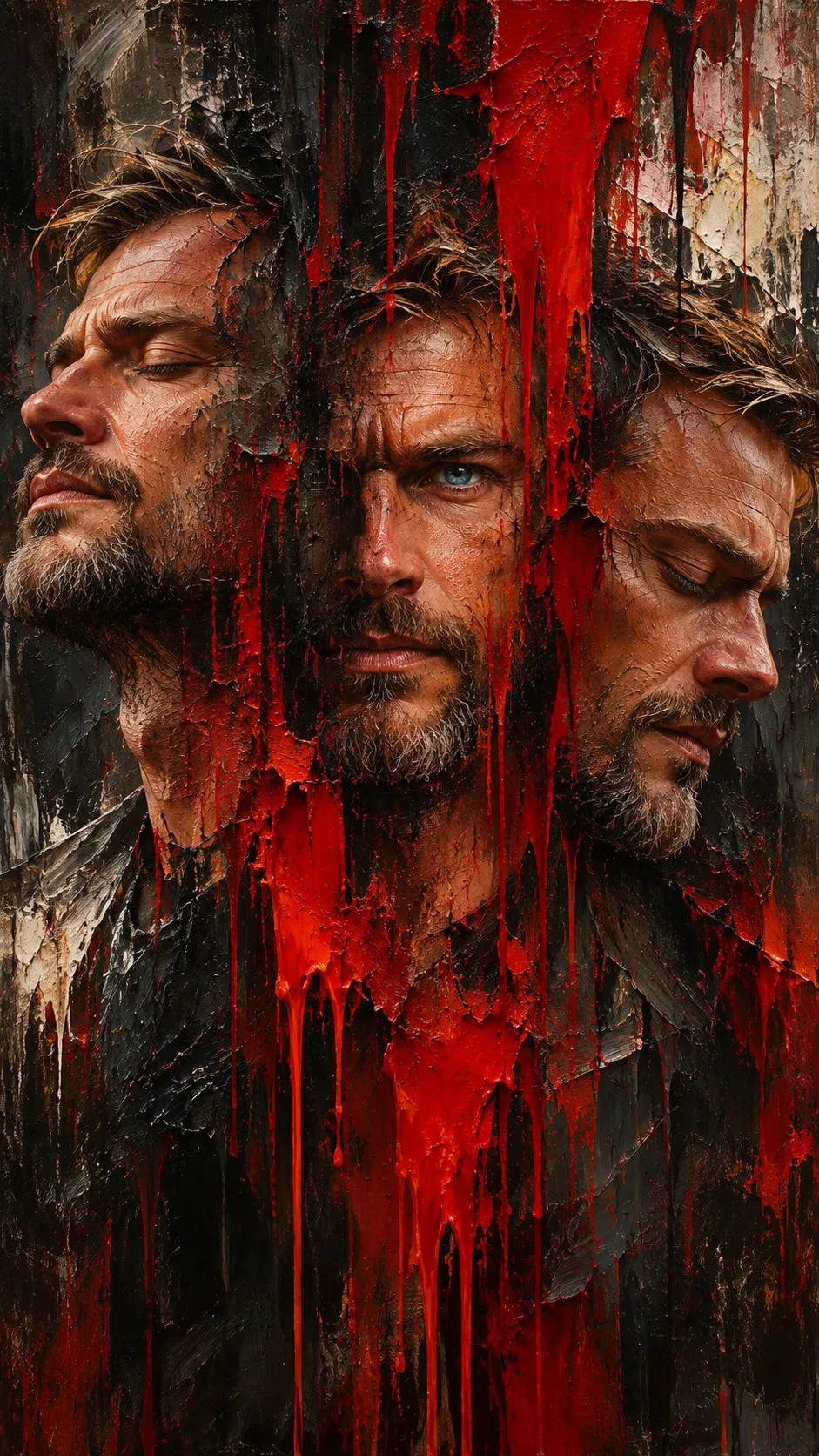
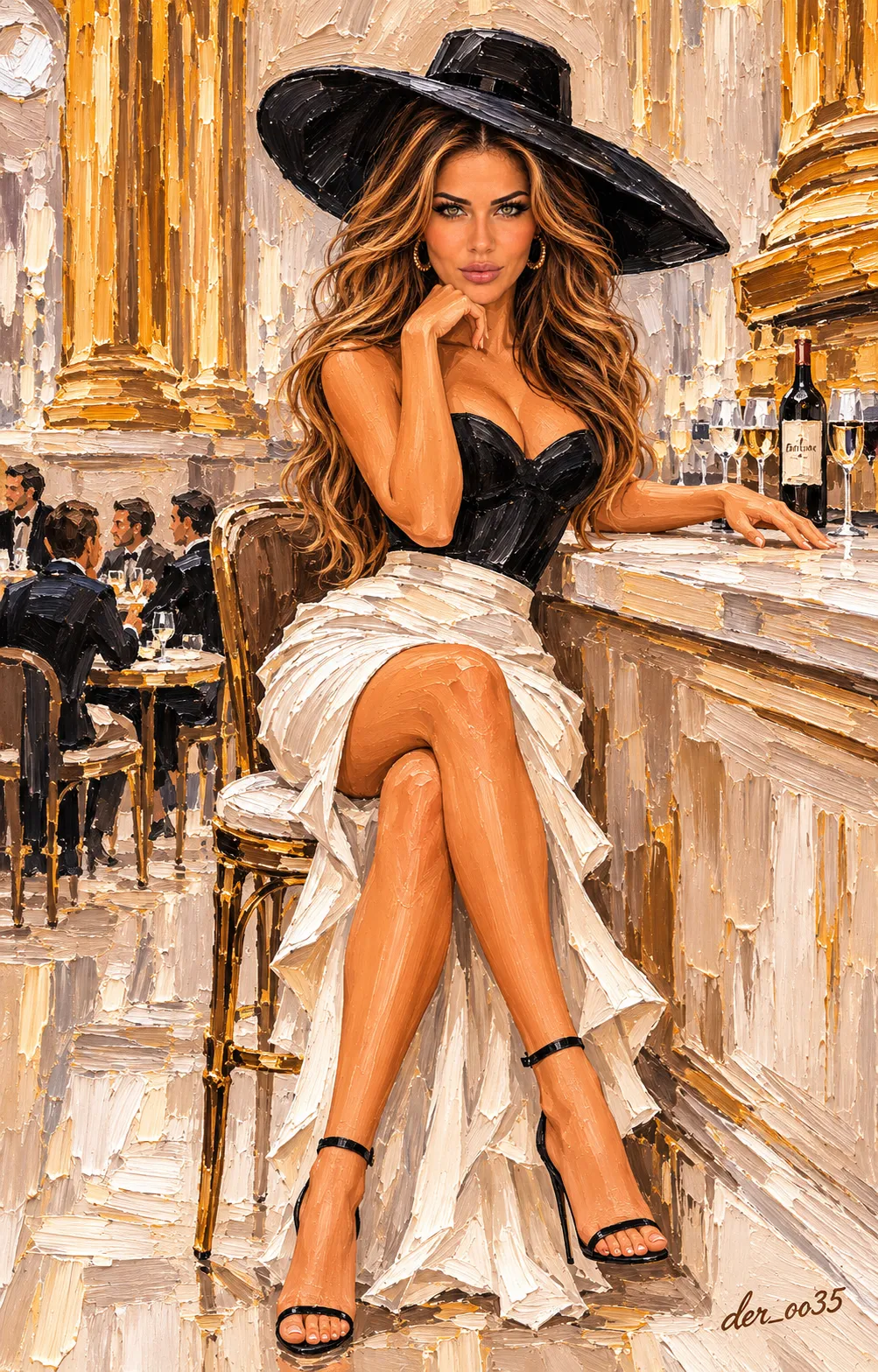
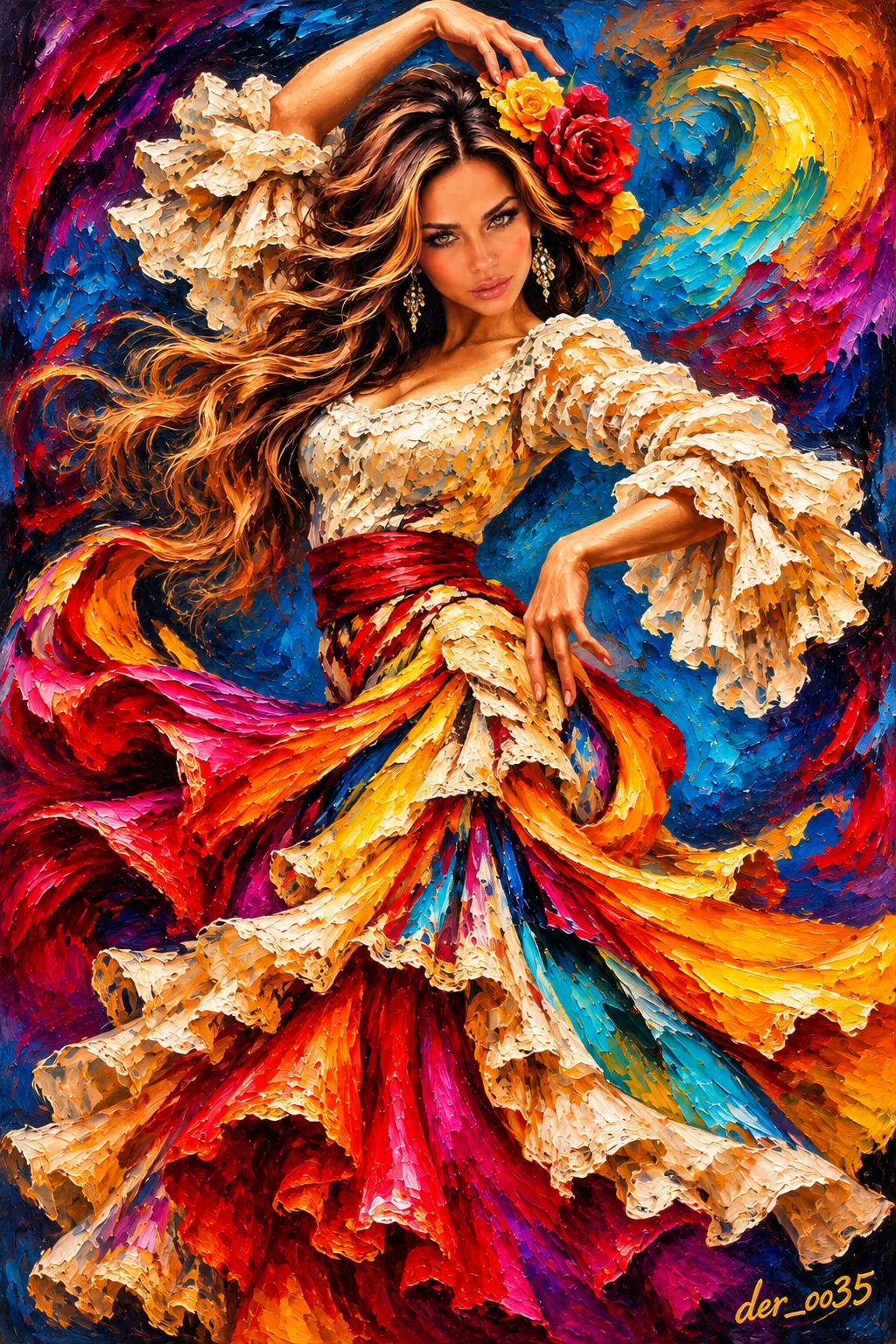
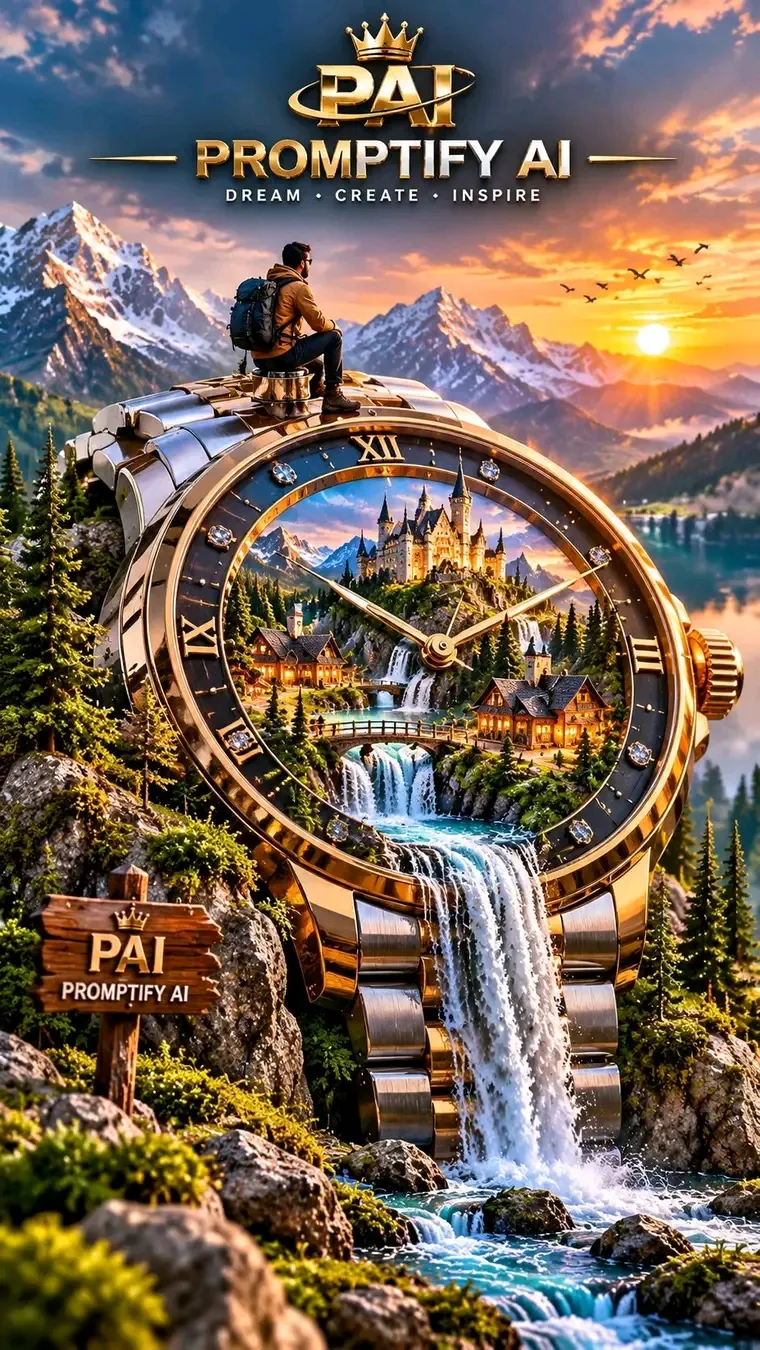
Example outputs
Prompt template
- Format
- Text Parameterized
- Inputs
- reference_photo (image) · Required
- Outputs
- Transformed_photo (image)
For each photo, create a separate output; do not combine multiple photos into a collage. Use a 3:4 vertical composition divided into two equal-height sections, each occupying exactly 50% of the image.

In the upper half, preserve the original photo, including the subject’s identity, structure, proportions, realistic texture, natural lighting, and original color mood. Apply only subtle, polished photographic color grading to give it the feel of an art magazine, independent publication, or exhibition photography. To fit the frame, you may naturally extend the sky, ground, or environmental background, but do not stretch, distort, or alter the subject.

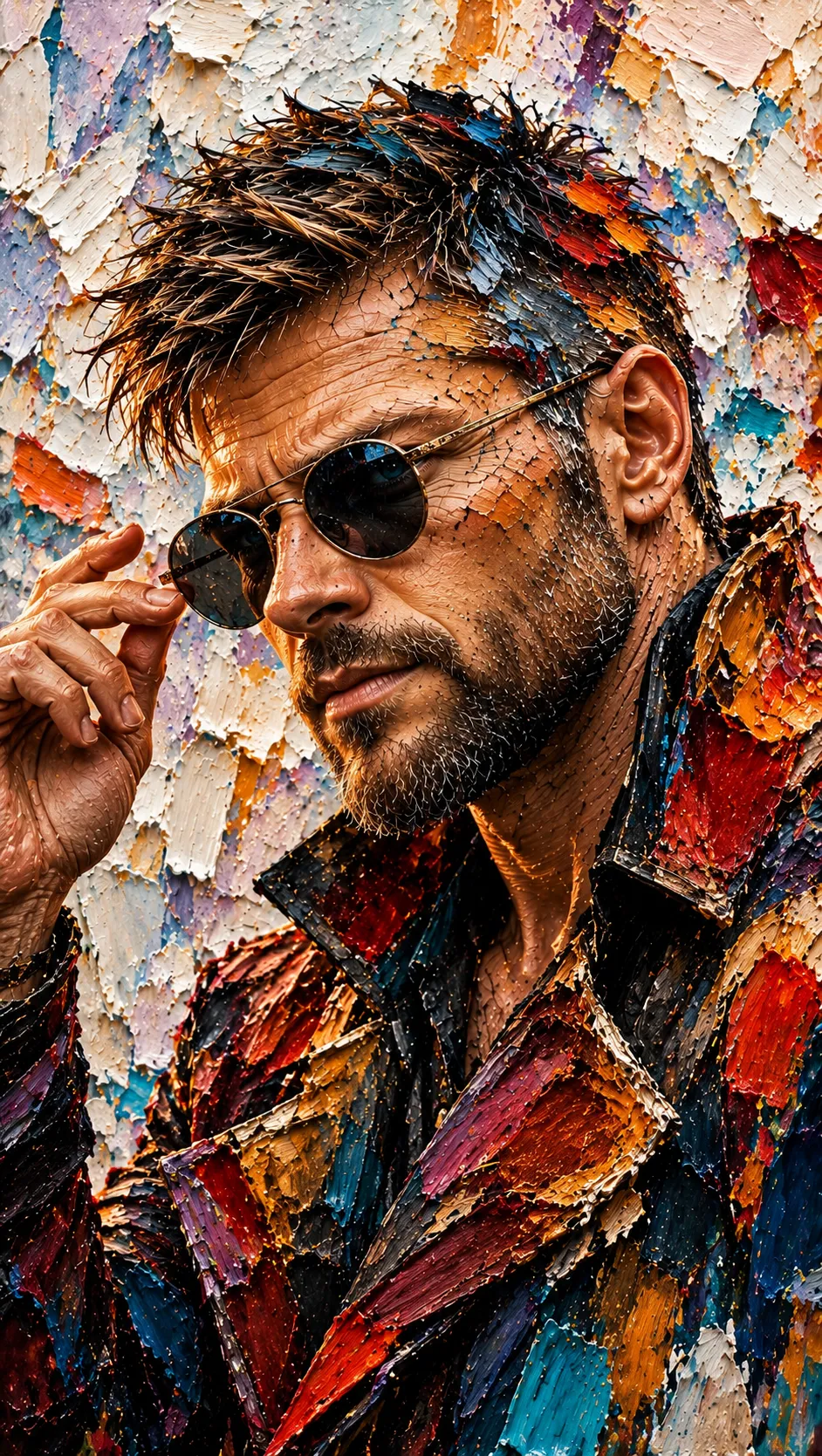
In the lower half, take the most recognizable subject, silhouette, pose, and narrative relationships from the photo and reinterpret them as a 3D impasto oil-painting miniature-landscape illustration. Do not reproduce the photo mechanically. Transform its subject into a refined, three-dimensional, tactile miniature scene, reshaped with thick brushstrokes, layered color, and sculptural volume. Preserve its core identity and defining features while allowing modest adjustments to angle, proportions, and details.

Use generous negative space and a centered or slightly off-center diagonal main axis. Set the scene against bright white textured paper. Support the subject with a single clear, thickly painted band of color related to the photo’s theme; this band may become water, ground, a path, a beam of light, or an abstract landscape fragment. Let the subject interact naturally with the band, adding reflections, ripples, light flecks, or extended brushstrokes where appropriate. Keep the background sparse, with only a few thickly painted clouds, a sun, mist, or other nature imagery relevant to the theme, creating a light, poetic, airy sense of depth.

Emphasize the combination of impasto oil painting, miniature physicality, and clear, luminous light. Show visible paint buildup, palette-knife marks, raised edges, paper texture, and a partly handcrafted modeling quality. Concentrate the thick paint on water, clouds, the color band, and selected highlights. Keep the subject refined and dimensional while retaining the material quality of real oil paint; avoid a smooth plastic look or the appearance of an ordinary 3D model.

Derive the palette from the brightest, most vivid, life-filled colors in the upper photo, selectively reworking them rather than sampling colors evenly. Increase brightness, luminosity, and purity. Naturally draw on lively hues such as sky blue, lake turquoise, fresh green, warm yellow, coral orange, or peach pink when supported by the photo. Create a soothing effect through fresh, balanced warm and cool colors. Use abundant clean warm white as breathing space, with small touches of warm orange, golden yellow, or pink to brighten the image. Avoid muddy or dirty colors, an aged or somber look, muted gray-brown palettes, dark brown filters, fluorescent colors, and a cheap candy-like appearance.

Include only a small amount of text. Derive a brief title from the subject’s identity, location, mood, or symbolic meaning, accompanied by very little supporting copy, a number, or a tiny annotation. Keep the typography delicate and restrained, with generous spacing. It may follow the diagonal axis, sit along the subject’s edge, or occupy an open area, like refined labels in an art publication.

The overall result should feel elevated and soothing, combining a bright white ground, vivid impasto, luminous color, a miniature subject, generous negative space, and warm light. Whether the photo shows architecture, a person, an animal, a plant, an object, a vehicle, or a natural landscape, preserve the subject’s recognizable identity and lively colors. Avoid muddy or gloomy results, a cartoon-toy look, plastic CGI, an e-commerce aesthetic, and a templated appearance.

Reference photo: ${reference-photo}
Replace the ${…} placeholders with your values
before using this prompt. See parameters
and defaults below
Parameters
Replace each placeholder with your own value, or use its default when one is provided
${reference-photo}
reference-photo
Required
What you'll create
An unchanged photographic subject leads into generous negative space and warm painted color. Recognizable scene details remain clear without becoming toy-like or plasticky.
Frequently asked questions
Can the subject be other than a person?
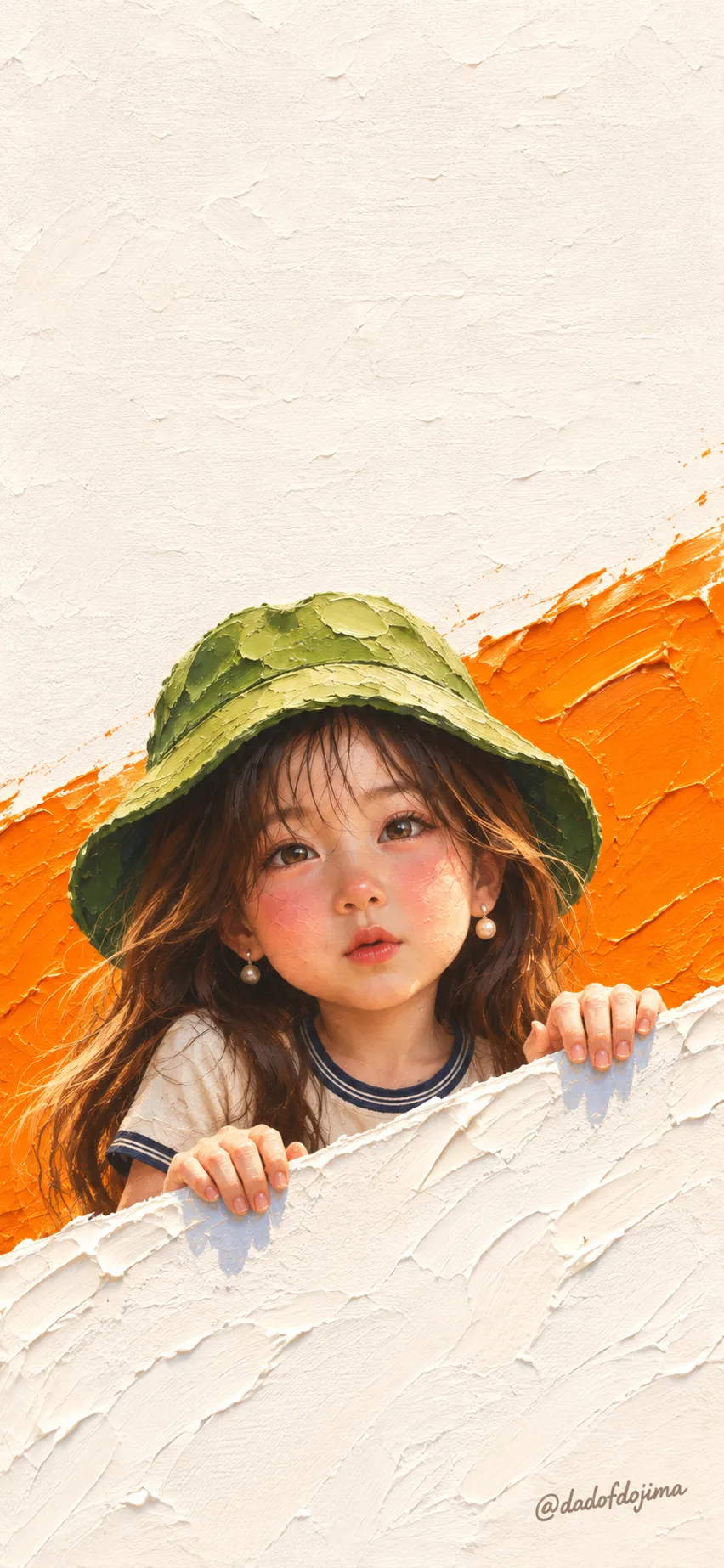
Yes. The brief covers architecture, animals, plants, objects, vehicles and landscapes.
Are several photos combined?
No. Each gets its own output.




Comments
Tried this prompt? Share what you made, compare results, or ask a question