Change a Photo’s Lighting and Atmosphere
Relight and color-grade an uploaded photo while preserving its exact scene, composition, and contents.
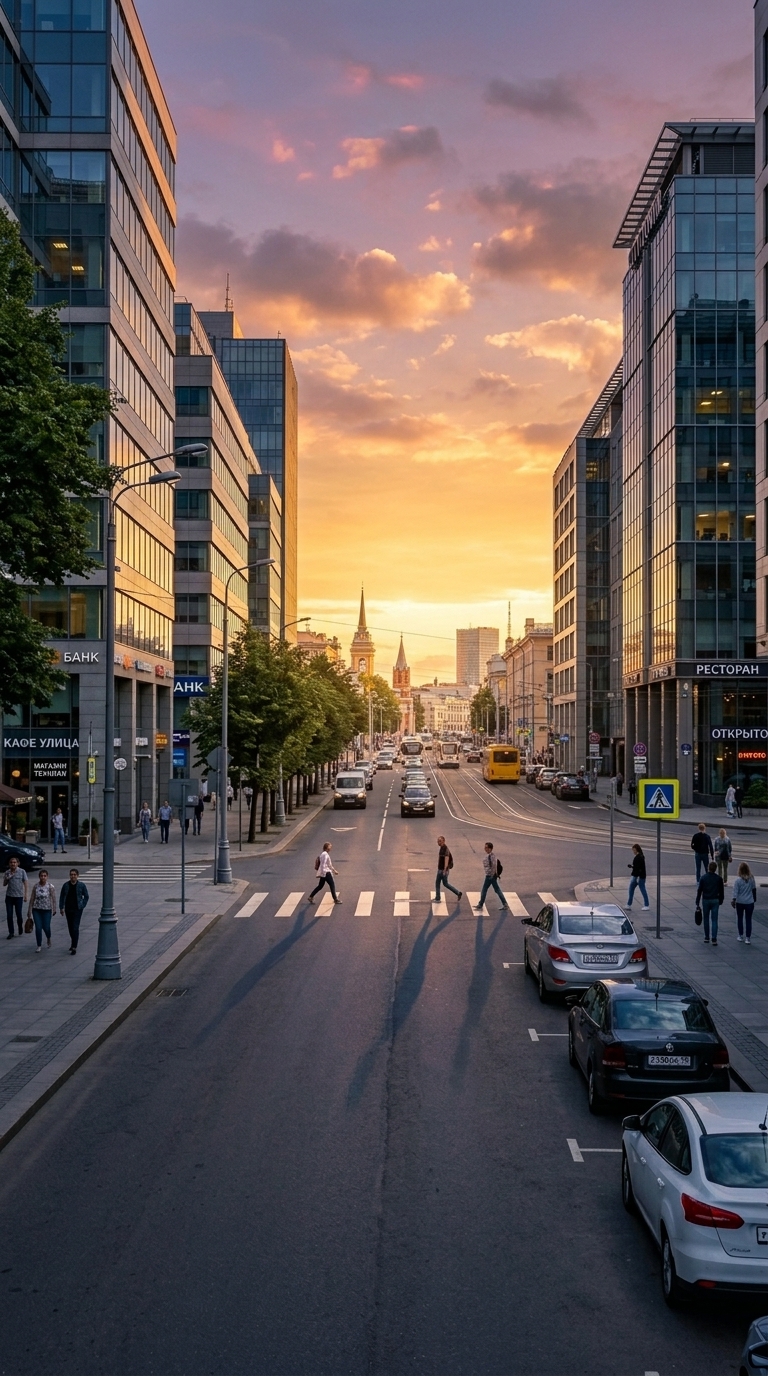
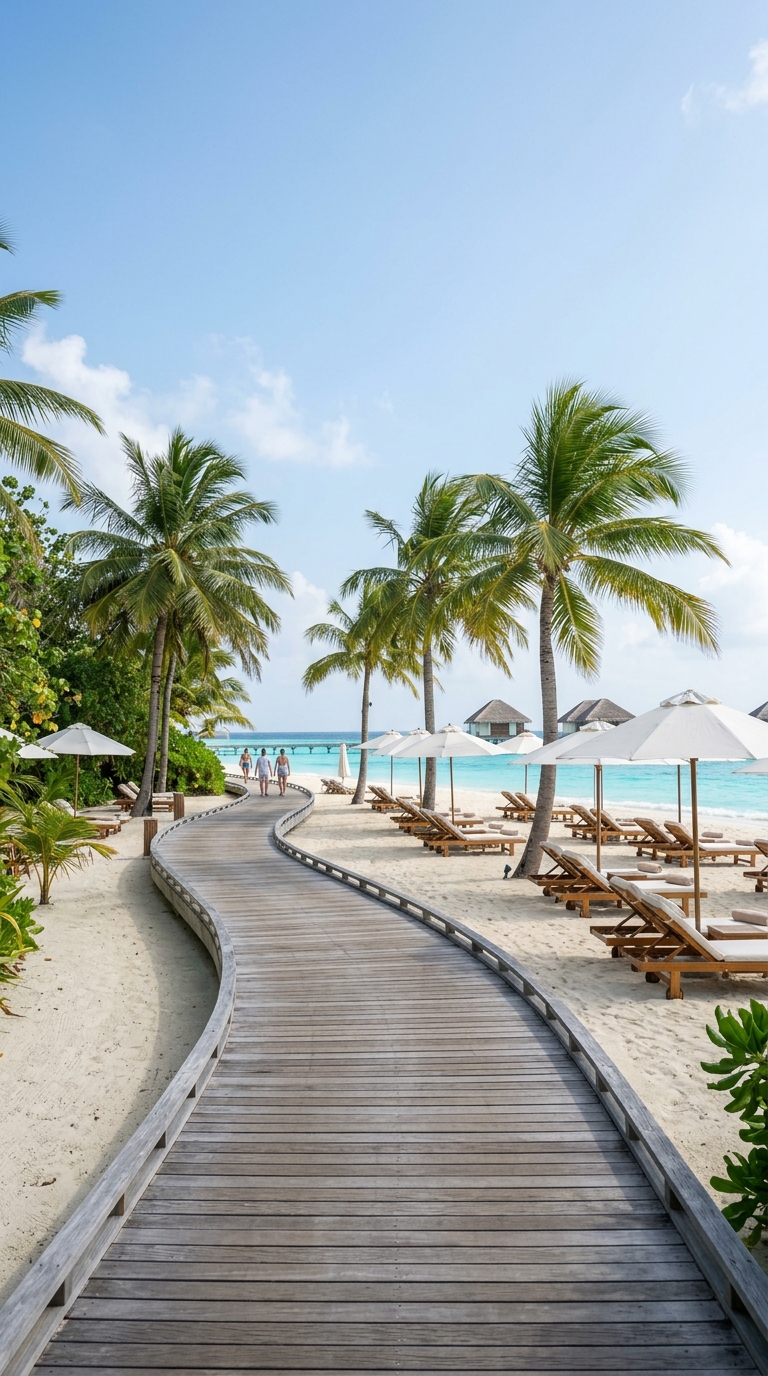
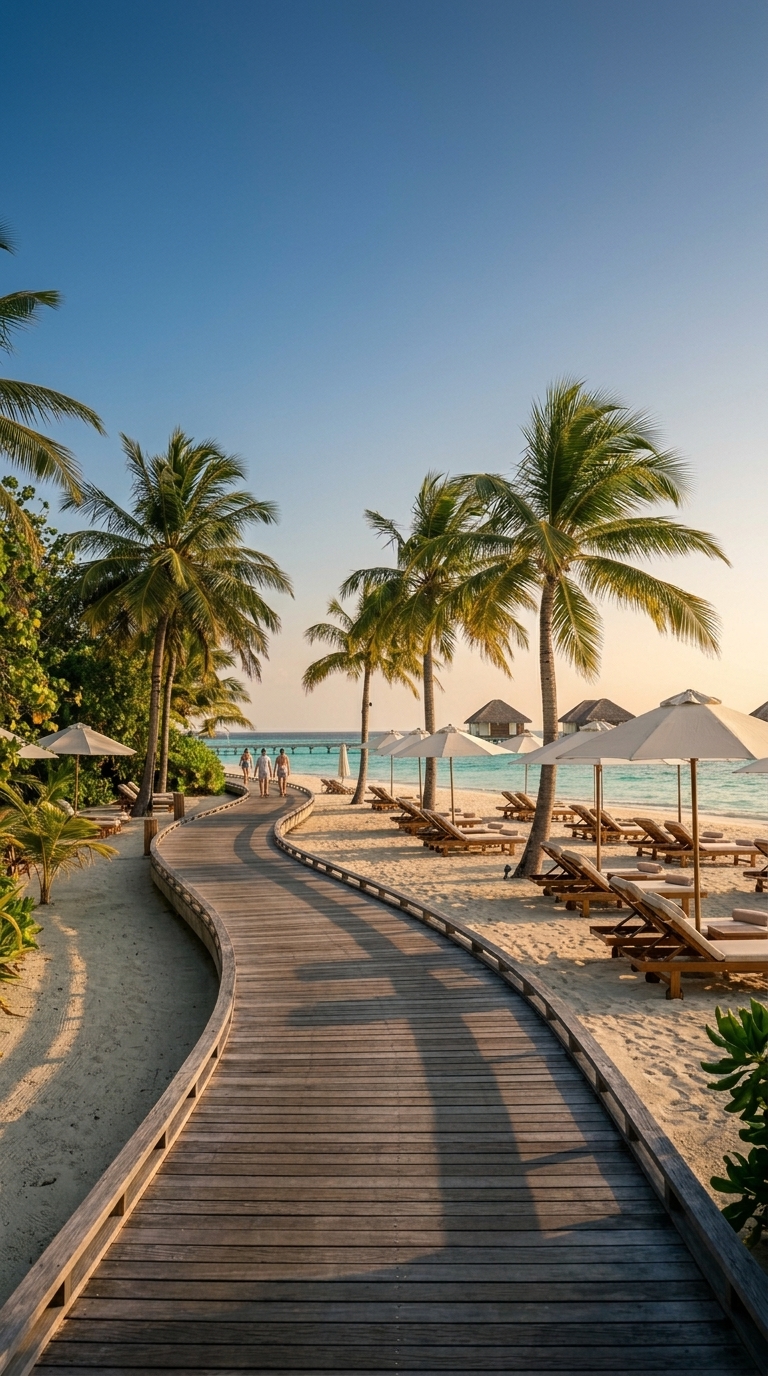
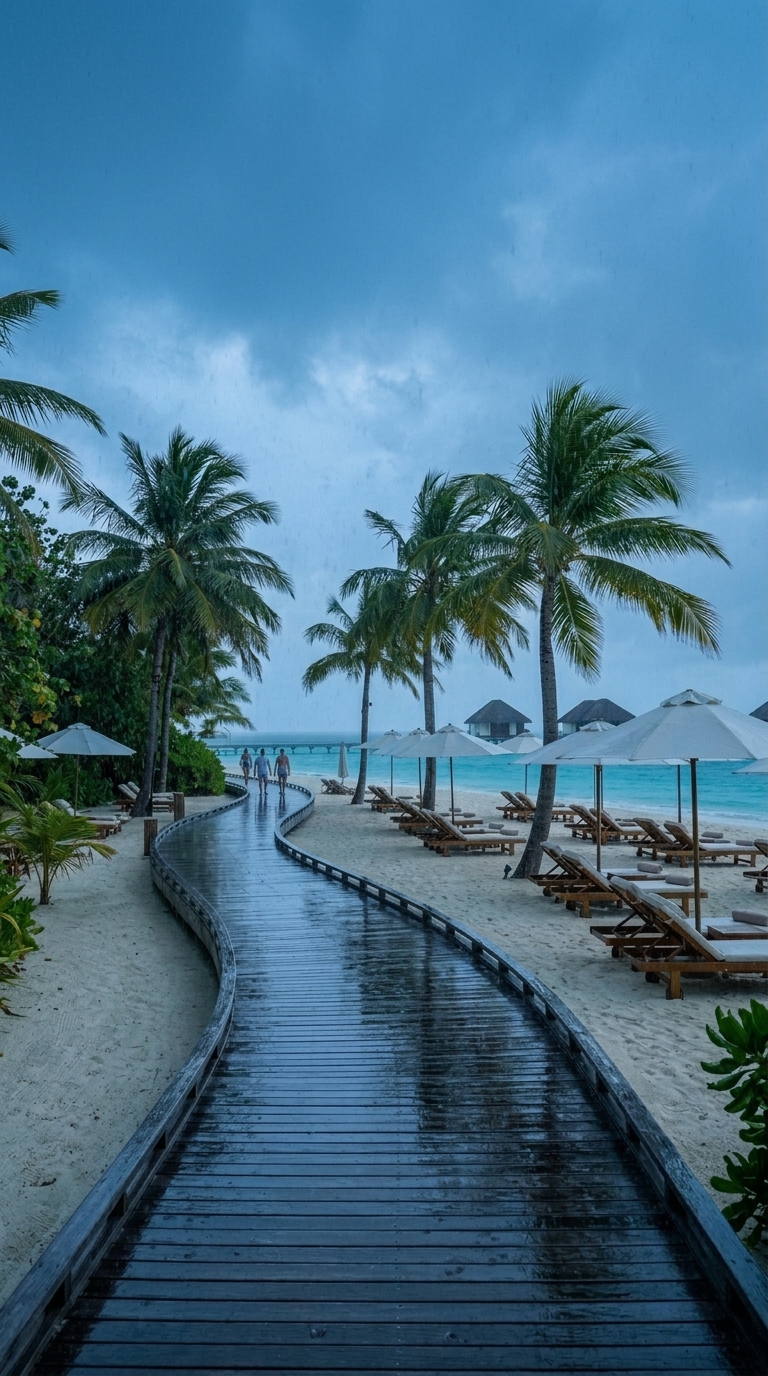
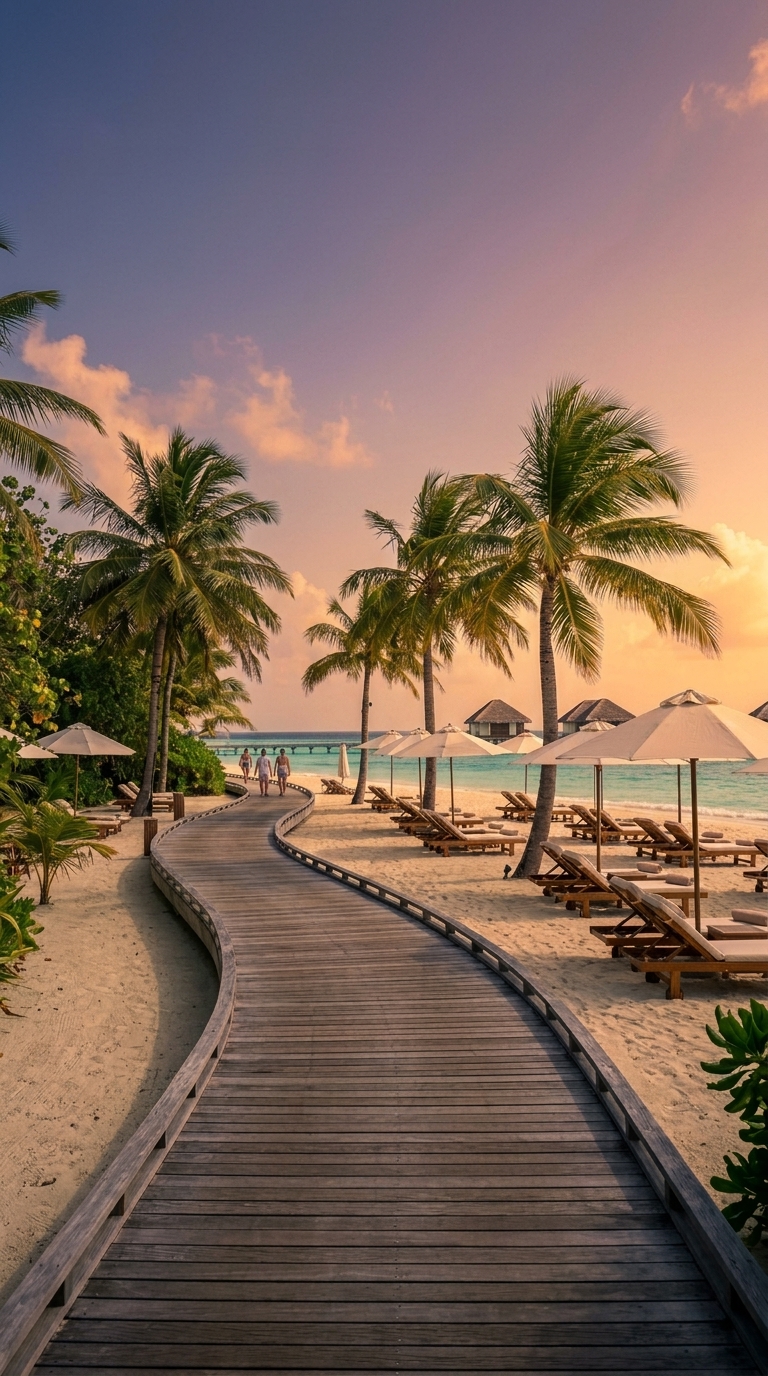
Example outputs
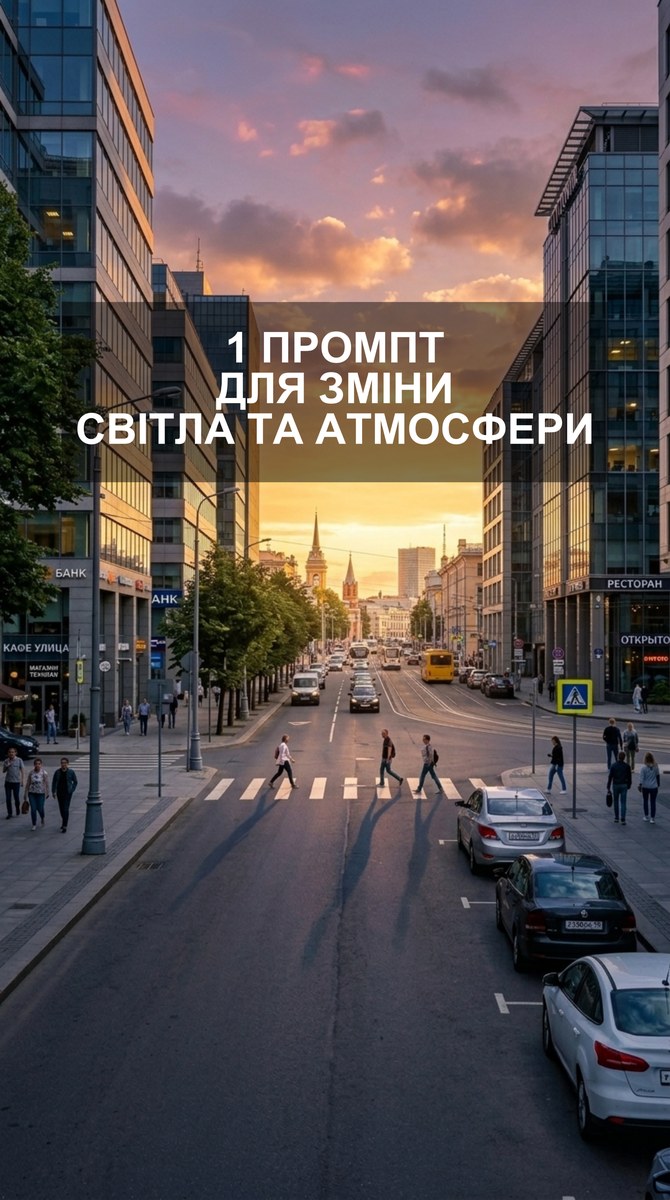
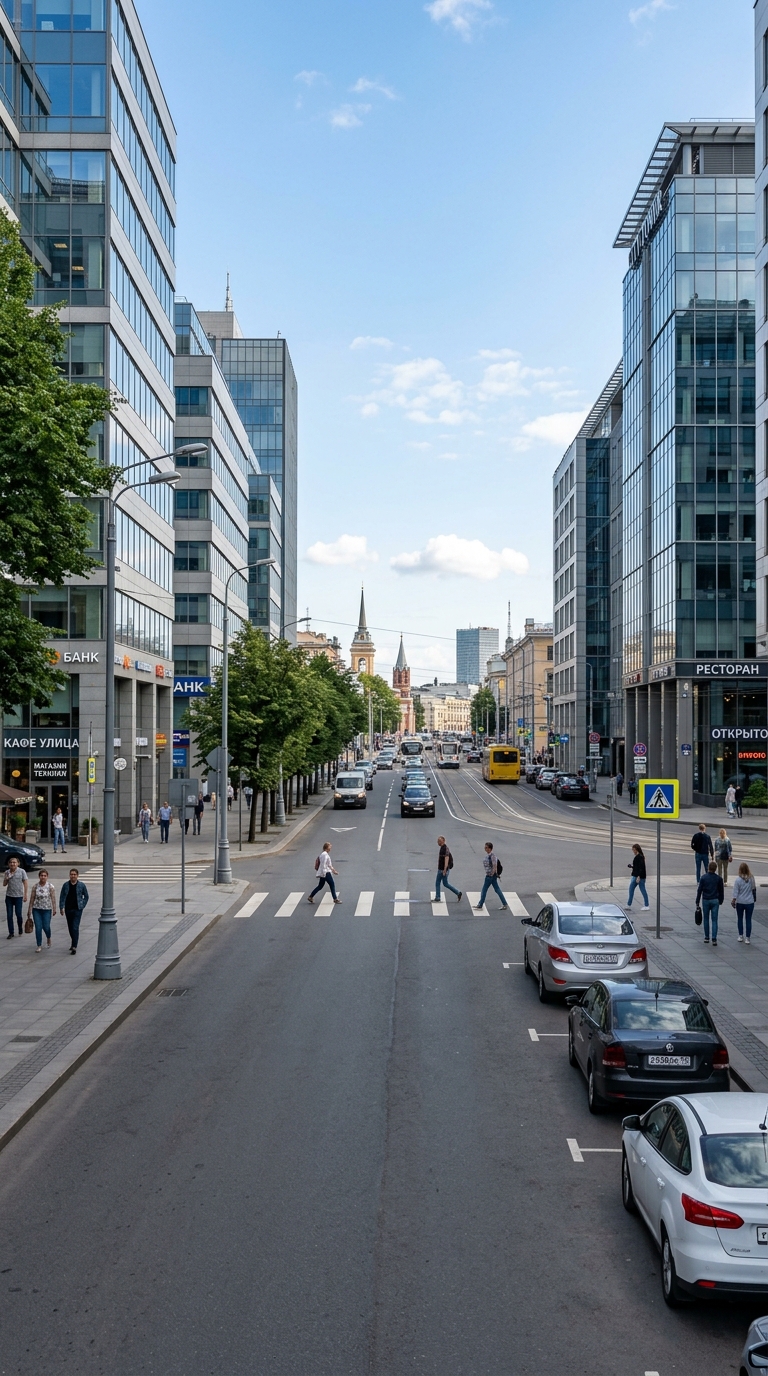
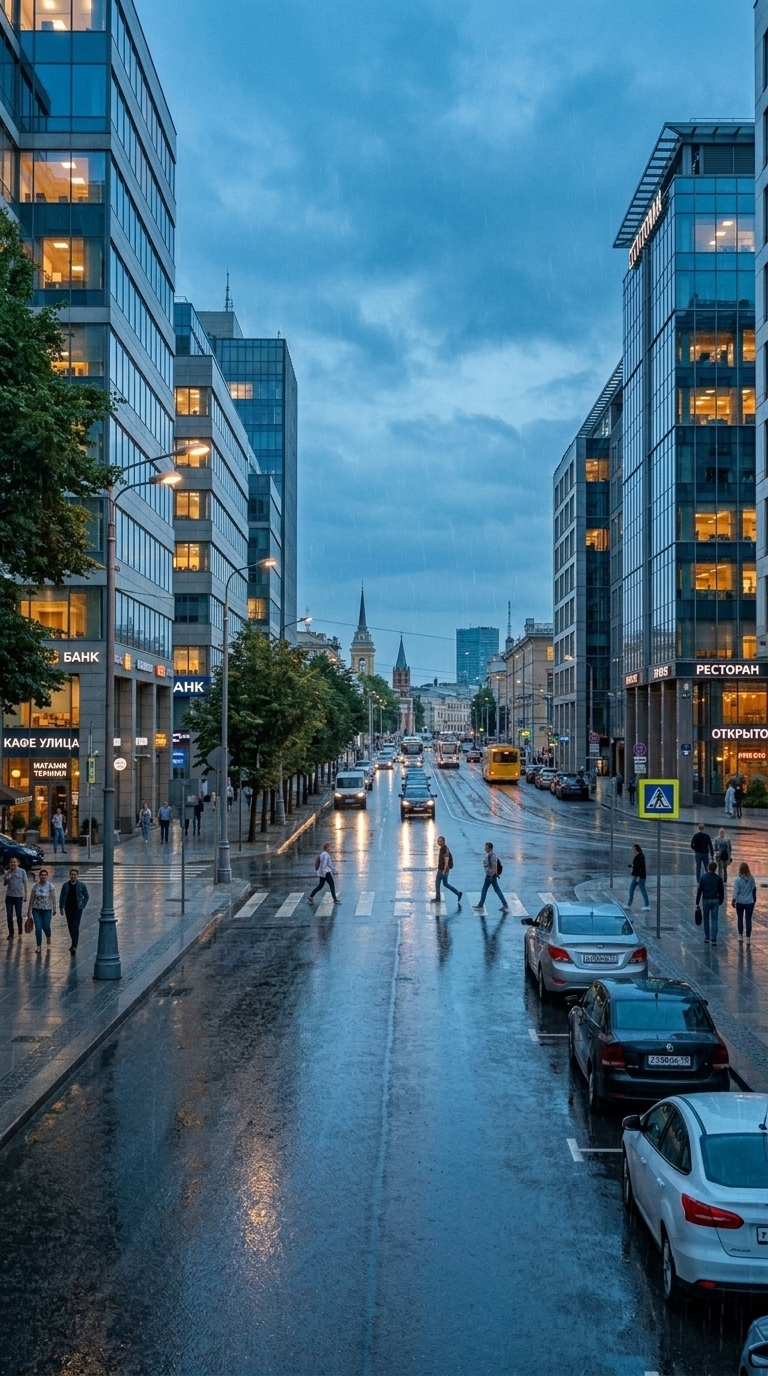
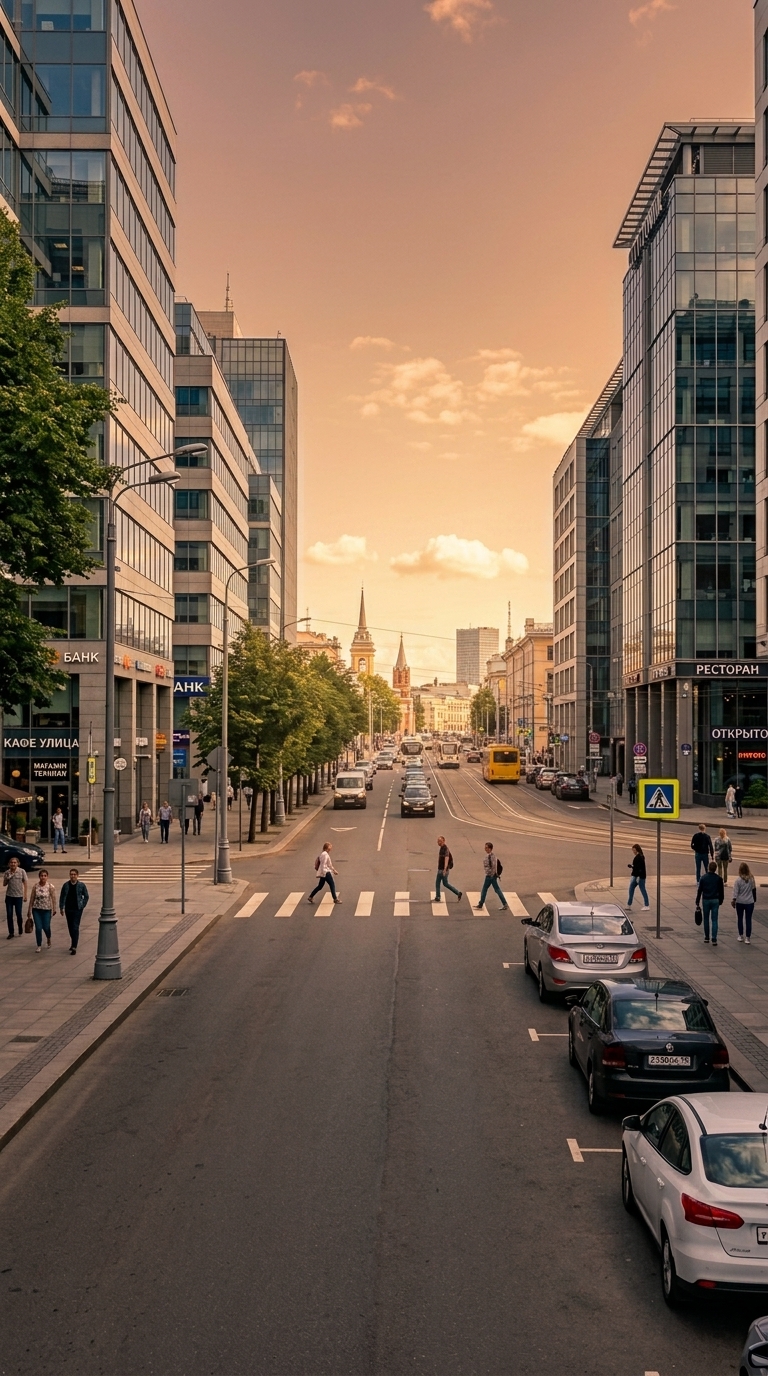
Prompt template
- Format
- Text Parameterized
- Inputs
- uploaded_photo (image) · Required atmosphere (text) · Optional · Default: cinematic warm golden hour
- Outputs
- relit_photo (image)
Use the uploaded photo as the strict source image.

Analyze the existing scene automatically and preserve everything already present: the exact composition, camera angle, perspective, framing, people, objects, architecture, landscape, proportions, materials, textures, and scene layout.

Do not add, remove, replace, redesign, reposition, or reconstruct anything.

Change only the lighting, color grading, atmosphere, and photographic mood. Transform the existing photograph into:

${atmosphere:cinematic warm golden hour}

Other atmosphere options include: moody rainy blue hour; dramatic sunset with warm highlights and cool natural shadows; soft overcast editorial photography with muted cinematic colors.

Adapt the lighting naturally to the environment shown in the uploaded image. Respect the existing geometry, surfaces, materials, depth, and light direction. Create physically believable highlights, shadows, reflections, atmospheric depth, and color relationships appropriate to the requested atmosphere.

Keep the result photorealistic and natural. Preserve realistic textures and fine details. Avoid oversaturation, fake HDR, artificial lens flares, fantasy lighting, unrealistic glowing objects, or structural changes.

The final result must look like the exact same photograph captured under the requested lighting and atmosphere and professionally color graded—not like a newly generated image.
Replace the ${…} placeholders with your values
before using this prompt. See parameters
and defaults below
Parameters
Replace each placeholder with your own value, or use its default when one is provided
${atmosphere:cinematic warm golden hour}
atmosphere
Default: cinematic warm golden hour
What you'll create
The same composition is regraded into a chosen mood with physically coherent highlights, shadows and reflections, without adding or moving objects.
Frequently asked questions
Can the layout be reconstructed for the new light?
No. Geometry, framing and all existing content remain fixed.


Comments
Tried this prompt? Share what you made, compare results, or ask a question