Golden-Hour Selfie Portrait in an Oversized Knit Sweater
Create an ultra-realistic shoulder-up selfie portrait while preserving the reference subject’s facial features. The scene combines dewy makeup, a relaxed pose in a soft oversized sweater, and warm directional sunlight.
Example outputs


Prompt template
- Format
- Text
- Inputs
- Reference_photo (image) · Required
- Outputs
- Portrait (image)
Create an ultra-realistic close-up shoulder-up selfie portrait. Do not change the subject’s face or facial features. Position the camera below eye level.

Show a glamorous woman with her head tilted to one side, looking directly at the camera. Her skin should look radiant from dewy-skin makeup, with highlighter on her cheekbones and the tip of her nose. Give her long, thick black eyelashes and full lips with glossy light-pink or nude lipstick. Her hair is gathered in a tousled, loose low bun with a few strands escaping.

She wears an oversized, voluminous knit sweater in milky tones. Make the knit large, soft, and cashmere-like, with pronounced raised folds and gentle matte highlights under directional light. The sweater hangs loosely off her shoulders, with wide sleeves. She rests her cheek on a hand hidden beneath one of the wide sleeves.

Use a plain, light-colored wall as the background, with a geometric shadow visible on it, likely from a window frame. Bright, directional sunlight comes from the right, creating a golden-hour effect. The warm golden glow should emphasize the cheekbone contouring and create a distinct boundary between light and shadow across her face and clothing.
What you'll create
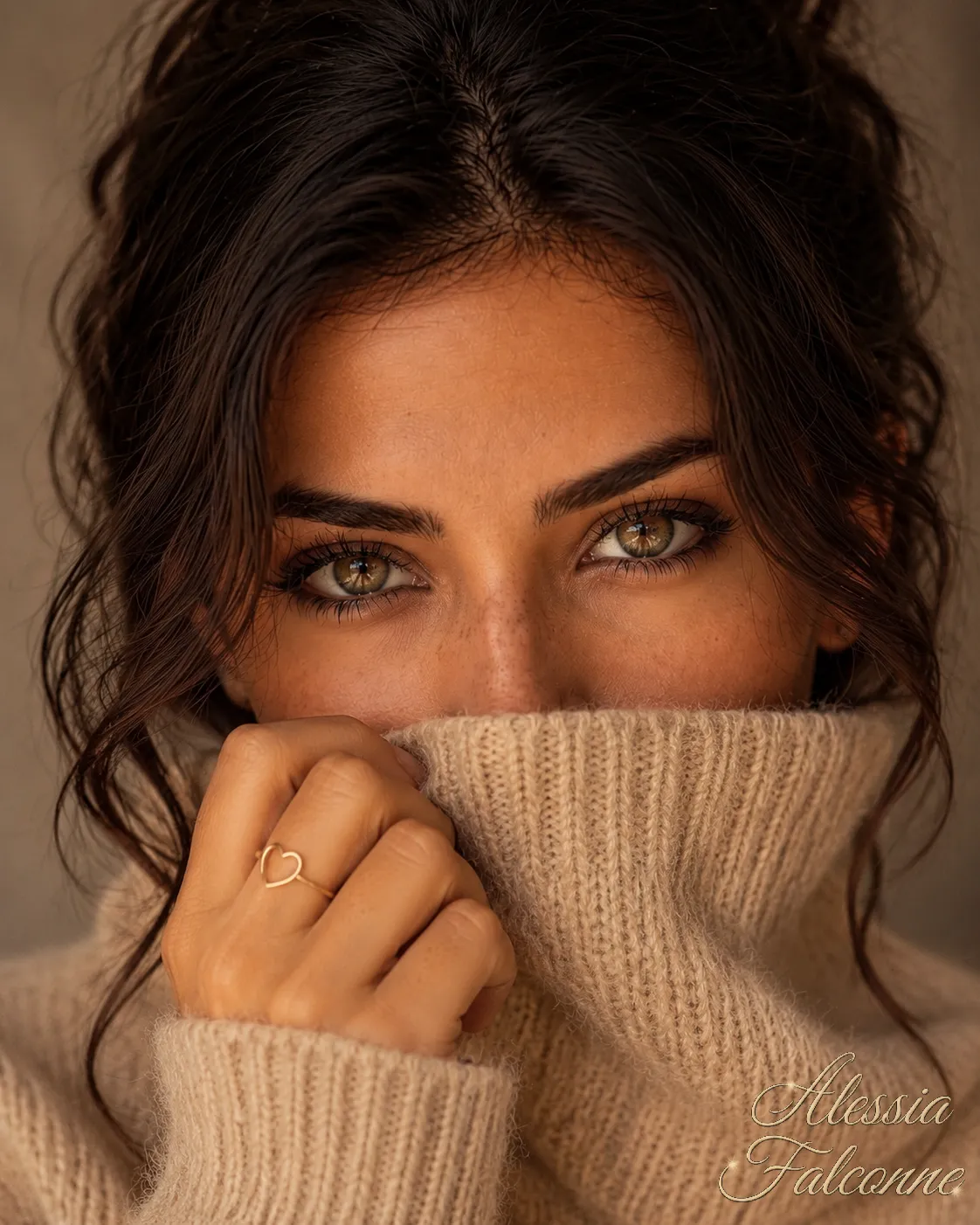
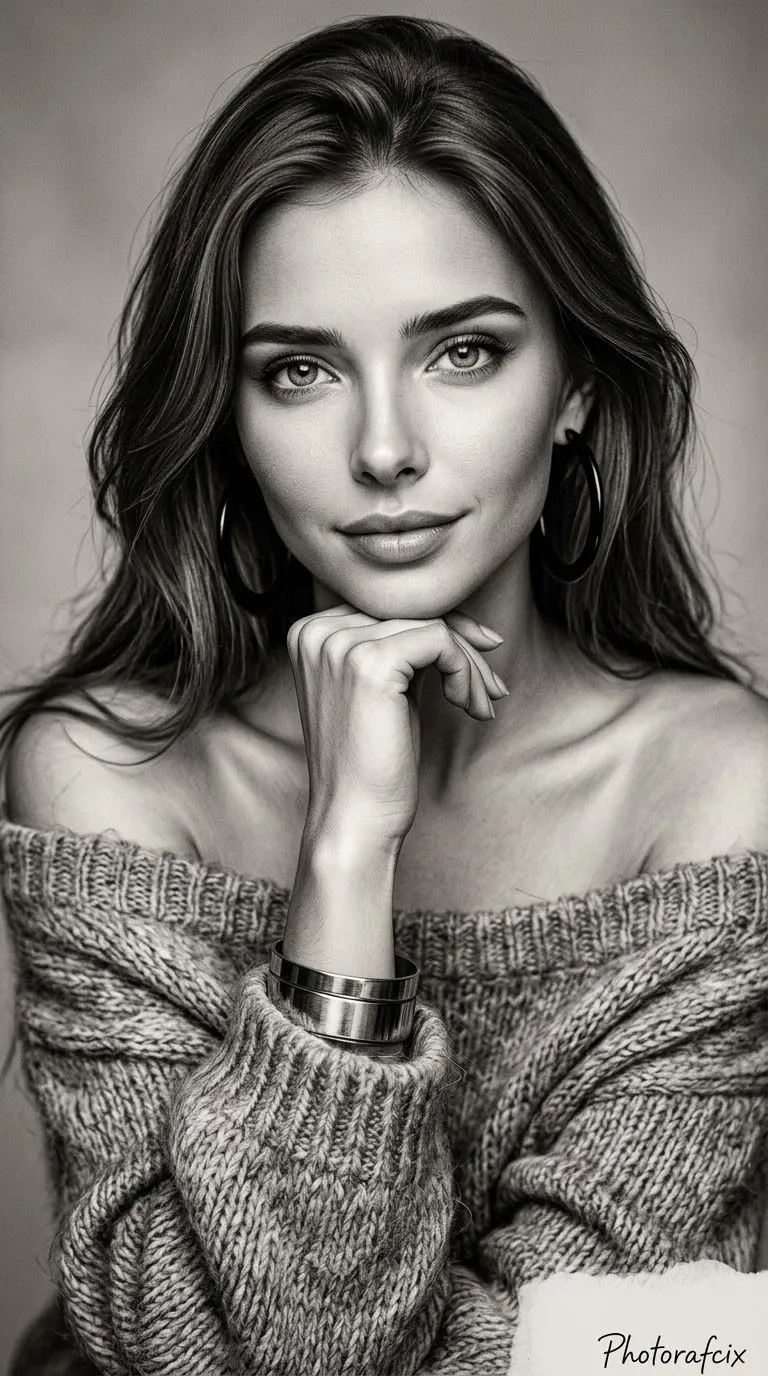
A woman tilts her head toward a low close camera, resting her cheek near one hand. Large sweater folds, a loose low bun and glossy light-pink lips catch directional right-side sun against a geometric wall shadow.
Usage instructions
Use a reference photo of the person whose facial features must remain unchanged. The low camera angle, tilted head, and cheek-on-hand pose define the close crop; adjust the warm right-side sunlight or geometric wall shadow to change the mood while retaining the specified sweater.
Frequently asked questions
What defines the light pattern?
A clear boundary divides bright warm sunlight from shadow across the face and knitwear.






Comments
Tried this prompt? Share what you made, compare results, or ask a question