Man in a Tuxedo Beneath a Crimson Eclipse
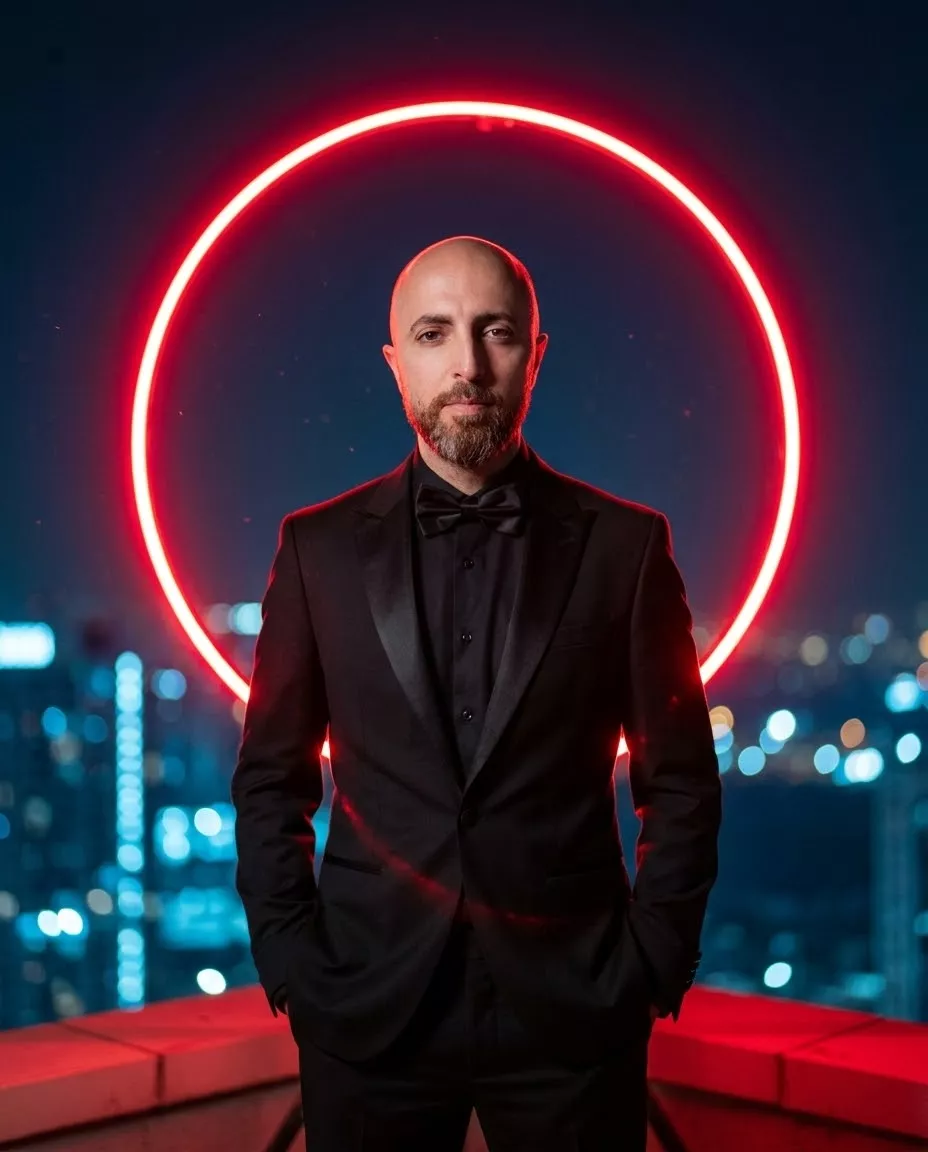
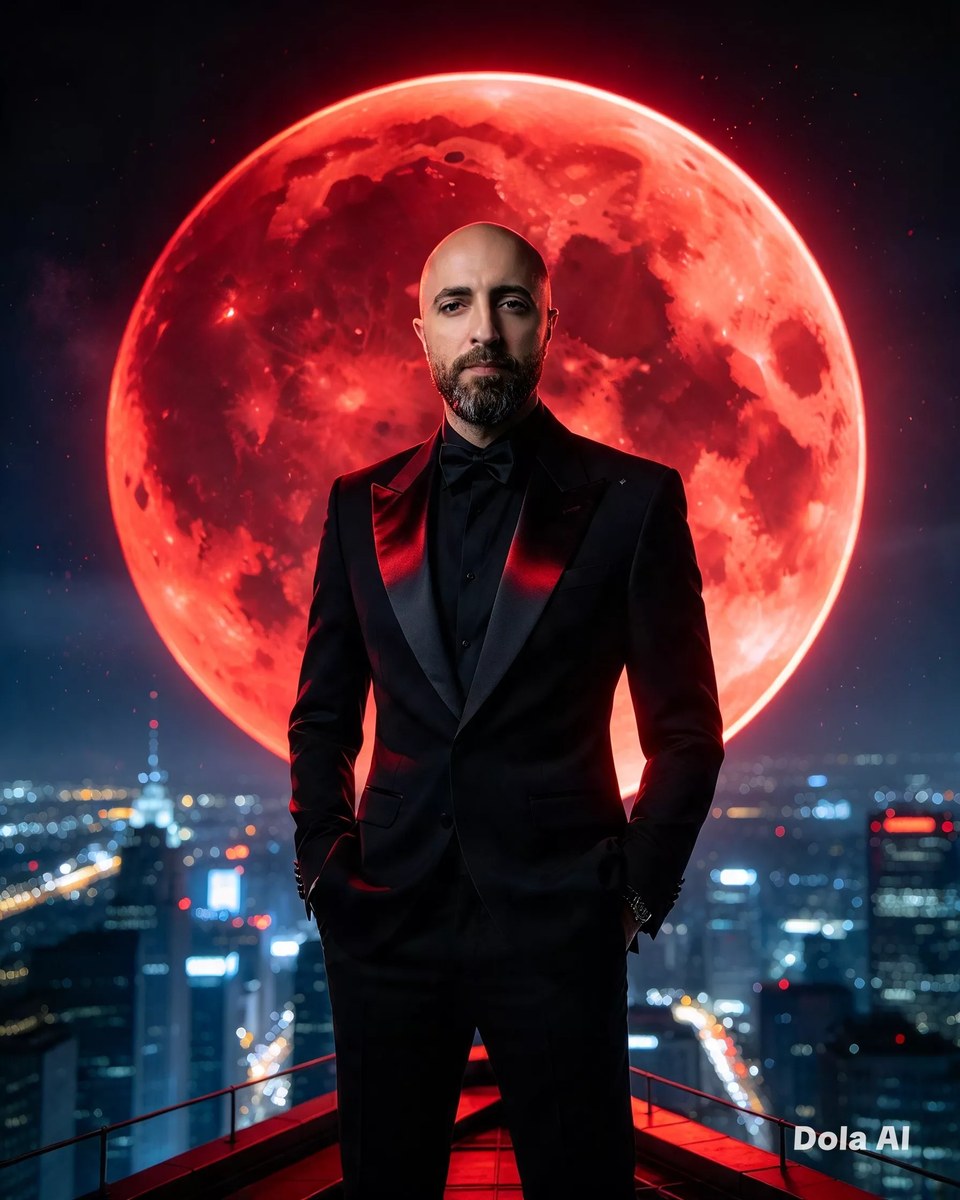
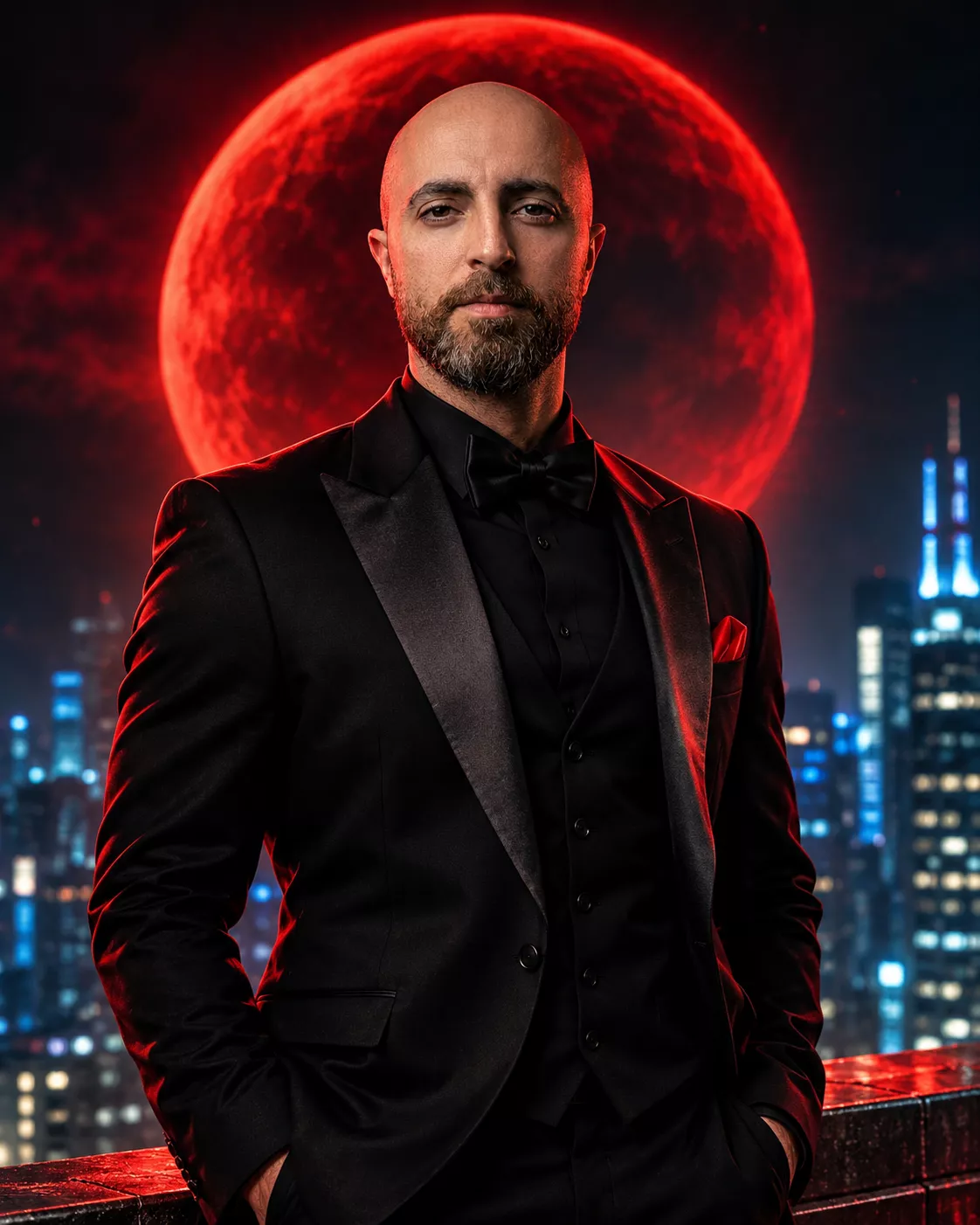
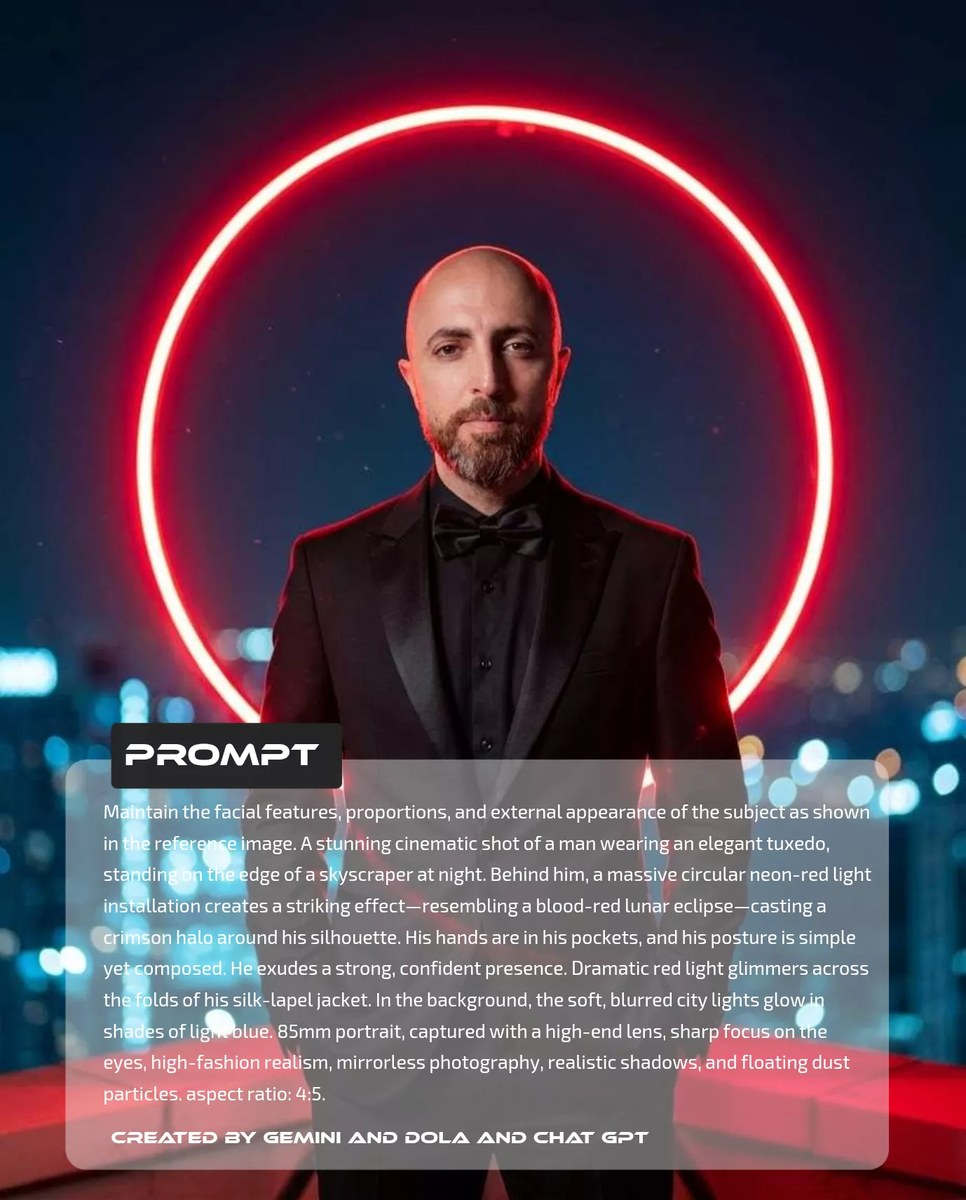
Create a cinematic high-fashion portrait of a man on a skyscraper at night, preserving his appearance from a reference image and surrounding him with a dramatic red halo.
Example outputs
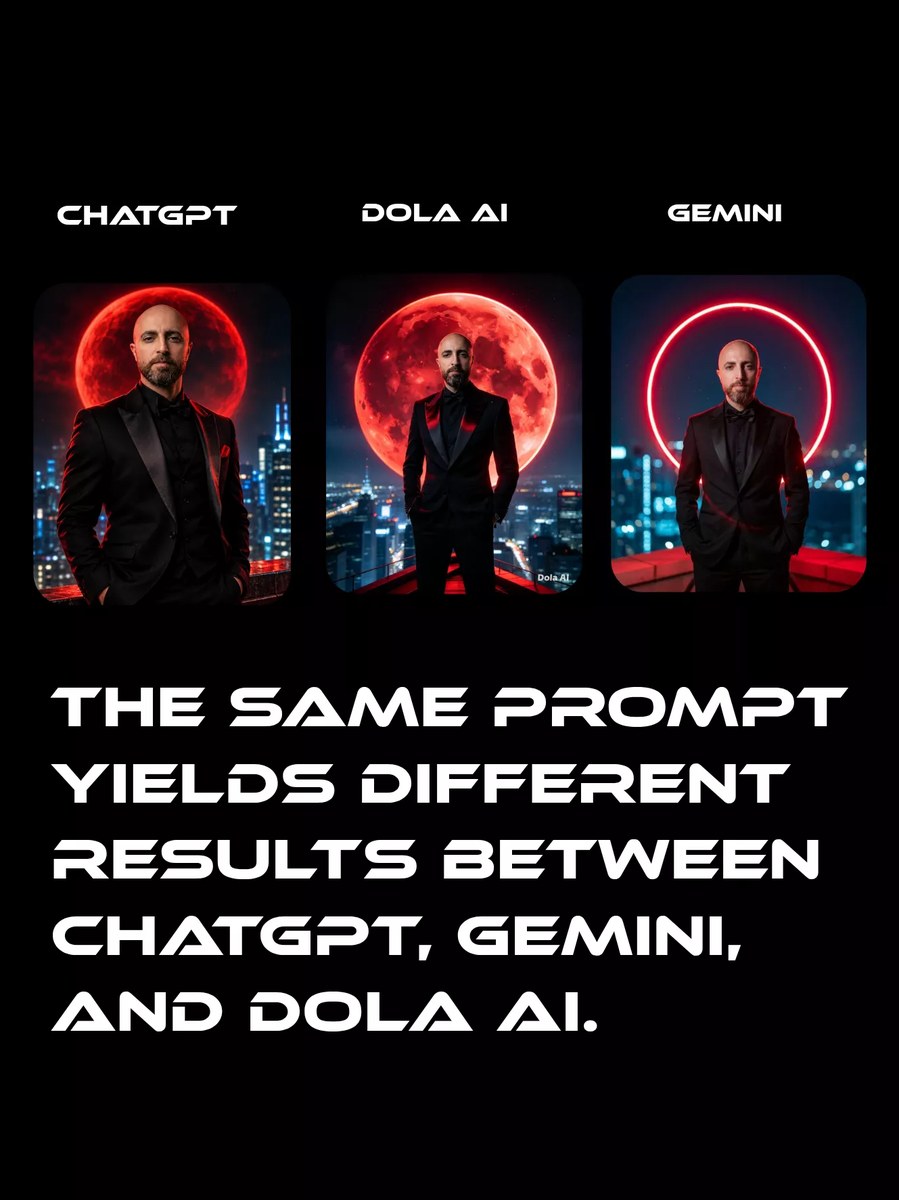
Prompt template
- Format
- Text Parameterized
- Inputs
- Reference_image (image) · Required aspect_ratio (text) · Optional · Default: 4:5
- Outputs
- Portrait (image)
Maintain the facial features, proportions, and external appearance of the subject as shown in the reference image. Create a stunning cinematic shot of a man wearing an elegant tuxedo, standing on the edge of a skyscraper at night. Behind him, a massive circular neon-red light installation creates a striking effect resembling a blood-red lunar eclipse, casting a crimson halo around his silhouette. His hands are in his pockets, and his posture is simple yet composed. He exudes a strong, confident presence. Dramatic red light glimmers across the folds of his silk-lapel jacket. In the background, soft, blurred city lights glow in shades of blue. Use an 85mm portrait lens, sharp focus on the eyes, high-fashion realism, mirrorless photography, realistic shadows, and floating dust particles. Aspect ratio: ${aspect-ratio:4:5}.Replace the ${…} placeholders with your values
before using this prompt. See parameters
and defaults below
Parameters
Replace each placeholder with your own value, or use its default when one is provided
${aspect-ratio:4:5}
aspect-ratio
Default: 4:5
What you'll create
A reference-based man stands calmly at a skyscraper edge with hands in his tuxedo pockets. A huge circular red installation forms a halo behind him, casting crimson across silk lapels against cool blue city bokeh.
Generation settings
Aspect ratio: 4:5
Usage instructions
Provide the reference image whose facial features and appearance should be preserved; the aspect ratio is adjustable. The prompt combines a rooftop portrait, eclipse-like neon lighting, and high-fashion photographic details. Change the aspect ratio to alter the framing while keeping the subject and lighting description intact.
Frequently asked questions
Is the red circle a real lunar eclipse?
No; it is a neon installation designed to resemble one.



Comments
Tried this prompt? Share what you made, compare results, or ask a question