Photorealistic Portrait with a 3D Miniature
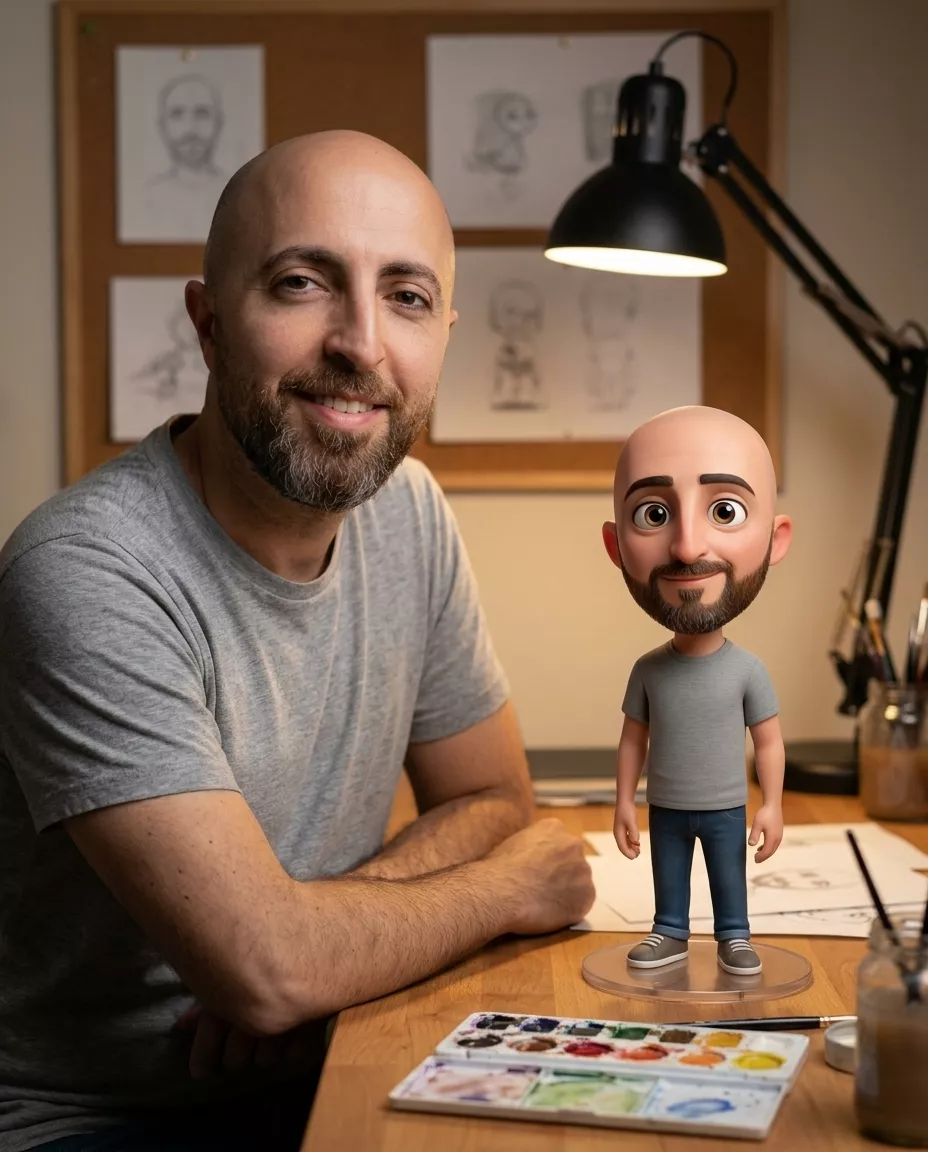
Create a photorealistic artist-studio portrait featuring a polished 3D miniature of the subject.
Example outputs
Prompt template
- Format
- Text
- Inputs
- Reference_photo (image) · Required
- Outputs
- Portrait (image)
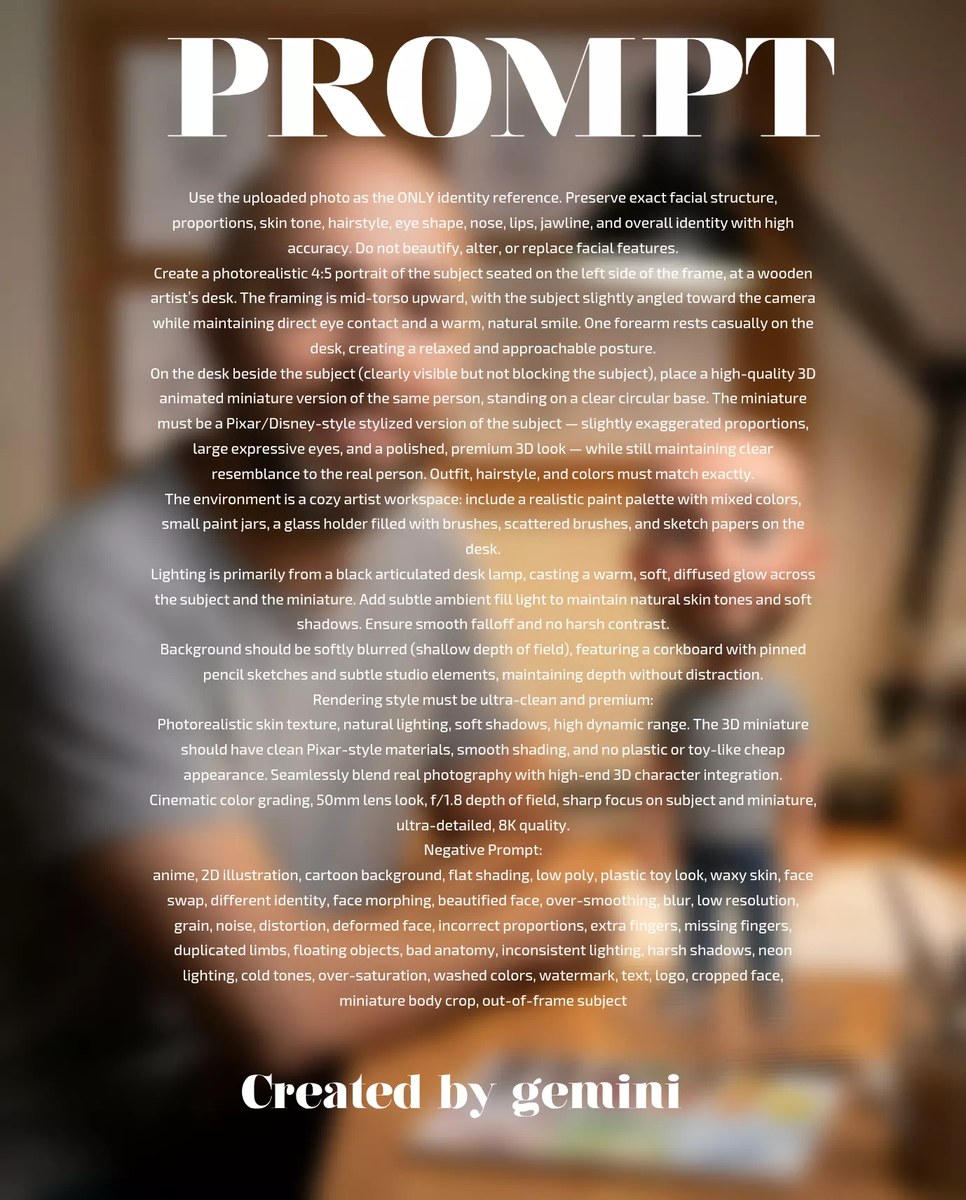
Use the uploaded photo as the ONLY identity reference. Preserve the subject’s facial structure, proportions, skin tone, hairstyle, eye shape, nose, lips, jawline, and overall identity with high accuracy. Do not beautify, alter, or replace facial features.

Create a photorealistic 4:5 portrait of the subject seated on the left side of the frame at a wooden artist’s desk. Frame the subject from mid-torso upward, slightly angled toward the camera, with direct eye contact and a warm, natural smile. One forearm rests casually on the desk in a relaxed, approachable pose. Match the subject’s outfit, hairstyle, and colors exactly to the reference photo.

Beside the subject on the desk, clearly visible without blocking them, place a high-quality 3D animated miniature of the same person standing on a clear circular base. The miniature should be a Pixar/Disney-style stylized version of the subject, with slightly exaggerated proportions, large expressive eyes, and a polished, premium 3D look, while still clearly resembling the real person. Use clean Pixar-style materials and smooth shading; avoid a cheap plastic or toy-like appearance. Seamlessly blend the real photography with high-end 3D character integration.

Create a cozy artist workspace. Include a realistic paint palette with mixed colors, small paint jars, a glass holder filled with brushes, scattered brushes, and sketch papers on the desk. In the softly blurred background, include a corkboard with pinned pencil sketches and subtle studio elements, maintaining depth without distraction.

Light the scene primarily with a black articulated desk lamp, casting a warm, soft, diffused glow across the subject and miniature. Add subtle ambient fill light to maintain natural skin tones and soft shadows. Ensure smooth falloff and no harsh contrast. Use photorealistic skin texture, natural lighting, high dynamic range, cinematic color grading, a 50mm lens look, f/1.8 depth of field, and sharp focus on both the subject and miniature. Render with ultra-clean, premium detail at 8K quality.

Negative prompt: anime, 2D illustration, cartoon background, flat shading, low poly, plastic toy look, waxy skin, face swap, different identity, face morphing, beautified face, over-smoothing, blur, low resolution, grain, noise, distortion, deformed face, incorrect proportions, extra fingers, missing fingers, duplicated limbs, floating objects, bad anatomy, inconsistent lighting, harsh shadows, neon lighting, cold tones, over-saturation, washed colors, watermark, text, logo, cropped face, miniature body crop, out-of-frame subject.
What you'll create
A reference subject sits at a wooden artist’s desk on the left, smiling naturally at the camera. The miniature companion adds a playful scale contrast while matching identity and warm photographic detail.
Generation settings
Advanced settings
- Negative prompt
- anime, 2D illustration, cartoon background, flat shading, low poly, plastic toy look, waxy skin, face swap, different identity, face morphing, beautified face, over-smoothing, blur, low resolution, grain, noise, distortion, deformed face, incorrect proportions, extra fingers, missing fingers, duplicated limbs, floating objects, bad anatomy, inconsistent lighting, harsh shadows, neon lighting, cold tones, over-saturation, washed colors, watermark, text, logo, cropped face, miniature body crop, out-of-frame subject.
Frequently asked questions
Should the real subject’s outfit change?
No. Outfit, hairstyle and colors match the reference.
Can the miniature be cropped?
The source excludes cropping its body or pushing it out of frame.




Comments
Tried this prompt? Share what you made, compare results, or ask a question