Art & Illustration
Image Editing
Vector Illustration
Portrait
Draw Things
Black Forest Labs Flux 2-klein-9b
Black Forest Labs Flux 2-klein-9b-kv
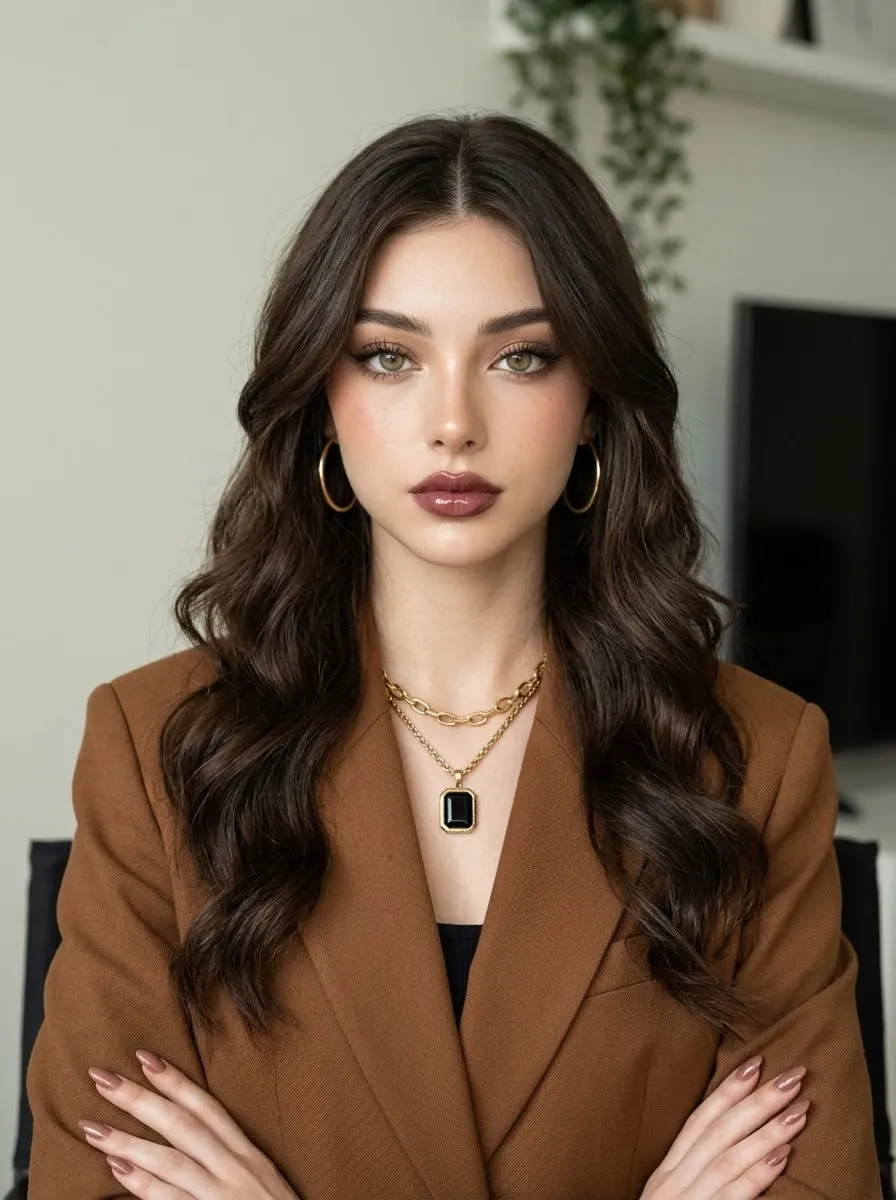
Modern Vector-Style Portrait from a Reference Image
Turn a reference portrait into a clean, modern digital illustration while preserving the subject’s defining features and pose.
Example outputs
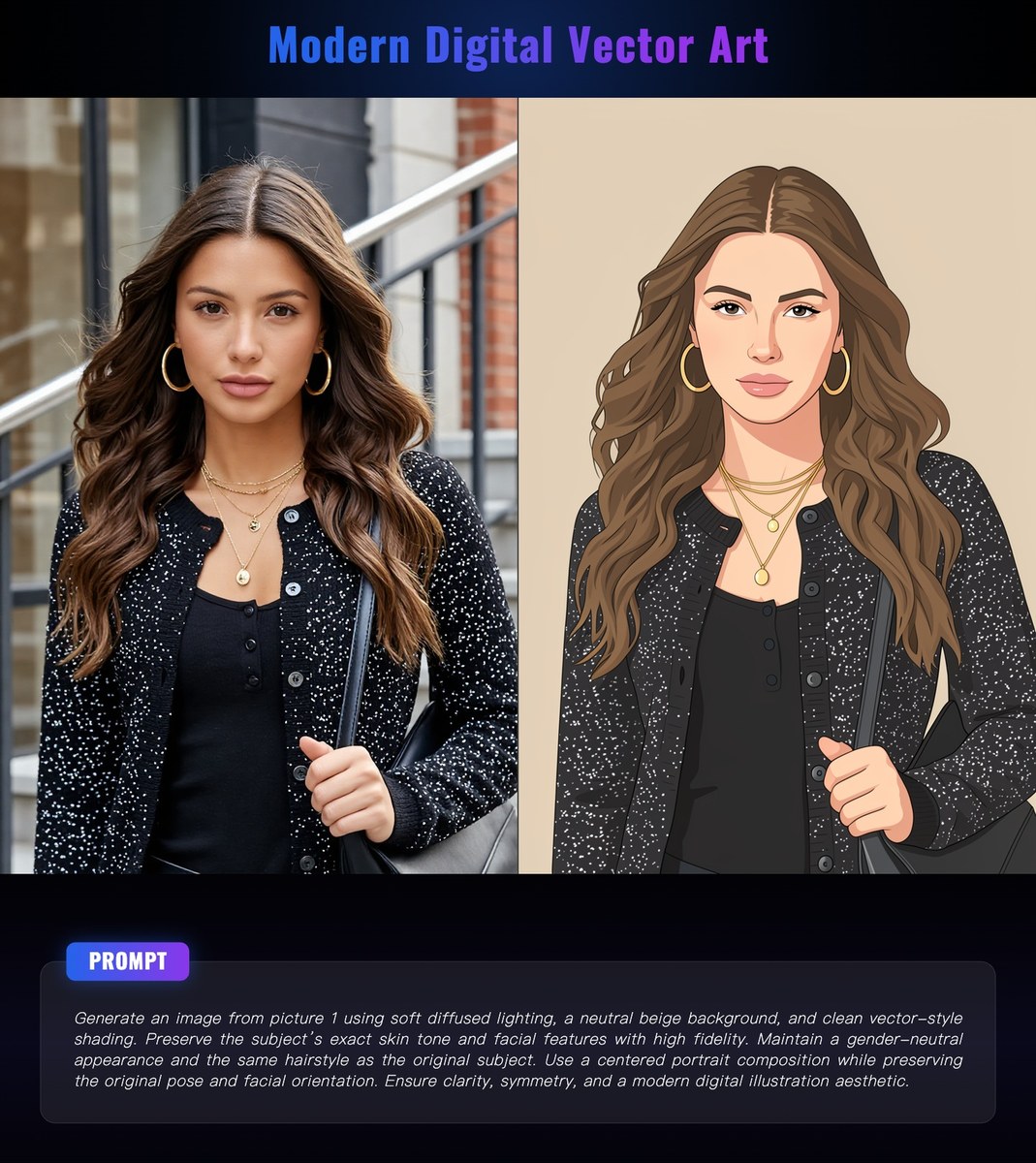
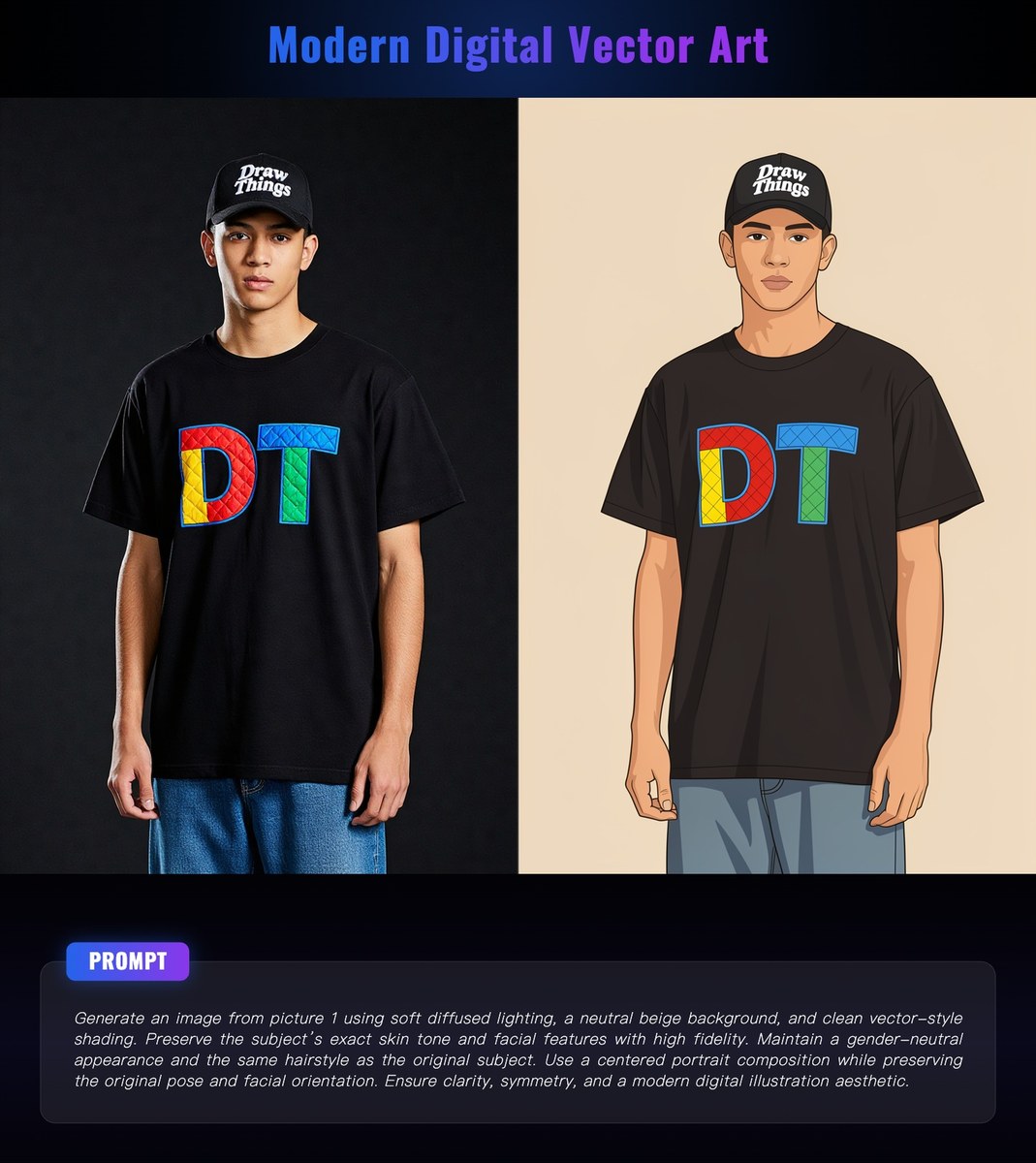
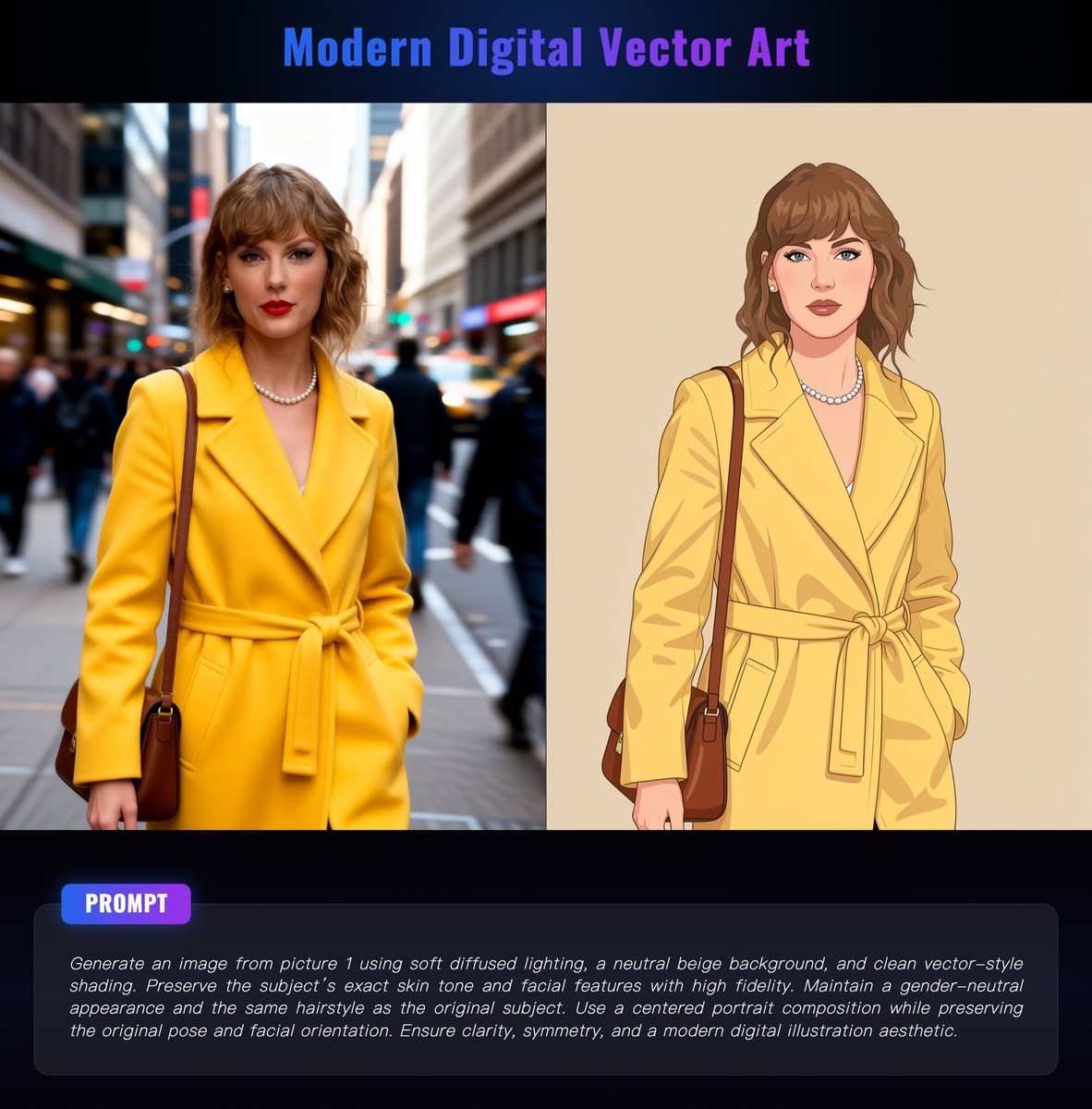
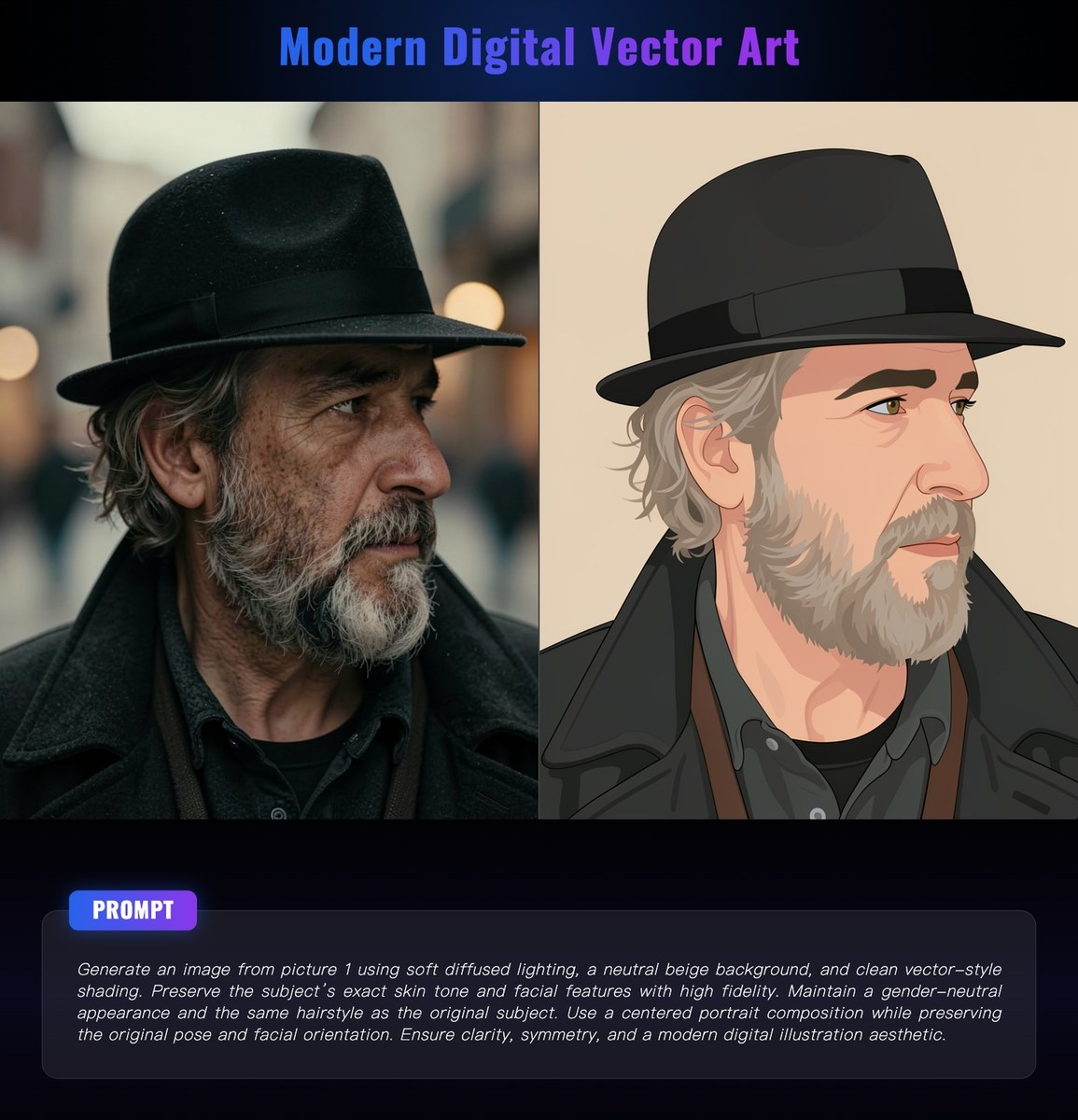
Prompt template
- Format
- Text Parameterized
- Inputs
- source_image (image) · Required
- Outputs
- illustrated_portrait (image)
Generate an image from ${source-image}. Use soft, diffused lighting, a neutral beige background, and clean vector-style shading. Preserve the subject’s exact skin tone and facial features with high fidelity. Maintain a gender-neutral appearance and the same hairstyle as the original subject. Use a centered portrait composition while preserving the original pose and facial orientation. Ensure clarity, symmetry, and a modern digital illustration aesthetic.Replace the ${…} placeholders with your values
before using this prompt. See parameters
and defaults below
Parameters
Replace each placeholder with your own value, or use its default when one is provided
${source-image}
source-image
Required
What you'll create
Soft diffuse lighting and a neutral beige background frame a clean digital illustration with faithful skin tone, pose and facial orientation.
Frequently asked questions
Can the original hairstyle change?
No, the source explicitly preserves it.


Comments
Tried this prompt? Share what you made, compare results, or ask a question