Turn a Photo into a Vintage Travel Journal Page
Create a handcrafted-looking travel journal composition from an uploaded photo, with the photo above and a decorated journal page below.
Example outputs
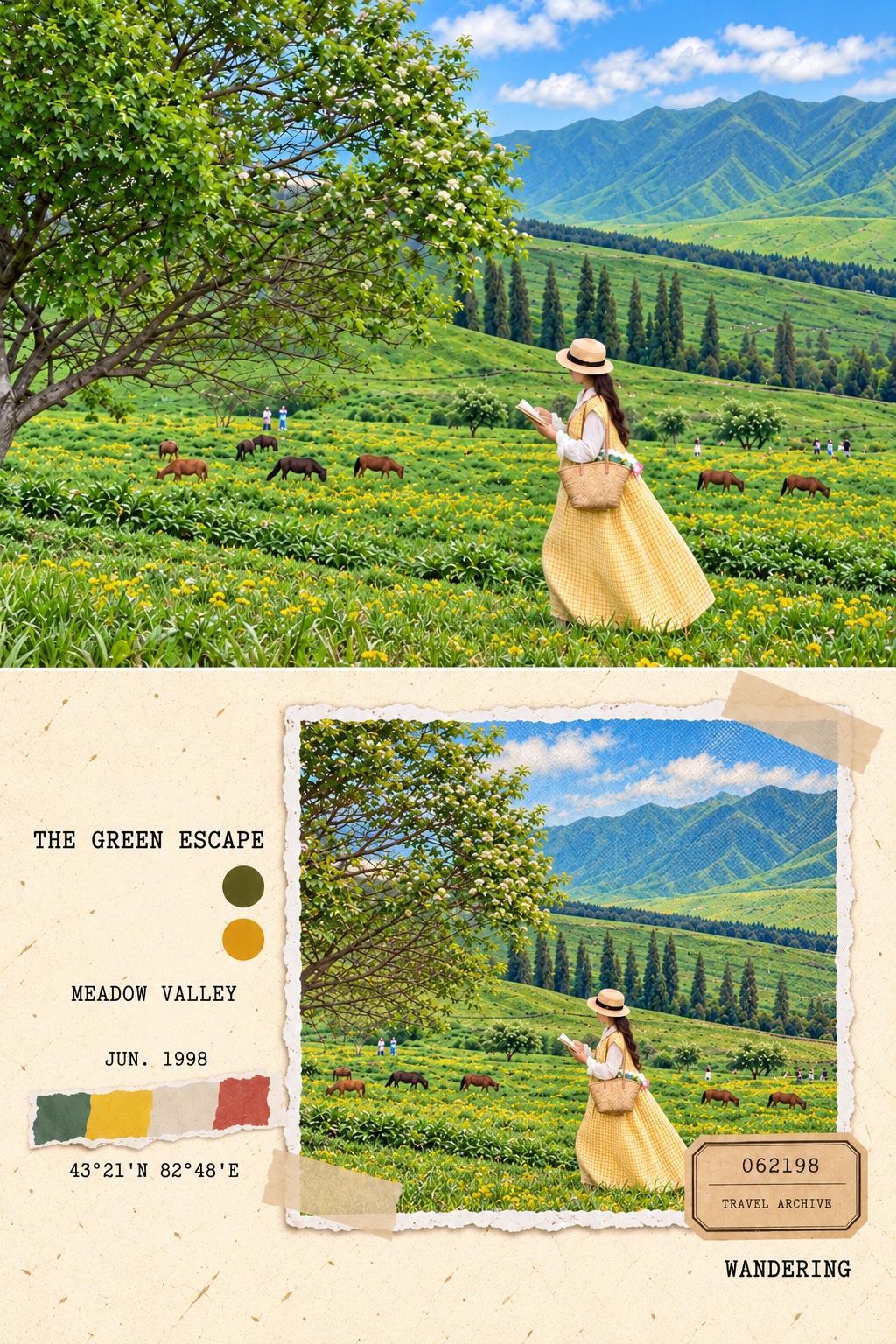
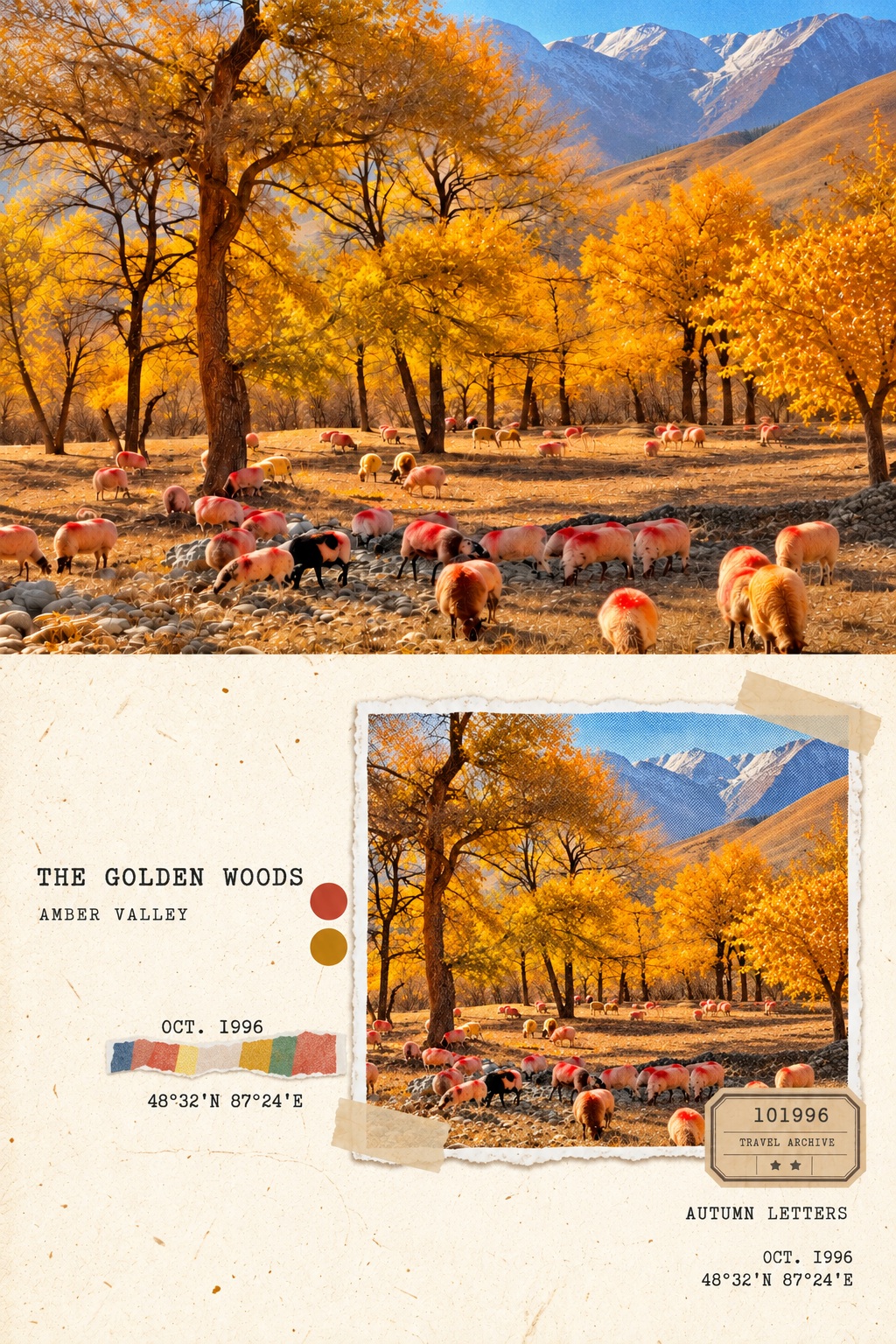
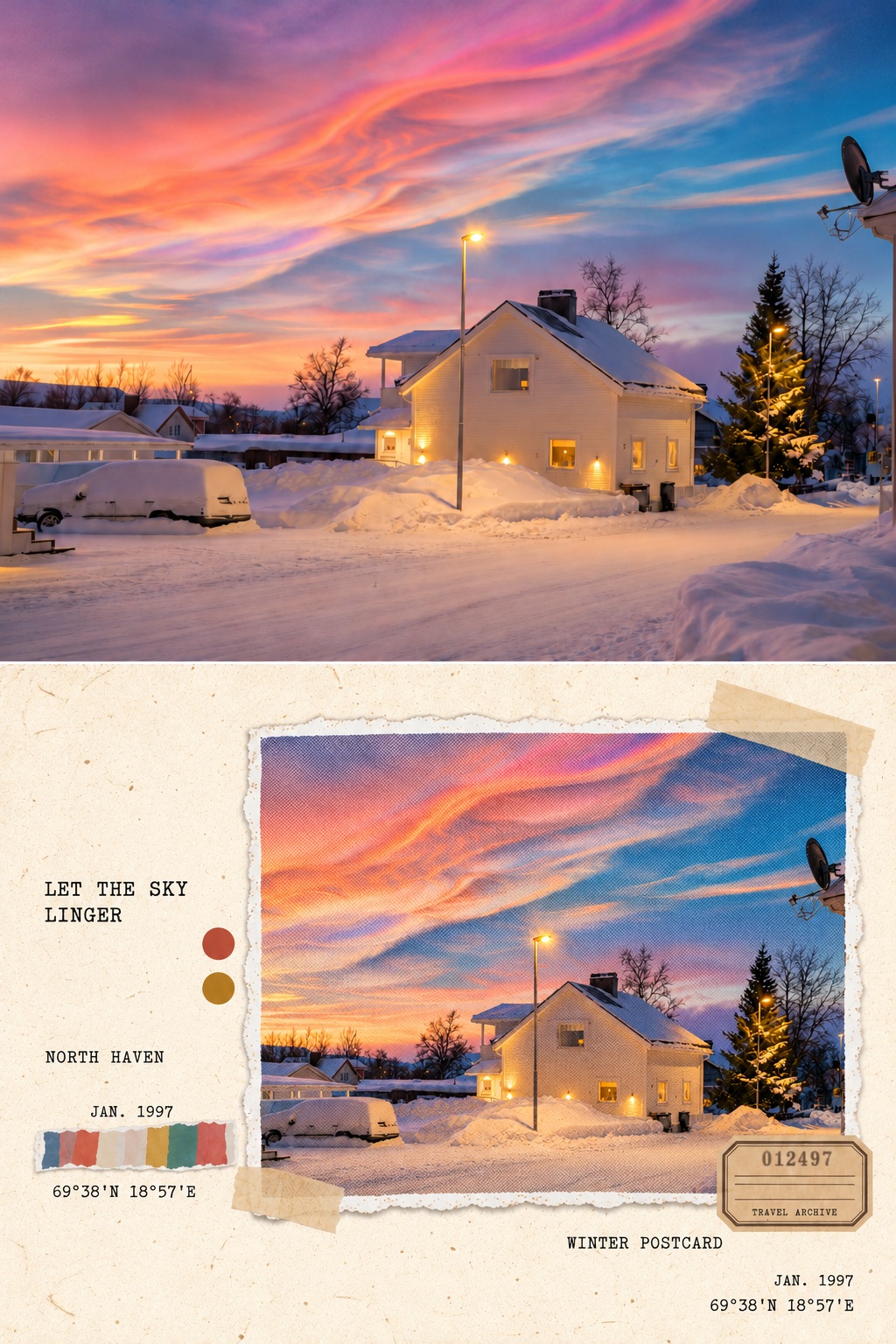
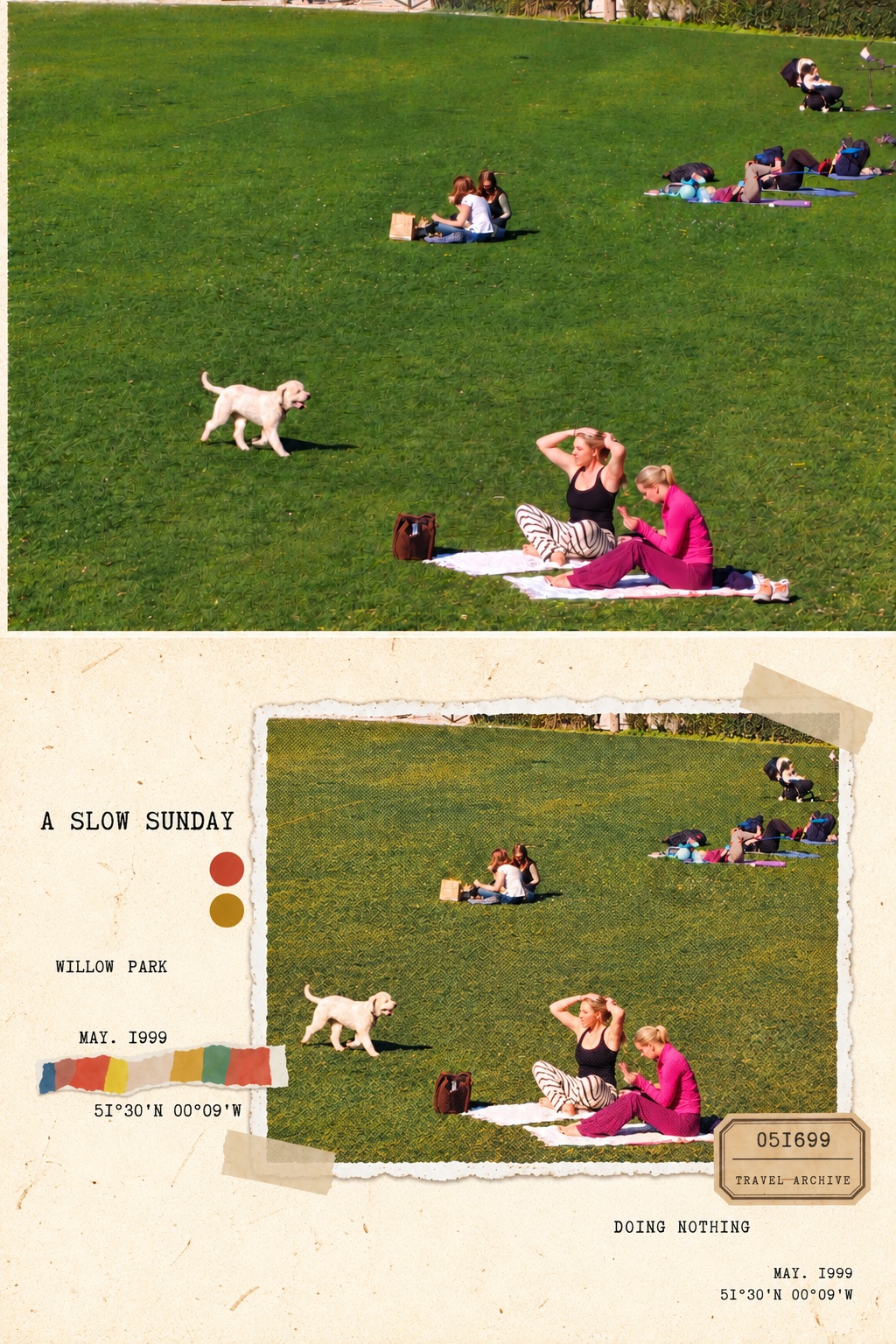
Prompt template
- Format
- Text
- Inputs
- Uploaded_photo (image) · Required
- Outputs
- Travel_journal_composition (image)
Turn the uploaded photo into a vintage travel-journal design. Create a vertically split comparison image with the photo on top and the journal page below. Do not add labels such as “Original” or “Journal.”

Use an aged ivory paper background with natural paper fibers, a torn-edge photo print, translucent tape, vintage tickets, and small areas of collage paper. Give the photo a subtly faded halftone print texture while preserving its original subject and setting.

In a typewriter-style font, add a short title, place name, date, coordinates, and ticket number that suit the atmosphere of the image. If shooting information is not provided, invent suitable details for decoration. Fill in all text completely: do not leave blank lines or placeholders, and do not arrange the text as a table.

Vary the text sizes and arrange them naturally beside the photo and in the corners of the page. Leave adequate negative space. Make the overall composition feel like a carefully collected travel memory: gentle, nostalgic, and handmade.
What you'll create
The original photo appears above an aged ivory journal page containing a faded print, tickets and paper collage. Typewriter-style notes and generous negative space give the lower design the feeling of a collected travel memory.
Frequently asked questions
Are invented dates or coordinates authentic metadata?
No. When absent, the source permits decorative invented details.
Are Original and Journal labels included?
No. The template explicitly excludes comparison labels.






Comments
Tried this prompt? Share what you made, compare results, or ask a question