Mixed-Media Street Portrait Collage
Create a photorealistic street portrait with expressive, hand-applied collage graphics and a bright poster-like finish.
Example outputs
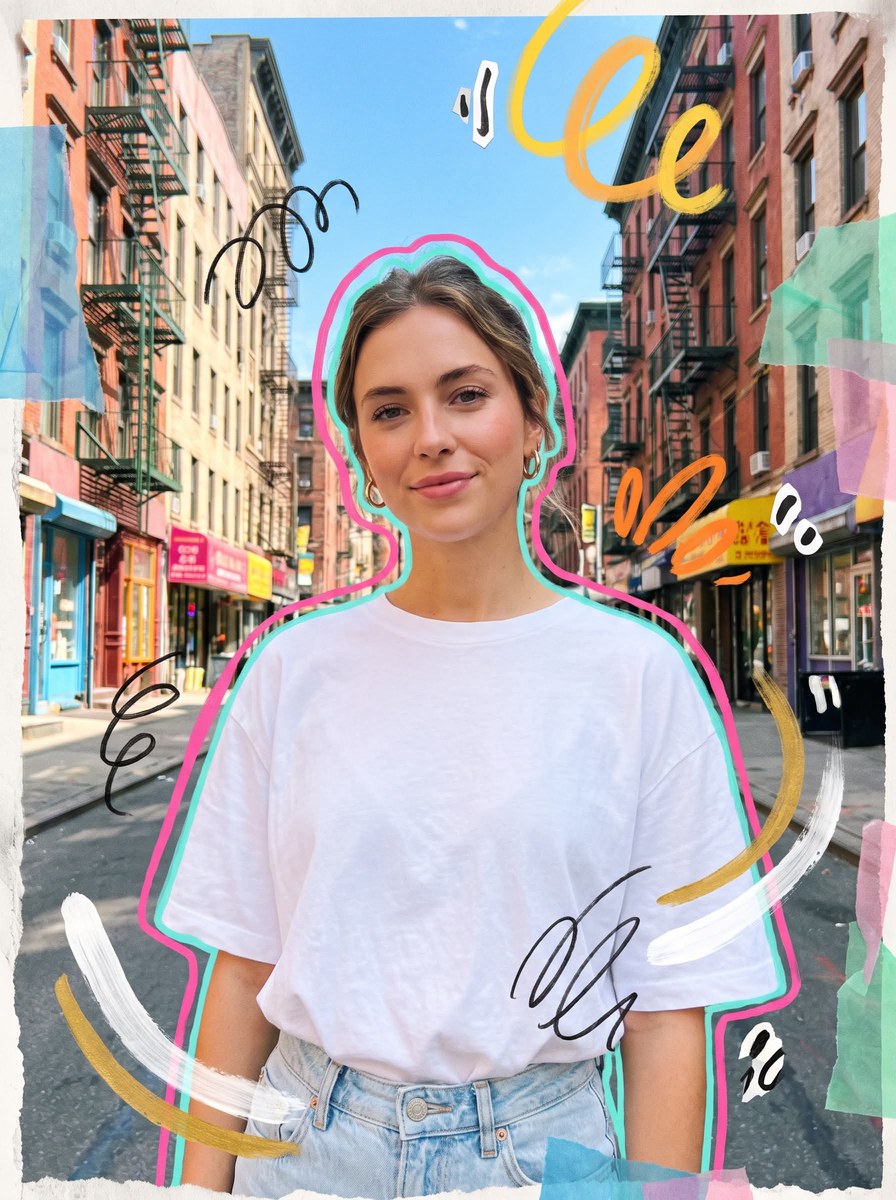
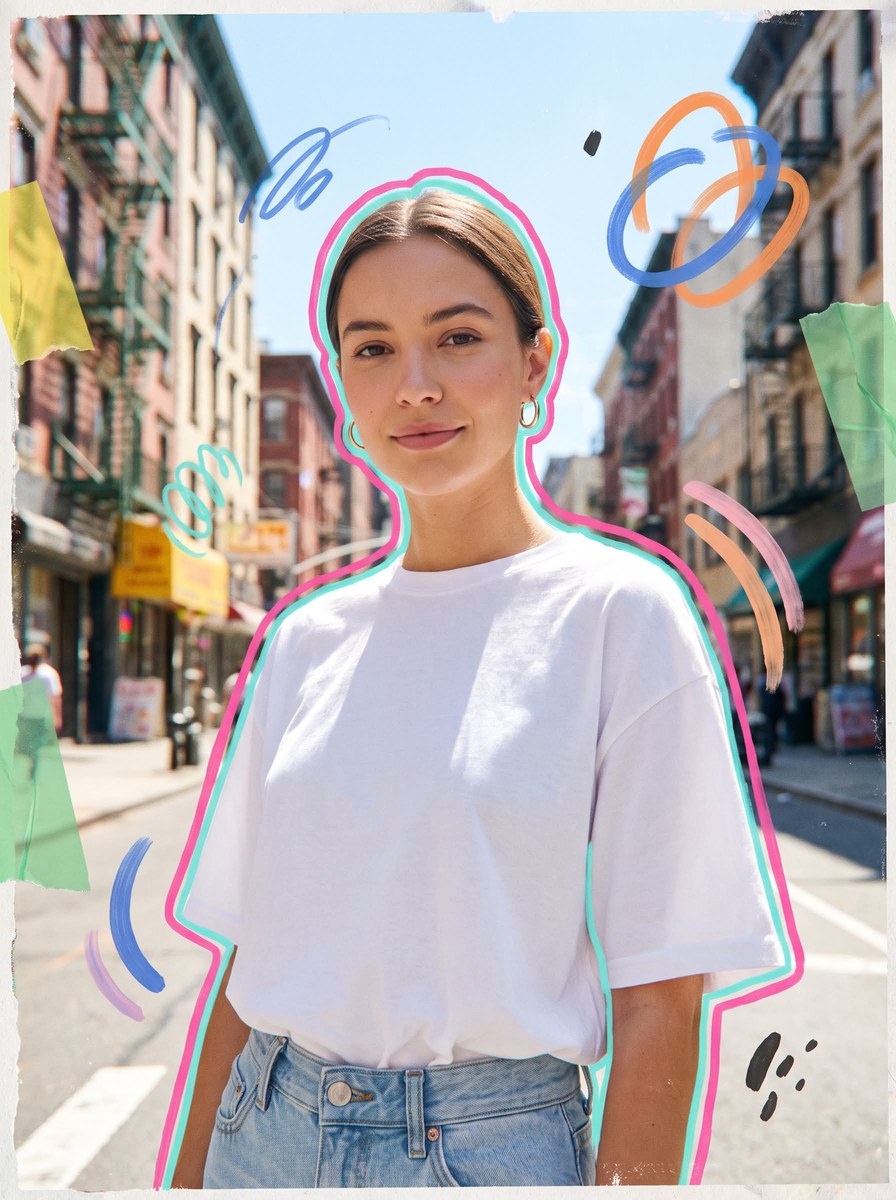
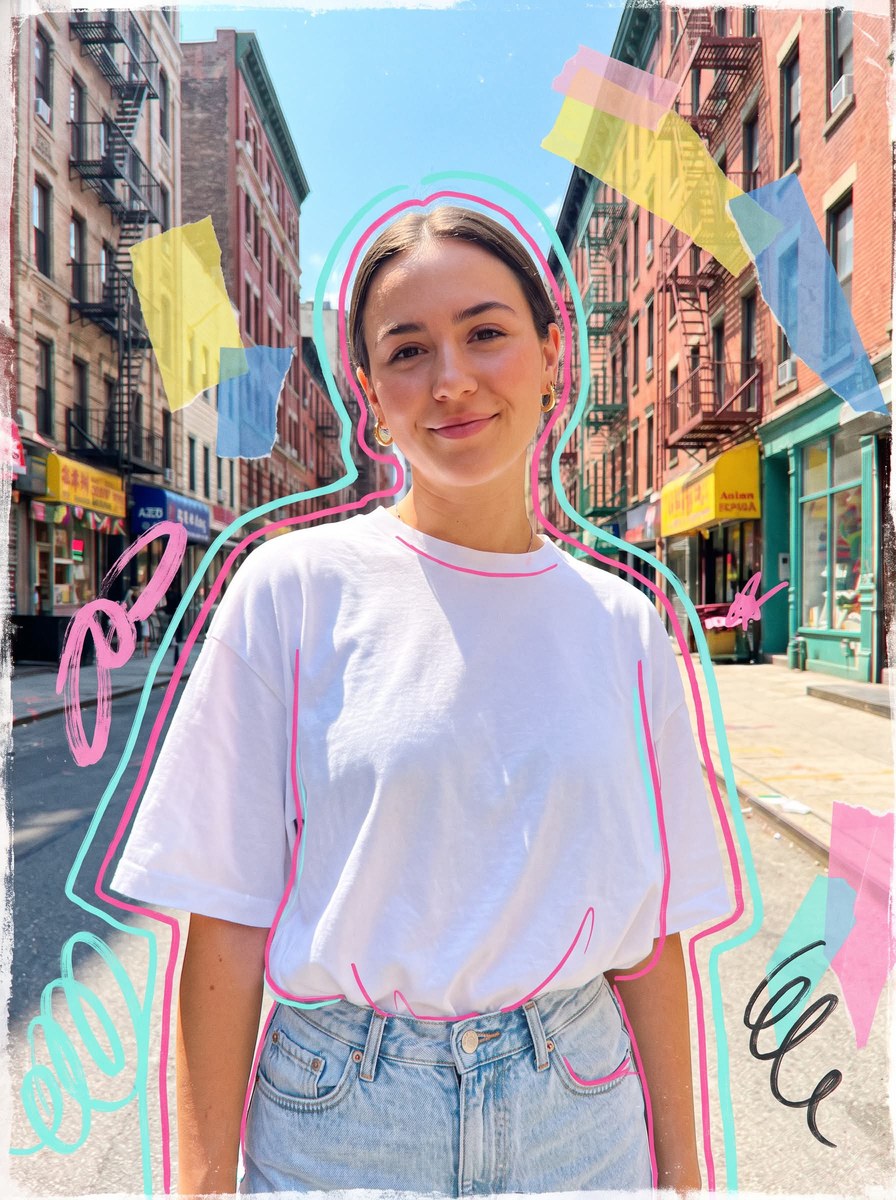
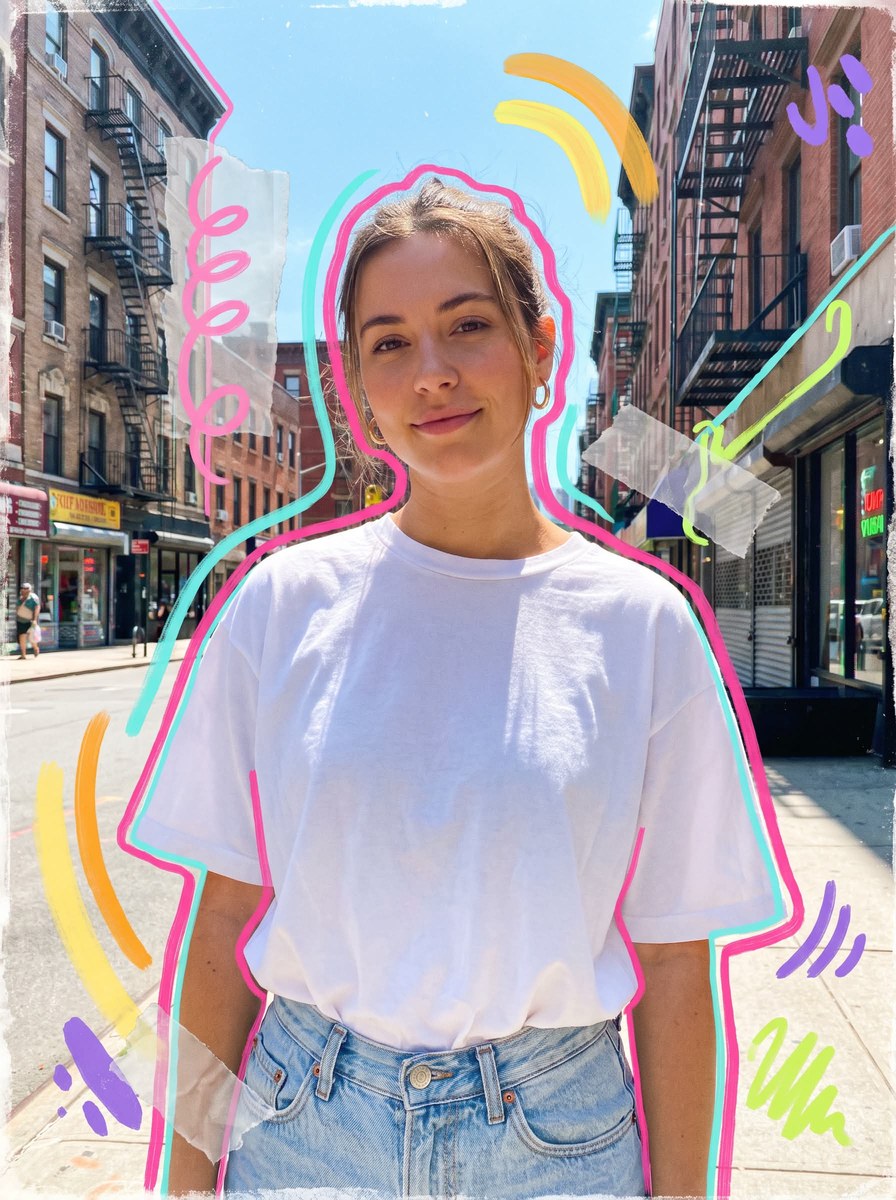
Prompt template
- Format
- Text Parameterized
- Inputs
- subject (text) · Optional · Default: a young woman
- Outputs
- Generated_collage_portrait (image)
Create a photorealistic mixed-media collage street portrait of ${subject:a young woman} on a bright city street. Use a medium close-up composition and a slightly low angle; have the subject look directly at the camera with a soft, closed-mouth smile. Style her in an oversized white T-shirt tucked into light denim or tailored trousers, with minimal gold hoop earrings and clean styling.

Set the portrait against a sunlit urban street with tall buildings, fire escapes, shopfronts, and a bright blue sky. Make the mood vibrant, airy, uplifting, cool, youthful, approachable, and stylish.

Apply a strong handcrafted mixed-media treatment: bold hand-drawn contour lines in hot pink and aqua tracing the subject’s silhouette; playful abstract brushstroke loops; loose marker swirls; torn translucent color-paper fragments; hand-painted curved strokes; irregular doodle accents; and floating cutout-style graphic shapes. Keep the energy expressive but not chaotic. Add subtle scan texture, light poster grain, slight chromatic aberration, distressed collage edges, and a tactile printed-poster feel. Keep the subject realistic and sharp while making the mixed-media elements feel hand-applied and expressive.

--ar 4:5 --raw --profile glu65pn --weird 4 --hd
Replace the ${…} placeholders with your values
before using this prompt. See parameters
and defaults below
Parameters
Replace each placeholder with your own value, or use its default when one is provided
${subject:a young woman}
subject
Default: a young woman
What you'll create
A casually dressed subject looks into the camera with a small closed-mouth smile. Sunlit buildings and blue sky sit behind marker loops, torn layers and hand-drawn silhouette accents.
Generation settings
Nano Banana Pro
Aspect ratio: 4:5
Frequently asked questions
Should the person become fully illustrated?
No, the subject remains realistic and sharp.
What framing is requested?
A slightly low medium close-up.



Comments
Tried this prompt? Share what you made, compare results, or ask a question