Diwali Portrait in a Purple Saree
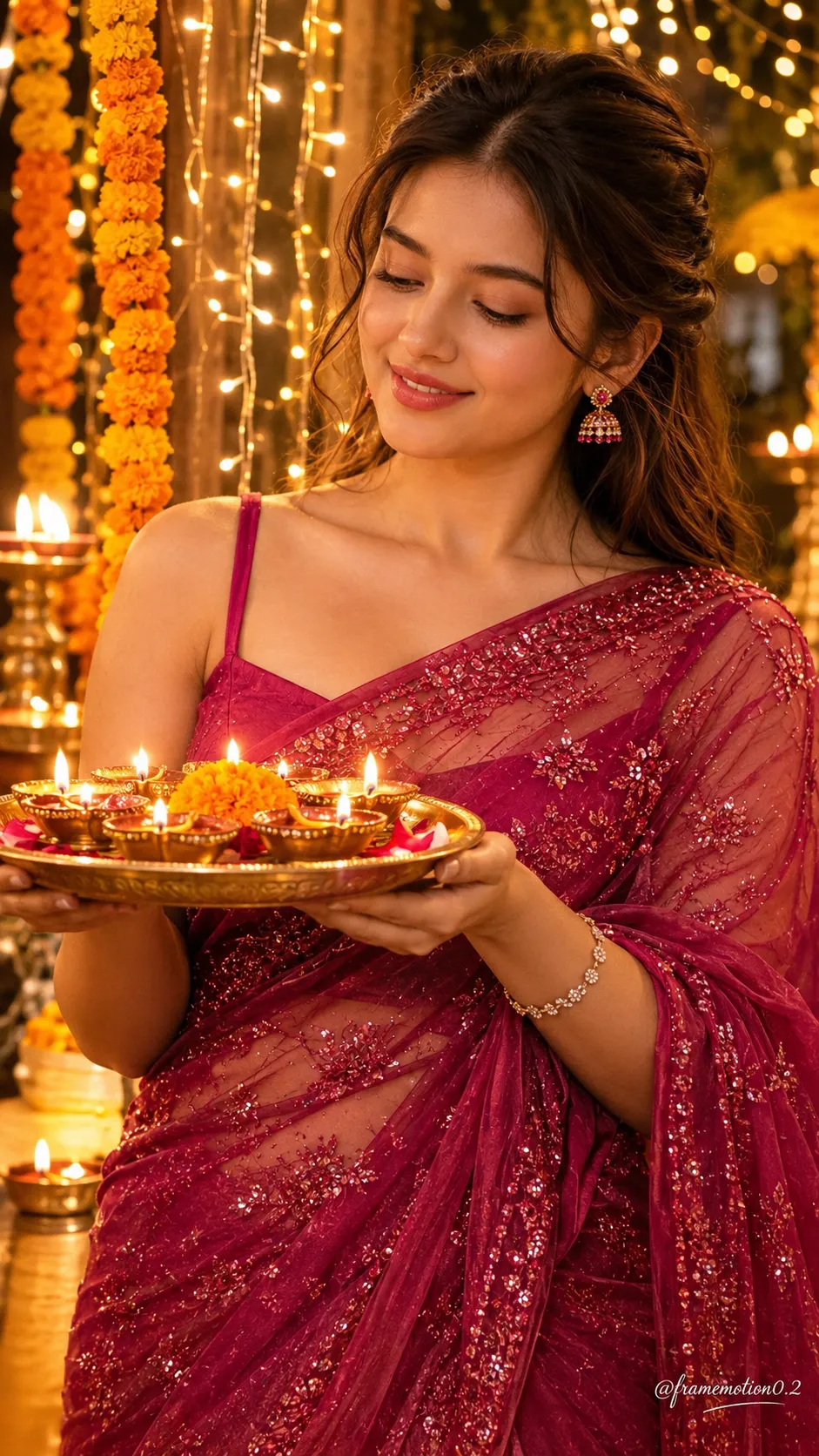
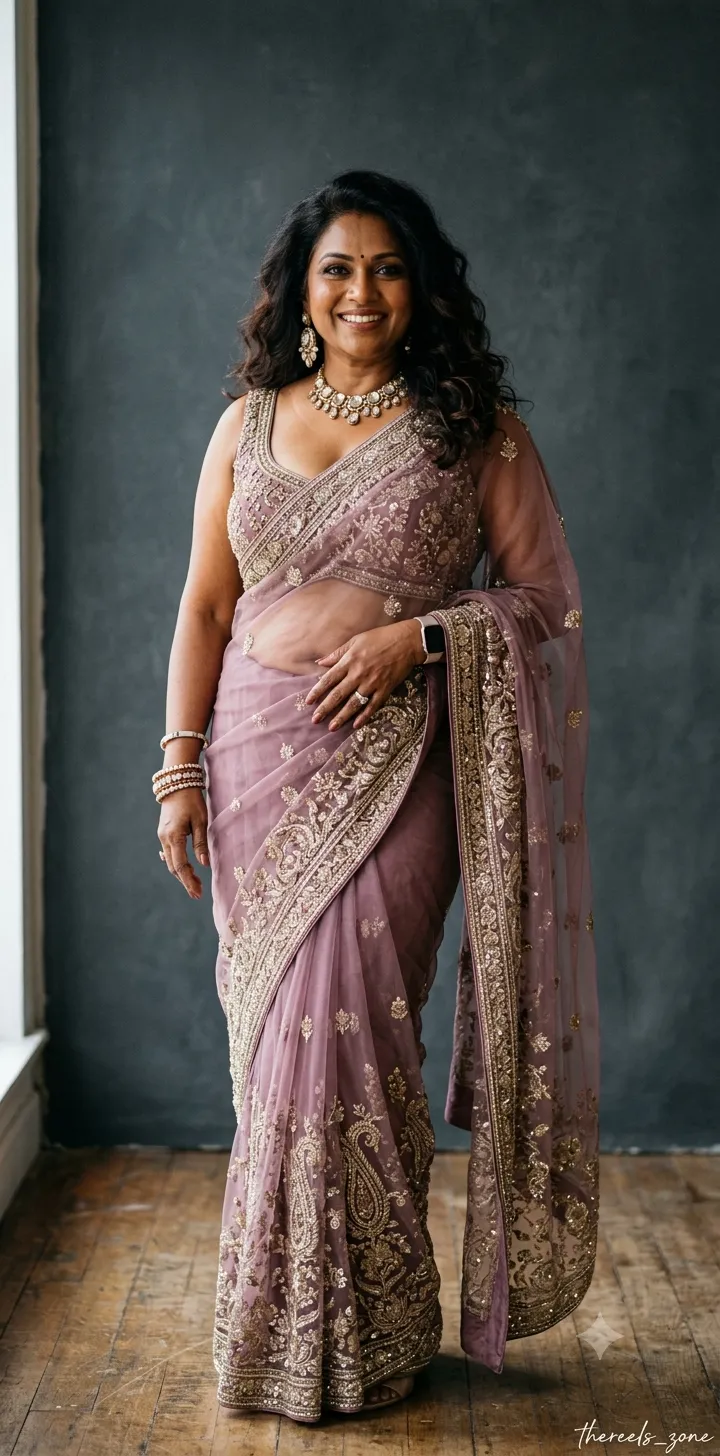
Create a realistic festive Diwali portrait that preserves the person’s appearance from a reference photo, with warm lighting and traditional decorations.
Example outputs
Prompt template
- Format
- Text Parameterized
- Inputs
- Reference_photo (image) · Required Signature_text (text) · Optional · Default: @framemotion0.2
- Outputs
- Diwali_portrait (image)
Create an ultra-realistic, beautiful portrait of a young curvy woman celebrating Diwali. Use my uploaded reference photo and keep my face, skin tone, hairstyle, jewelry, and outfit exactly the same. I am wearing the same deep purple saree and loose blouse with golden embroidery. I am holding a brass thali filled with glowing diyas and smiling gently while looking at the lit diyas. Add golden fairy lights, marigold flower garlands, and glowing diyas in the background. Use warm golden lighting, natural skin texture, and an elegant festive atmosphere. Make it look like professional photography. Keep my face realistic and natural, with no cartoonish or artificial AI look. Use a 9:16 aspect ratio. Add the stylish signature text ${signature-text:@framemotion0.2} in a small font at the bottom-right corner.Replace the ${…} placeholders with your values
before using this prompt. See parameters
and defaults below
Parameters
Replace each placeholder with your own value, or use its default when one is provided
${signature-text:@framemotion0.2}
signature-text
Default: @framemotion0.2
What you'll create
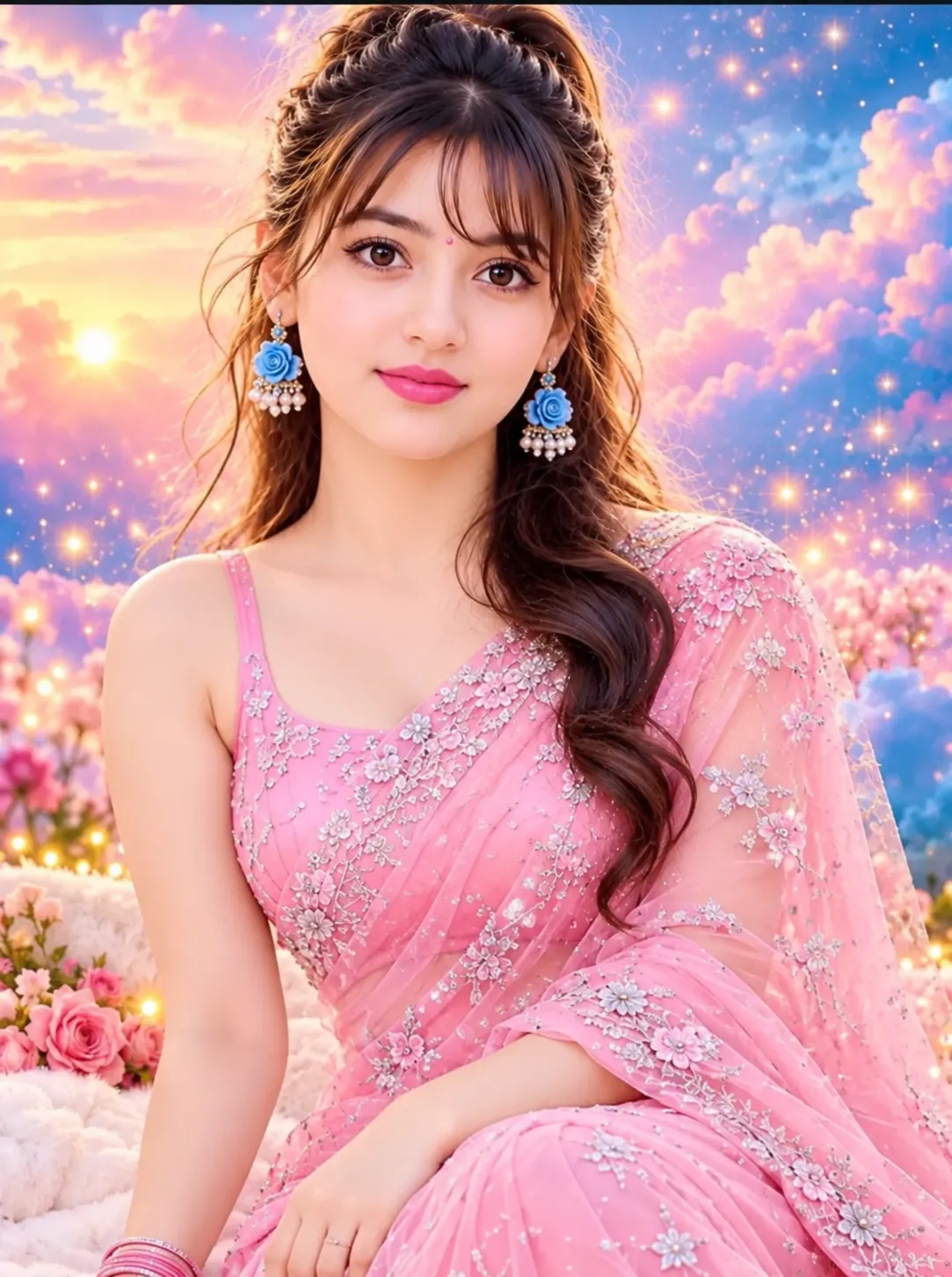
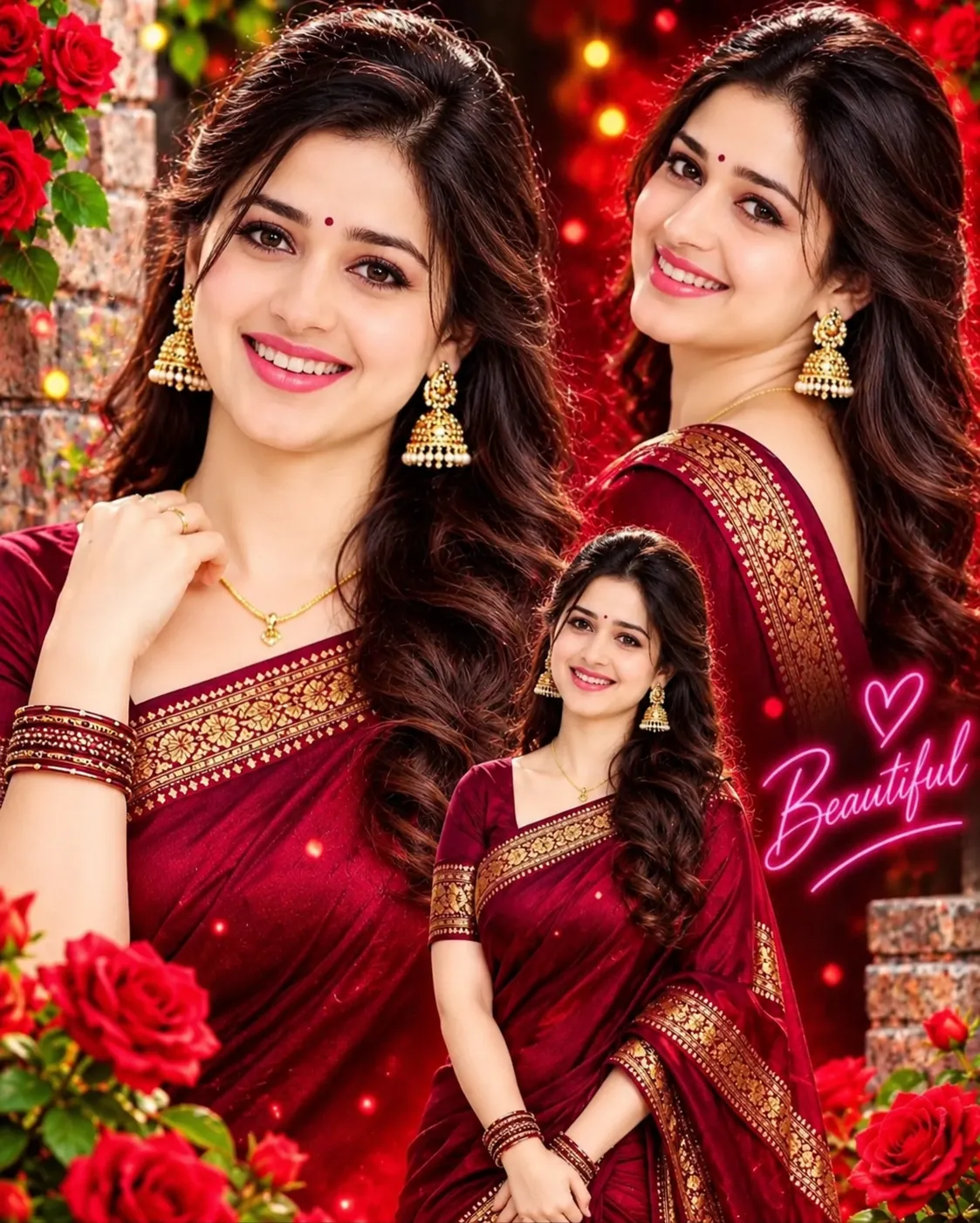
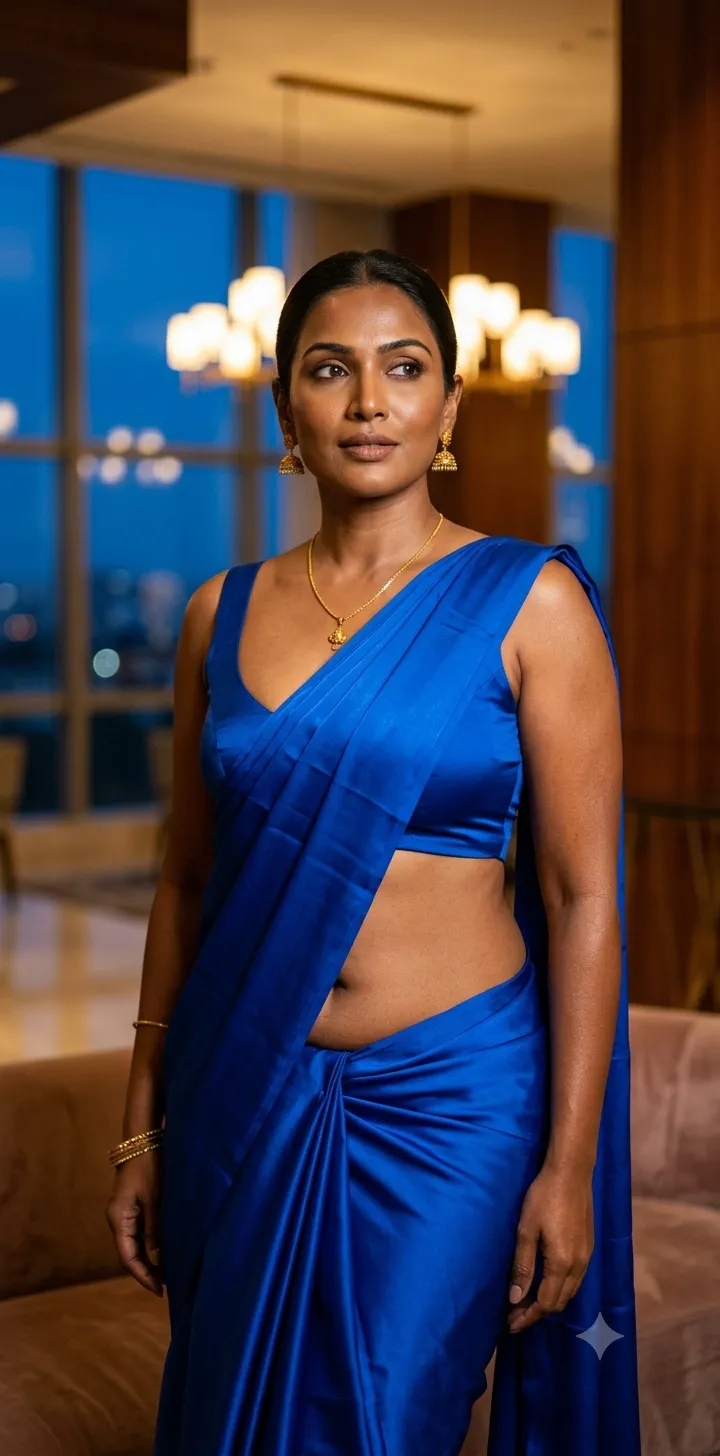
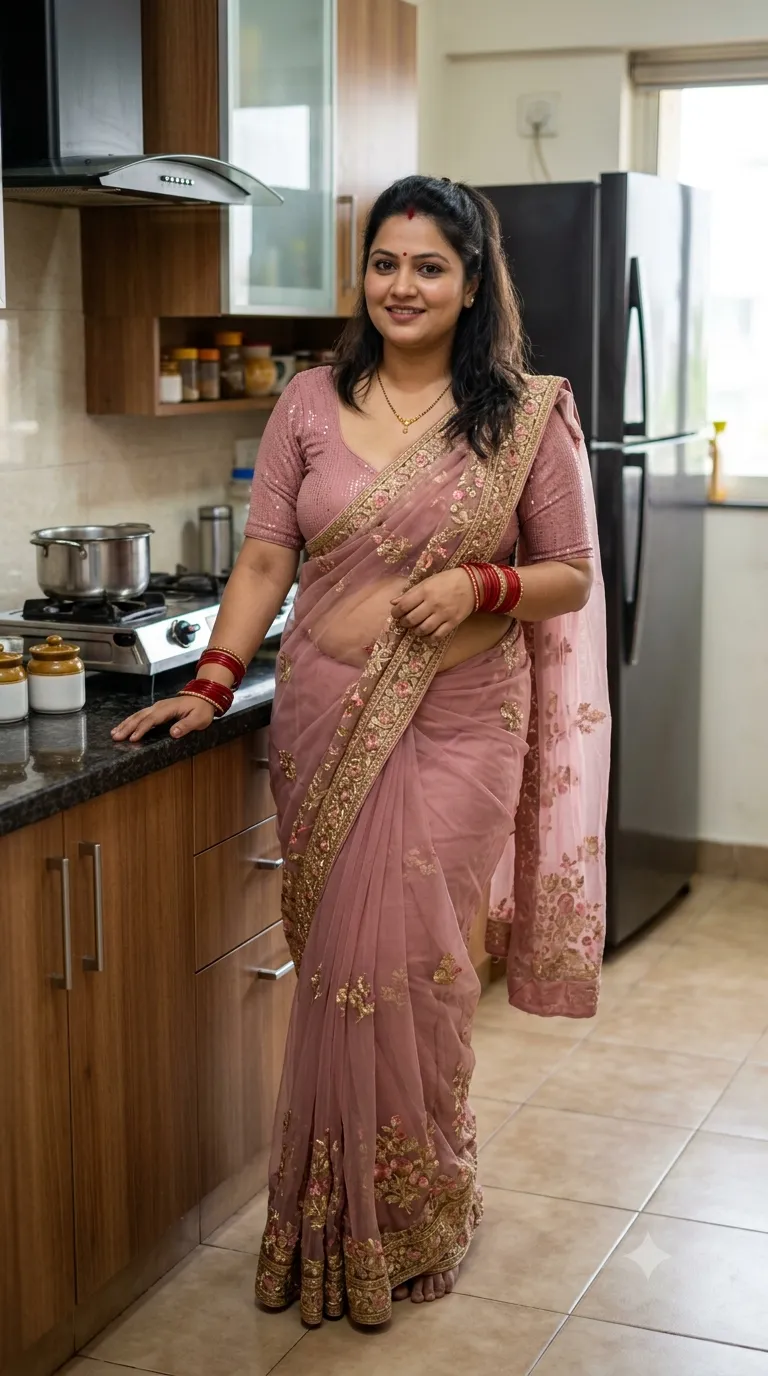
A woman smiles down at diyas on a brass thali while golden lights and marigolds glow behind her. Purple-and-gold embroidery and natural skin texture support an elegant professional portrait.
Frequently asked questions
Where is her attention directed?
Toward the lit diyas.
What flower decorates the background?
Marigold garlands.


Comments
Tried this prompt? Share what you made, compare results, or ask a question