Create a Keychain with a Photo-Referenced Rubber Sticker
Create a personality-matched keychain using an uploaded photo as a reference for a rubber sticker.
Prompt template
- Format
- Text Parameterized
- Inputs
- Uploaded_photo (image) · Required Personality_description (text) · Optional · Default:
- Outputs
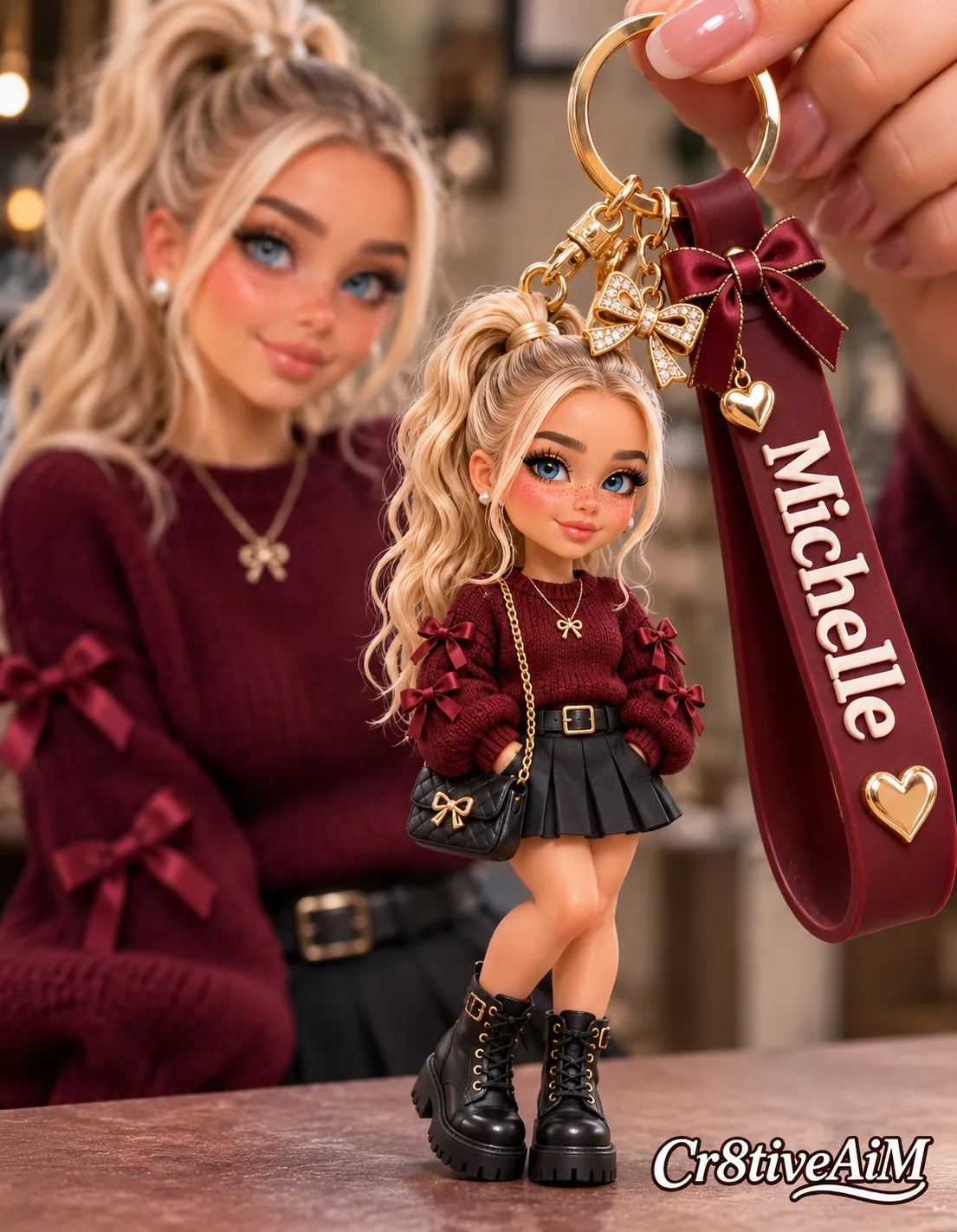
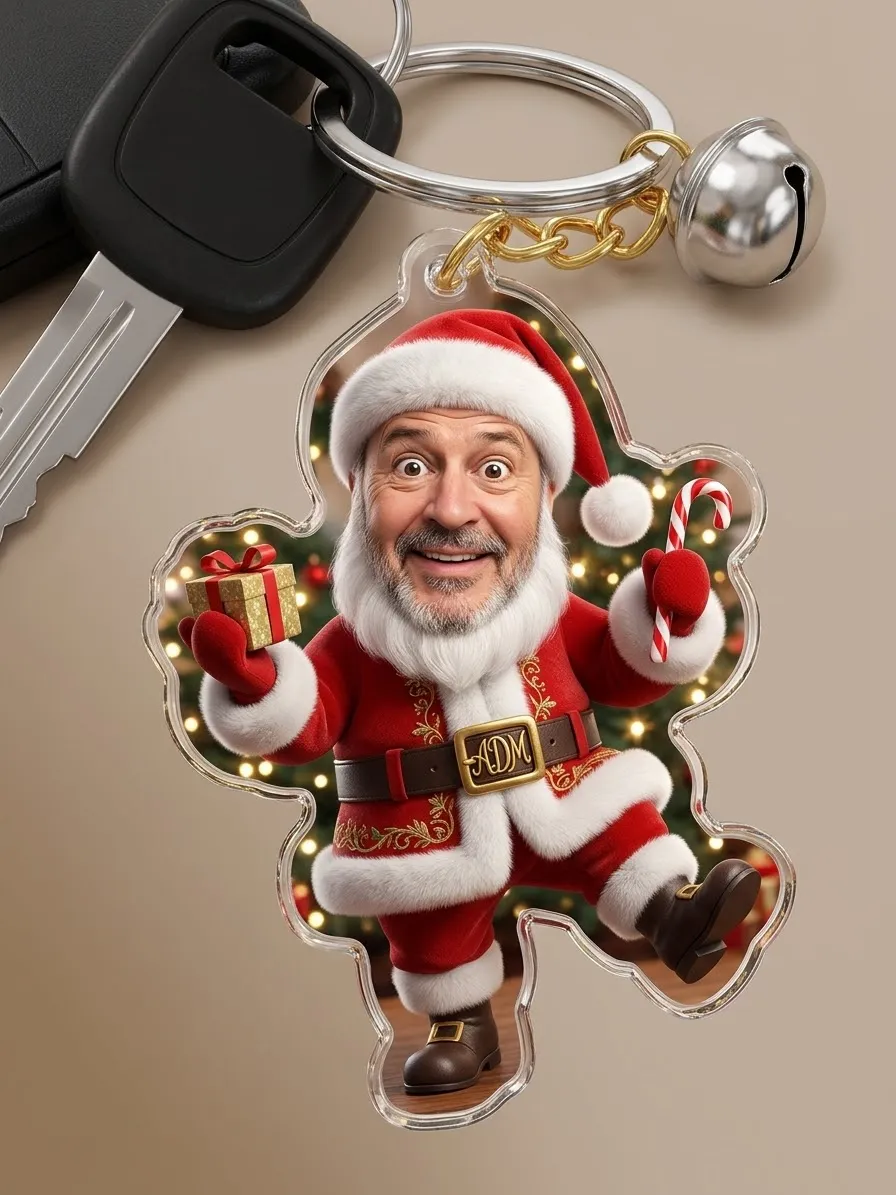
- Keychain_design (image)
Create a keychain that matches my personality. Use my uploaded photo as a reference for a rubber sticker. Use this description of my personality: ${personality-description}.Replace the ${…} placeholders with your values
before using this prompt. See parameters
and defaults below
Parameters
Replace each placeholder with your own value, or use its default when one is provided
${personality-description}
personality-description
Required
What you'll create
A keychain concept reflects supplied personality traits, with an uploaded photograph guiding its rubber-sticker component. The short brief leaves the shape, palette and hardware treatment open.
Usage instructions
Provide the personality description and the photo to reference. The photo is specifically meant to guide the rubber-sticker element; change the personality description to steer the overall design.
Frequently asked questions
Which part specifically uses the photograph?
The rubber-sticker element is the named photo-based component.





Comments
Tried this prompt? Share what you made, compare results, or ask a question