Video
Animation
Video Generation
Layer Compositing
Midjourney
Nano Banana
OpenAI GPT 2
ChatGPT
Bytedance Seedance 2
OpenAI GPT
Bytedance Seedance
Animate a Scene in Separate Character Layers
A staged workflow for creating character references, assembling a 16:9 layout, generating consistent layer images, animating each layer independently, and compositing the clips into a final video.
Example outputs
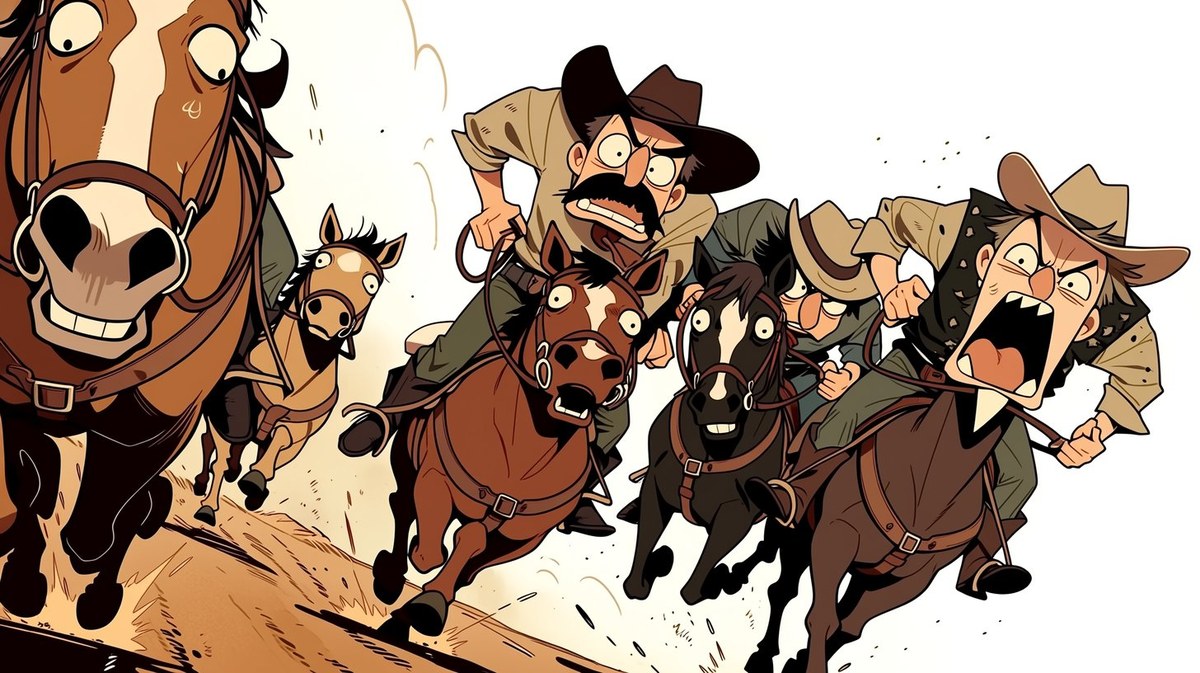
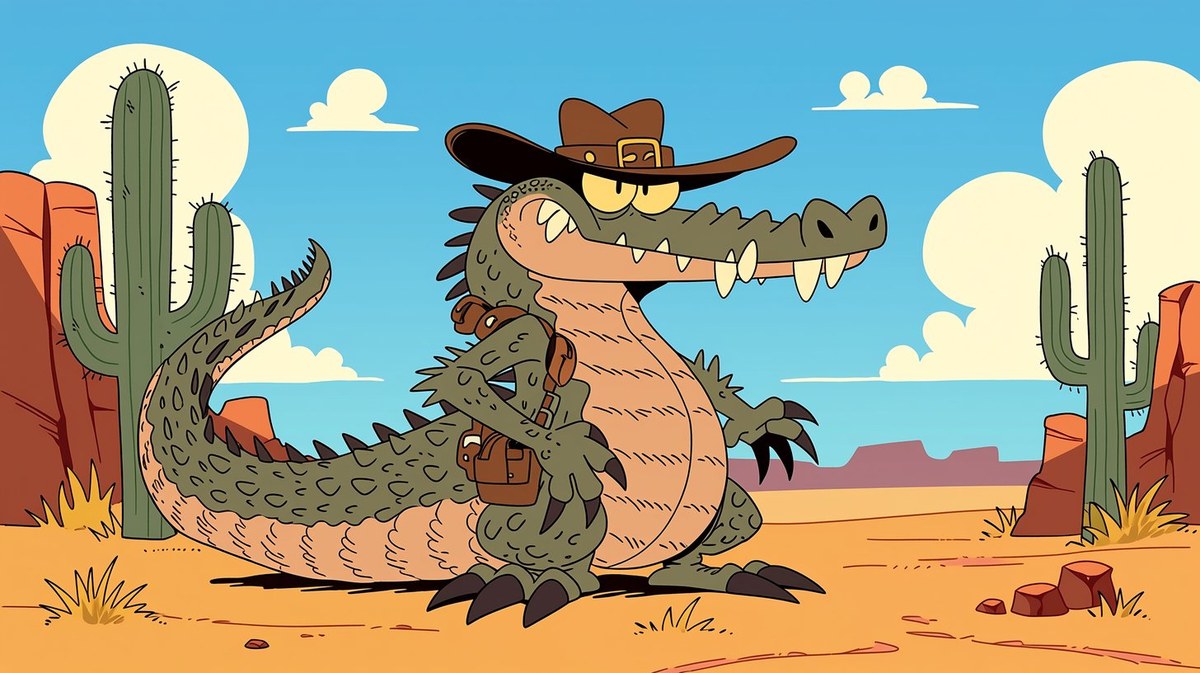
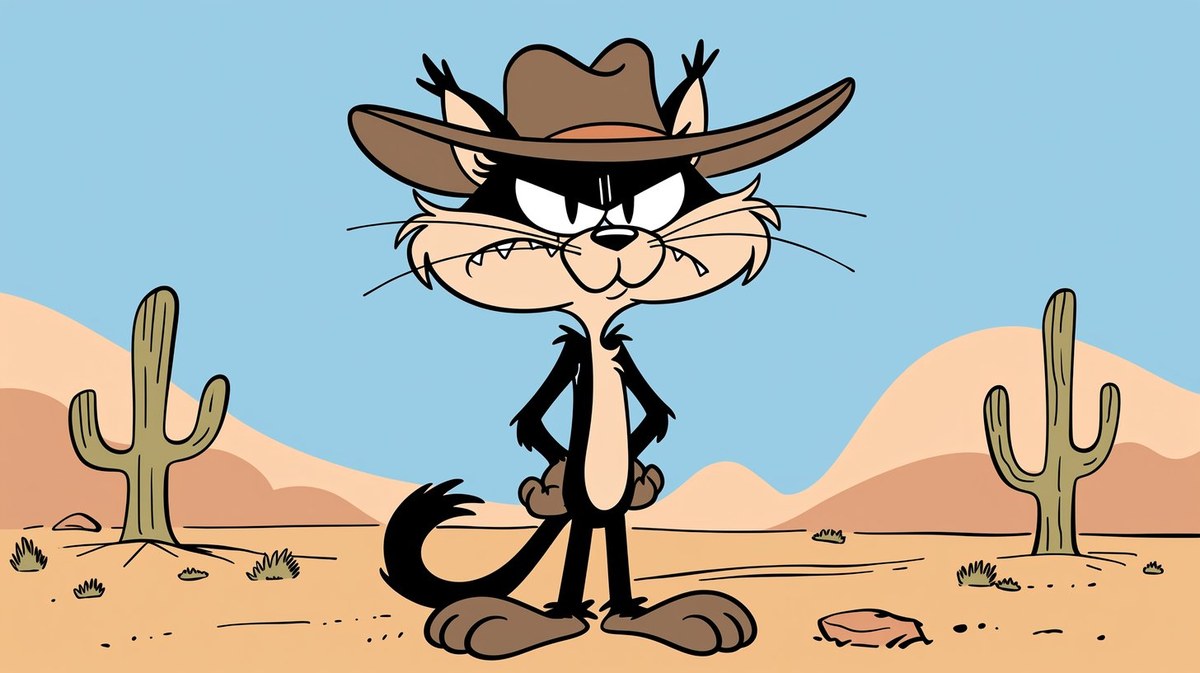
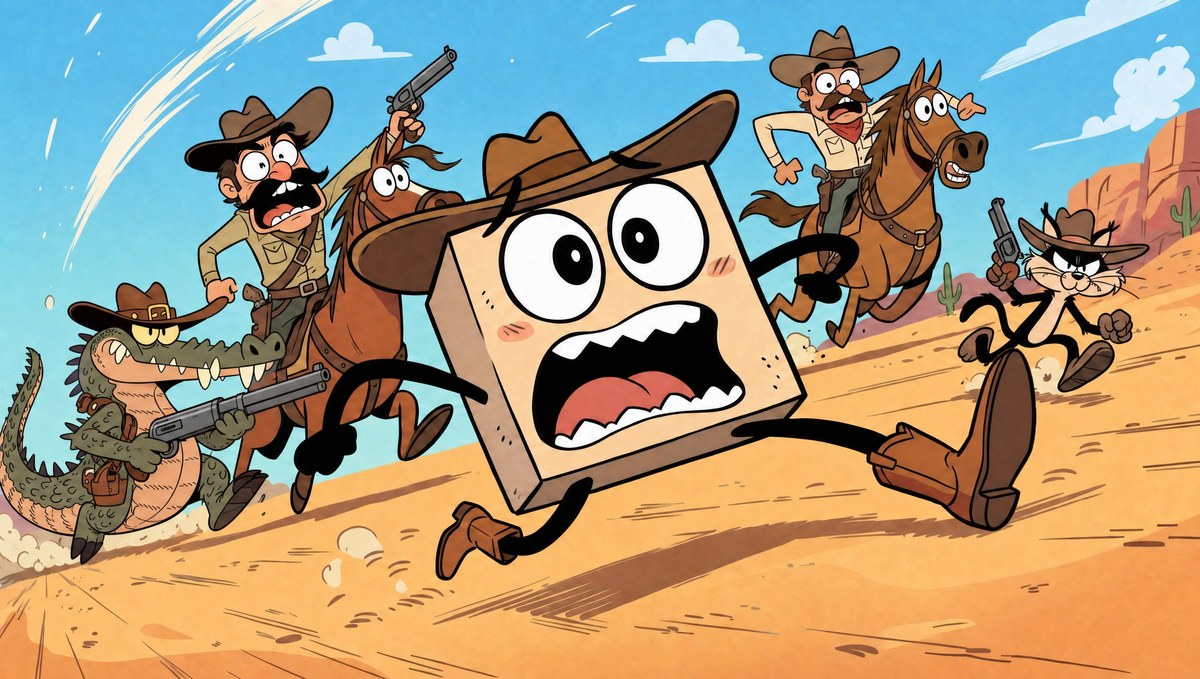
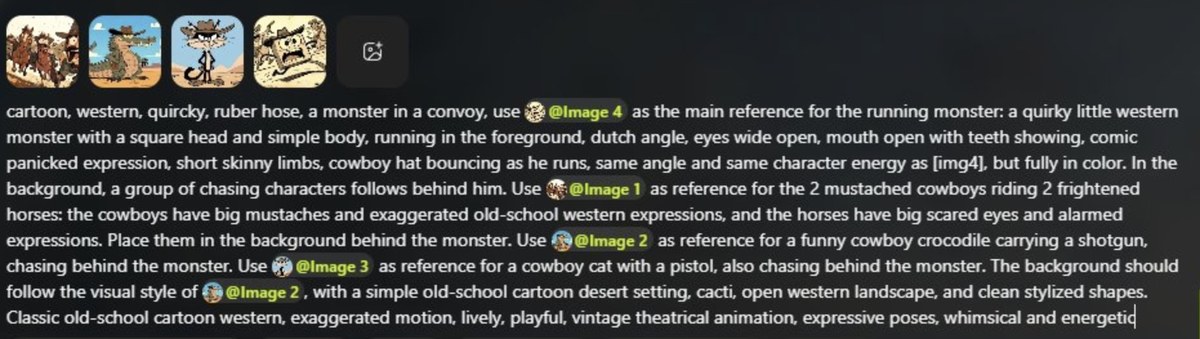
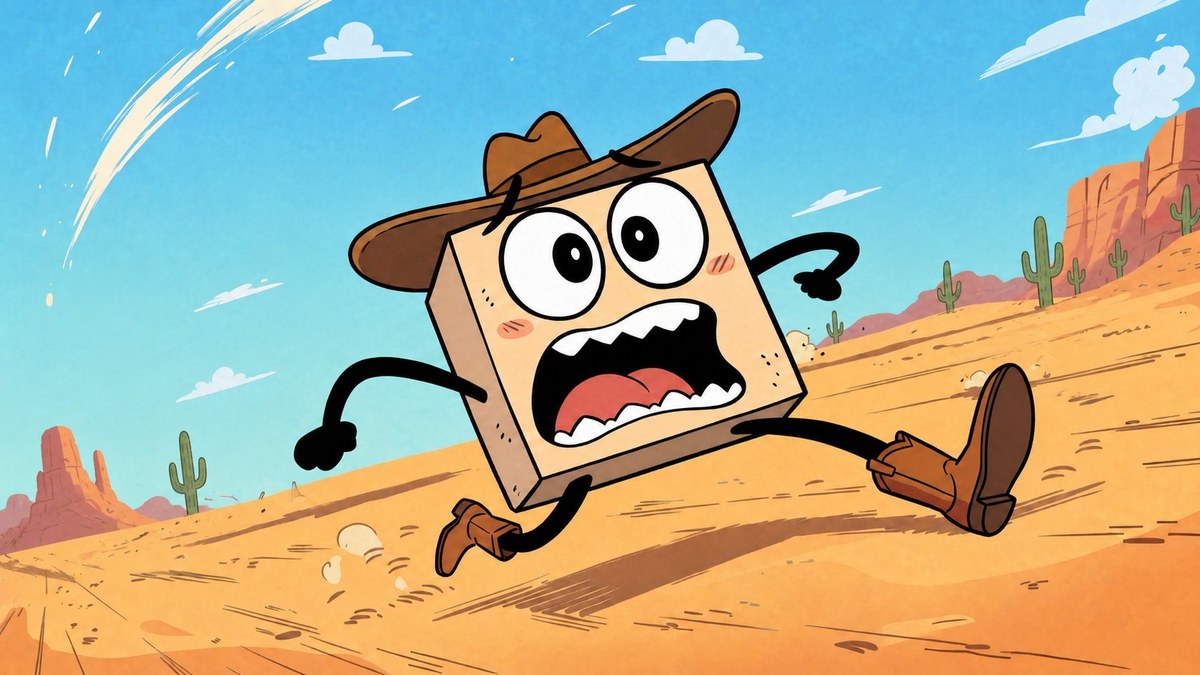
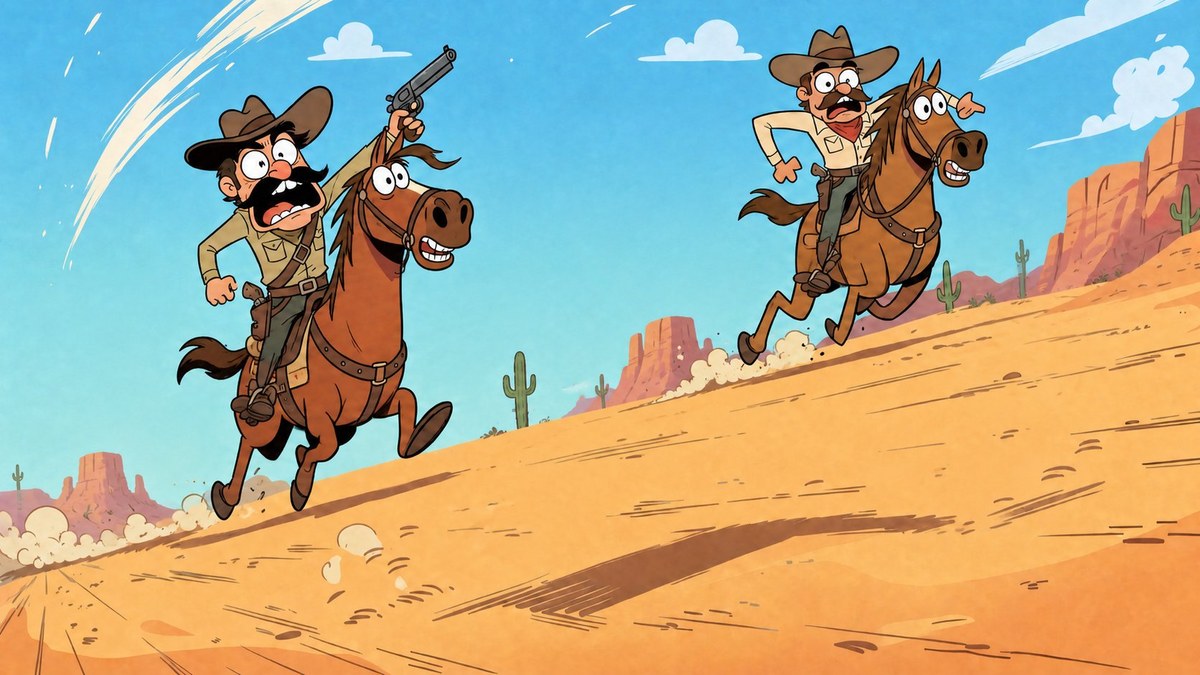
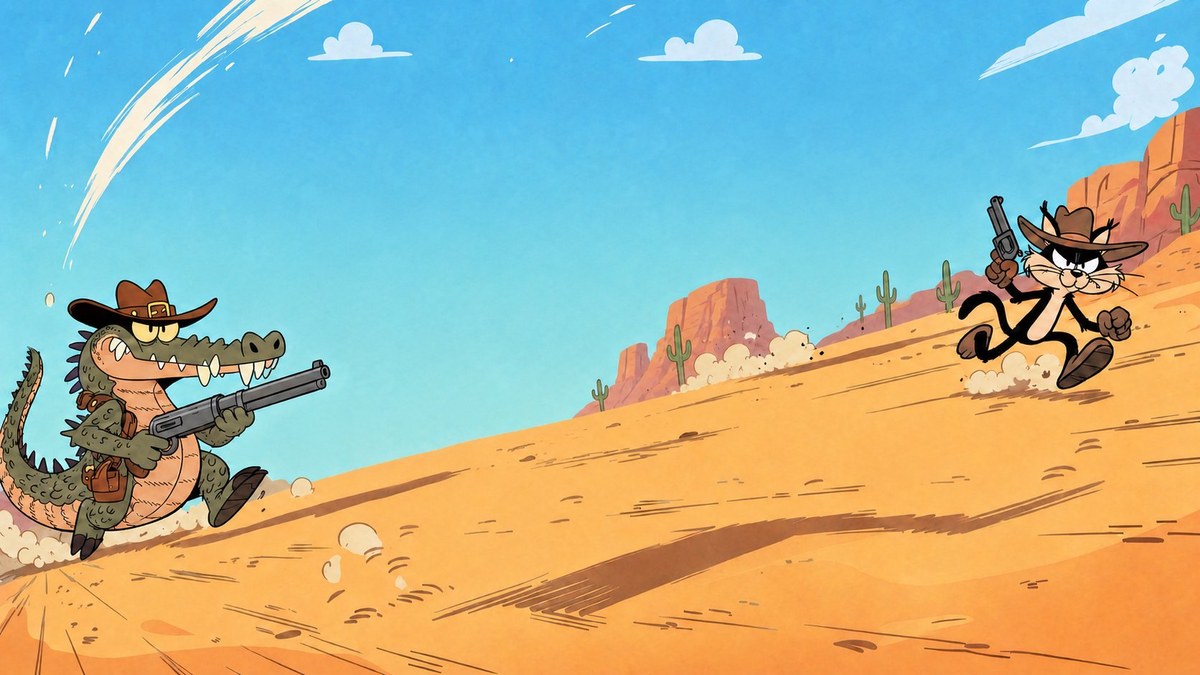
Prompt template
- Format
- Markdown Parameterized
- Inputs
- Character_reference_images (image) · Required First_frame_reference_image (image) · Required characters (text) · Optional · Default: cat, crocodile, horses with cowboys, and the main hero background_style (text) · Optional · Default: desert, cacti, clean shapes creator_credit (text) · Optional · Default: voxelplot
- Outputs
- Character_reference_images (image) First_frame_layout (image) Layer_images (image) Individually_animated_layers (video) Final_composited_video (video)
Create an animated scene by generating and animating its characters in separate layers, then compositing the clips.

Scene characters: ${characters:cat, crocodile, horses with cowboys, and the main hero}
Background style: ${background-style:desert, cacti, clean shapes}
Aspect ratio: 16:9
Creator credit: ${creator-credit:voxelplot}

1. Generate a separate reference image for each character using Midjourney or another image-generation tool.
2. Build the scene's first-frame layout using the character references and the supplied first-frame reference image. Match its camera angle and character placement. Establish the scene background using the specified background style and give the composition a consistent overall energy.
3. In the same ChatGPT conversation, generate three separate layer images from the layout:
   - Layer 1: cat and crocodile only.
   - Layer 2: horses with cowboys only.
   - Layer 3: main hero only.
   Keep the background identical across all three images. Do not change character positions or proportions. Use a 16:9 format.
4. Animate each layer separately, using a video-generation tool that works well with the chosen visual style.
5. Composite the clips in Seedance 2. First combine the cat-and-crocodile clip (video 1) with the horses-and-cowboys clip (video 2), using the shared scene composition (image 1) as the first-frame reference. Preserve the layer positions and proportions. Then place the main-hero clip over the resulting video in a second compositing pass.

Include this creator credit with the finished work: ${creator-credit:voxelplot}
Replace the ${…} placeholders with your values
before using this prompt. See parameters
and defaults below
Parameters
Replace each placeholder with your own value, or use its default when one is provided
${characters:cat, crocodile, horses with cowboys, and the main hero}
characters
Default: cat, crocodile, horses with cowboys, and the main hero
${background-style:desert, cacti, clean shapes}
background-style
Default: desert, cacti, clean shapes
${creator-credit:voxelplot}
creator-credit
Default: voxelplot
What you'll create
A scene layout is separated into character layers for animation and compositing, retaining matching positions, proportions and overall camera perspective.
Generation settings
Aspect ratio: 16:9
Frequently asked questions
Should backgrounds differ between layer images?
No, the source requires an identical background across all three layers.


Comments
Tried this prompt? Share what you made, compare results, or ask a question