Professional Corporate Outfit Photo Edit
Change the outfit in a photo to professional business-meeting attire while preserving the person’s identity and appearance.
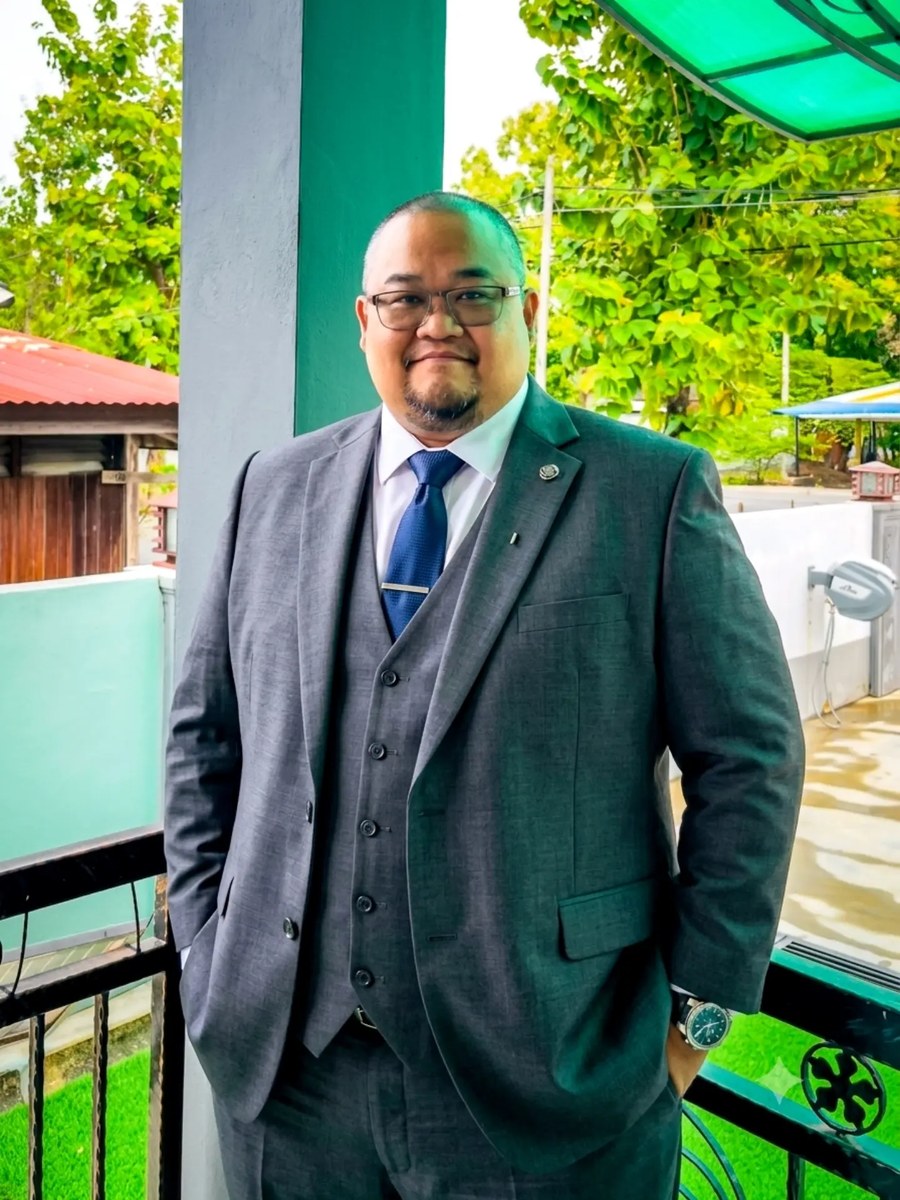
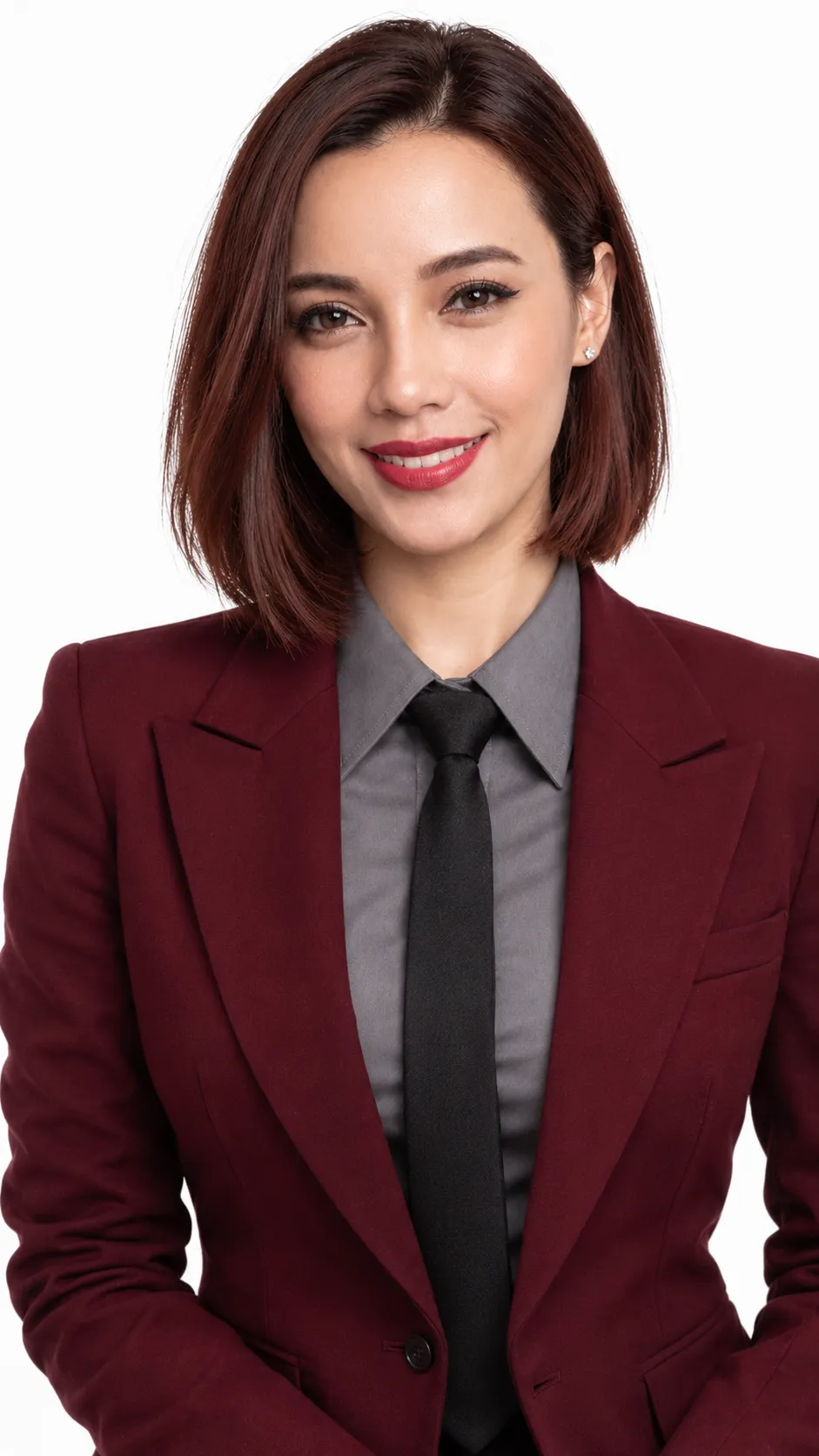
Example outputs
Prompt template
- Format
- Text Parameterized
- Inputs
- Photo (image) · Required outfit (text) · Optional · Default: a sophisticated professional corporate outfit suitable for a business meeting
- Outputs
- Edited_photo (image)
Change my outfit to ${outfit:a sophisticated professional corporate outfit suitable for a business meeting}. Keep my face, hairstyle, skin tone, body proportions, pose, and identity unchanged. Use realistic clothing details, natural fabric folds, professional lighting, and authentic photography.Replace the ${…} placeholders with your values
before using this prompt. See parameters
and defaults below
Parameters
Replace each placeholder with your own value, or use its default when one is provided
${outfit:a sophisticated professional corporate outfit suitable for a business meeting}
outfit
Default: a sophisticated professional corporate outfit suitable for a business meeting
What you'll create
A photo edit changes only the requested wardrobe, using natural fabric folds and professional lighting without altering identity or body proportions.
Frequently asked questions
Can the hairstyle change too?
No, the brief explicitly preserves the hairstyle along with the face, skin tone and pose.


Comments
Tried this prompt? Share what you made, compare results, or ask a question