Passport Photo and A4 Print Sheet
Create a professional passport photo and arrange eight copies on a print-ready A4 sheet.
Example outputs
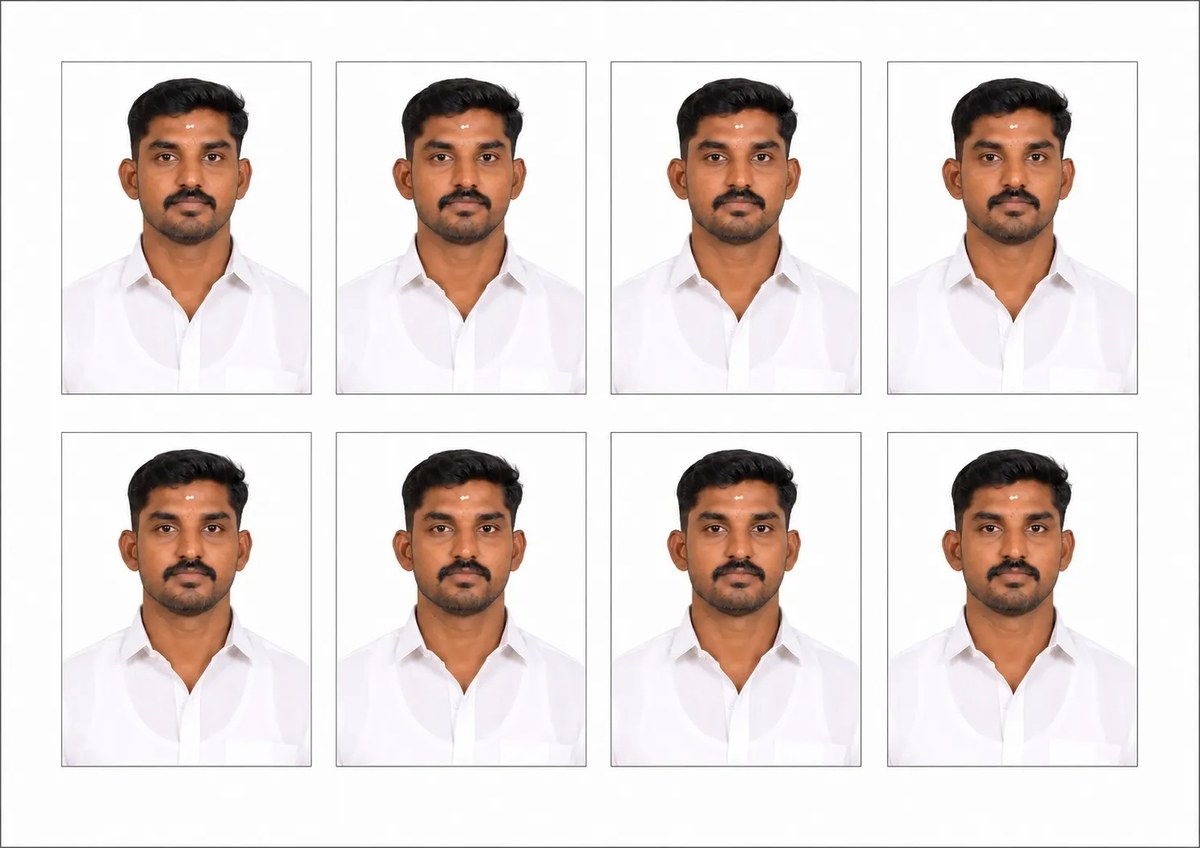
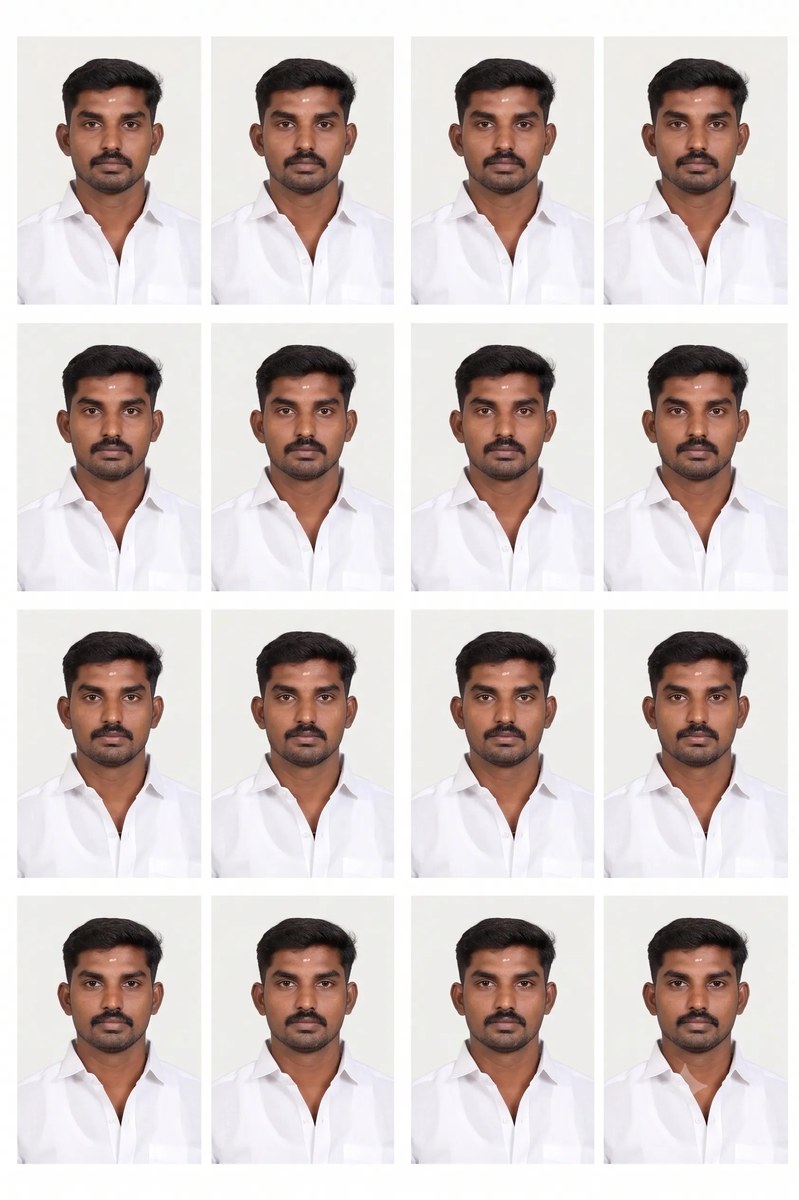
Prompt template
- Format
- Text
- Inputs
- ReferencePhoto (image) · Required
- Outputs
- PassportPhotoAndPrintSheet (image)
Create a professional passport-size photo of me. The background must be plain white or off-white. My face should be centered, looking straight at the camera with a neutral expression and mouth closed. Use even lighting on the face with no shadows. Show my shoulders, and do not include accessories that cover my face. The photo should meet standard passport specifications: 35 mm × 45 mm, 600 DPI, and sharp focus. Arrange 8 copies of this photo in a 2×4 grid on a single A4 sheet, with a 2 mm white gap between each photo.What you'll create
A straight-on portrait shows the face and shoulders against a plain white or off-white background, with a neutral expression and even lighting. Eight copies are arranged in a 2×4 grid on an A4 sheet, with the requested dimensions and spacing guiding the print layout.
Usage instructions
Frequently asked questions
Does the template establish acceptance by a particular passport authority?
No issuing country or authority is named. The template lists image and layout specifications but provides no approval or acceptance evidence; check the requirements for your intended document before using the result.
How much space should separate the copies?
The sheet layout specifies a 2 mm white gap between each photograph.
What dimensions and resolution are requested for each photo?
The written specification is 35 mm by 45 mm at 600 DPI. Treat these as requested output requirements and verify the actual file and print dimensions rather than assuming the request guarantees them.




Comments
Tried this prompt? Share what you made, compare results, or ask a question