- Category
- Design & Image
- Model
- google-gemini
Photorealistic Plush Teddy Bear
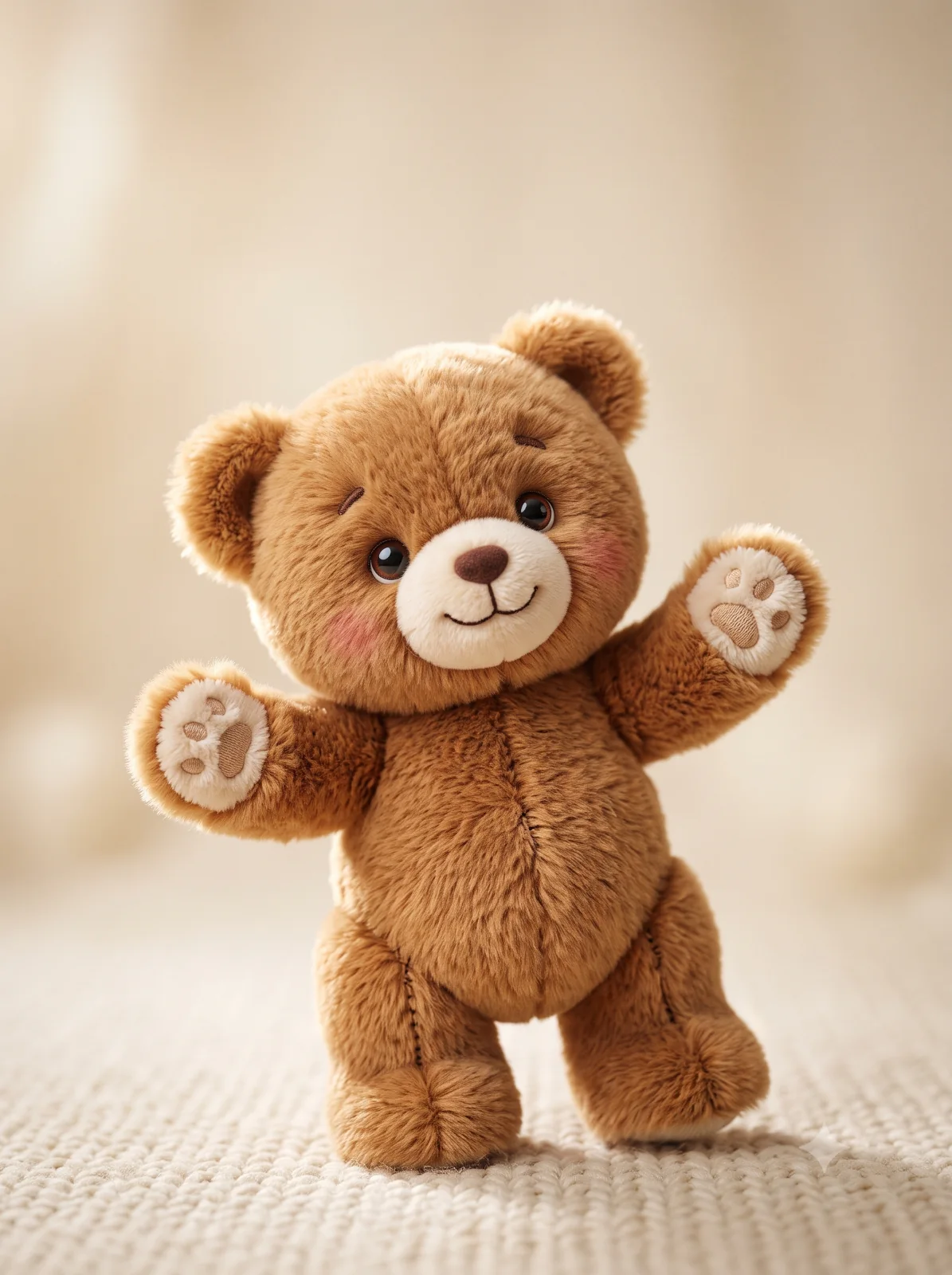
Create a cozy, highly textured teddy bear image as a photorealistic 3D render or macro plush photograph.
By illus8ai — Published on — Modified on
Example images
Prompt template
0 copies
- Format
- Text Parameterized
- Inputs
- fur_color (text) · Optional · Default: caramel brown background_color (text) · Optional · Default: warm creamy beige
- Outputs
- Teddy_bear_image (image)
Replace the ${…} placeholders with your values
before using this prompt. See parameters
and defaults below.
Create a cute plush teddy bear standing slightly tilted, with its arms outstretched in a playful, welcoming pose. Give it soft, dense ${fur-color:caramel brown} fur with realistic fiber detail and subtle tonal variations; round glossy dark eyes that reflect light; small embroidered eyebrows; a stitched smiling mouth; a velvety cream muzzle; rosy, blushed cheeks; soft rounded ears; chubby limbs; visible stitched seams; and fluffy paw pads.

Place the bear against a ${background-color:warm creamy beige} studio background with generous negative space above it. Use soft, even key light from the upper left, gentle rim lighting to define the silhouette, and a subtle shadow beneath the feet. Use shallow depth of field and a gentle vignette to guide focus. Create a high-resolution, photorealistic 3D render or macro plush photography style that emphasizes texture and tactile softness. Aim for a cozy, whimsical mood, natural color grading, and crisp detail on the fur and face.
Parameters
Replace each placeholder with your own value, or use its default when one is provided.
${fur-color:caramel brown}
fur-color
Default: caramel brown
${background-color:warm creamy beige}
background-color
Default: warm creamy beige




Comments — 0