- Category
- Photography
- Model
- google-nano-banana-pro
Photorealistic Portrait with a Giant Teddy Bear
Create a detailed, candid-looking portrait of the woman from the reference photo embracing a giant plush bear.
By Threads — Published on — Modified on
Example images


Prompt template
0 copies
- Format
- Text
- Inputs
- Woman_reference_photo (image) · Required Bear_reference_photo (image) · Required
- Outputs
- Generated_portrait (image)
Use the first reference photo to preserve the woman's appearance, and use the second reference photo for the bear. Do not change the woman's appearance.

Create a photorealistic, highly detailed medium shot. The camera is slightly above and to the side, capturing the woman from a three-quarter angle behind and to her side. She is leaning against the giant bear and gently hugging its face and neck. She has a tender half-smile and looks toward the camera.

Her very long, straight hair is worn loose and falls neatly down her back, with volume and curled ends. She has short, square French-tip nails, long fox-eye-style eyelashes, laminated eyebrows, and dusty-rose matte lipstick. She wears a white long-sleeved shirt and a thin red string bracelet visible on her wrist.

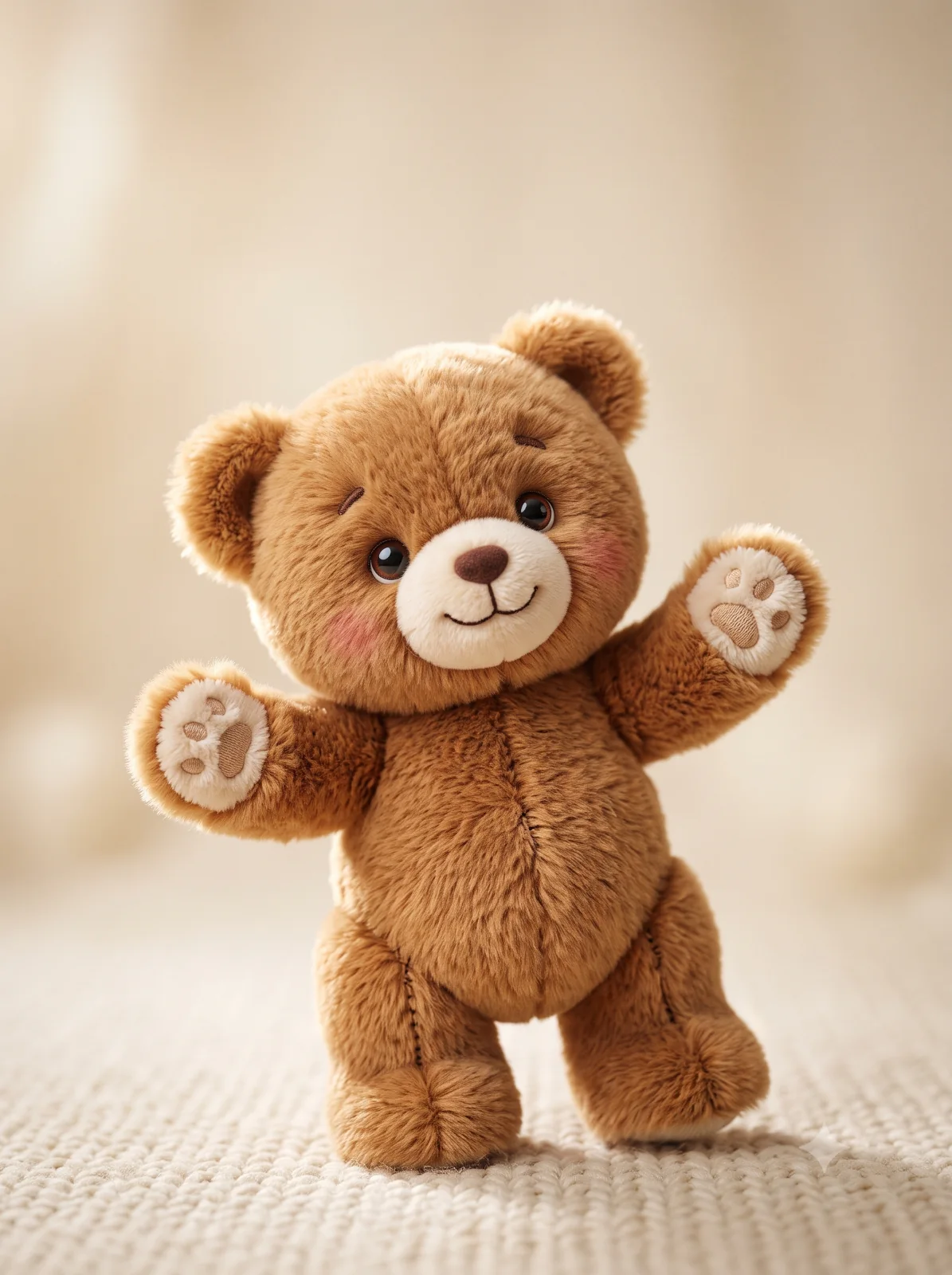
The bear is enormous, milk-white, plush, and soft-looking. It has a large, deep-brown satin bow around its neck, with long ends draping over its chest. Its muzzle is light-colored, with a neat dark nose and embroidered or plastic button eyes. The bear is seated on a dark sofa or armchair with a fuzzy upholstery.

In the background, show a window with heavy dark curtains and white, translucent tulle curtains, creating soft, home-like lighting. Capture the feeling of a candid moment in motion. Render skin, fabric, and props with high detail. Give the image the look of a photo taken with an iPhone 17: slight digital noise, soft sharpness, slightly reduced exposure, and subtle grain. Generate at 2K quality, with a 3:4 aspect ratio.



Comments — 0