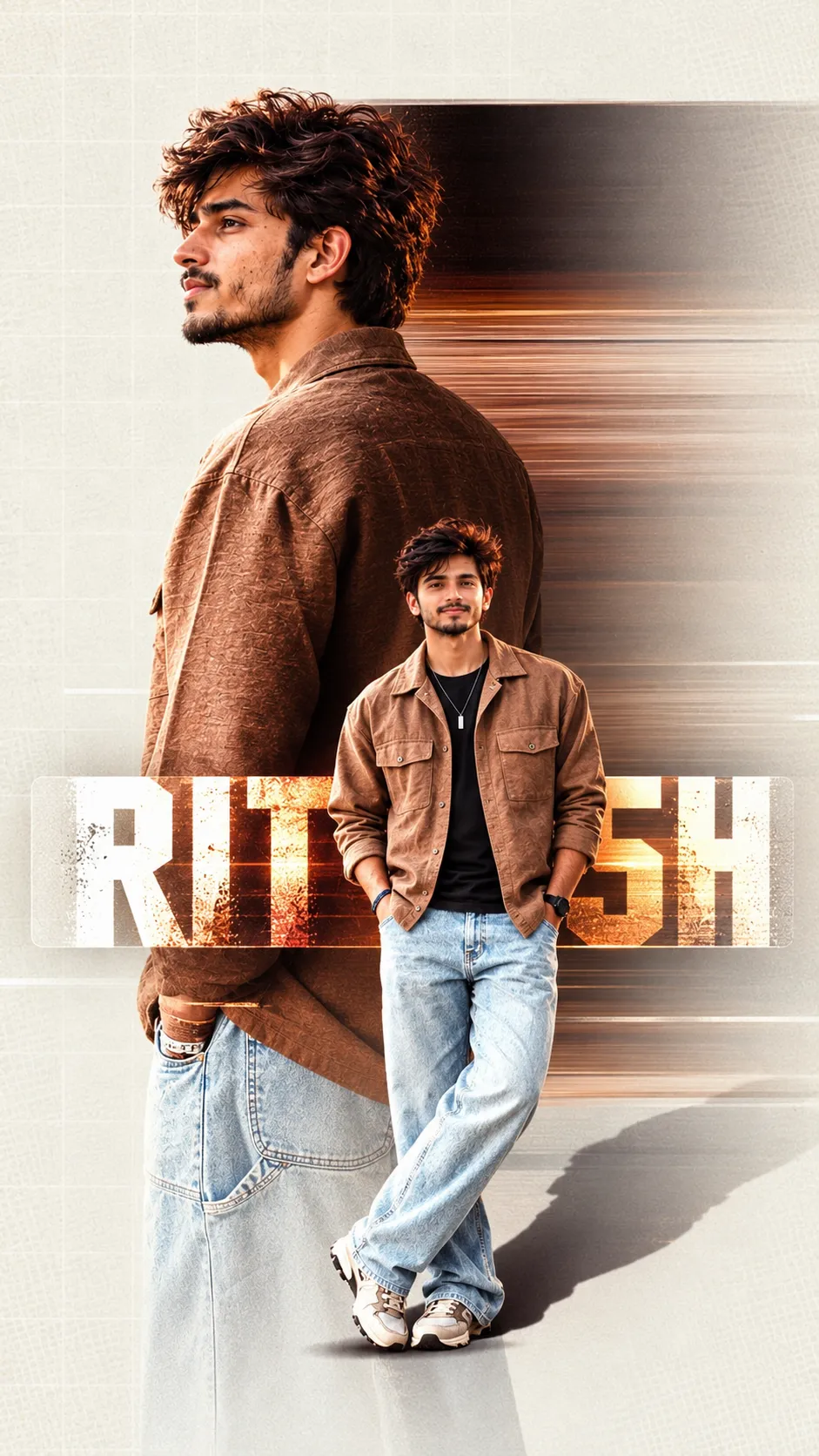
Editorial Fashion Campaign Poster
Create a 9:16 fashion campaign poster using uploaded outfit photos as the sole clothing reference, with editorial photography and graphic elements derived from the outfit.
Example outputs
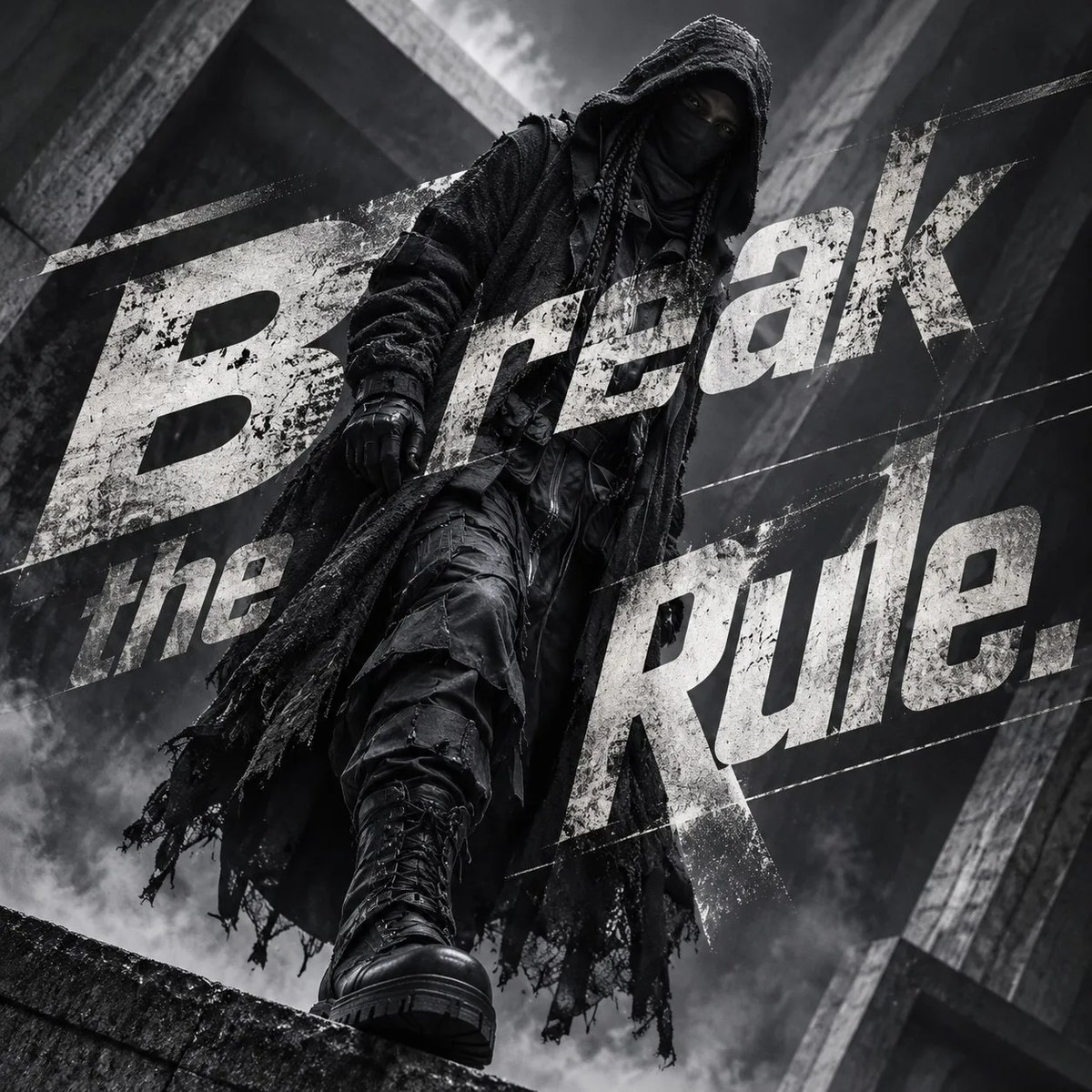
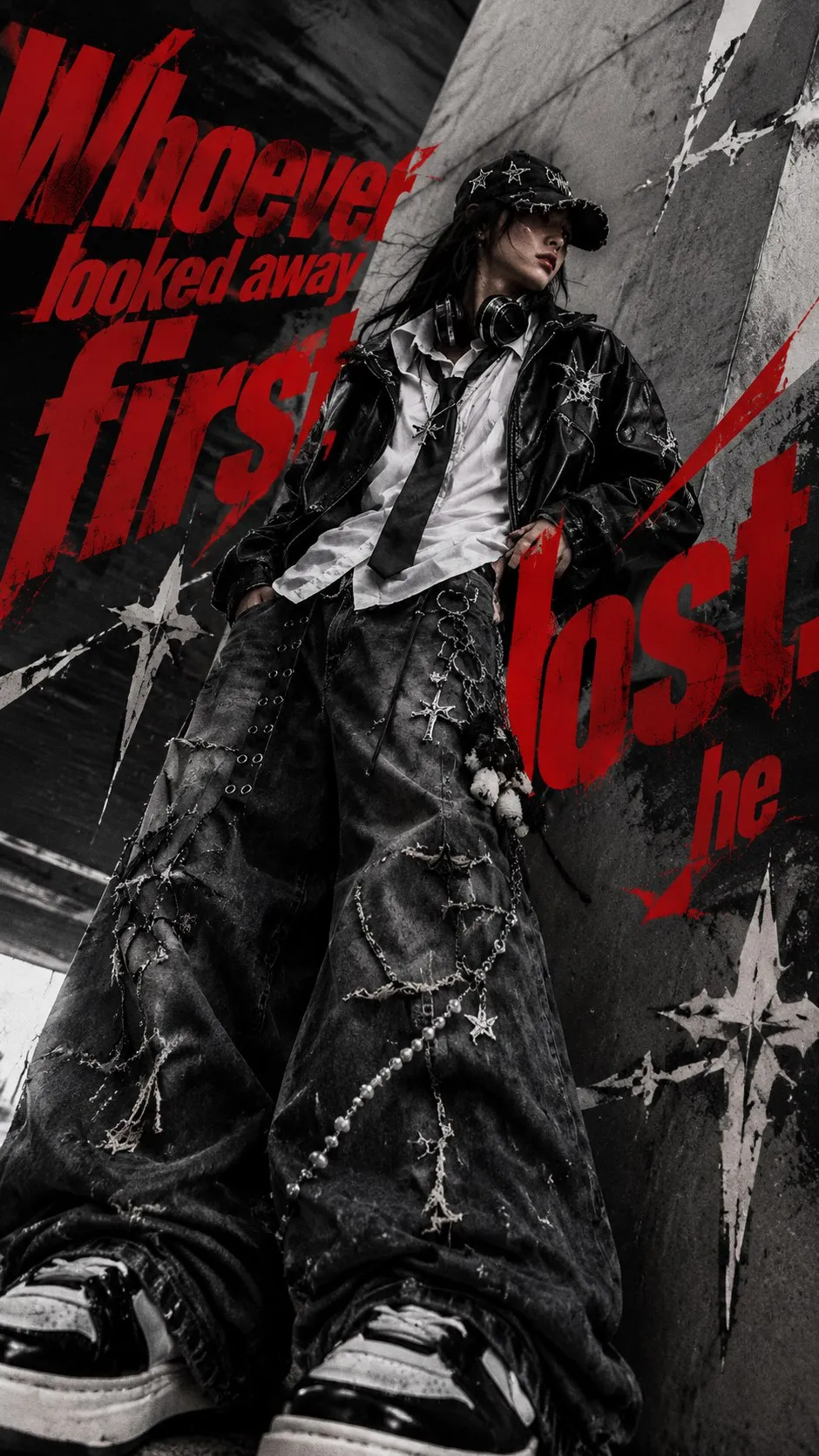
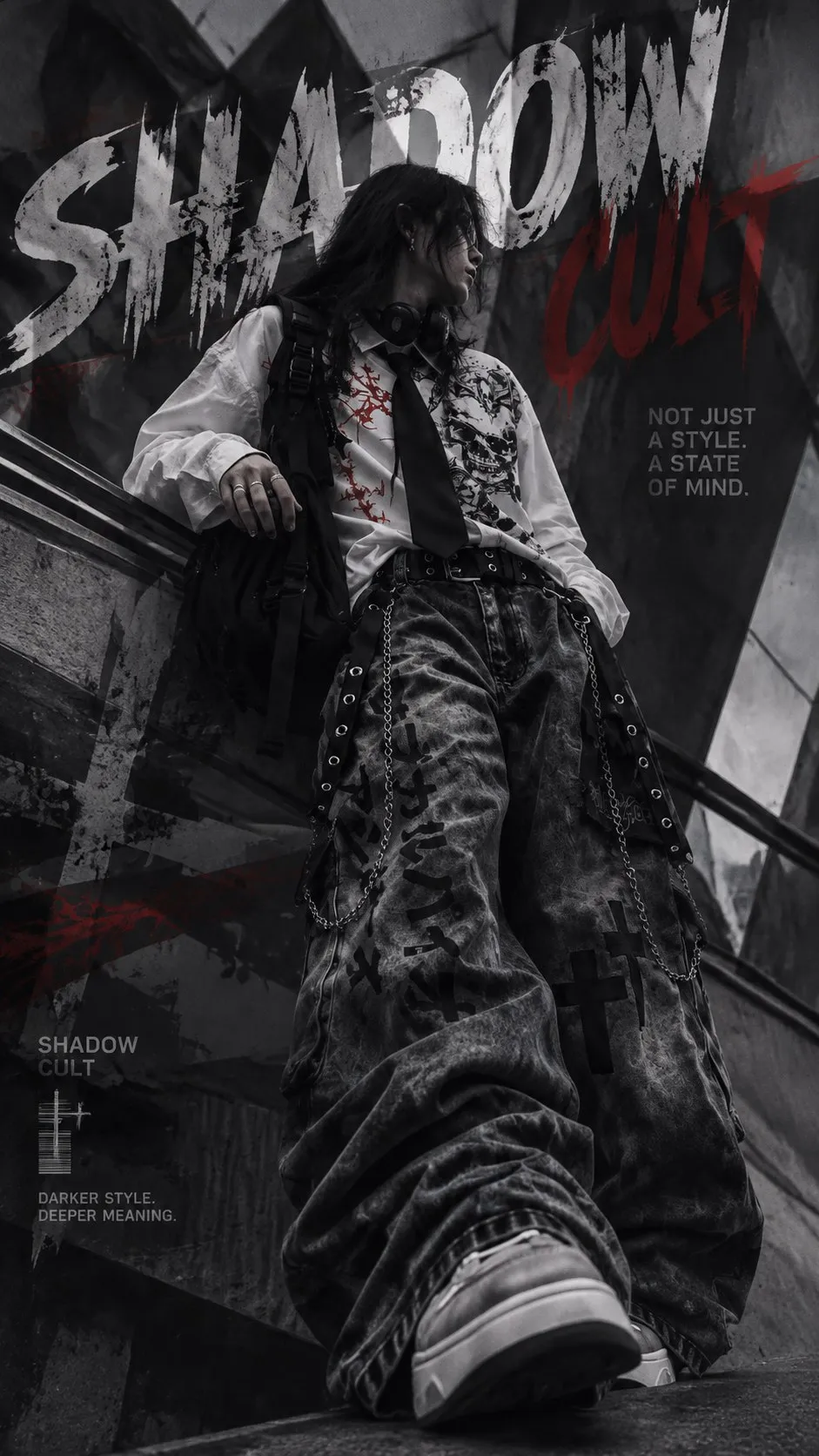
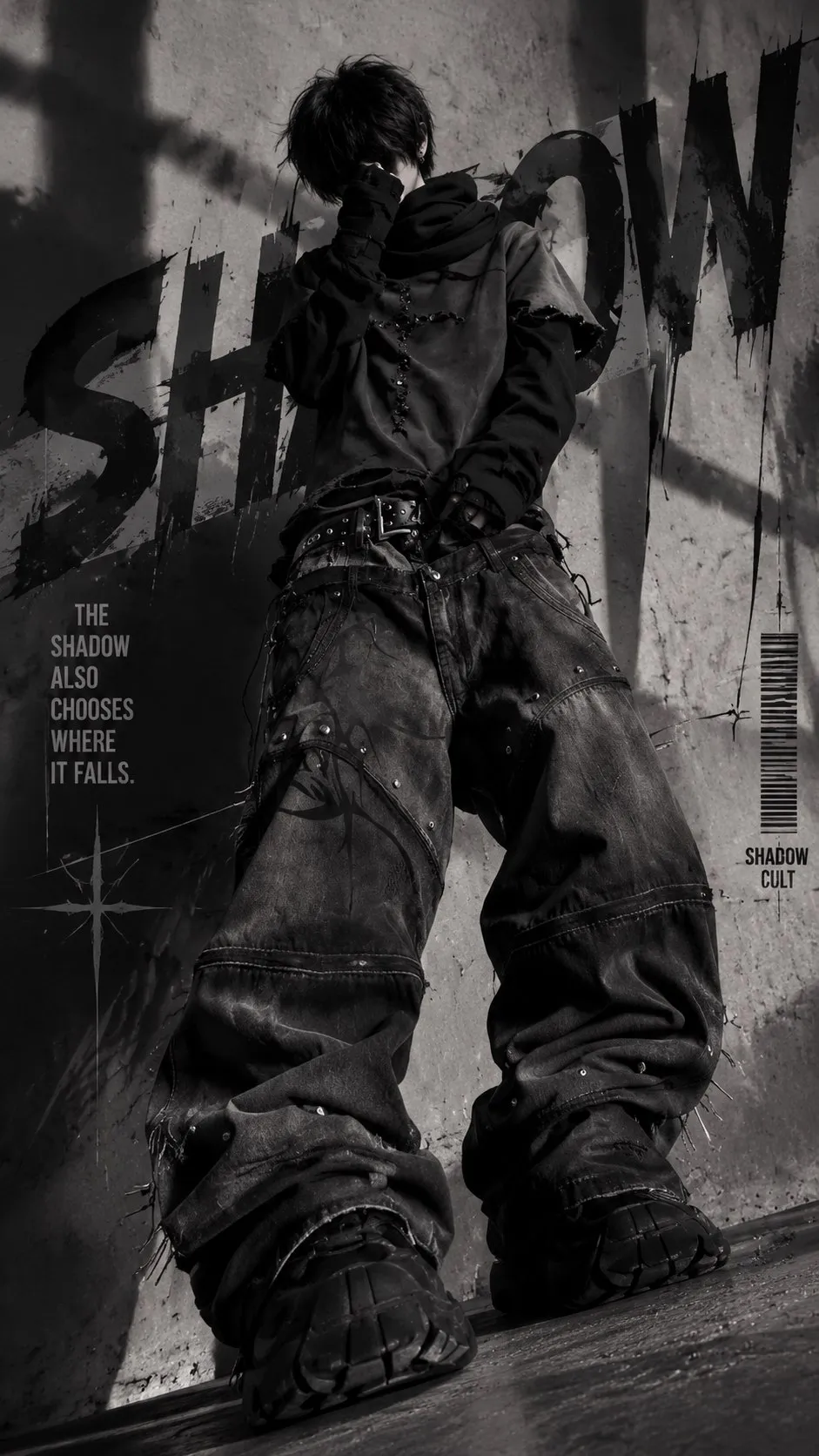
Prompt template
- Format
- Text Parameterized
- Inputs
- OutfitReferencePhotos (image) · Required poster_text (text) · Optional · Default: YOUR TEXT
- Outputs
- FashionCampaignPoster (image)
Create a premium fashion campaign poster in 9:16 format with editorial photography and high detail.

Reference: Analyze only the uploaded photos of a single outfit. Do not rely on a written description of the clothing.

Model: Use a male model wearing clothing that strictly matches the reference photos.

Pose: Choose a pose from the available options, different from those used in previous campaigns in the series.

Camera: Use a Dutch angle. Choose its direction and degree based on the image’s silhouette.

Color: Derive the palette from this specific outfit: use its dominant tone, a background color, and one accent drawn from its hardware or print.

Geometry: Derive graphic shapes from the outfit’s prints, seams, hardware, and silhouette, and build the poster around those shapes.

Campaign title: Create a title based on the outfit’s dominant color or main detail.

Typography: Display ${poster-text:YOUR TEXT} as slanted text with significantly varied word sizes. Allow some letters to be cut off or intersect a graphic shape. Choose a typeface and angle suited to the image’s character.

Format: 9:16, editorial lighting, high detail.
Replace the ${…} placeholders with your values
before using this prompt. See parameters
and defaults below
Parameters
Replace each placeholder with your own value, or use its default when one is provided
${poster-text:YOUR TEXT}
poster-text
Default: YOUR TEXT
What you'll create
A male model wears the outfit shown in your reference photos in a vertical campaign composition. A Dutch camera angle, shapes drawn from garment seams and prints, and an outfit-derived palette connect photography with graphic design. Slanted typography and varied letter sizes give the poster a dynamic editorial finish.
Usage instructions
Frequently asked questions
Can I describe the outfit instead of supplying photos?
The template specifically requires outfit photos and says to derive the clothing from those images. The poster-text parameter is optional and starts with the placeholder “YOUR TEXT.”


Comments
Tried this prompt? Share what you made, compare results, or ask a question